AI Photo Editor vs RestorePhotos

In the face-off between AI Photo Editor vs RestorePhotos, which AI Photo Editing tool takes the crown? We scrutinize features, alternatives, upvotes, reviews, pricing, and more.

In a face-off between AI Photo Editor and RestorePhotos, which one takes the crown?

If we were to analyze AI Photo Editor and RestorePhotos, both of which are AI-powered photo editing tools, what would we find? The community has spoken, RestorePhotos leads with more upvotes. The number of upvotes for RestorePhotos stands at 254, and for AI Photo Editor it's 17.

Disagree with the result? Upvote your favorite tool and help it win!

AI Photo Editor
AI Photo Editor

What is AI Photo Editor?

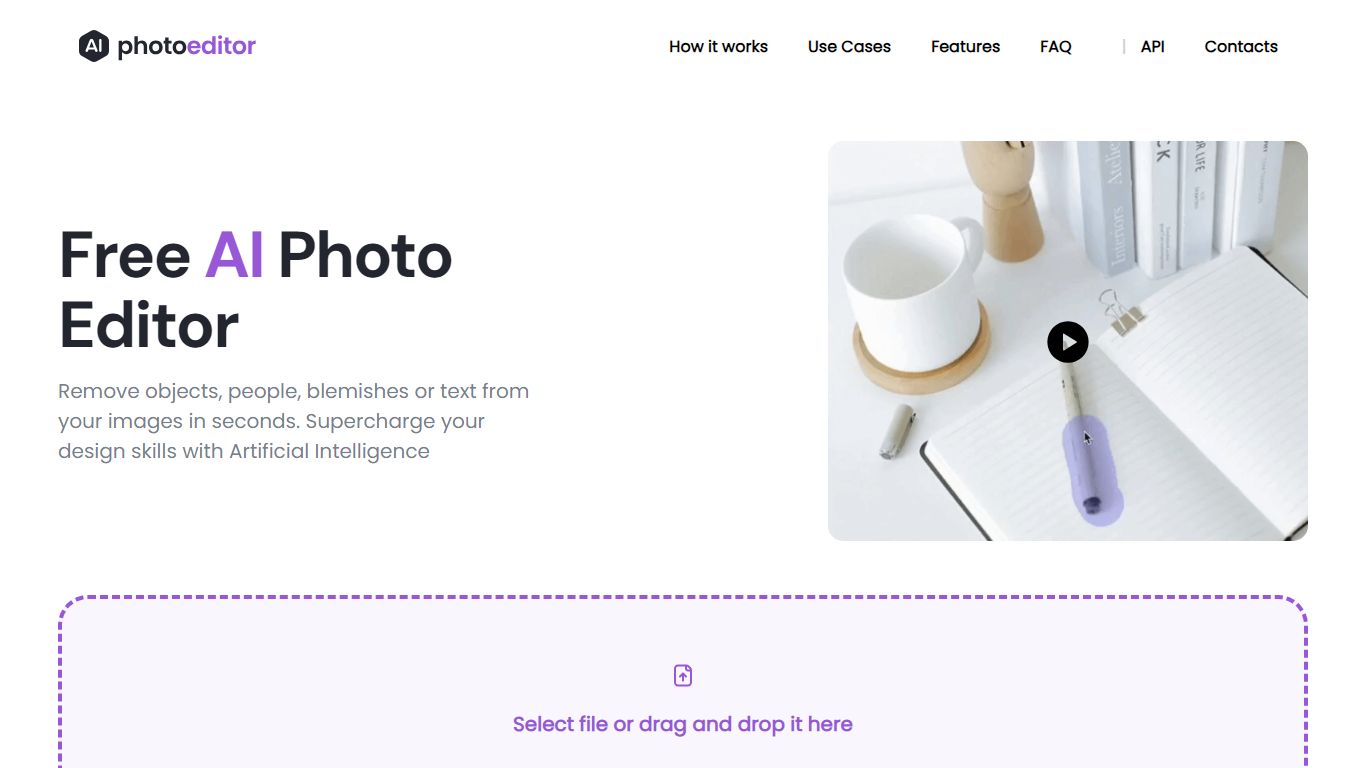
PhotoEditor.ai bundles 30+ browser-based photo editing tools for cleanup, background removal, upscaling, inpainting, and image generation. You upload a JPG, PNG, HEIC, AVIF, or WEBP file up to 15MB, pick the task-specific tool, and download the result without installing desktop software.

Instead of one general editor with every feature buried in menus, each job gets its own page and default model benchmarked for that task. That is the main difference from template-first design apps like Canva or chat-based image edits inside Gemini and ChatGPT, which lack per-tool controls and batch-friendly workflows.

The free tier covers Cleanup, Remove Background, and Enhance with 720px exports and no signup. Marketers, ecommerce sellers, photographers, and casual users who need quick retouching on desktop or mobile browsers are the core audience.

RestorePhotos

RestorePhotos

What is RestorePhotos?

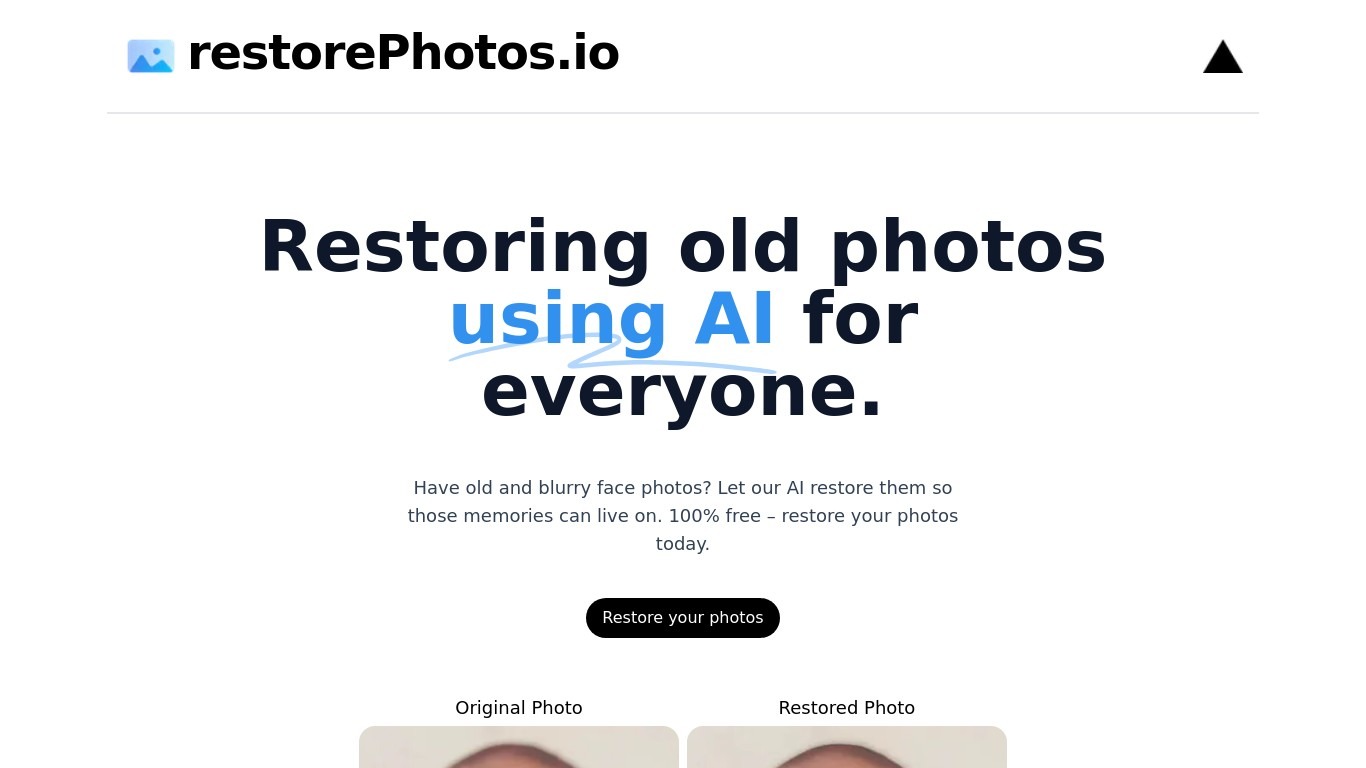
RestorePhotos sharpens blurry face photos from old prints, scans, and phone snapshots through a simple browser upload. Upload an image on restorephotos.io, run the restore tool, and compare the original beside the cleaned result in side-by-side or overlay view.

General photo enhancers chase every scene type, which often softens skin tones on vintage portraits. RestorePhotos narrows the job to faces, so the model spends its capacity on eyes, skin texture, and expression rather than backgrounds or landscapes. The stack runs on Vercel and Replicate, which is why Vercel engineers highlighted how fast the open-source deployment feels in production.

Families digitizing albums, genealogists, and anyone fixing a single treasured portrait use it before reprinting or sharing online. The homepage still advertises free restores, while the pricing page sells credit packs when you need more volume, with checkout promo codes such as BF60 for discounted bundles.

AI Photo Editor Upvotes

17

RestorePhotos Upvotes

254🏆

AI Photo Editor Top Features

  • 30+ purpose-built tools across edit, generate, enhance, remove, and background workflows

  • Free Cleanup, Remove Background, and Enhance tools with no signup required

  • Model picker includes Nano Banana, GPT Image 2, Seedream 5.0, and PhotoEditor.ai balanced model

  • Most cleanup and background edits finish in under 10 seconds

  • Pro plan includes 600 credits per month and commercial use license

  • Uploads support JPG, PNG, HEIC, AVIF, and WEBP files up to 15MB

RestorePhotos Top Features

  • Upload a portrait and get an AI-restored face photo in the browser

  • Side-by-side and compare views show original and restored images together

  • Marketing site cites use by more than 869,000 users worldwide

  • Credit packs on restorephotos.io/pricing extend usage beyond free restores

  • Checkout supports promo codes such as BF60 for 60% off credit bundles

  • Built on a Vercel and Replicate stack praised for fast inference

  • Focused on face restoration rather than general photo editing

AI Photo Editor Category

    Photo Editing

RestorePhotos Category

    Photo Editing

AI Photo Editor Pricing Type

    Freemium

RestorePhotos Pricing Type

    Freemium

AI Photo Editor Technologies Used

Vue.js
Nuxt.js
Cloudflare
Google Analytics
Google Tag Manager
Ruby

RestorePhotos Technologies Used

Next.js
Vercel
Replicate
Tailwind CSS
Plausible
Webpack
GitHub

AI Photo Editor Tags

Portrait Retouching
Image Upscaling
Object Remover
Inpainting
Photo Restoration
Image Generator
Photo editor

RestorePhotos Tags

Photo Restoration
Face Enhancement
Old Photo Repair
Image Upscaling
Family Archives
Portrait Repair
Before After Preview
AI Profile Picture

AI Photo Editor Average Rating

No rating available

RestorePhotos Average Rating

5.00

AI Photo Editor Reviews

No reviews available

RestorePhotos Reviews

ghafor sayed
Very great site it helped me a lot but the problem is that it gives me a little for free
By Rishit