AI Portrait in Filmora vs AI Infographic Generator
In the face-off between AI Portrait in Filmora vs AI Infographic Generator, which AI Video Editing tool takes the crown? We scrutinize features, alternatives, upvotes, reviews, pricing, and more.
In a face-off between AI Portrait in Filmora and AI Infographic Generator, which one takes the crown?
If we were to analyze AI Portrait in Filmora and AI Infographic Generator, both of which are AI-powered video editing tools, what would we find? There's no clear winner in terms of upvotes, as both tools have received the same number. The power is in your hands! Cast your vote and have a say in deciding the winner.
Disagree with the result? Upvote your favorite tool and help it win!
AI Portrait in Filmora
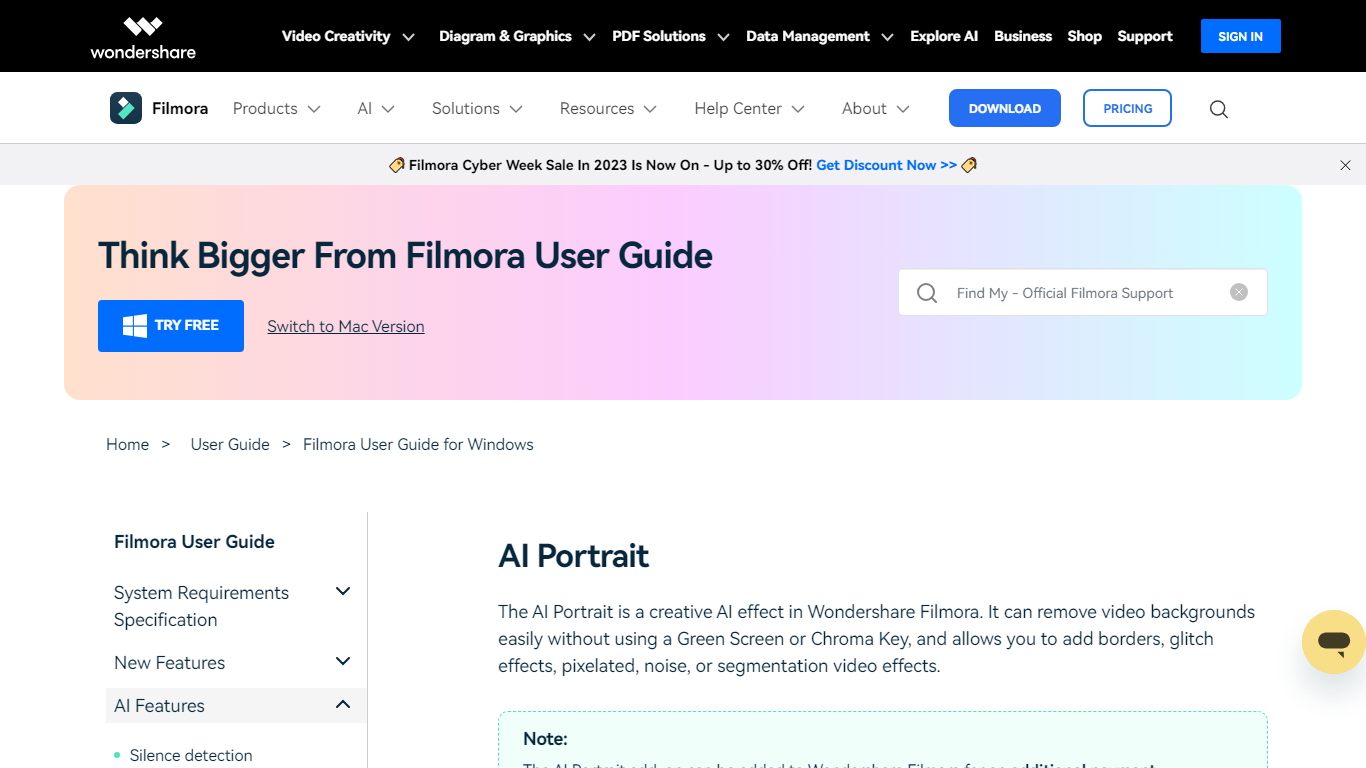

What is AI Portrait in Filmora?
Elevate your video editing experience with Filmora—a comprehensive and user-friendly AI Video Editor designed to cater to your creative vision. Whether you're an amateur filmmaker or a seasoned professional, Filmora empowers you with the tools to edit faster, smarter, and easier. Harness the power of AI portrait effects to transform your footage with a touch of artistry.
Discover a suite of Video Creativity Products that include Filmora, your complete video editing tool; DemoCreator for efficient tutorial video making; UniConverter for high-speed media conversion; Virbo for AI-driven video generation; and Presentory for creating AI-powered video presentations.
Filmora is not just a video editing software; it's part of a larger ecosystem of creative tools that also brings you Diagram & Graphics Products, PDF Solutions, and Data Management products to enhance your workflow in every aspect. With intuitive interfaces and seamless integration, these products work in harmony to support your multimedia projects.
Whether you are looking to recover lost files with Recoverit, design with Mockitt, manage PDFs with PDFelement or protect your family with FamiSafe, Filmora's suite has something for every need. Maximize your creativity and efficiency with Filmora—where powerful technology meets user-friendly design.
AI Infographic Generator
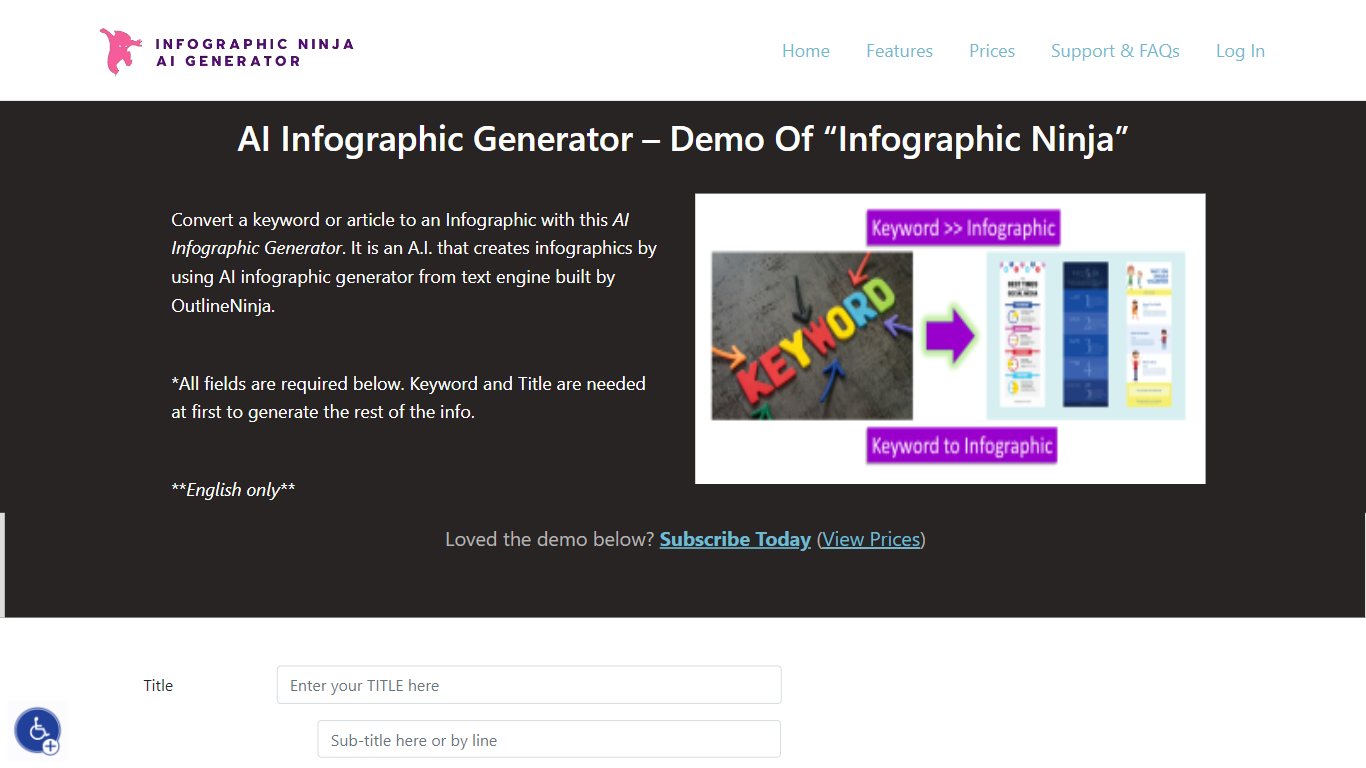
What is AI Infographic Generator?
AI Infographic Generator, branded as Infographic Ninja on Outline Ninja, builds shareable infographic images from a keyword, blog article, or uploaded PDF. You pick a template, let the tool draft question-and-answer blocks, customize icons and colors, then download a finished graphic or grab FAQ schema markup for SEO. The public demo on outline.ninja runs in English only and links to a paid membership for full exports.
Compared with general design tools, Infographic Ninja targets SEO workflows: it outputs FAQSchema.org JSON matching your Q&A blocks, ships WordPress embed code with a copy button, and lets you set entry counts between 3 and 7 on a single layout. The Pro plan removes download credit limits, while a separate RapidAPI subscription handles programmatic PNG generation.
It fits content marketers, SEO agencies, and bloggers who need quick informational graphics without opening Illustrator. Membership starts at $5 per month after a $1 three-day trial, and paid tiers remove watermarks on downloads.
AI Portrait in Filmora Upvotes
AI Infographic Generator Upvotes
AI Portrait in Filmora Top Features
Complete Video Editing Tool: Provides a comprehensive range of editing capabilities for video projects.
AI Portrait Effects: Enhance videos with advanced artificial intelligence portrait effects.
High-Speed Media Conversion: Utilize UniConverter for quick file format changes.
AI Video Generation: Create videos effortlessly with Virbo the robust AI video generator.
Creative Tool Ecosystem: Access a collection of tools for graphics PDF solutions and data management.
AI Infographic Generator Top Features
Generate infographics from a keyword, blog URL, or uploaded PDF
Choose 3 to 7 Q&A entries per graphic with 30+ font options
Export FAQSchema.org JSON aligned to your infographic questions
WordPress embed snippet with a one-click copy button for backlinks
Starter plan includes 15 download credits per month at $5; Pro is $30 for unlimited
RapidAPI endpoint returns PNG infographics from a title plus optional body text
AI Portrait in Filmora Category
- Video Editing
AI Infographic Generator Category
- Video Editing
AI Portrait in Filmora Pricing Type
- Freemium
AI Infographic Generator Pricing Type
- Paid