AI TranslateDocs vs DeepL Translate
In the face-off between AI TranslateDocs vs DeepL Translate, which AI Translation tool takes the crown? We scrutinize features, alternatives, upvotes, reviews, pricing, and more.
In a face-off between AI TranslateDocs and DeepL Translate, which one takes the crown?
If we were to analyze AI TranslateDocs and DeepL Translate, both of which are AI-powered translation tools, what would we find? Both tools are equally favored, as indicated by the identical upvote count. Since other aitools.fyi users could decide the winner, the ball is in your court now to cast your vote and help us determine the winner.
You don't agree with the result? Cast your vote to help us decide!
AI TranslateDocs
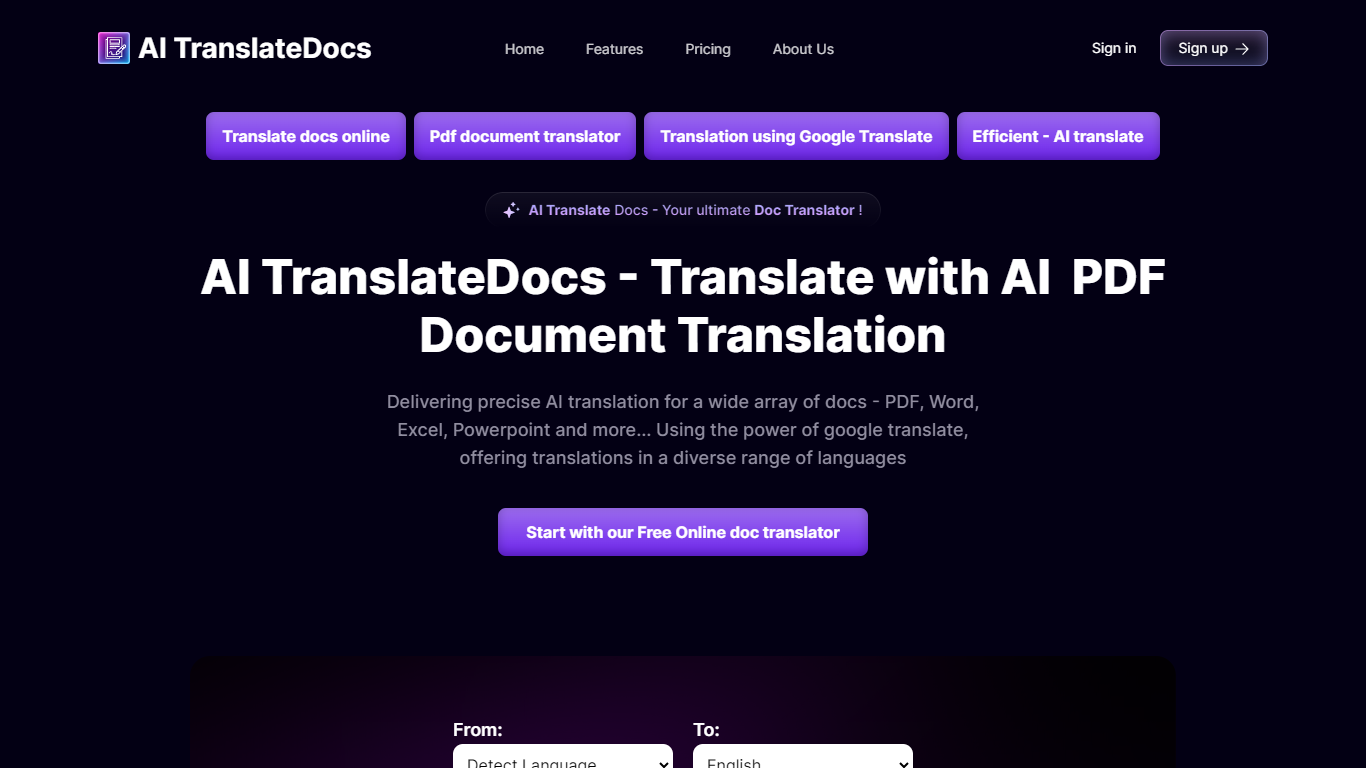

What is AI TranslateDocs?
AI TranslateDocs is an online document translator built for people who need full files converted, not just pasted paragraphs. Upload a PDF, Word doc, Excel sheet, PowerPoint deck, CSV, SRT, VTT, or plain text file, pick your source and target language, and get a translated version that keeps the original layout intact.
The platform supports 130+ languages, from widely spoken ones like Spanish and Mandarin to regional dialects. It uses OCR for scanned PDFs and handles format preservation so tables, charts, and page structure survive the translation. Powered by Azure, it targets legal contracts, medical records, academic papers, business reports, and immigration documents where formatting matters as much as the words.
AscentApp Software LLP runs the service from Mumbai. You can try the first 10,000 characters free before buying a character pack or subscription.
DeepL Translate
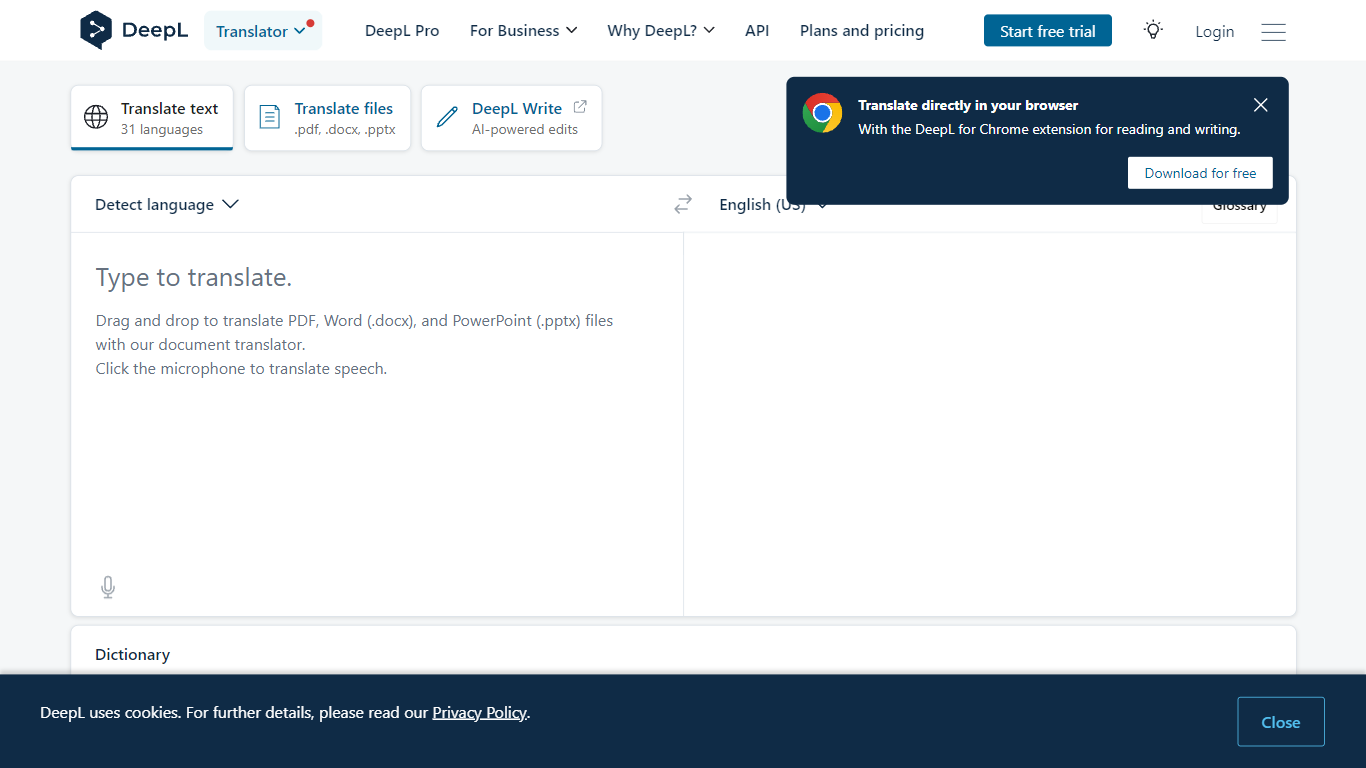
What is DeepL Translate?
DeepL Translate converts text and documents between 100+ languages through a browser, desktop app, or API. Paste copy, upload PDF, Word, or PowerPoint files, or route speech through DeepL Voice, and the output keeps formatting on document jobs. The free web translator needs no account for basic text, while DeepL Pro adds glossaries, style rules, and higher monthly character quotas.
Google Translate wins on breadth and zero-friction mobile use. DeepL bets on nuance: its own language model, trained on proprietary data with human linguist input, targets natural phrasing in European and Asian language pairs. Pro glossaries with up to 30,000 entries across 16 languages and translation memory matter more to localization teams than to someone translating a restaurant menu once.
Freelance translators, legal and finance teams, customer support desks, and developers embedding the API use it for client deliverables, contract review, multilingual tickets, and product localization. Enterprise customers cite 86% faster document translation workflows and 10% higher customer satisfaction when support replies ship in the customer's language faster.
AI TranslateDocs Upvotes
DeepL Translate Upvotes
AI TranslateDocs Top Features
Drop a PDF, Word, Excel, PowerPoint, CSV, SRT, VTT, or TXT file and get a translated copy with the layout still intact
130+ languages on tap, including regional dialects you won't find on basic translators
OCR handles scanned PDFs so you are not stuck retyping pages before translating
Auto-detect source language or pick from a long dropdown that even includes Klingon
First 10,000 characters free, enough to test a short doc before you commit to a plan
DeepL Translate Top Features
100+ languages including Arabic, Japanese, Korean, and Swiss German
Drag-and-drop PDF, Word (.docx), and PowerPoint (.pptx) file translation
Glossaries support up to 30,000 entries across 16 languages on enterprise accounts
Pro plans include style rules, formality toggle, and Clarify rewrite suggestions
Desktop apps for Windows and Mac plus Chrome and Firefox extensions
DeepL API and Translation Flow for developer and enterprise automation
AI TranslateDocs Category
- Translation
DeepL Translate Category
- Translation
AI TranslateDocs Pricing Type
- Freemium
DeepL Translate Pricing Type
- Freemium