AI TranslateDocs vs Trancy
In the battle of AI TranslateDocs vs Trancy, which AI Translation tool comes out on top? We compare reviews, pricing, alternatives, upvotes, features, and more.
Between AI TranslateDocs and Trancy, which one is superior?
Upon comparing AI TranslateDocs with Trancy, which are both AI-powered translation tools, Both tools are equally favored, as indicated by the identical upvote count. Your vote matters! Help us decide the winner among aitools.fyi users by casting your vote.
Not your cup of tea? Upvote your preferred tool and stir things up!
AI TranslateDocs
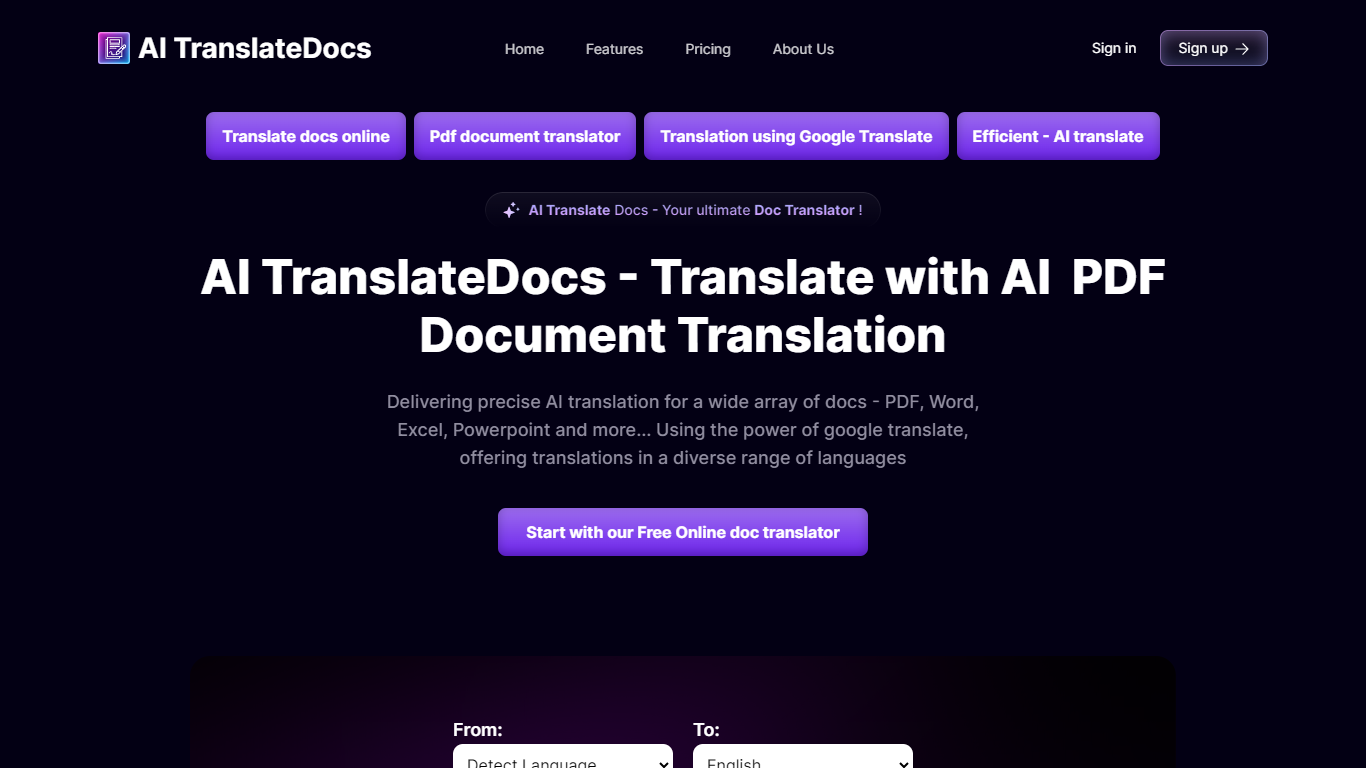

What is AI TranslateDocs?
AI TranslateDocs is an online document translator built for people who need full files converted, not just pasted paragraphs. Upload a PDF, Word doc, Excel sheet, PowerPoint deck, CSV, SRT, VTT, or plain text file, pick your source and target language, and get a translated version that keeps the original layout intact.
The platform supports 130+ languages, from widely spoken ones like Spanish and Mandarin to regional dialects. It uses OCR for scanned PDFs and handles format preservation so tables, charts, and page structure survive the translation. Powered by Azure, it targets legal contracts, medical records, academic papers, business reports, and immigration documents where formatting matters as much as the words.
AscentApp Software LLP runs the service from Mumbai. You can try the first 10,000 characters free before buying a character pack or subscription.
Trancy
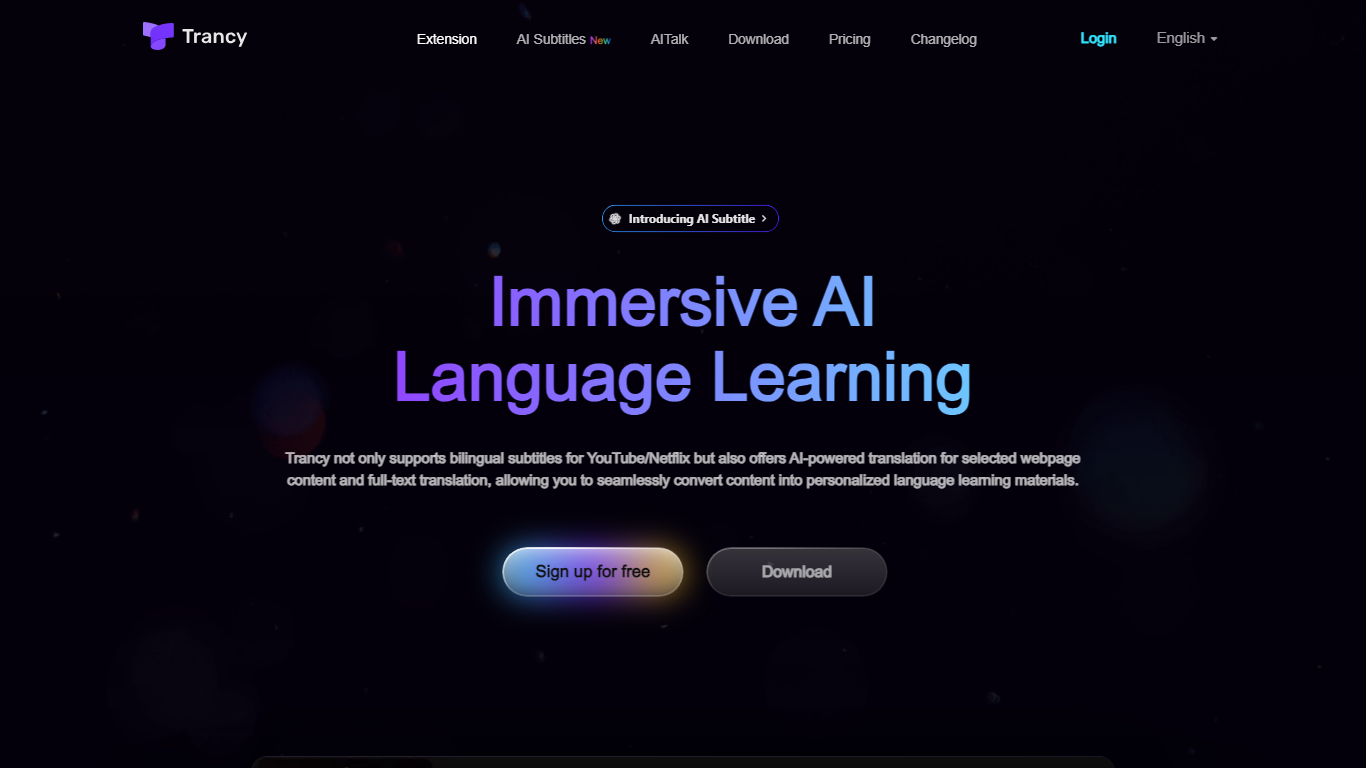
What is Trancy?
Trancy turns the videos and articles you already read into language lessons by overlaying bilingual subtitles, inline translations, and study tools on top of everyday browsing. It works on YouTube, Netflix, HBO Max, TED, Coursera, and many news or social sites through a browser extension plus mobile app.
Most subtitle tools stop at displaying two languages side by side. Trancy also ships a reading mode that turns subtitles into scrollable text, immersive webpage translation with side-by-side paragraphs, and a learning center where saved words become flashcards, shadowing exercises, and AI speaking feedback. Premium members can run Whisper-based AI subtitle transcription on YouTube and translate PDFs up to 4,000 pages per month.
Self-directed learners and ESL students use Trancy to turn entertainment and news browsing into daily input. The free tier covers core bilingual subtitles and webpage translation, while Premium unlocks higher bookmark limits, AI subtitle generation, PDF translation, and coaching features inside the learning center.
AI TranslateDocs Upvotes
Trancy Upvotes
AI TranslateDocs Top Features
Drop a PDF, Word, Excel, PowerPoint, CSV, SRT, VTT, or TXT file and get a translated copy with the layout still intact
130+ languages on tap, including regional dialects you won't find on basic translators
OCR handles scanned PDFs so you are not stuck retyping pages before translating
Auto-detect source language or pick from a long dropdown that even includes Klingon
First 10,000 characters free, enough to test a short doc before you commit to a plan
Trancy Top Features
Bilingual subtitles on YouTube, Netflix, HBO Max, Disney+, TED, Coursera, and Udemy
Reading mode displays subtitles as text beside the video for focused study
Whisper-based AI subtitle transcription improves YouTube segmentation by about 80 percent
Immersive webpage translation compares original and translated paragraphs without leaving the page
Free tier allows 100 word bookmarks, 50 sentence bookmarks, and 50 PDF pages per month
Learning center adds flashcards, AI shadowing, and pronunciation evaluation on saved vocabulary
AI TranslateDocs Category
- Translation
Trancy Category
- Translation
AI TranslateDocs Pricing Type
- Freemium
Trancy Pricing Type
- Freemium