AI Video Editing | Clipchamp vs Clips AI
In the face-off between AI Video Editing | Clipchamp vs Clips AI, which AI Video Editing tool takes the crown? We scrutinize features, alternatives, upvotes, reviews, pricing, and more.
When we put AI Video Editing | Clipchamp and Clips AI head to head, which one emerges as the victor?
If we were to analyze AI Video Editing | Clipchamp and Clips AI, both of which are AI-powered video editing tools, what would we find? The users have made their preference clear, Clips AI leads in upvotes. Clips AI has attracted 7 upvotes from aitools.fyi users, and AI Video Editing | Clipchamp has attracted 6 upvotes.
Think we got it wrong? Cast your vote and show us who's boss!
AI Video Editing | Clipchamp


What is AI Video Editing | Clipchamp?
Clipchamp is a browser-based video editor from Microsoft that bundles AI helpers for voiceovers, captions, background removal, and short-form assembly inside one timeline. You record, import clips, and polish exports without installing desktop software, and the AI tools sit next to standard trim, resize, and overlay controls.
Where many AI video apps push a single gimmick, Clipchamp spreads automation across the whole edit: text-to-speech with hundreds of voices, autocaptions in 140 languages, Speaker Coach feedback on webcam takes, and one-click background removal for still images. That breadth makes it a practical pick when you need several AI steps in one project rather than a dedicated voice or caption app.
Creators publishing to TikTok, YouTube Shorts, and Instagram Reels use Clipchamp for quick social cuts, while teachers and internal comms teams lean on screen recording, autocaptions, and brand kits for repeatable templates. Marketing teams also use the stock library and template gallery when they need polished promos without opening a full NLE.
Clips AI
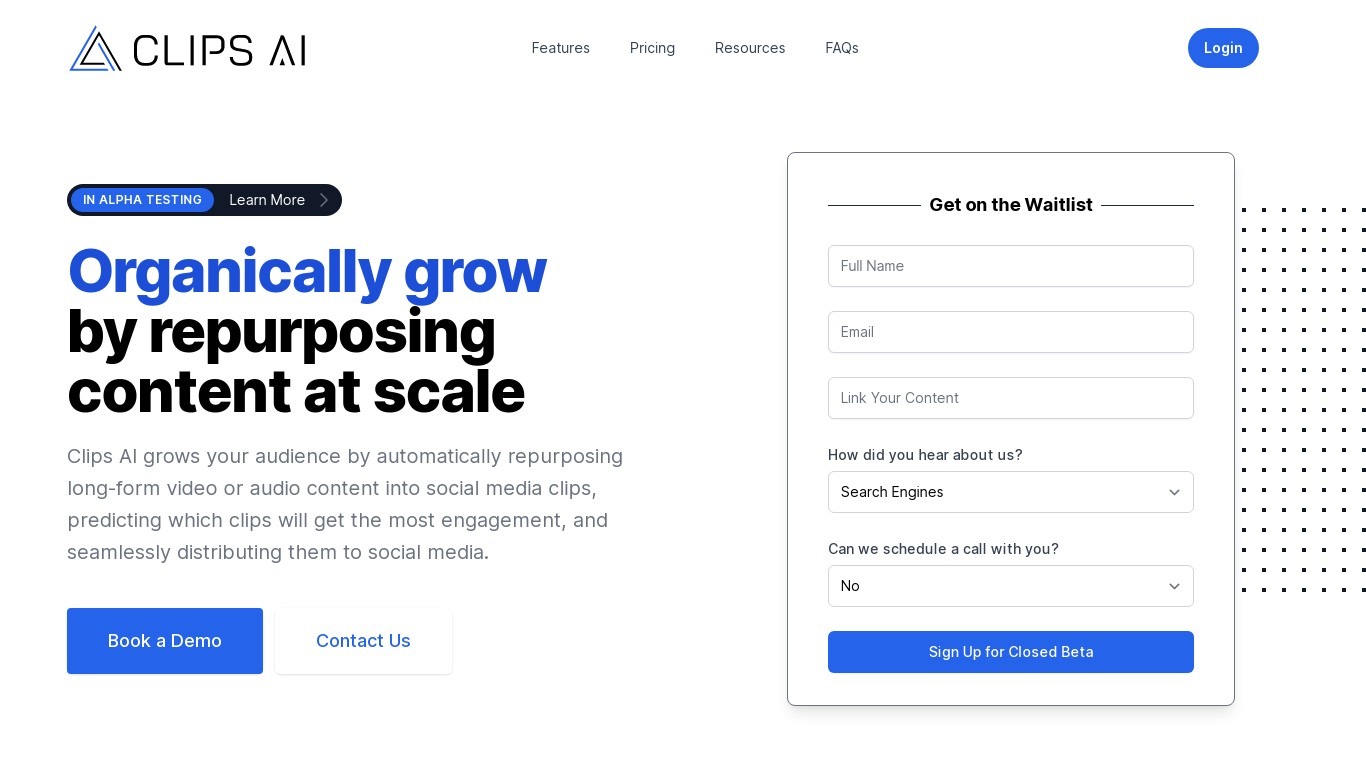
What is Clips AI?
Clips AI is an open-source Python library that turns long-form videos into short clips and reframes them for vertical feeds. You install it with pip, transcribe a podcast or interview with WhisperX, then call ClipFinder to segment the transcript into clip start and end times. Developers wire those timestamps into their own pipelines instead of uploading files to a hosted clip editor.
Consumer clip tools hide the segmentation logic behind a web upload form. Clips AI exposes TextTiling with BERT embeddings on Whisper transcripts, plus a separate resize path that tracks the active speaker with Pyannote diarization, PySceneDetect, and face detection. That stack targets narrative audio like podcasts and sermons, not quick meme cuts from silent b-roll.
Engineers building podcast repurposing workflows, media startups, and research teams who need programmatic clip boundaries and 16:9 to 9:16 reframing on their own servers. It fits teams that already run Python and want Hugging Face Pyannote tokens in their resize step rather than a black-box SaaS export button.
AI Video Editing | Clipchamp Upvotes
Clips AI Upvotes
AI Video Editing | Clipchamp Top Features
400+ text-to-speech voices across multiple languages and speaking styles
Autocaptions in 140 languages with customizable font, color, and size
Speaker Coach gives real-time pace and pitch feedback on webcam recordings
AI background remover for PNG and JPEG images inside the editor
Runs in Chrome and Edge with a Windows 11 and Windows 10 desktop app
Screen, webcam, and voice recorders export directly into the timeline
Clips AI Top Features
pip install clipsai plus WhisperX from GitHub for word-level transcription timestamps
ClipFinder segments transcripts with TextTiling and BERT embeddings to return start and end times
Resize function reframes 16:9 video to 9:16 using Pyannote speaker diarization
Face detection combines MTCNN and MediaPipe with PySceneDetect scene changes
MediaEditor trims or resizes source files to exported clip paths in Python
Designed for podcasts, interviews, speeches, and sermons with narrative audio
WhisperX batch_size defaults to 16 with ISO 639-1 language autodetection support
AI Video Editing | Clipchamp Category
- Video Editing
Clips AI Category
- Video Editing
AI Video Editing | Clipchamp Pricing Type
- Freemium
Clips AI Pricing Type
- Free