AI Video Editing | Clipchamp vs Wisecut
When comparing AI Video Editing | Clipchamp vs Wisecut, which AI Video Editing tool shines brighter? We look at pricing, alternatives, upvotes, features, reviews, and more.
In a comparison between AI Video Editing | Clipchamp and Wisecut, which one comes out on top?
When we put AI Video Editing | Clipchamp and Wisecut side by side, both being AI-powered video editing tools, Interestingly, both tools have managed to secure the same number of upvotes. Since other aitools.fyi users could decide the winner, the ball is in your court now to cast your vote and help us determine the winner.
Feeling rebellious? Cast your vote and shake things up!
AI Video Editing | Clipchamp


What is AI Video Editing | Clipchamp?
Clipchamp is a browser-based video editor from Microsoft that bundles AI helpers for voiceovers, captions, background removal, and short-form assembly inside one timeline. You record, import clips, and polish exports without installing desktop software, and the AI tools sit next to standard trim, resize, and overlay controls.
Where many AI video apps push a single gimmick, Clipchamp spreads automation across the whole edit: text-to-speech with hundreds of voices, autocaptions in 140 languages, Speaker Coach feedback on webcam takes, and one-click background removal for still images. That breadth makes it a practical pick when you need several AI steps in one project rather than a dedicated voice or caption app.
Creators publishing to TikTok, YouTube Shorts, and Instagram Reels use Clipchamp for quick social cuts, while teachers and internal comms teams lean on screen recording, autocaptions, and brand kits for repeatable templates. Marketing teams also use the stock library and template gallery when they need polished promos without opening a full NLE.
Wisecut
What is Wisecut?
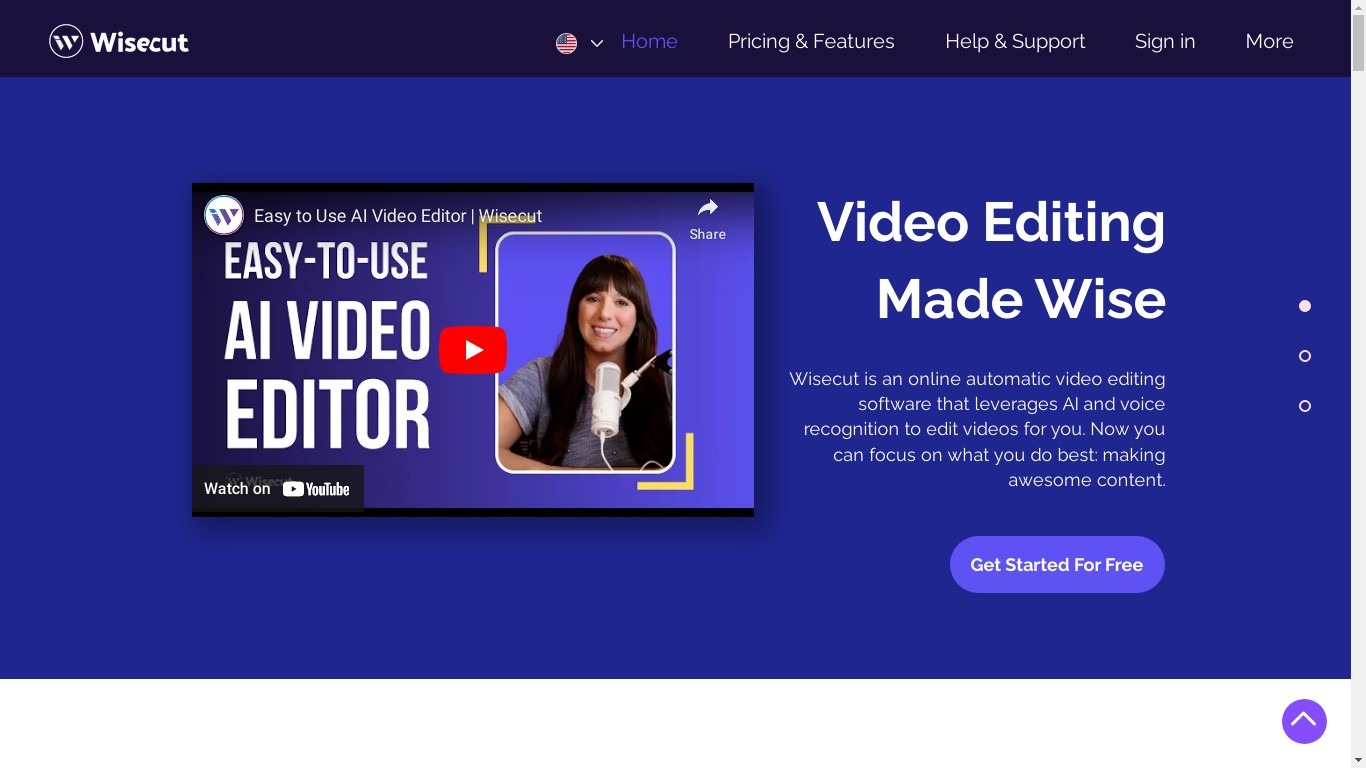
Wisecut is an AI video editor that turns long recordings into short clips with automatic cuts, captions, reframing, and music. Upload a file or paste a link, and the editor finds highlights, removes silences, and exports vertical, square, or widescreen formats without a timeline.
Desktop editors expect you to scrub frames manually. Wisecut uses a storyboard built from your transcript so you edit by moving text blocks, and its WISH feature plans cuts from a plain-language prompt. Starter+ at $23.25 per month adds Autopilot, which watches a connected YouTube channel and schedules finished clips.
More than 1 million creators and teams like DraperTV use it for podcast clips, testimonials, and social shorts. The free tier includes 60 minutes of editing per month at 360p; Professional+ raises exports to 4K with 1,200 monthly credits.
AI Video Editing | Clipchamp Upvotes
Wisecut Upvotes
AI Video Editing | Clipchamp Top Features
400+ text-to-speech voices across multiple languages and speaking styles
Autocaptions in 140 languages with customizable font, color, and size
Speaker Coach gives real-time pace and pitch feedback on webcam recordings
AI background remover for PNG and JPEG images inside the editor
Runs in Chrome and Edge with a Windows 11 and Windows 10 desktop app
Screen, webcam, and voice recorders export directly into the timeline
Wisecut Top Features
AI highlight detection finds viral moments in long recordings automatically
Autocut Silence removes pauses and filler with auto punch-in zoom
Auto Reframe exports 9:16, square, and widescreen from one upload
Free tier includes 60 minutes of editing per month at 360p resolution
Starter+ at $23.25 per month adds YouTube Autopilot publishing
AI Video Editing | Clipchamp Category
- Video Editing
Wisecut Category
- Video Editing
AI Video Editing | Clipchamp Pricing Type
- Freemium
Wisecut Pricing Type
- Freemium