AI Video Generator By Visla vs Lightkey
In the battle of AI Video Generator By Visla vs Lightkey, which AI Text Generation tool comes out on top? We compare reviews, pricing, alternatives, upvotes, features, and more.
Between AI Video Generator By Visla and Lightkey, which one is superior?
Upon comparing AI Video Generator By Visla with Lightkey, which are both AI-powered text generation tools, The community has spoken, AI Video Generator By Visla leads with more upvotes. AI Video Generator By Visla has attracted 7 upvotes from aitools.fyi users, and Lightkey has attracted 6 upvotes.
Think we got it wrong? Cast your vote and show us who's boss!
AI Video Generator By Visla

What is AI Video Generator By Visla?
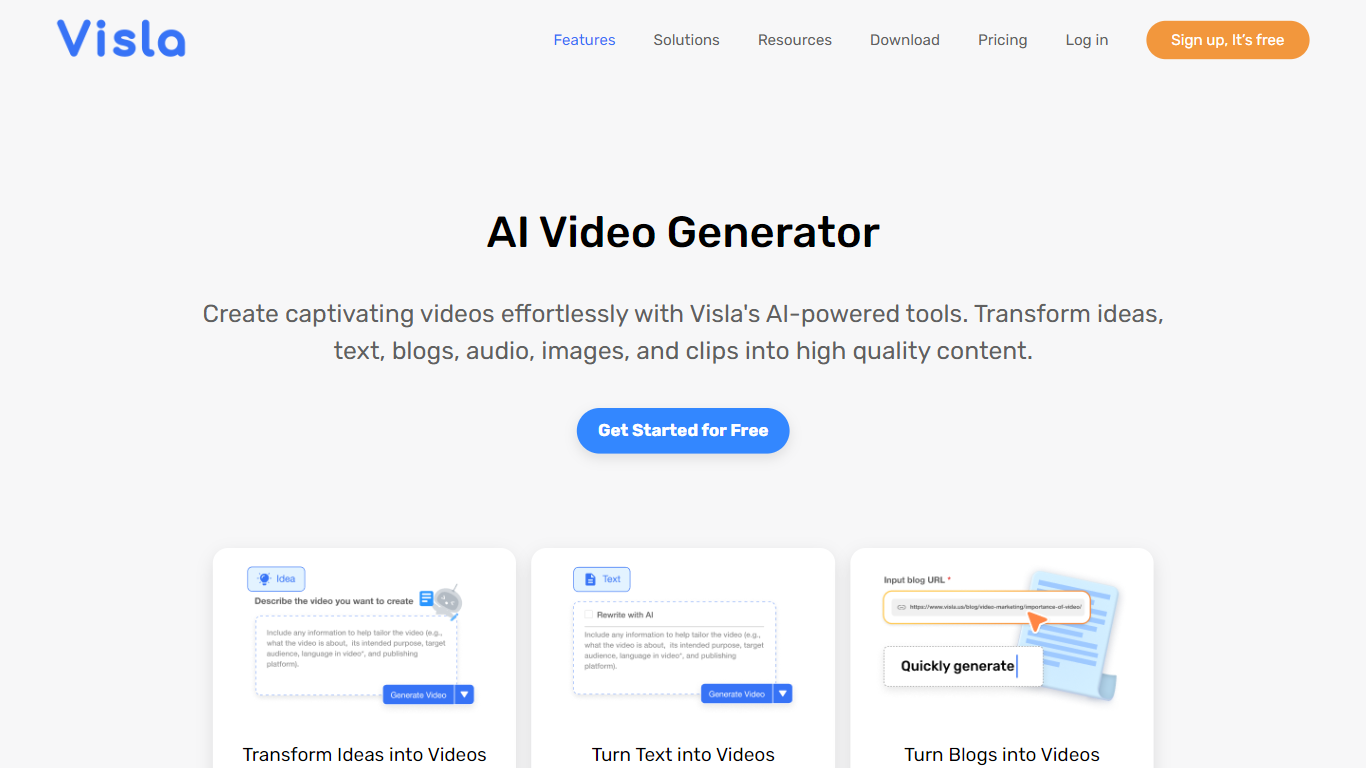
Visla's AI Video Generator turns scripts, PDFs, webpages, audio, and ideas into draft videos with stock footage, background music, subtitles, and optional AI avatars. You prompt the tool, refine language, voice, length, and aspect ratio, then edit scenes in Visla's browser-based editor before exporting. Marketing, sales, training, and HR teams use it to scale video output without a production crew.
Text-to-video tools often stop at a single clip. Visla bundles generation with screen recording, step-by-step guides, collaborative workspaces, and AI Director Mode for multi-scene stories with consistent characters. The free tier covers core generation workflows, while paid plans unlock premium Storyblocks and Getty stock, 4K export, and custom avatars.
Content teams at mid-size companies and educators are the clearest fit. Visla also lists Slack, Zoom, Zapier, Canva, and Adobe Express integrations, plus a video creation API for automated workflows.
Lightkey
What is Lightkey?
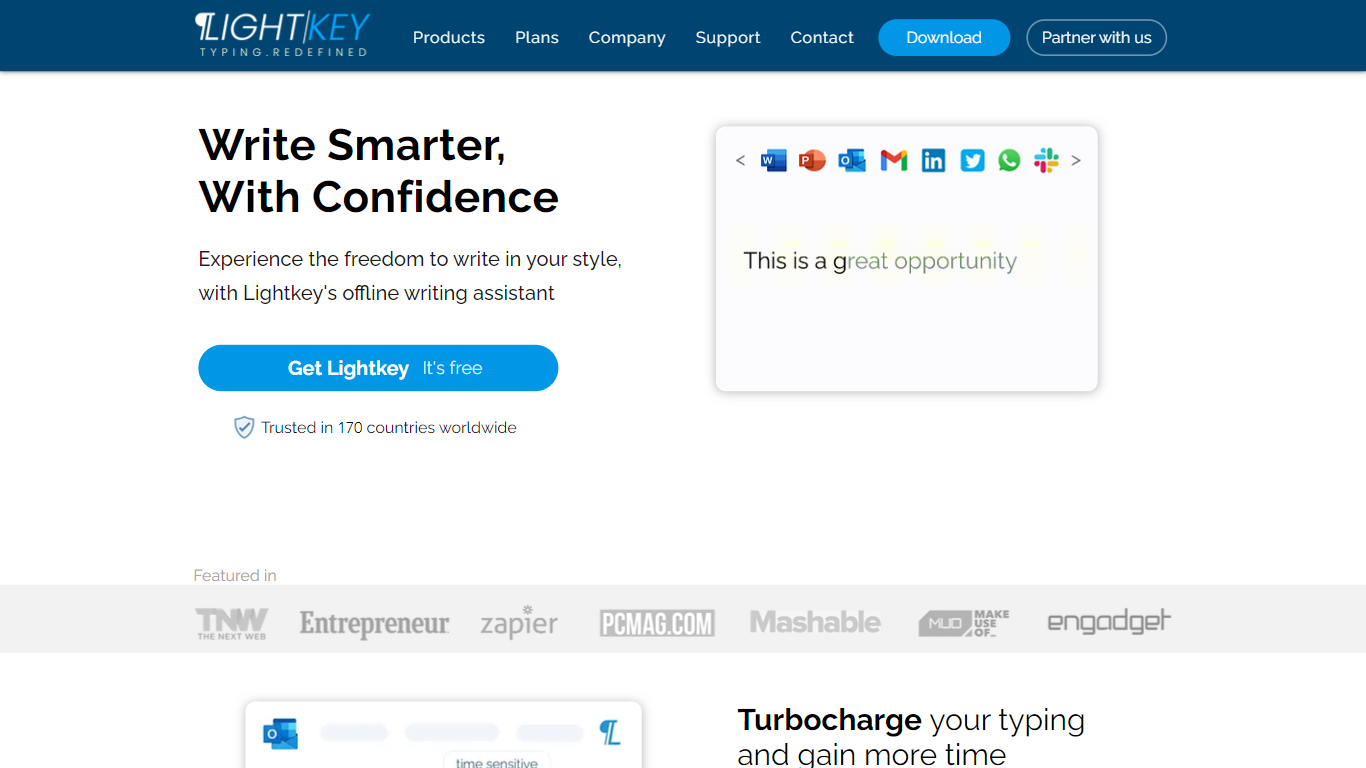
Lightkey learns how you type on Windows and suggests the next words while you write in Office apps or the browser. Accept a prediction with Tab and keep drafting emails, documents, and chat replies without stopping to fix typos.
Cloud writing assistants send keystrokes to remote servers, which is a non-starter for legal, healthcare, and enterprise drafts. Lightkey keeps prediction on your machine, supports 60-plus industry content domains, and offers a business tier with team terminology, which is the trade-off worth knowing if privacy matters more than cross-device sync.
Writers, support reps, and office teams use it in Word, Outlook, Gmail, Slack, Notion, and ChatGPT on the web. A free tier handles basic prediction, while Lightkey Pro unlocks unlimited suggestions and productivity metrics.
AI Video Generator By Visla Upvotes
Lightkey Upvotes
AI Video Generator By Visla Top Features
Generates videos from text, scripts, PDFs, PPTs, webpages, and audio inputs
Free plan includes core AI video generation; Pro starts at $9 per month billed annually
150 public AI avatars on all tiers; custom avatars on paid plans
Scene-based editor with transcript cuts, filler-word removal, and B-roll suggestions
1080p export on Free and Pro; 4K export on Business and Enterprise plans
Integrations with Slack, Zoom, Zapier, Canva, and Adobe Express
Lightkey Top Features
Predicts up to 18 words ahead, including punctuation, from local typing patterns
Runs offline without sending your content to the cloud
Supports Microsoft Office 2010 through 2024 plus Office 365 natively
Chrome and Edge extensions cover Gmail, Slack, Notion, LinkedIn, and ChatGPT on the web
Offers 60-plus industry content domains such as technology, academia, and legal
Lightkey Pro adds unlimited predictions, productivity metrics, and corpus file training
AI Video Generator By Visla Category
- Text Generation
Lightkey Category
- Text Generation
AI Video Generator By Visla Pricing Type
- Freemium
Lightkey Pricing Type
- Freemium