AI Video Translator vs AI Video Editing | Clipchamp
Dive into the comparison of AI Video Translator vs AI Video Editing | Clipchamp and discover which AI Video Editing tool stands out. We examine alternatives, upvotes, features, reviews, pricing, and beyond.
When comparing AI Video Translator and AI Video Editing | Clipchamp, which one rises above the other?
When we compare AI Video Translator and AI Video Editing | Clipchamp, two exceptional video editing tools powered by artificial intelligence, and place them side by side, several key similarities and differences come to light. There's no clear winner in terms of upvotes, as both tools have received the same number. Be a part of the decision-making process. Your vote could determine the winner.
Don't agree with the result? Cast your vote and be a part of the decision-making process!
AI Video Translator

What is AI Video Translator?
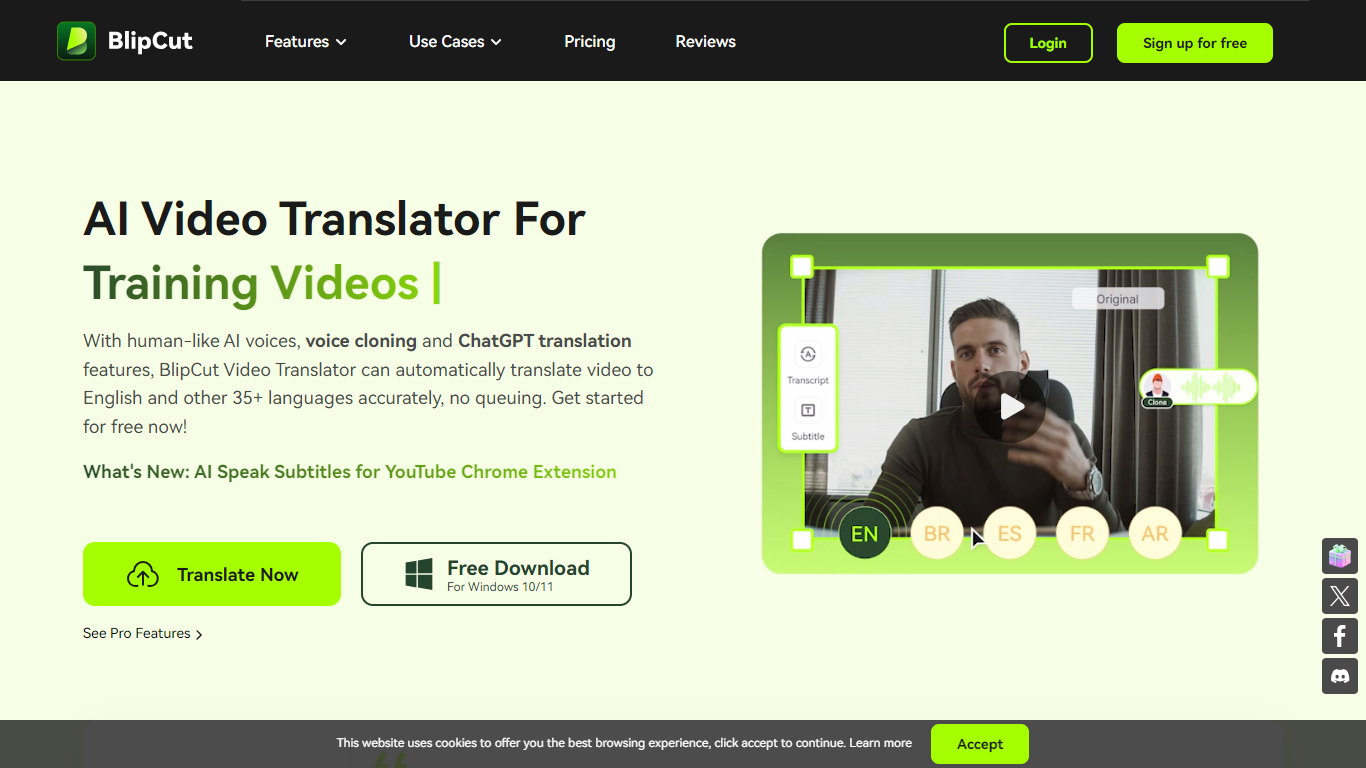
BlipCut AI Video Translator is an online platform for translating videos and audio into 140+ languages. Upload a file or paste a link, pick target languages and voices, and the tool transcribes, translates, and dubs the content with subtitles, cloned voices, and lip sync.
The workflow covers batch translation, multi-speaker recognition, and post-translation editing. You can adjust transcripts, rewrite dialogue with ChatGPT and DeepSeek, customize subtitle styles, and preview clips before export. A voice library with 300+ free voices and 1,500+ voiceover options reduces the need to hire voice actors.
BlipCut runs in the browser on Chrome, Safari, and Edge, with Windows and Mac desktop apps and a Chrome extension for YouTube subtitles. It targets creators, marketers, educators, and teams localizing training, social, and marketing video at scale.
AI Video Editing | Clipchamp
What is AI Video Editing | Clipchamp?
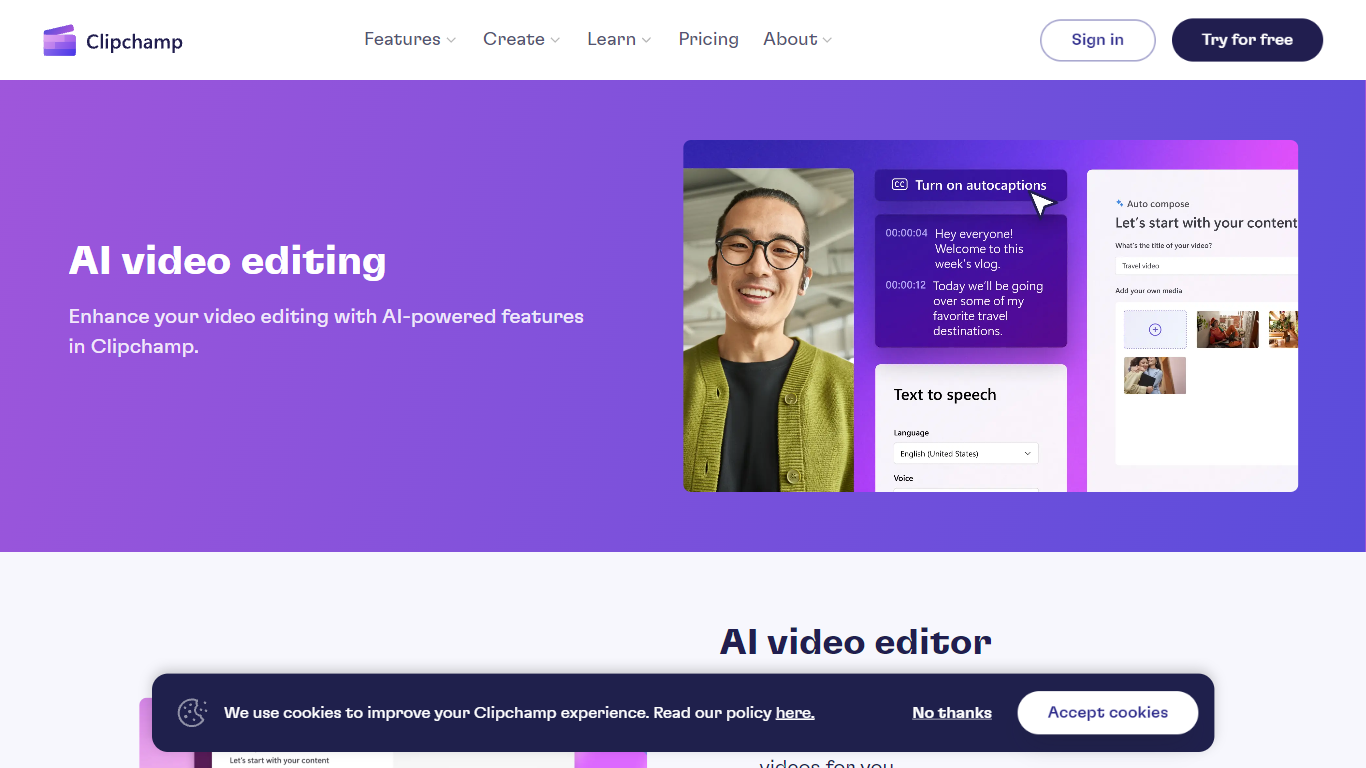
Experience the next level of video editing with Clipchamp's AI Video Editing tools, designed to elevate your creative projects effortlessly. Clipchamp harnesses the power of AI to provide an array of intelligent features that assist you in producing stunning videos without the need for any downloads. It's time to unleash your inner director using the AI video editor and craft short videos that leave a lasting impression. Whether you’re a TikTok enthusiast or a business professional, the AI voiceover maker offers over 400 lifelike voices in various languages and styles to match your video's tone. Autocaptions make your content more accessible, with precise voice detection technology for captions in 140 languages. For those looking to refine their speaking skills, the Speaker Coach offers real-time feedback on your recording sessions. Discover the wealth of AI-powered capabilities at your fingertips with Clipchamp and transform your digital storytelling.
AI Video Translator Upvotes
AI Video Editing | Clipchamp Upvotes
AI Video Translator Top Features
Translates video and audio into 140+ languages with auto source-language detection
Clones speaker voices and applies lip sync for multi-speaker videos
Batch-translate multiple clips into one or several target languages at once
Edits transcripts, translations, subtitles, and speech speed with free in-app tools
Works online in the browser plus Windows, Mac, and a YouTube Chrome extension
AI Video Editing | Clipchamp Top Features
AI Video Editor: Simplify the video creation process with an AI editor that can generate engaging short videos automatically.
Text to Speech: Utilize a versatile AI voiceover maker featuring over 400 lifelike voices in a variety of languages.
Autocaptions: Increase accessibility and engagement with precise autocaptions available in 140 languages.
Speaker Coach: Improve your presentation skills with real-time feedback on your speech during recording.
AI Audio Enhancements: Look forward to upcoming features that will further enhance audio quality in your videos.
AI Video Translator Category
- Video Editing
AI Video Editing | Clipchamp Category
- Video Editing
AI Video Translator Pricing Type
- Freemium
AI Video Editing | Clipchamp Pricing Type
- Freemium