
Last updated 07-02-2026
Category:
Reviews:
Join thousands of AI enthusiasts in the World of AI!
AI Video Translator
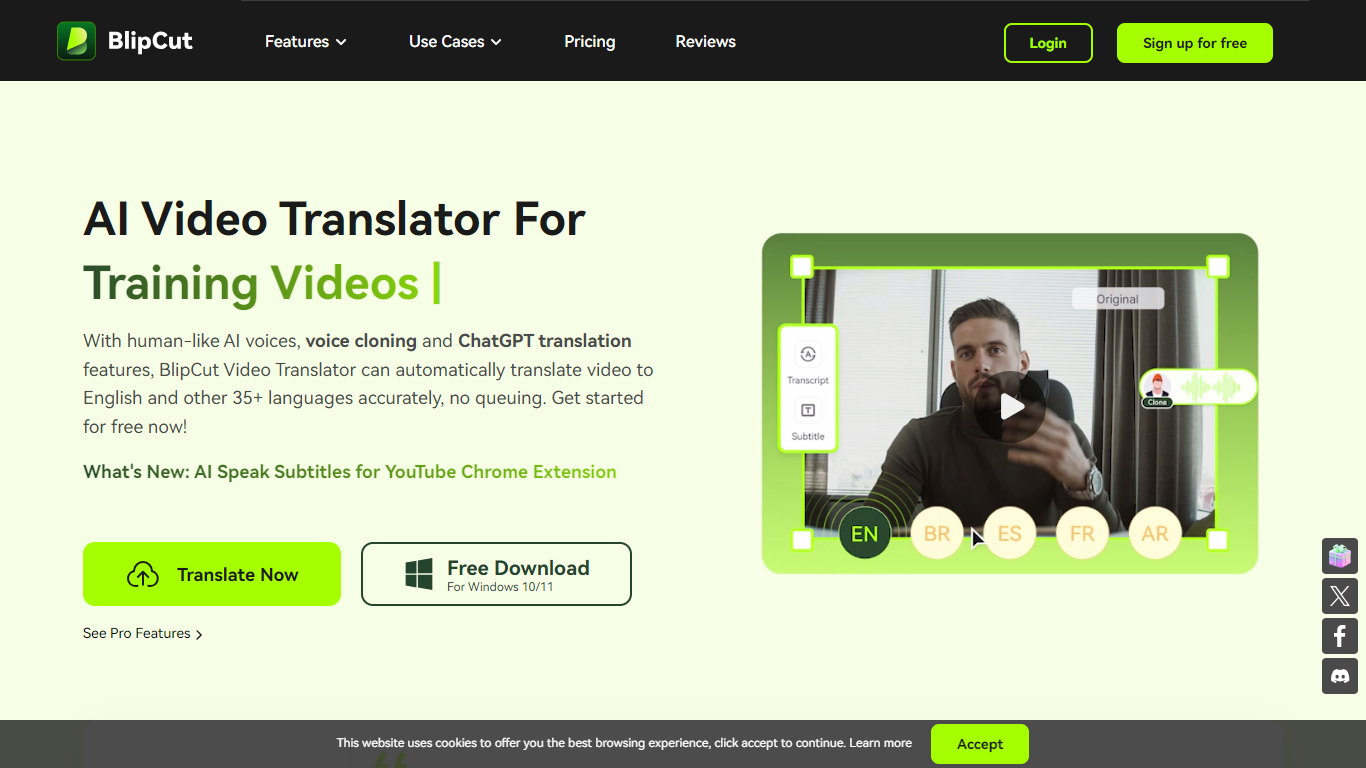
BlipCut AI Video Translator is an online platform for translating videos and audio into 140+ languages. Upload a file or paste a link, pick target languages and voices, and the tool transcribes, translates, and dubs the content with subtitles, cloned voices, and lip sync.
The workflow covers batch translation, multi-speaker recognition, and post-translation editing. You can adjust transcripts, rewrite dialogue with ChatGPT and DeepSeek, customize subtitle styles, and preview clips before export. A voice library with 300+ free voices and 1,500+ voiceover options reduces the need to hire voice actors.
BlipCut runs in the browser on Chrome, Safari, and Edge, with Windows and Mac desktop apps and a Chrome extension for YouTube subtitles. It targets creators, marketers, educators, and teams localizing training, social, and marketing video at scale.
Translates video and audio into 140+ languages with auto source-language detection
Clones speaker voices and applies lip sync for multi-speaker videos
Batch-translate multiple clips into one or several target languages at once
Edits transcripts, translations, subtitles, and speech speed with free in-app tools
Works online in the browser plus Windows, Mac, and a YouTube Chrome extension
Covers translation, dubbing, subtitles, voice cloning, and lip sync in one browser workflow.
Supports 140+ languages with batch processing for multiple videos at once.
Free online trial requires no signup or credit card to start.
Includes Windows, Mac, and Chrome extension options beyond the web app.
Credit-based pricing can get expensive for long or frequent translation jobs.
No native mobile app; phone use is limited to the mobile browser.
Voice cloning is limited to 29 languages on paid plans per the pricing comparison table.
How does BlipCut AI video translation work?
BlipCut transcribes video to text, translates it, and outputs subtitles, cloned AI voices, and lip-synced dubbing. It keeps speech timing natural compared to manual subtitle-only workflows.
How many languages does BlipCut support?
BlipCut supports 140+ languages for video and audio translation. Its support docs list 142 output languages and 73 languages for voice cloning, with more added over time.
Can I use BlipCut video translator for free?
Yes. BlipCut offers a free online video translator so you can try translation with voice cloning. Paid weekly, monthly, yearly, and pay-as-you-go credit plans unlock higher usage.
Is there a BlipCut mobile app?
BlipCut runs fully online in the browser from PC, phone, or tablet. There is no dedicated mobile app; you upload, translate, and download through Chrome, Safari, or Edge.
What payment methods does BlipCut accept?
BlipCut accepts credit cards, PayPal, direct debit, bank or wire transfer, check or money order, fax credit card, and invoice payments. Credit card is recommended on the pricing page.
Does BlipCut offer refunds?
BlipCut provides a 30-day money-back guarantee. If support cannot resolve an issue, you may qualify for a refund under its published refund policy.