SubtitleGen vs AI Video Translator
In the clash of SubtitleGen vs AI Video Translator, which AI Video Editing tool emerges victorious? We assess reviews, pricing, alternatives, features, upvotes, and more.
When we put SubtitleGen and AI Video Translator head to head, which one emerges as the victor?
Let's take a closer look at SubtitleGen and AI Video Translator, both of which are AI-driven video editing tools, and see what sets them apart. Both tools have received the same number of upvotes from aitools.fyi users. Your vote matters! Help us decide the winner among aitools.fyi users by casting your vote.
Want to flip the script? Upvote your favorite tool and change the game!
SubtitleGen
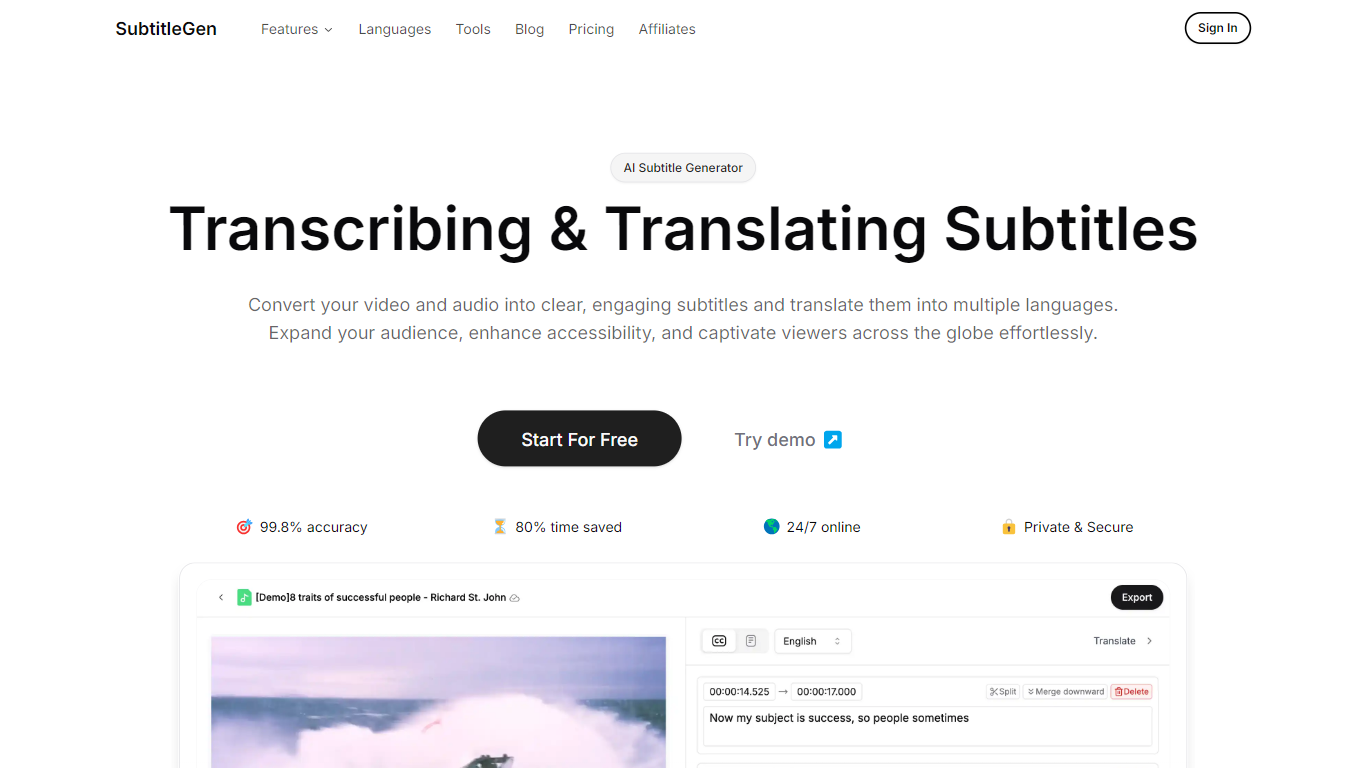

What is SubtitleGen?
SubtitleGen is an advanced AI-powered subtitle generator designed to transcribe and translate audio and video content into accurate subtitles. Its core functionality revolves around converting spoken language into text, enabling users to create engaging subtitles that enhance accessibility and viewer engagement. The platform is tailored for content creators, educators, and businesses looking to reach a broader audience by providing multilingual subtitles for their media.
The unique value proposition of SubtitleGen lies in its high accuracy rate of 99.8% and the significant time savings it offers, allowing users to generate subtitles in a matter of minutes rather than hours. Key differentiators include its intuitive online subtitle editor, which facilitates easy adjustments to generated subtitles, and its support for a wide range of languages, making it an ideal solution for global outreach. Additionally, SubtitleGen ensures enterprise-grade security, providing users with peace of mind regarding the privacy of their content.
AI Video Translator
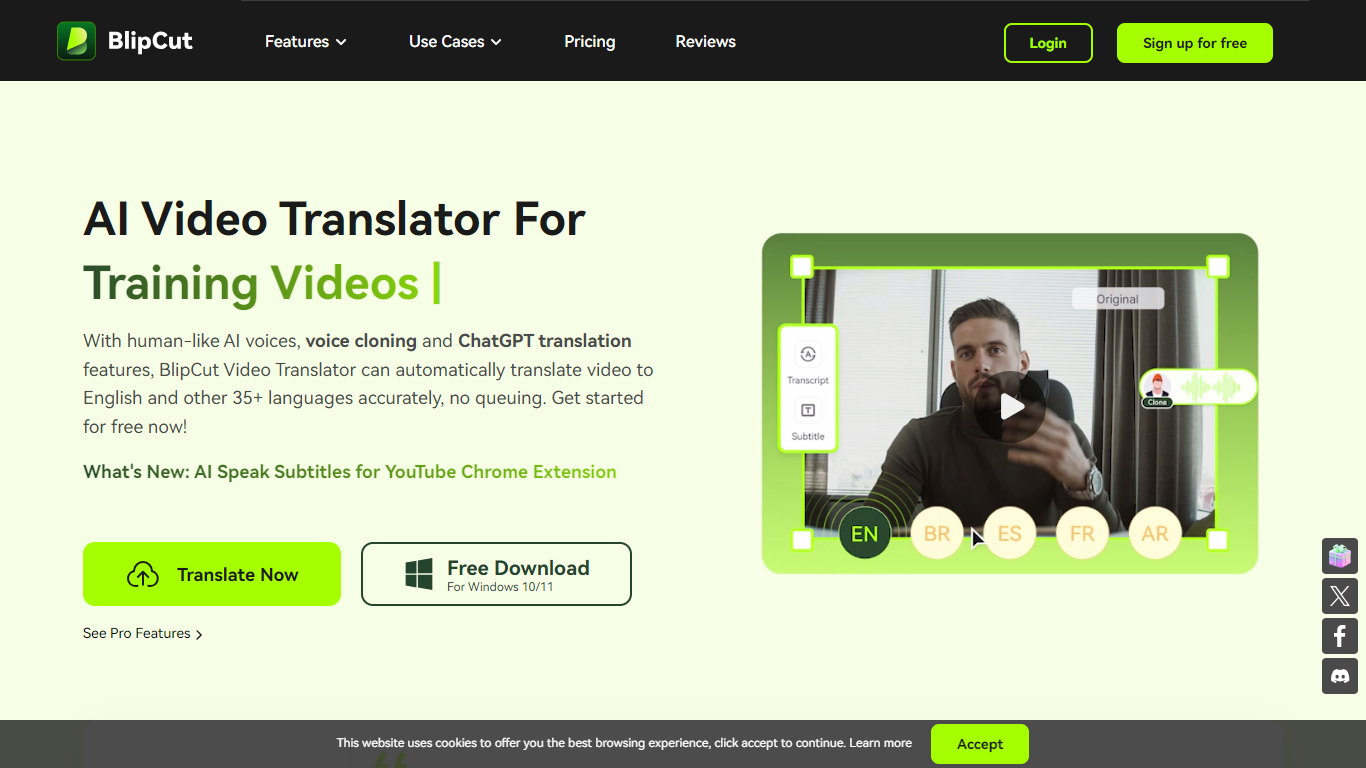
What is AI Video Translator?
BlipCut AI Video Translator is an online platform for translating videos and audio into 140+ languages. Upload a file or paste a link, pick target languages and voices, and the tool transcribes, translates, and dubs the content with subtitles, cloned voices, and lip sync.
The workflow covers batch translation, multi-speaker recognition, and post-translation editing. You can adjust transcripts, rewrite dialogue with ChatGPT and DeepSeek, customize subtitle styles, and preview clips before export. A voice library with 300+ free voices and 1,500+ voiceover options reduces the need to hire voice actors.
BlipCut runs in the browser on Chrome, Safari, and Edge, with Windows and Mac desktop apps and a Chrome extension for YouTube subtitles. It targets creators, marketers, educators, and teams localizing training, social, and marketing video at scale.
SubtitleGen Upvotes
AI Video Translator Upvotes
SubtitleGen Top Features
AI-Powered Subtitle Generation: Automatically transcribes audio and video content into text with 99.8% accuracy, significantly reducing manual effort and time.
Multi-Language Translation: Supports translation of subtitles into various languages, enabling content creators to reach a global audience and overcome language barriers.
Intuitive Online Subtitle Editor: Allows users to easily review and edit generated subtitles directly in their browser, ensuring high-quality output.
Format Flexibility: Exports subtitles in multiple formats, including .srt, for seamless integration with various video platforms such as YouTube.
24/7 Online Access: Operates entirely online with no software installation required, making it accessible from any device with a web browser.
AI Video Translator Top Features
Translates video and audio into 140+ languages with auto source-language detection
Clones speaker voices and applies lip sync for multi-speaker videos
Batch-translate multiple clips into one or several target languages at once
Edits transcripts, translations, subtitles, and speech speed with free in-app tools
Works online in the browser plus Windows, Mac, and a YouTube Chrome extension
SubtitleGen Category
- Video Editing
AI Video Translator Category
- Video Editing
SubtitleGen Pricing Type
- Freemium
AI Video Translator Pricing Type
- Freemium