Aikiu Studio vs AI Logo Maker
Explore the showdown between Aikiu Studio vs AI Logo Maker and find out which AI Design tool wins. We analyze upvotes, features, reviews, pricing, alternatives, and more.
When comparing Aikiu Studio and AI Logo Maker, which one rises above the other?
When we contrast Aikiu Studio with AI Logo Maker, both of which are exceptional AI-operated design tools, and place them side by side, we can spot several crucial similarities and divergences. Neither tool takes the lead, as they both have the same upvote count. Be a part of the decision-making process. Your vote could determine the winner.
Think we got it wrong? Cast your vote and show us who's boss!
Aikiu Studio

What is Aikiu Studio?
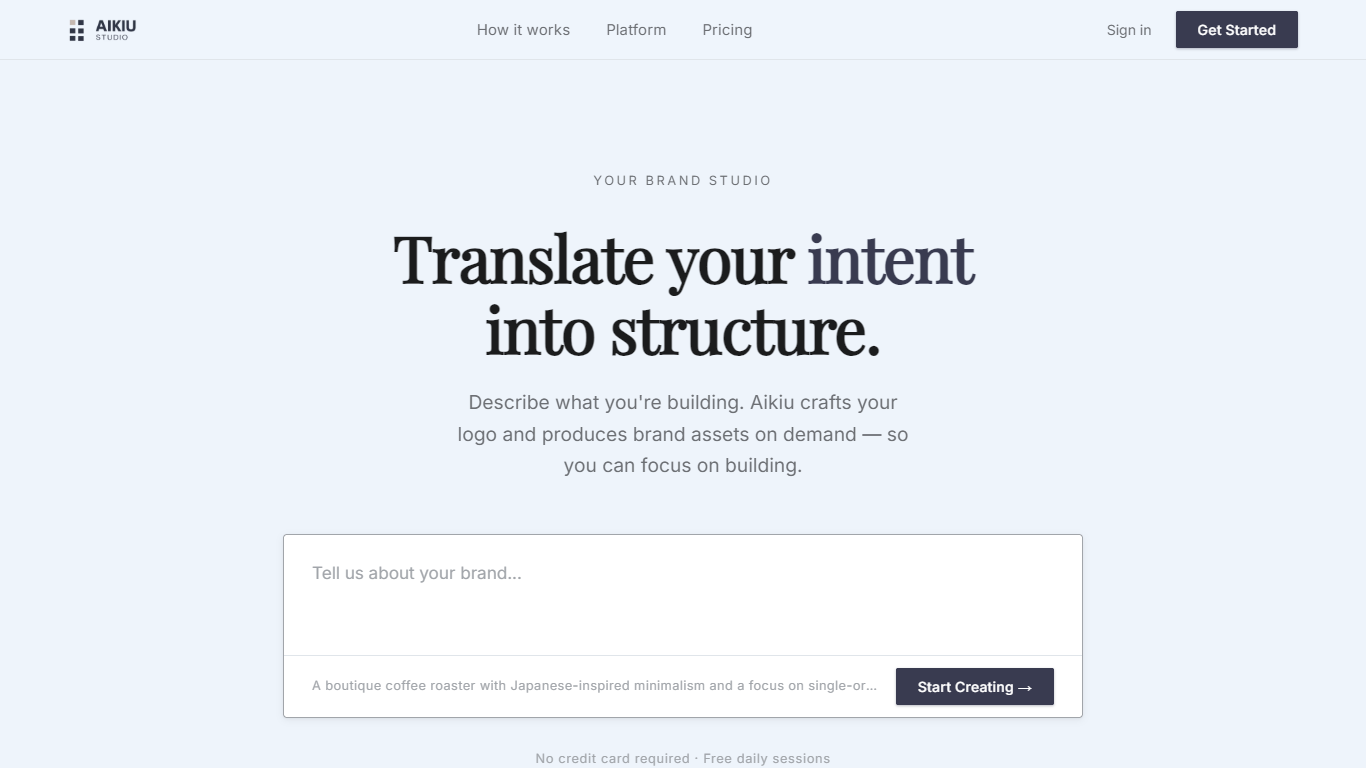
Aikiu Studio is a brand identity platform for founders who need a professional logo without hiring a designer. You describe your brand in plain language, and the tool generates a custom mark built from your brief rather than recycled templates.
The workflow moves from a short brand description to logo concepts you can refine in chat or in a visual editor. When you are ready, you can export production-ready files in SVG, PNG, and WEBP with transparent backgrounds, and commercial usage rights are included with a paid unlock.
Aikiu Studio is built by Gradient Insight and positions itself as the start of a broader identity system. A living brand profile and on-demand brand assets are listed as upcoming features beyond the logo generator.
AI Logo Maker
What is AI Logo Maker?
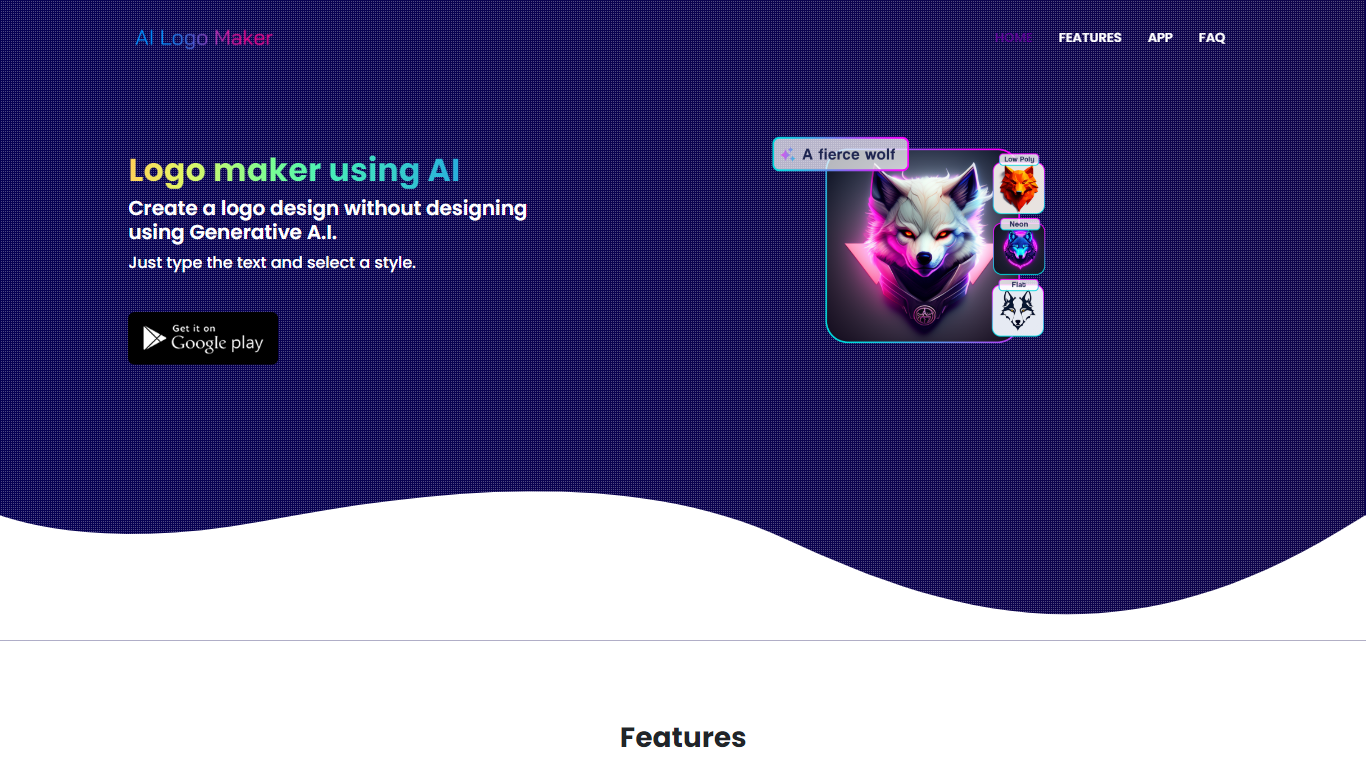
AI Logo Maker turns a brand name, letter mark, or uploaded icon into a finished logo in minutes on the web or through its Android app. Type your text, pick a style, and the generator returns logo concepts you can tweak in a built-in editor with colors, backgrounds, typography, and shapes before exporting PNG, JPG, or SVG files.
Template marketplaces sell generic marks. This tool generates fresh concepts from your input and supports text logos, lettermarks, wordmarks, and icon-based marks in one flow. The site also links a separate AI Poster generator app, but the core product stays focused on quick logo drafts rather than full brand systems.
Startup founders, side hustlers, YouTube creators, and small shops use AI Logo Maker when they need a usable mark without hiring a designer. Commercial use is allowed on downloaded files, and there is no cap on how many logos you can generate on the web experience.
Aikiu Studio Upvotes
AI Logo Maker Upvotes
Aikiu Studio Top Features
Describe your brand in a few sentences and get logo concepts tailored to that brief
Refine typography, icons, colors, and layout through chat or a direct editor
Start free with 10 daily credits and preview work before you pay to unlock
Unlock one finished logo for with SVG, PNG, JPG, and WEBP exports
Buy credit packs when you need more generations or refinements beyond the daily free allowance
AI Logo Maker Top Features
Text-to-logo generation from your brand name with selectable visual styles
Lettermark and wordmark modes for typography-focused brand marks
Upload or pick icons to merge symbols into generated logo layouts
Built-in logo editor adjusts colors, backgrounds, text, and shapes
Export finished logos as PNG, JPG, or SVG for web and print use
Android app on Google Play under package ai.logomaker.design
No stated limit on how many logo concepts you can create on the web tool
Aikiu Studio Category
- Design
AI Logo Maker Category
- Design
Aikiu Studio Pricing Type
- Freemium
AI Logo Maker Pricing Type
- Free