Aikiu Studio vs AirBrush
When comparing Aikiu Studio vs AirBrush, which AI Design tool shines brighter? We look at pricing, alternatives, upvotes, features, reviews, and more.
Between Aikiu Studio and AirBrush, which one is superior?
When we put Aikiu Studio and AirBrush side by side, both being AI-powered design tools, Both tools have received the same number of upvotes from aitools.fyi users. Be a part of the decision-making process. Your vote could determine the winner.
You don't agree with the result? Cast your vote to help us decide!
Aikiu Studio
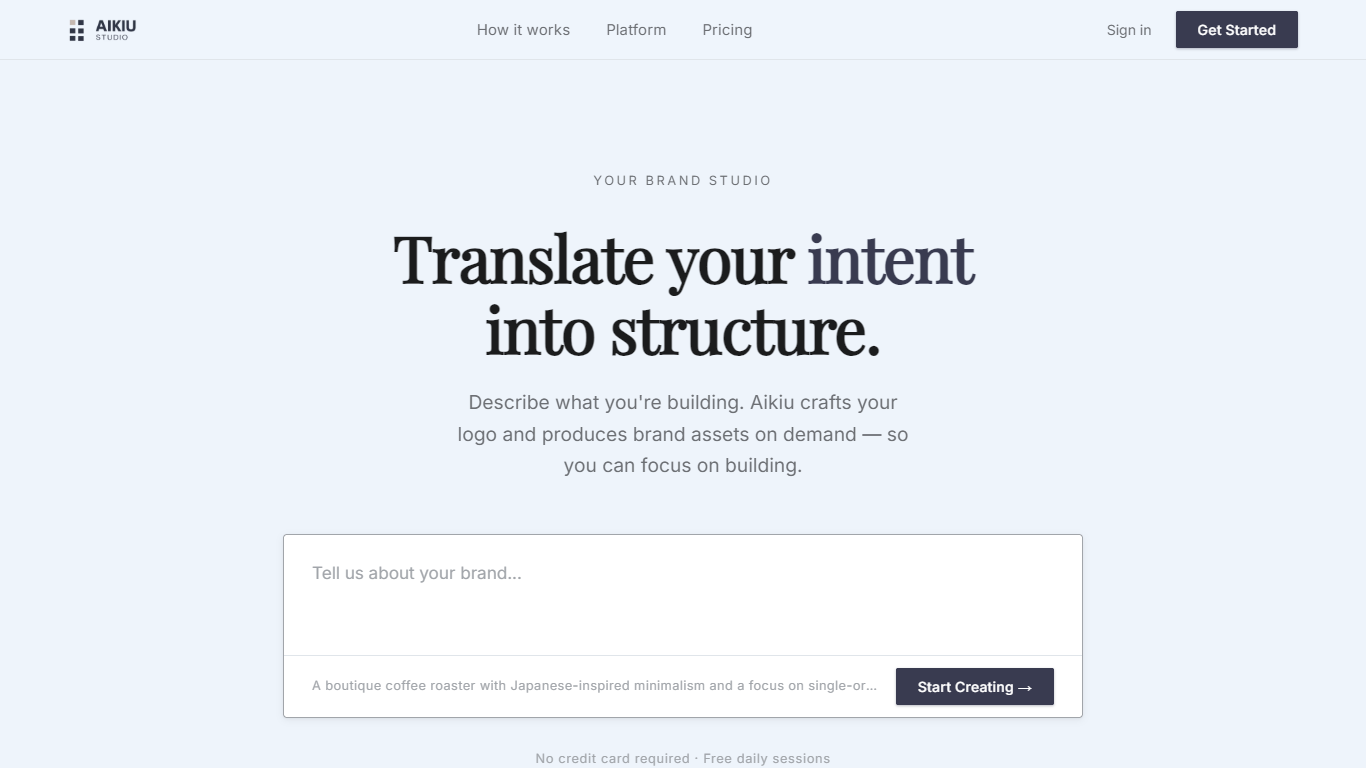

What is Aikiu Studio?
Aikiu Studio is a brand identity platform for founders who need a professional logo without hiring a designer. You describe your brand in plain language, and the tool generates a custom mark built from your brief rather than recycled templates.
The workflow moves from a short brand description to logo concepts you can refine in chat or in a visual editor. When you are ready, you can export production-ready files in SVG, PNG, and WEBP with transparent backgrounds, and commercial usage rights are included with a paid unlock.
Aikiu Studio is built by Gradient Insight and positions itself as the start of a broader identity system. A living brand profile and on-demand brand assets are listed as upcoming features beyond the logo generator.
AirBrush
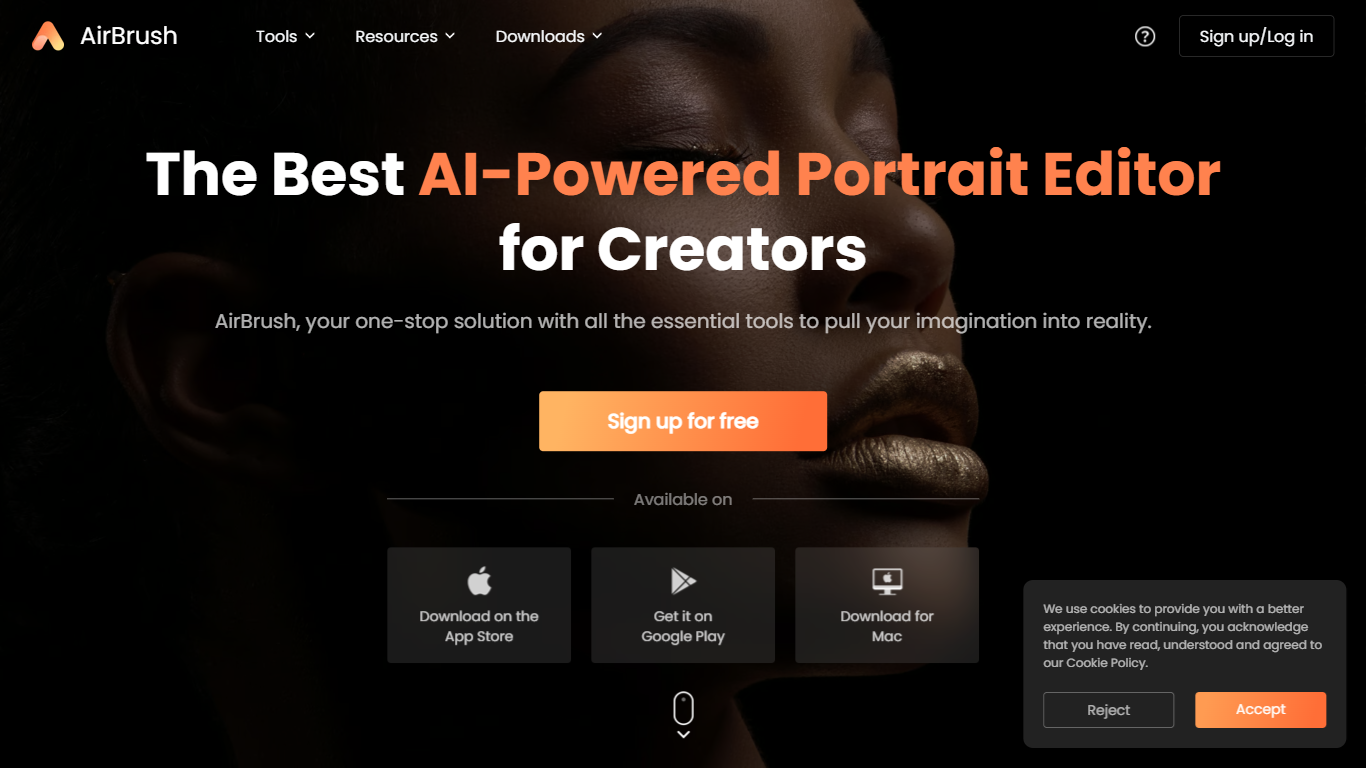
What is AirBrush?
AirBrush is a portrait-focused photo and video editor with 60 plus browser tools for retouching, background removal, face swaps, and creative filters. You can upscale images to 4K, erase objects, try virtual makeup, or run batch enhancements on up to 50 files without installing desktop software for basic edits.
General design suites spread features across complex timelines and layer panels. AirBrush keeps the workflow selfie-first: teeth whitening, wrinkle smoothing, hairstyle previews, and G7X-style relighting live beside e-commerce background tools. Most web tools work without signup, while exports and premium models draw from a monthly credit pool.
Social creators, beauty bloggers, and product photographers who need fast portrait fixes are the target users. AirBrush ships on web, iOS, Android, macOS, and Windows, with a Free tier at 20 credits per month and a Pro Unlimited plan near $9 per month for about 1,000 credits.
Aikiu Studio Upvotes
AirBrush Upvotes
Aikiu Studio Top Features
Describe your brand in a few sentences and get logo concepts tailored to that brief
Refine typography, icons, colors, and layout through chat or a direct editor
Start free with 10 daily credits and preview work before you pay to unlock
Unlock one finished logo for with SVG, PNG, JPG, and WEBP exports
Buy credit packs when you need more generations or refinements beyond the daily free allowance
AirBrush Top Features
60 plus online tools covering portrait retouch, backgrounds, and video cleanup
Image upscaler sharpens photos up to 4K resolution in the browser
Batch enhancer processes up to 50 images in one upload
Virtual makeup, hairstyle, and hair color try-on filters for portraits
Background remover exports transparent PNGs for e-commerce listings
Free Plan includes 20 credits per month with no signup on basic tools
Pro Unlimited plan near $9 per month includes about 1,000 monthly credits
Aikiu Studio Category
- Design
AirBrush Category
- Design
Aikiu Studio Pricing Type
- Freemium
AirBrush Pricing Type
- Freemium