AI.Law vs CreateDraft
In the contest of AI.Law vs CreateDraft, which AI Legal tool is the champion? We evaluate pricing, alternatives, upvotes, features, reviews, and more.
If you had to choose between AI.Law and CreateDraft, which one would you go for?
When we examine AI.Law and CreateDraft, both of which are AI-enabled legal tools, what unique characteristics do we discover? Interestingly, both tools have managed to secure the same number of upvotes. You can help us determine the winner by casting your vote and tipping the scales in favor of one of the tools.
Does the result make you go "hmm"? Cast your vote and turn that frown upside down!
AI.Law

What is AI.Law?
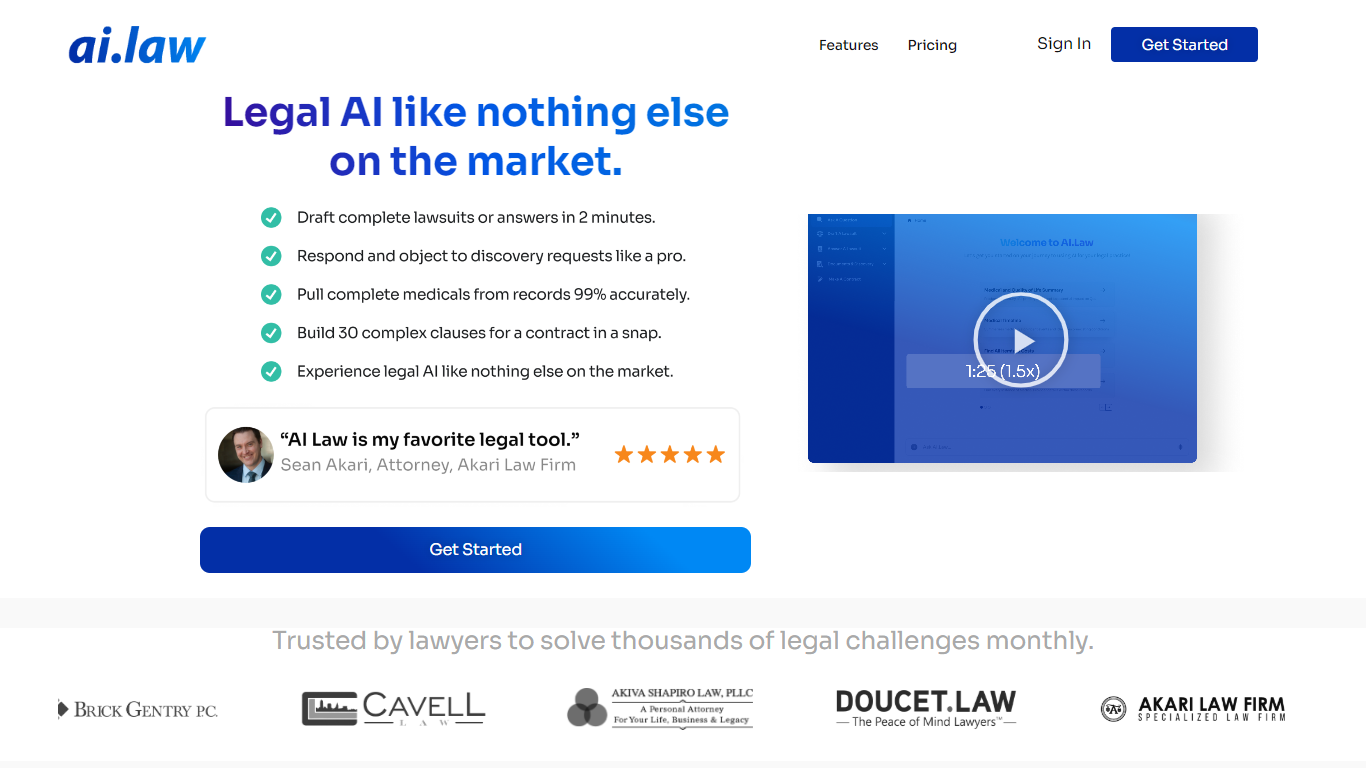
AI.Law is a litigation operating system built for civil litigation lawyers who need to move cases forward without adding headcount. It centers on the War Room, a case map that tracks claims, defenses, legal elements, evidence, gaps, deadlines, and next steps in one connected view.
The platform includes more than 60 tools for lawsuit drafting, discovery, motions, deposition analysis, medical timelines, and practice management. AI outputs cite uploaded documents, and case law citations are verified against CourtListener. The company holds U.S. Patent No. 12,461,932 and is SOC 2 Type II certified.
AI.Law was built by Troy Doucet, Esq., founder of a litigation practice that handled 2,200+ matters. It targets plaintiff and defense firms, solo trial attorneys, associates, and paralegals managing heavy caseloads, contingency files, or flat-fee litigation.
CreateDraft
What is CreateDraft?
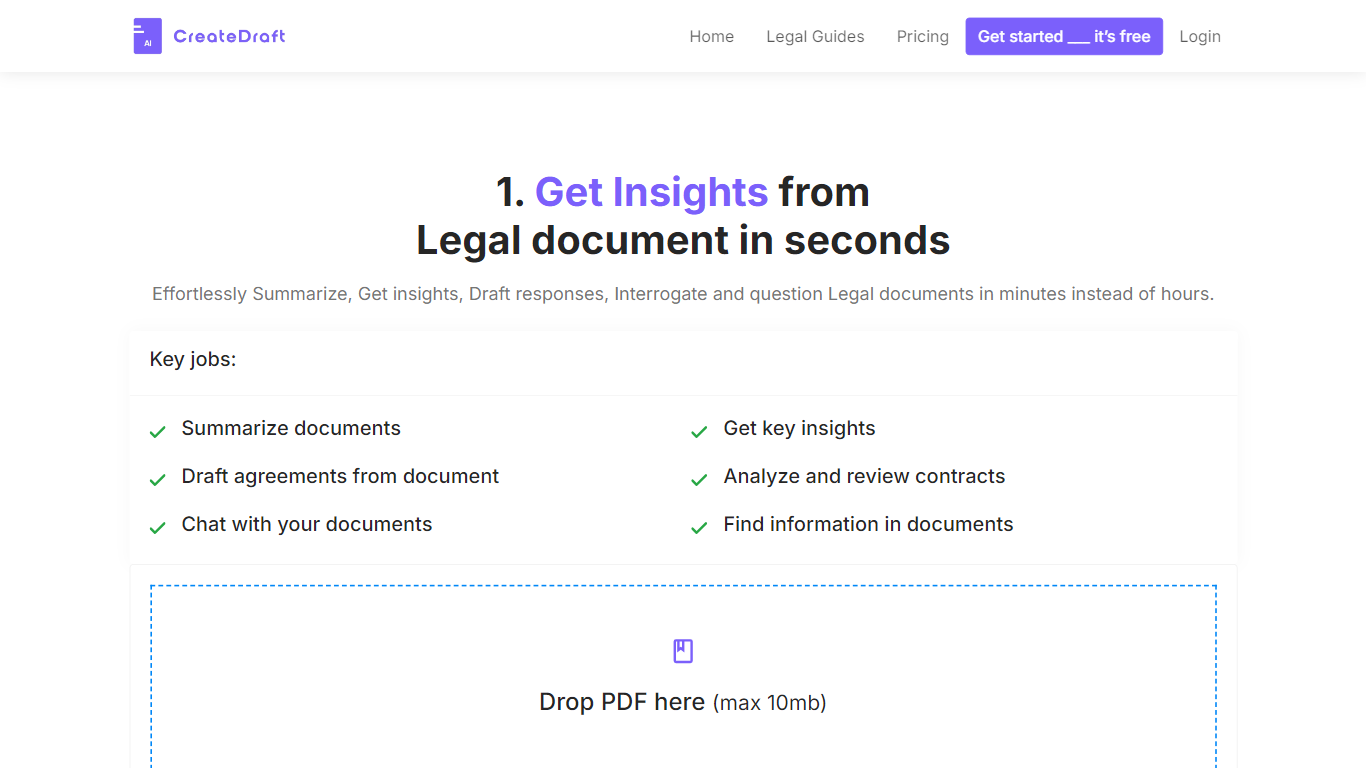
CreateDraft is a browser-based legal drafting assistant built around contract templates, a rich text editor, and a guided wizard. You pick from 373 agreement types (NDAs, employment contracts, lease agreements, and more), set jurisdiction and language, then generate and edit the draft in one workspace. Guests get 5,000 words to try it; signing up unlocks unlimited credits with no credit card required.
Most AI writing tools treat legal work like generic copy. CreateDraft centers the workflow on structured agreements: the Draft Wizard walks through title, section outlines, and full draft in three steps, with jurisdiction and language selectors before generation. You can also open any template straight in the TinyMCE editor, switch between models like GPT 5 and GPT 4o, and export to MS Word, HTML, or plain text.
It fits solo attorneys, in-house counsel, legal assistants, and small firms that need a first draft fast without opening a blank document. Use it to spin up NDAs, employment offers, service agreements, or partnership terms, then proofread and translate inside the same editor.
AI.Law Upvotes
CreateDraft Upvotes
AI.Law Top Features
War Room maps claims, defenses, evidence gaps, and deadlines in one live case view
Draft complaints, answers, discovery sets, and motions with citations back to your file
Discovery drafting covers Rule 33, 34, and 36 requests and responses with specific objections
Motion tool pulls facts from depositions and verifies case citations through CourtListener
Free Forever plan includes CRM, calendar, billing, document storage, and matter management
CreateDraft Top Features
Choose from 373 legal templates covering NDAs, employment agreements, lease contracts, and more
Guest users can draft up to 5,000 words before creating an account
Draft Wizard runs a three-step flow: title, section outlines, then full draft
Select jurisdiction and one of 50+ output languages before generating text
Switch between GPT 5, GPT 4.1, GPT 4o, GPT o1, and GPT o3 inside the editor
Export finished drafts as plain text, HTML, a text file, or an MS Word document
AI.Law Category
- Legal
CreateDraft Category
- Legal
AI.Law Pricing Type
- Freemium
CreateDraft Pricing Type
- Freemium