Definely vs CreateDraft
In the contest of Definely vs CreateDraft, which AI Legal tool is the champion? We evaluate pricing, alternatives, upvotes, features, reviews, and more.
If you had to choose between Definely and CreateDraft, which one would you go for?
When we examine Definely and CreateDraft, both of which are AI-enabled legal tools, what unique characteristics do we discover? Both tools have received the same number of upvotes from aitools.fyi users. Your vote matters! Help us decide the winner among aitools.fyi users by casting your vote.
Disagree with the result? Upvote your favorite tool and help it win!
Definely

What is Definely?
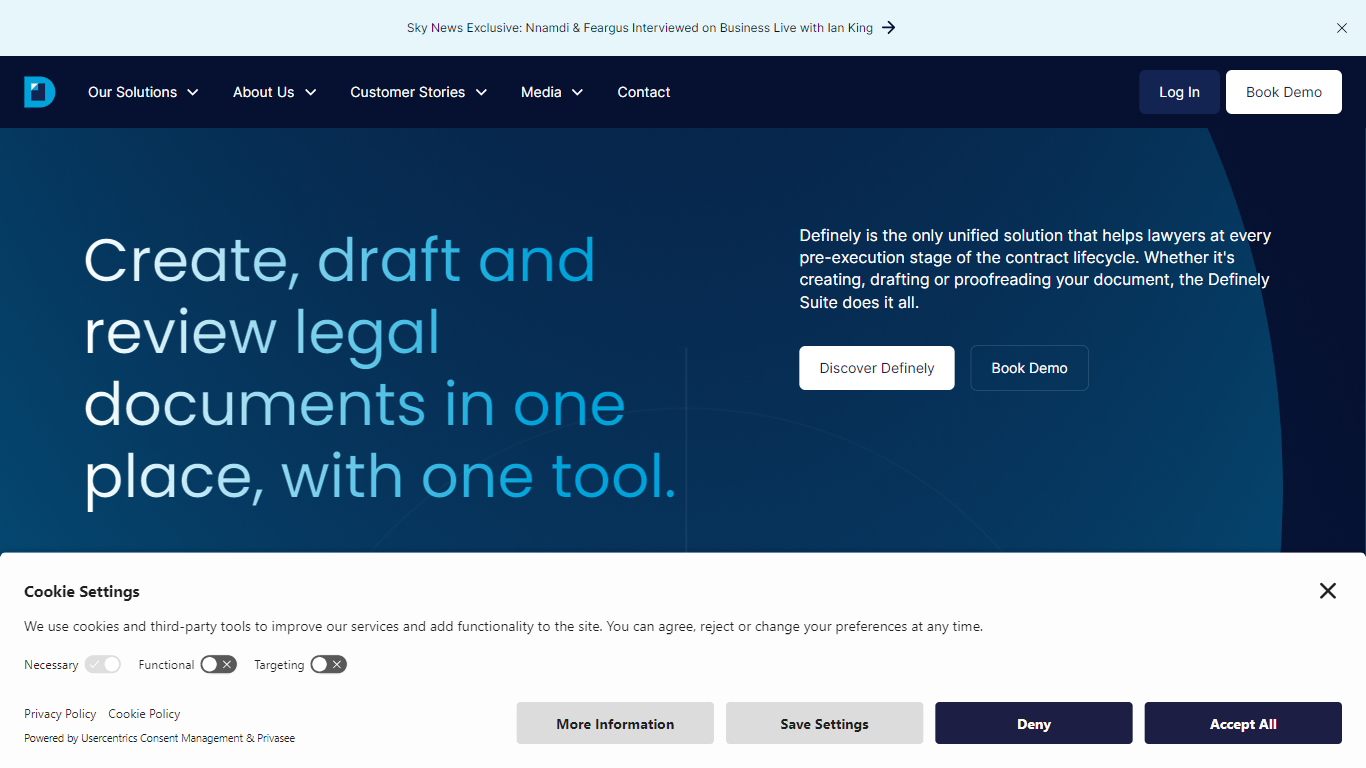
Definely is a LegalTech platform built for lawyers who review complex contracts in Microsoft Word. The company offers a suite of Word add-ins that help legal teams navigate definitions, proof documents, track ripple effects from edits, search precedents, and ask questions about contract language without leaving the document.
The product grew out of a real accessibility challenge. Co-founder Feargus MacDaeid, a former Magic Circle lawyer who is registered blind, could not move through long contracts the way sighted colleagues could. Definely started as a way to reach defined terms and cross-references from inside a clause, then expanded into broader contract review workflows.
Law firms and in-house legal teams use Definely to cut review time, keep formatting consistent, and reduce risk in negotiations. The company reports more than 150 customers worldwide, including firms such as Dentons, A&O Shearman, and DLA Piper plus in-house teams at KPMG, Samsung, and BT Group.
CreateDraft
What is CreateDraft?
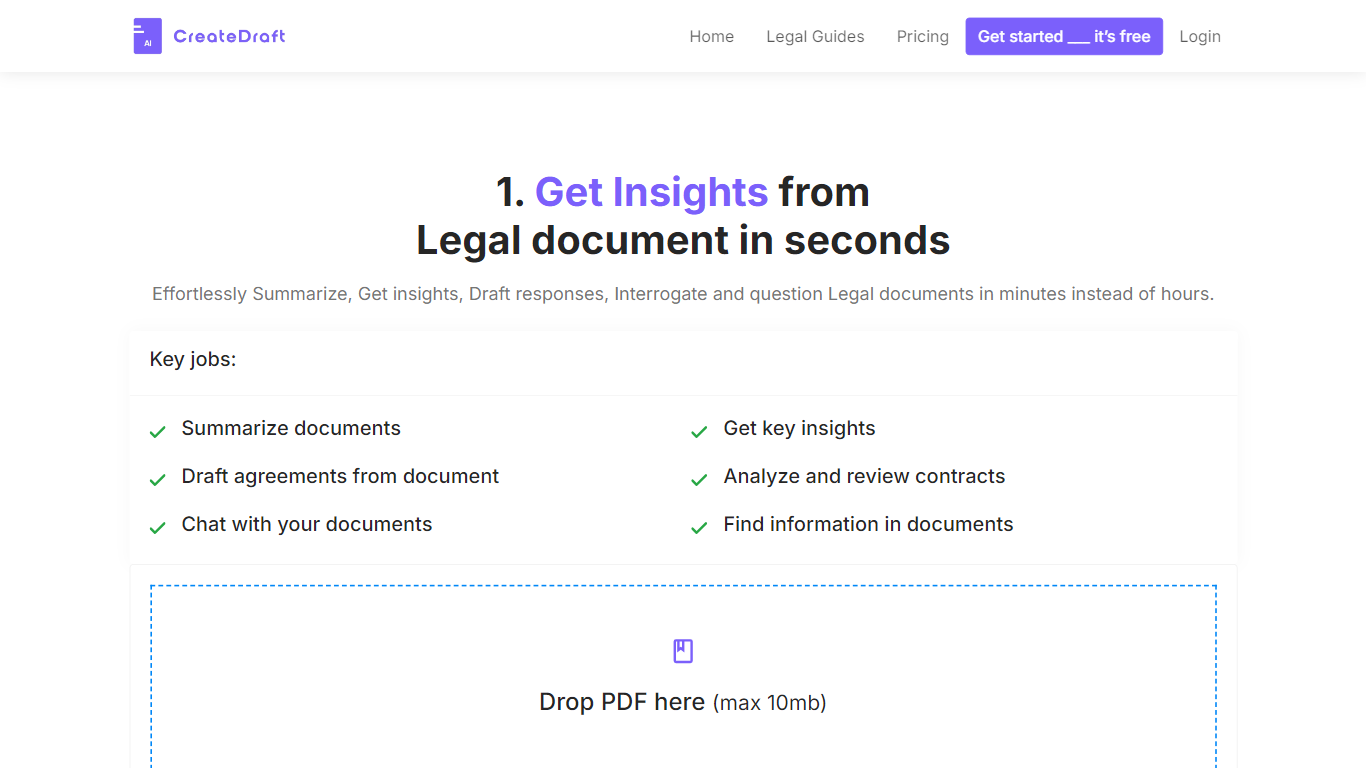
CreateDraft is a browser-based legal drafting assistant built around contract templates, a rich text editor, and a guided wizard. You pick from 373 agreement types (NDAs, employment contracts, lease agreements, and more), set jurisdiction and language, then generate and edit the draft in one workspace. Guests get 5,000 words to try it; signing up unlocks unlimited credits with no credit card required.
Most AI writing tools treat legal work like generic copy. CreateDraft centers the workflow on structured agreements: the Draft Wizard walks through title, section outlines, and full draft in three steps, with jurisdiction and language selectors before generation. You can also open any template straight in the TinyMCE editor, switch between models like GPT 5 and GPT 4o, and export to MS Word, HTML, or plain text.
It fits solo attorneys, in-house counsel, legal assistants, and small firms that need a first draft fast without opening a blank document. Use it to spin up NDAs, employment offers, service agreements, or partnership terms, then proofread and translate inside the same editor.
Definely Upvotes
CreateDraft Upvotes
Definely Top Features
Read turns definitions and cross-references into hyperlinks so you can jump through a contract without endless scrolling
Proof runs hundreds of formatting and proofreading checks, from uncapitalized defined terms to leftover placeholders
Cascade traces how edits ripple across clauses, definitions, and references in long agreements
Enhance lets you ask questions about contract language in natural language, with answers tied to specific clauses
Vault searches your document management system for precedent clauses and inserts them with updated cross-references
Works inside Microsoft Word with integrations for iManage, NetDocuments, and SharePoint
Built for enterprise security with SOC 2, GDPR, ISO 27001, and ISO 42001 certifications
CreateDraft Top Features
Choose from 373 legal templates covering NDAs, employment agreements, lease contracts, and more
Guest users can draft up to 5,000 words before creating an account
Draft Wizard runs a three-step flow: title, section outlines, then full draft
Select jurisdiction and one of 50+ output languages before generating text
Switch between GPT 5, GPT 4.1, GPT 4o, GPT o1, and GPT o3 inside the editor
Export finished drafts as plain text, HTML, a text file, or an MS Word document
Definely Category
- Legal
CreateDraft Category
- Legal
Definely Pricing Type
- Paid
CreateDraft Pricing Type
- Freemium