Go Legal AI vs CreateDraft
In the battle of Go Legal AI vs CreateDraft, which AI Legal tool comes out on top? We compare reviews, pricing, alternatives, upvotes, features, and more.
Between Go Legal AI and CreateDraft, which one is superior?
Upon comparing Go Legal AI with CreateDraft, which are both AI-powered legal tools, With more upvotes, Go Legal AI is the preferred choice. The upvote count for Go Legal AI is 7, and for CreateDraft it's 6.
Not your cup of tea? Upvote your preferred tool and stir things up!
Go Legal AI

What is Go Legal AI?
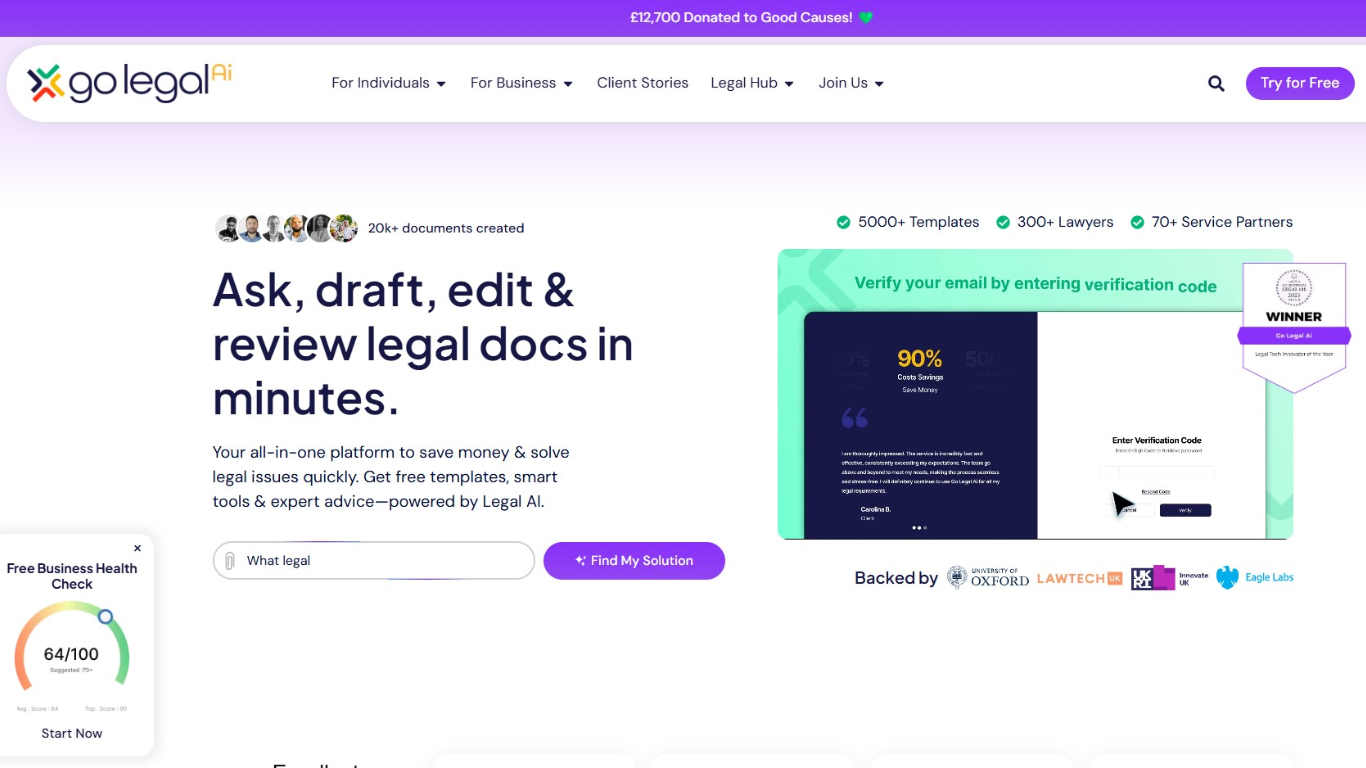
Go Legal AI is a consumer legal tech platform where you can ask legal questions, draft documents, edit contracts, and review paperwork from one dashboard. It pairs a library of 5,000+ lawyer-approved templates with Legal AI tools and a network of 300+ lawyers and 70+ service partners across 150+ jurisdictions.
The workflow is guided rather than open-ended chat. You select a template or upload a document, answer targeted questions, and the platform builds or reviews your paperwork using AI trained with lawyer input. Smart Reviews flag risks with traffic-light analysis, scenario testing, and custom scoring against industry standards.
Go Legal AI is backed by University of Oxford, LAWTECHUK, Innovate UK, and Barclays. It fits small business owners, landlords, freelancers, and consumers who need affordable legal documents, fast contract reviews, or on-demand lawyer consultations without retaining a full legal team.
CreateDraft
What is CreateDraft?
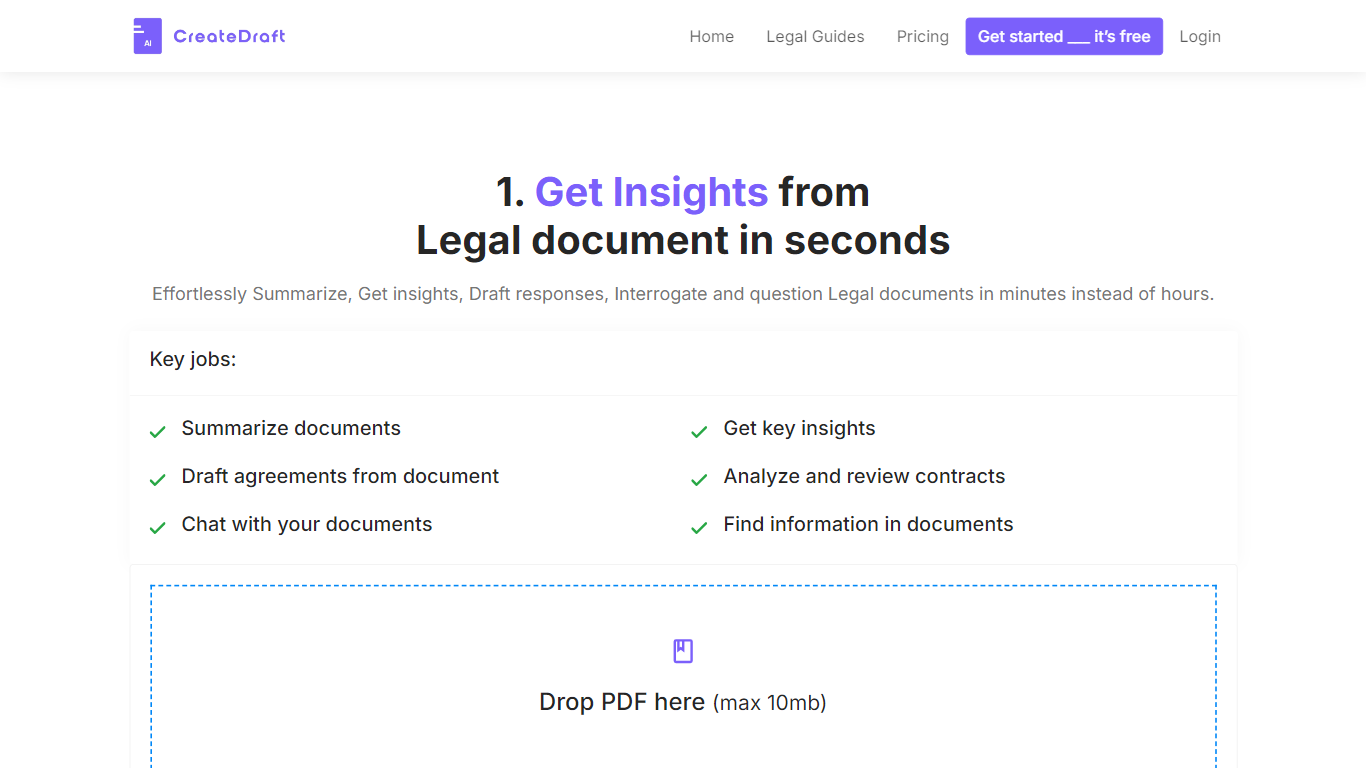
CreateDraft is a browser-based legal drafting assistant built around contract templates, a rich text editor, and a guided wizard. You pick from 373 agreement types (NDAs, employment contracts, lease agreements, and more), set jurisdiction and language, then generate and edit the draft in one workspace. Guests get 5,000 words to try it; signing up unlocks unlimited credits with no credit card required.
Most AI writing tools treat legal work like generic copy. CreateDraft centers the workflow on structured agreements: the Draft Wizard walks through title, section outlines, and full draft in three steps, with jurisdiction and language selectors before generation. You can also open any template straight in the TinyMCE editor, switch between models like GPT 5 and GPT 4o, and export to MS Word, HTML, or plain text.
It fits solo attorneys, in-house counsel, legal assistants, and small firms that need a first draft fast without opening a blank document. Use it to spin up NDAs, employment offers, service agreements, or partnership terms, then proofread and translate inside the same editor.
Go Legal AI Upvotes
CreateDraft Upvotes
Go Legal AI Top Features
5,000+ smart legal templates spanning employment, contracts, debt recovery, and more
Legal AI reviews uploads with traffic-light risk flags and scenario testing
Ask Go Legal AI answers legal questions instantly, 24 hours a day
Book consultations with 300+ regulated lawyers at fixed, transparent rates
Collaborate on documents and collect e-signatures with counterparties on the platform
Insolvency and Claims Tracker sends real-time supply chain risk alerts on business plans
Free Starter tier includes three template downloads and a 30-minute lawyer consultation monthly
CreateDraft Top Features
Choose from 373 legal templates covering NDAs, employment agreements, lease contracts, and more
Guest users can draft up to 5,000 words before creating an account
Draft Wizard runs a three-step flow: title, section outlines, then full draft
Select jurisdiction and one of 50+ output languages before generating text
Switch between GPT 5, GPT 4.1, GPT 4o, GPT o1, and GPT o3 inside the editor
Export finished drafts as plain text, HTML, a text file, or an MS Word document
Go Legal AI Category
- Legal
CreateDraft Category
- Legal
Go Legal AI Pricing Type
- Freemium
CreateDraft Pricing Type
- Freemium