Algo vs Vidiofy
When comparing Algo vs Vidiofy, which AI Video Editing tool shines brighter? We look at pricing, alternatives, upvotes, features, reviews, and more.
Between Algo and Vidiofy, which one is superior?
When we put Algo and Vidiofy side by side, both being AI-powered video editing tools, Both tools have received the same number of upvotes from aitools.fyi users. Be a part of the decision-making process. Your vote could determine the winner.
Disagree with the result? Upvote your favorite tool and help it win!
Algo

What is Algo?
Algo builds custom video editing pipelines for teams that need motion graphics driven by live data, not one-off clips cut by hand. The Turin-based studio designs templates in After Effects, Lottie, or Cavalry, then hosts them on a cloud platform where your data triggers rendering without manual timeline work. Each client gets a tailored project dashboard and optional API access once the eight-step creative and technical setup is complete.
Where most video editors stop at a single export, Algo is built for campaigns that repeat at scale: a unique wrap video per wallet user, a daily chart that updates when markets move, or a city-specific clip pulled from an API call. You get a managed creative setup (about two months on average) rather than a self-serve SaaS template library, which is the trade-off if you want templates wired to your own data schema and delivery stack.
Marketing teams, publishers, fintech apps, and sports leagues use Algo's dashboard or API to launch, filter, and publish videos. Outputs ship as MP4, GIF, or Lottie JSON, with optional auto-posting to Instagram, YouTube, TikTok, LinkedIn, and cloud storage. The Figma plugin path lets in-house design teams edit motion systems inside familiar files after the studio hands off the template library.
Algo runs After Effects in Microsoft Azure and has rendered work for Bloomberg, The New York Times, Google, Johns Hopkins University, and Aave. Client projects span autonomous election trackers, podcast audiograms, and in-app personalized finance animations.
Vidiofy
What is Vidiofy?
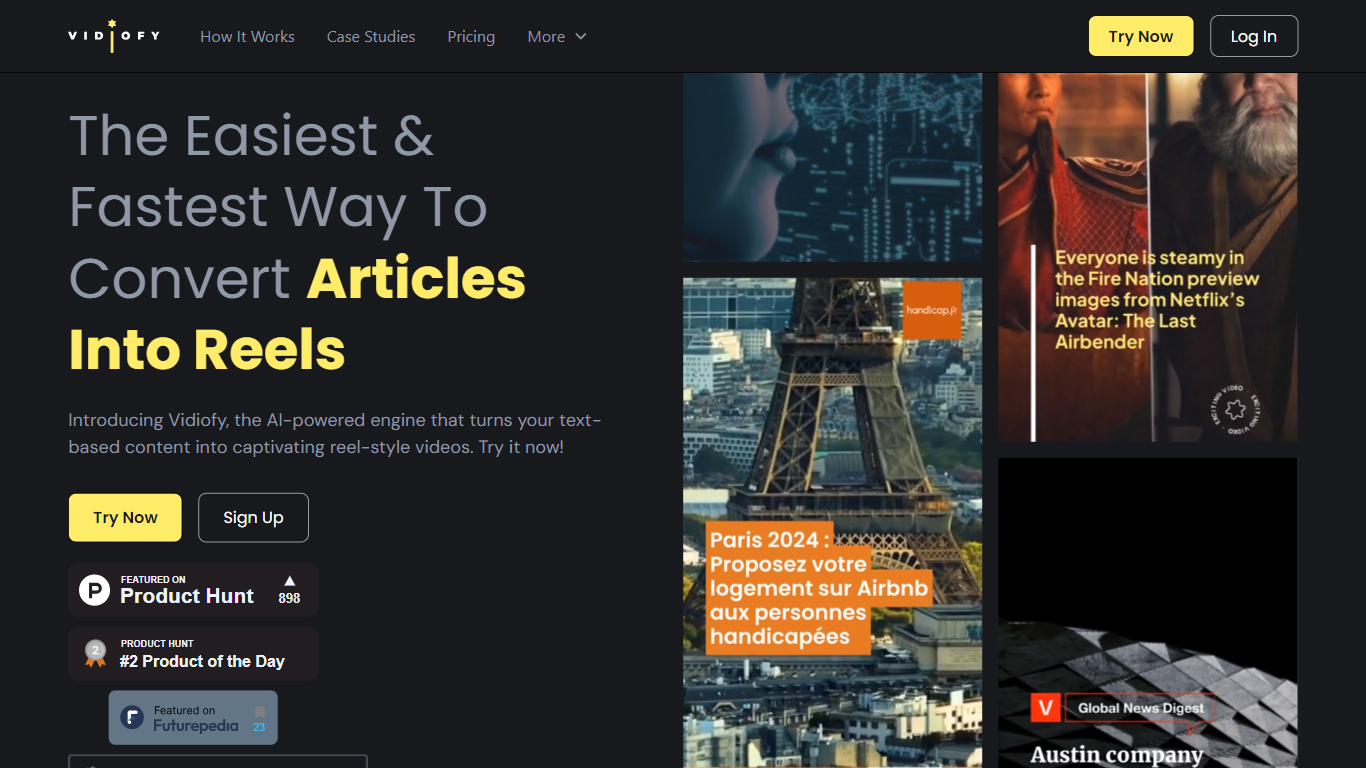
Vidiofy transforms text prompts, scripts, and article excerpts into high-quality videos within seconds using advanced AI technology. It generates videos in various styles, from photorealistic scenes to stylized animations, enabling users to create cinematic storytelling, marketing content, educational videos, and social media clips without filming or editing skills.
What sets Vidiofy apart is its professional camera controls, realistic physics, and synchronized audio that deliver broadcast-quality results directly in the browser. The platform maintains character consistency across scenes and supports diverse visual styles, making it versatile for filmmakers, marketers, educators, and content creators.
Vidiofy operates entirely in the cloud with a browser-based interface, requiring no installation or special hardware. Users can repurpose articles into short vertical reels optimized for social media by converting key points into mini-scripts. This tool democratizes video production by providing unlimited creative control through natural language prompts, enabling rapid iteration and experimentation with lighting, camera angles, and visual effects.
Algo Upvotes
Vidiofy Upvotes
Algo Top Features
Builds custom data-driven templates in After Effects, Lottie, or Cavalry, then renders through a cloud After Effects engine
Scales from 5 videos per month to 200 million with server-side rendering, batch API calls, and on-demand triggers
Average render time of 30 seconds for a 30-second video file; Lottie customization completes in 0.012 seconds
Outputs responsive 16:9, 1:1, 4:5, and 9:16 videos from a single engineered template
Figma plugin subscription is $300 per month for unlimited cloud renders after studio setup packages from $16,000
REST API returns a status URL to track customization, rendering, and final MP4 or Lottie delivery
Auto-posts finished videos to Instagram, YouTube, TikTok, LinkedIn, Slack, AWS S3, Azure Storage, and FTP
Vidiofy Top Features
🎥 Text to Video: Turn simple text prompts into professional videos instantly.
🎬 Cinematic Camera Control: Specify camera moves like tracking or dolly shots for dynamic scenes.
🔄 Character Consistency: Maintain the same character appearance across multiple scenes.
🔊 Synchronized Audio: Add ambient sounds and voiceovers automatically with video generation.
🌐 Browser-Based: Create videos from any device without downloads or special hardware.
Algo Category
- Video Editing
Vidiofy Category
- Video Editing
Algo Pricing Type
- Freemium
Vidiofy Pricing Type
- Freemium