Alice vs Scribe
Dive into the comparison of Alice vs Scribe and discover which AI Productivity tool stands out. We examine alternatives, upvotes, features, reviews, pricing, and beyond.
When comparing Alice and Scribe, which one rises above the other?
When we compare Alice and Scribe, two exceptional productivity tools powered by artificial intelligence, and place them side by side, several key similarities and differences come to light. The upvote count favors Scribe, making it the clear winner. The upvote count for Scribe is 17, and for Alice it's 8.
Don't agree with the result? Cast your vote and be a part of the decision-making process!
Alice

What is Alice?
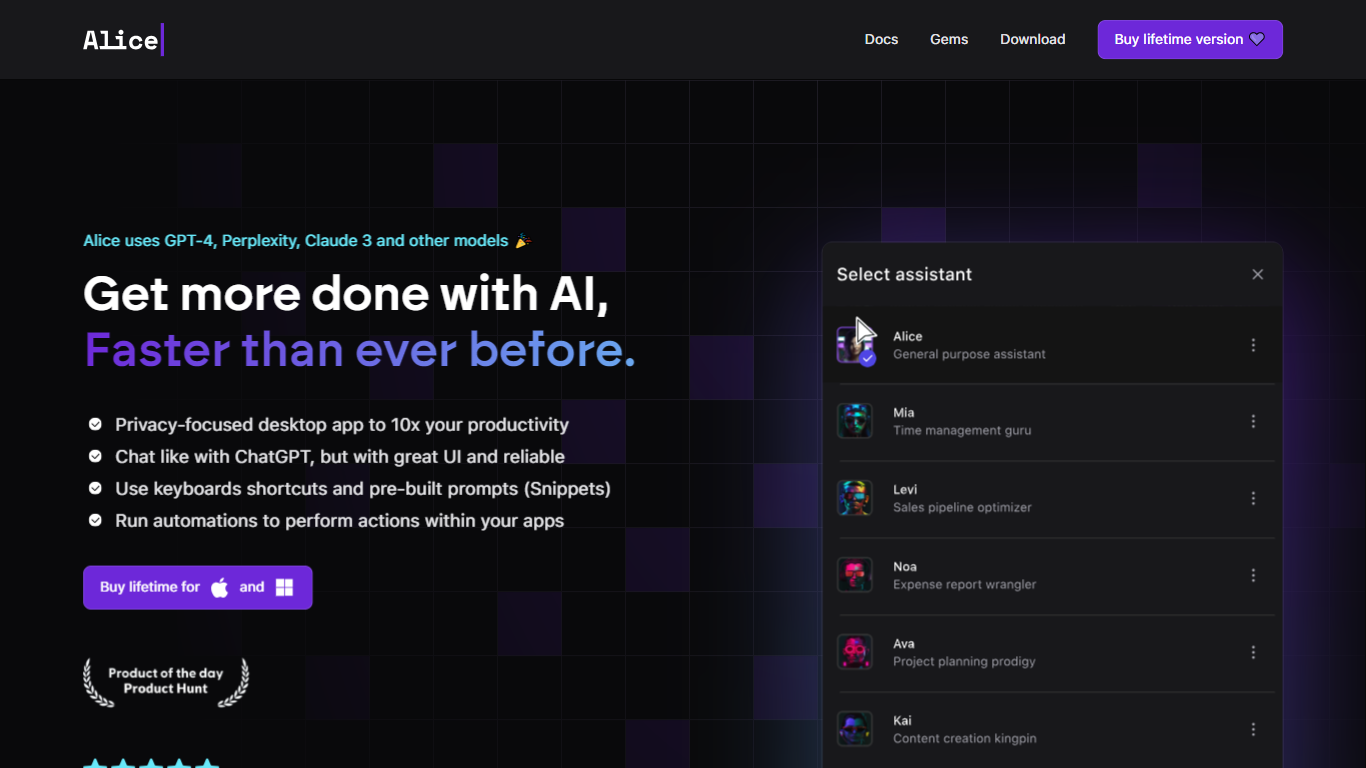
Summon a desktop productivity assistant from any app with a hotkey, without opening ChatGPT in a browser tab. Alice runs natively on macOS, Windows, and Linux, wrapping chat, custom assistants, document memory, and workflow triggers into one OS-level panel.
Where browser chat tools stop at answers, Alice is built around reusable assistants and one-click skills. The Assistant Store ships 50+ personas with 200+ installable skills, and version 5.0 added inline and threaded multi-agent modes plus ACP linking to Claude Code. MCP servers and MCP Apps let an assistant query your CRM or calendar in plain language, while Zapier, Make, n8n, and webhooks handle the follow-up actions.
You can bring your own API keys from OpenAI, Anthropic, Groq, xAI, and other providers, or subscribe to Alice plans that bundle tokens for GPT-5, Sonnet 4.5, Gemini 2.5 Pro, and Grok 4. Saved prompts become keyboard shortcuts, and the app supports voice input, text-to-speech, web search, vision, and local Ollama models.
Greg Rog and Adam Gospodarczyk at Techsistence in Warsaw built Alice after years of running their own automations. The product targets founders, creators, and small teams who want desktop-speed AI that can act on their software stack, not just draft text.
Scribe
What is Scribe?
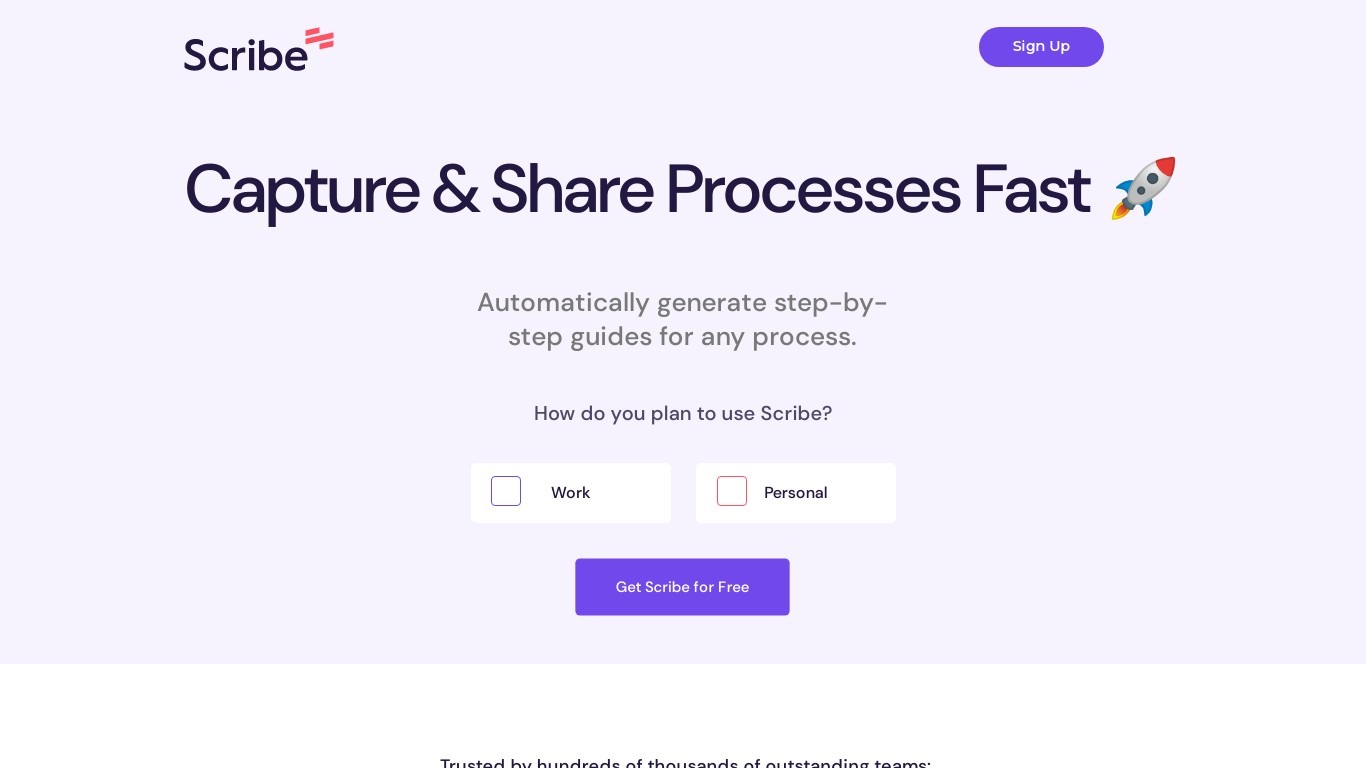
Scribe captures how work actually gets done and turns it into step-by-step guides your team and AI agents can follow. It records workflows as people perform them in the browser, desktop, or mobile apps, then generates documentation without manual screenshots or write-ups. Teams use it for SOPs, training, onboarding, and feeding workflow context to AI tools.
Where most documentation tools expect you to write guides from memory or schedule walkthroughs, Scribe watches real workflows and documents them automatically. Capture surfaces the processes teams run most often and turns them into shareable guides, while Optimize maps inefficiencies across approved apps and recommends where to automate or invest in AI.
Operations, IT, HR, and enablement teams rely on Scribe to share tribal knowledge before someone goes on PTO. Companies rolling out new software or building AI agent roadmaps use it to give bots accurate workflow context through MCP and enterprise search APIs.
Alice Upvotes
Scribe Upvotes
Alice Top Features
Version 5.0 adds inline and threaded multi-agent modes plus ACP connection to Claude Code
Assistant Store lists 50+ assistants with 200+ installable skills for sales, coding, and research
Hotkey summon on macOS, Windows beta, and Linux beta without loading a browser tab
MCP servers and MCP Apps let assistants query CRM, calendar, and other connected software
Runs GPT-5.2, Claude 4 Sonnet, Grok 4, Groq Llama 3.3 70b, and native Ollama local models
Save prompts as keyboard shortcuts such as Cmd+T translate or Cmd+G grammar fix
Connects to Zapier, Make, n8n, and webhooks to trigger workflows from a single command
Scribe Top Features
Records any workflow and outputs a polished step-by-step guide automatically
Chrome and Edge extensions plus desktop apps capture web, mobile, and desktop processes
Export guides to PDF, HTML, Markdown, or Word, or embed them anywhere
Pro Team starts at 5 seats with comments and collaboration on shared guides
Feed workflow context to AI assistants through MCP and enterprise search API
Enterprise auto-redaction for PII and PHI with SOC 2 Type II and HIPAA compliance
Alice Category
- Productivity
Scribe Category
- Productivity
Alice Pricing Type
- Paid
Scribe Pricing Type
- Freemium