AlterAI vs Transcript Download
In the face-off between AlterAI vs Transcript Download, which AI Translation tool takes the crown? We scrutinize features, alternatives, upvotes, reviews, pricing, and more.
In a face-off between AlterAI and Transcript Download, which one takes the crown?
If we were to analyze AlterAI and Transcript Download, both of which are AI-powered translation tools, what would we find? Both tools are equally favored, as indicated by the identical upvote count. The power is in your hands! Cast your vote and have a say in deciding the winner.
Does the result make you go "hmm"? Cast your vote and turn that frown upside down!
AlterAI
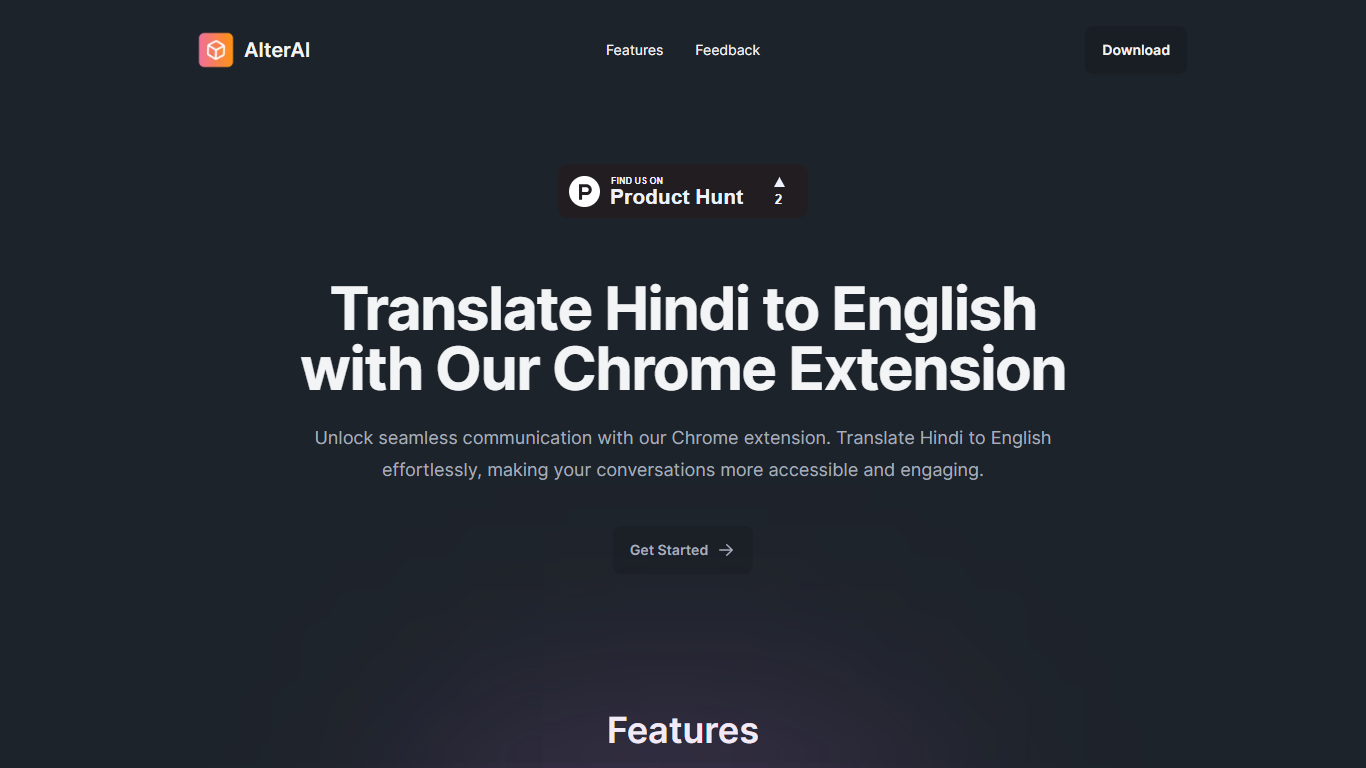

What is AlterAI?
AlterAI is a Chrome extension from Secrin Labs that turns informal Hindi and English text into formal English with one click. It is built for anyone who reads or writes Hindi online and wants polished English output without leaving the page.
Most Chrome translators lean on Google Translate for dozens of language pairs. AlterAI does the opposite: it only handles Hindi and informal English input, and it rewrites the result into formal English rather than a literal word-for-word translation. That narrow scope is the whole point if you need business-ready phrasing from casual Hindi or Hinglish you found on a webpage.
The extension sits in your browser toolbar. Select text on any webpage, trigger translation, and get formal English back. It runs on Chrome and other Chromium browsers that support extensions.
It fits professionals, students, and bilingual readers who run into Hindi content during everyday browsing and need a fast path to clear, formal English.
Transcript Download
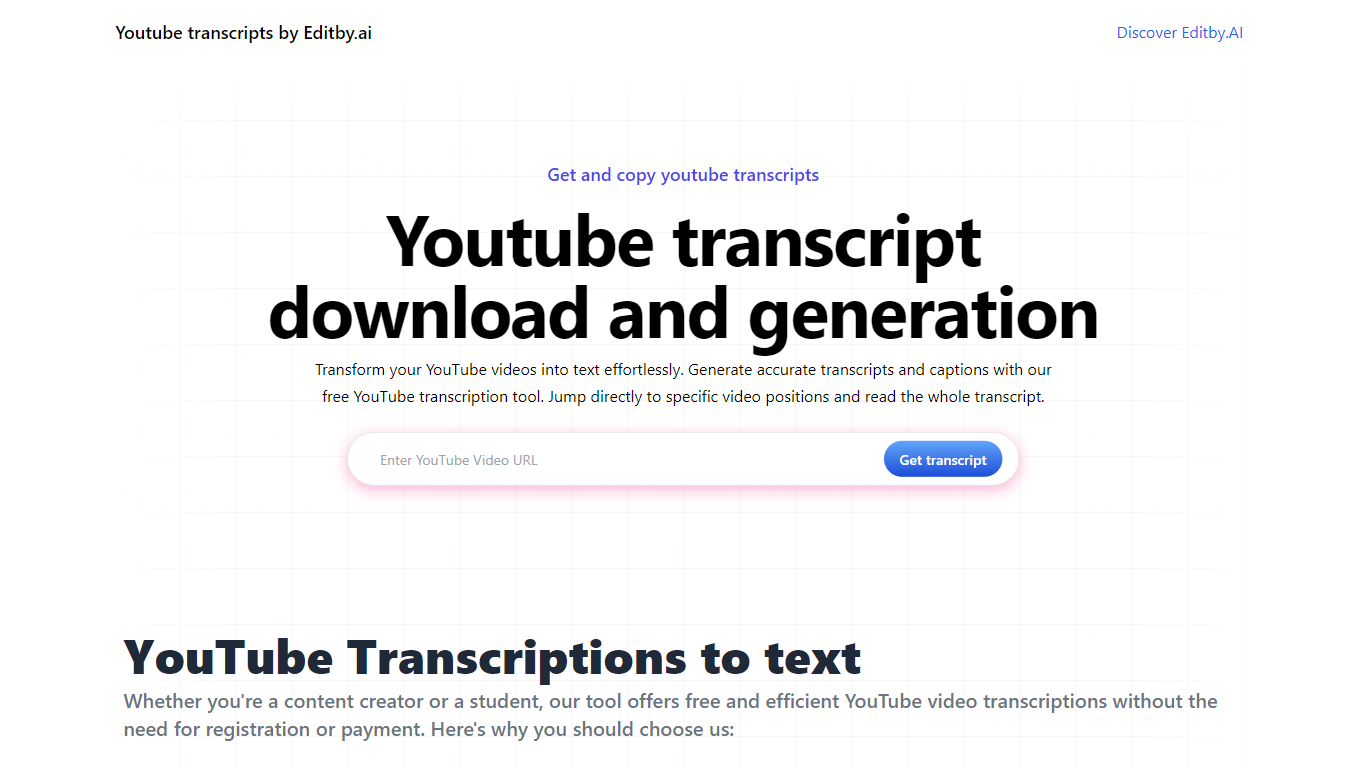
What is Transcript Download?
Unlock the full potential of your YouTube videos with Editby.AI's YouTube Transcription Tool. Our user-friendly platform caters to a range of users including students, researchers, content creators, and SEO professionals by providing an efficient way to generate accurate transcripts and captions. With our tool, there's no need for manual transcription. Simply input a YouTube URL and receive instant transcripts. Highlighted search terms, direct video position jumps, auto-scrolling features, and easy clipboard copying and downloading options streamline your workflow. Our commitment to user privacy is unmatched, requiring no sign-up or personal information. Enhance your productivity and save time with Editby.AI's transcription tool, all at no cost.
AlterAI Upvotes
Transcript Download Upvotes
AlterAI Top Features
Select Hindi or mixed Hindi-English text and get formal English in one click
Runs on Chrome and other Chromium browsers that support extensions
Version 1.0.3 on the Chrome Web Store, last updated April 26, 2024
Secrin Labs states the extension does not collect or use your data
Compact 198KiB install with an English-language interface
Transcript Download Top Features
Instant Transcripts: Paste a YouTube URL and receive transcripts instantly.
Downloadable Transcripts: Easily download transcripts with a single click.
Jump to Video Position: Navigate directly to specific video segments from the transcript.
Autoscroll Transcripts: Enjoy synchronized transcripts that auto-scroll as the video plays.
No Registration Needed: Access the transcription tool without any account or personal details.
AlterAI Category
- Translation
Transcript Download Category
- Translation
AlterAI Pricing Type
- Free
Transcript Download Pricing Type
- Freemium