Arcwise vs GPT Excel
Dive into the comparison of Arcwise vs GPT Excel and discover which AI Excel tool stands out. We examine alternatives, upvotes, features, reviews, pricing, and beyond.
In a comparison between Arcwise and GPT Excel, which one comes out on top?
When we compare Arcwise and GPT Excel, two exceptional excel tools powered by artificial intelligence, and place them side by side, several key similarities and differences come to light. With more upvotes, GPT Excel is the preferred choice. The upvote count for GPT Excel is 8, and for Arcwise it's 6.
You don't agree with the result? Cast your vote to help us decide!
Arcwise
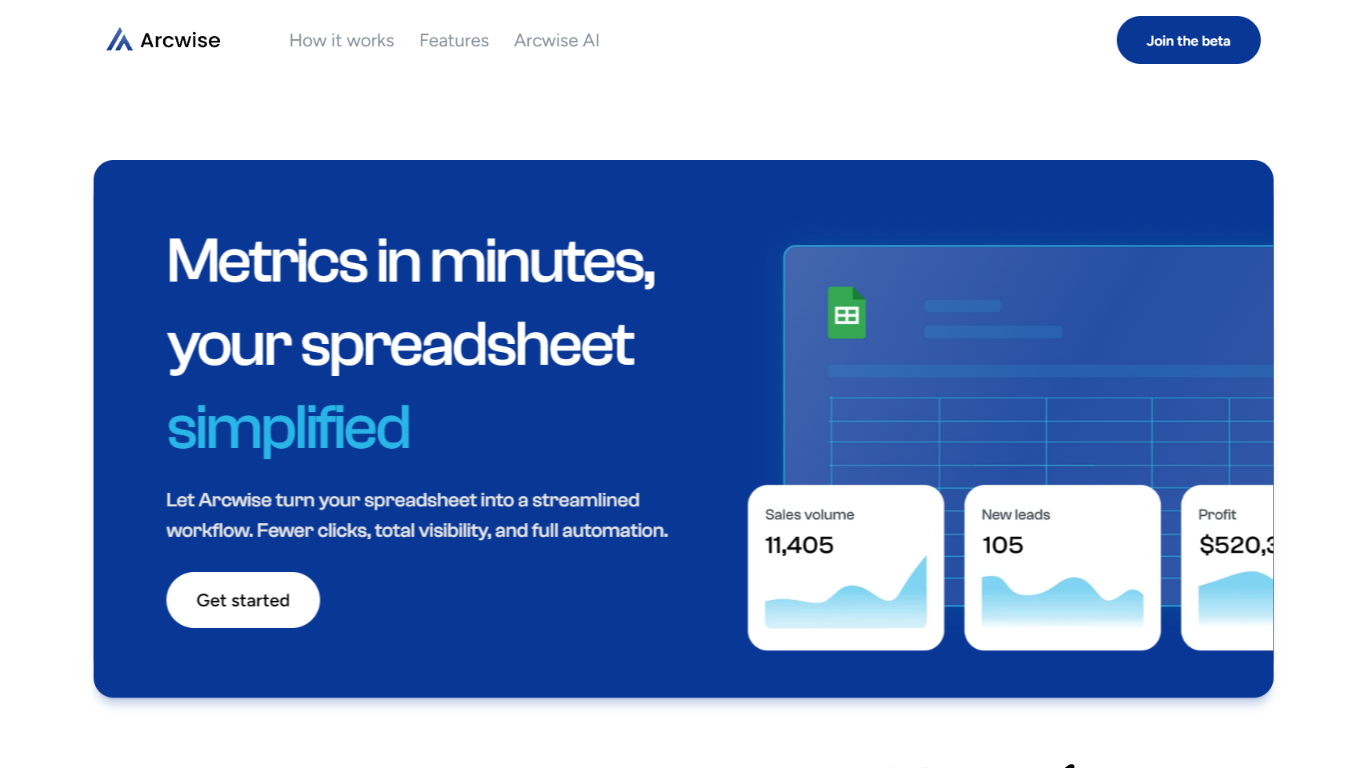

What is Arcwise?
Arcwise helps enterprise teams spot meaningful metric shifts early and understand what is driving them before problems show up in reviews or dashboards. Instead of waiting for analysts to dig through dashboards, it surfaces the changes that matter and explains them with answers traced directly to your data, queries, and business documentation.
The platform is built around explainable, auditable analysis. Every explanation links back to the exact SQL, tables, joins, and definitions behind a number, so teams can inspect the logic without opening a ticket with the data team. Validated explanations can be saved as institutional memory and reused across quarters.
Arcwise embeds into the Microsoft and Google tools teams already use for reporting and reviews, including docs, slides, and spreadsheets. It connects to data warehouses such as Snowflake, BigQuery, and Databricks, plus the business context stored in your documentation.
The product is aimed at operations, finance, growth, and analytics leaders who need faster decisions from metric changes in logistics, airlines, insurance, and other data-heavy businesses.
GPT Excel
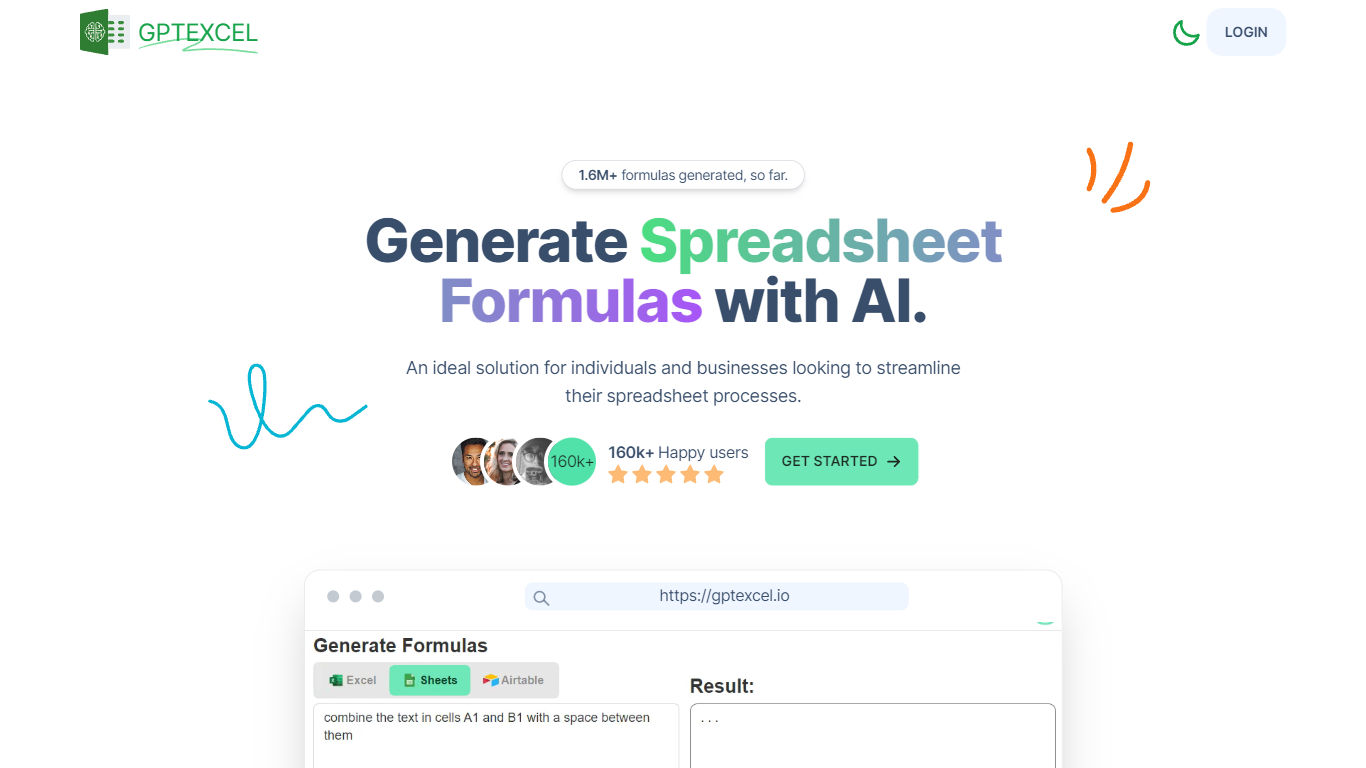
What is GPT Excel?
GPT Excel turns plain-language prompts into spreadsheet formulas, pivot tables, charts, SQL queries, regex patterns, and automation scripts for Excel, Google Sheets, and Airtable. Upload a workbook or start in chat, and it returns the formula or script you can paste back into your file.
Most spreadsheet copilots stop at single-cell formulas. GPT Excel bundles pivot builders, VBA and Apps Script generation, SQL helpers, and template creation in one web app, which saves context switching when a analysis task jumps from a SUMIFS fix to a pivot refresh to a reporting query.
Analysts, operators, and small business teams use it to speed up recurring spreadsheet work. The free plan covers light daily usage, while Pro and Pro Plus raise chat and tool limits for heavier monthly workloads.
Arcwise Upvotes
GPT Excel Upvotes
Arcwise Top Features
Flags meaningful metric changes before they show up in weekly reviews
Traces every answer back to exact SQL, tables, joins, and definitions
Connects to Snowflake, BigQuery, Databricks, and your existing BI stack
Stores validated explanations as reusable institutional memory
Delivers insights inside Microsoft and Google docs, slides, and sheets
GPT Excel Top Features
Generates formulas for Excel, Google Sheets, LibreOffice Calc, and Airtable
Builds and modifies pivot tables from chat prompts
Creates VBA, Google Apps Script, and Airtable automation scripts
Writes and debugs SQL queries plus regex patterns for data validation
Free plan includes 10 AI chat messages every 30 days and 4 tool runs every 12 hours
Pro Plus supports up to 10,000 chat messages and 100 MB uploads per file
Arcwise Category
- Excel
GPT Excel Category
- Excel
Arcwise Pricing Type
- Paid
GPT Excel Pricing Type
- Freemium