Array Assistant vs AI Excel Bot
In the clash of Array Assistant vs AI Excel Bot, which AI Excel tool emerges victorious? We assess reviews, pricing, alternatives, features, upvotes, and more.
When we put Array Assistant and AI Excel Bot head to head, which one emerges as the victor?
Let's take a closer look at Array Assistant and AI Excel Bot, both of which are AI-driven excel tools, and see what sets them apart. Both tools are equally favored, as indicated by the identical upvote count. The power is in your hands! Cast your vote and have a say in deciding the winner.
Feeling rebellious? Cast your vote and shake things up!
Array Assistant
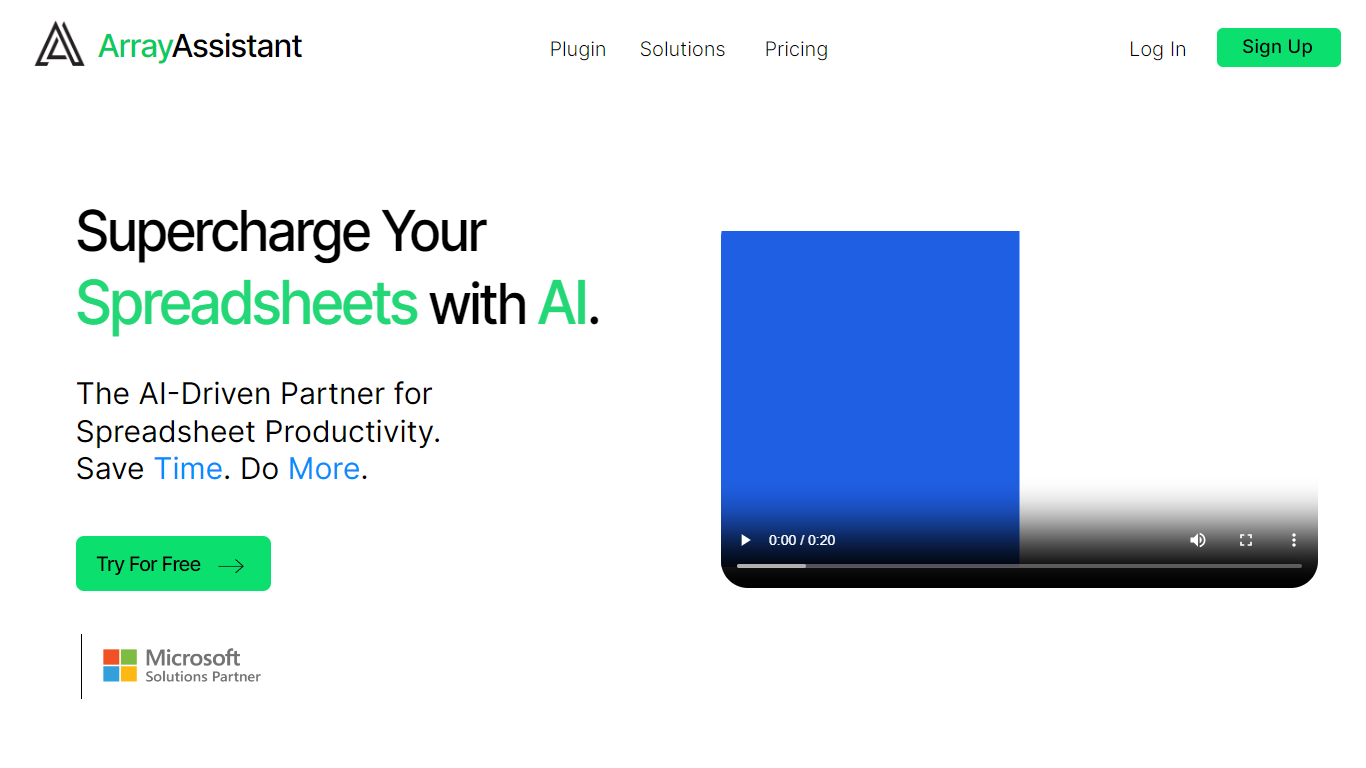

What is Array Assistant?
Array Assistant is a Microsoft Excel add-in that puts nine AI helpers inside your workbook. You install the plugin, open a sheet, and run tools for formula writing, data cleanup, summaries, list building, trend spotting, and text drafting without leaving Excel.
Most spreadsheet add-ins charge from day one or hide everything behind one chat box. Array Assistant splits work into named tools like Formula Generator, Data Cleaner, and Trend Analyzer, each tuned to a spreadsheet task. The Basic plan stays free at 200 requests per month, and the site publishes solution pages for investment banking, private equity, accounting, venture capital, consulting, real estate, and insurance teams rather than pitching a generic assistant.
The plugin suits analysts, students, and business professionals who live in Excel and want faster formula work, cleaner columns, and quick text inside cells. Corporate teams can request custom pricing when they need unlimited usage across employees.
AI Excel Bot
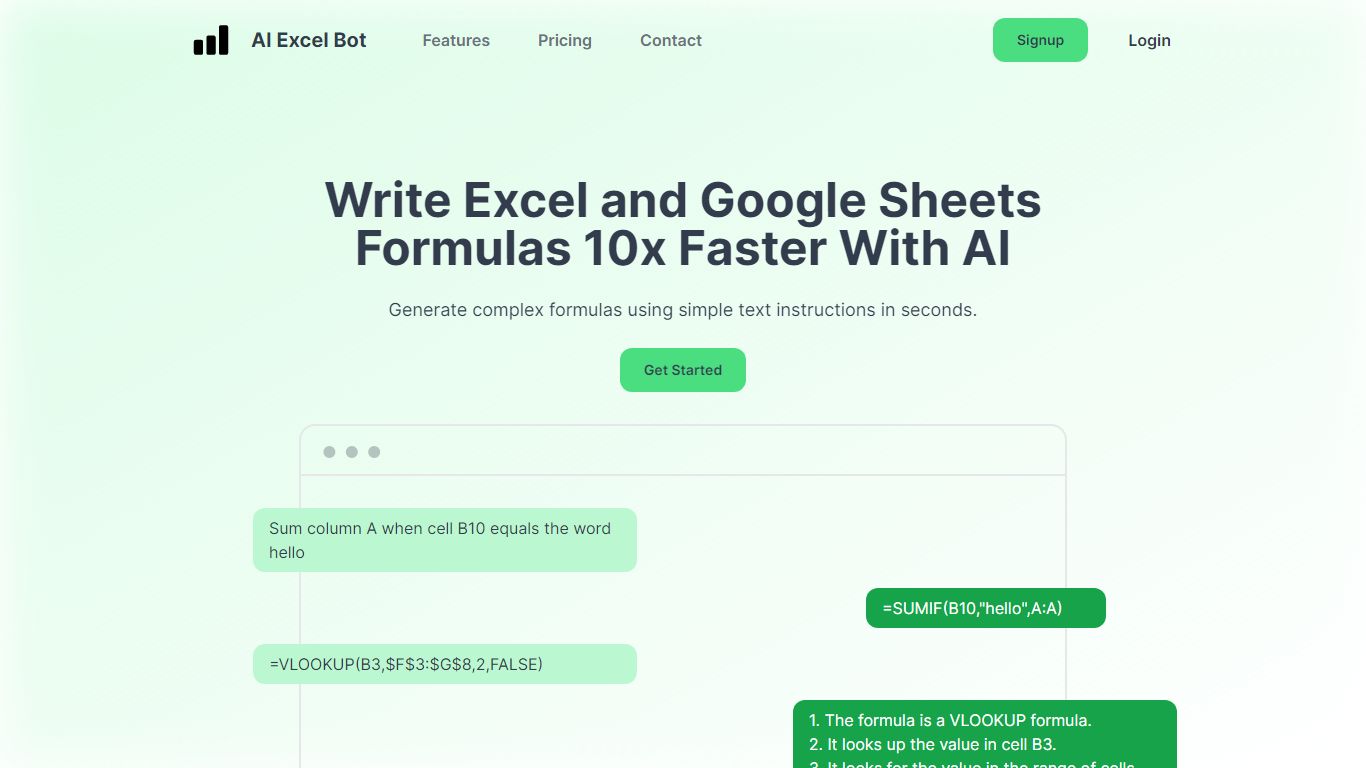
What is AI Excel Bot?
AI Excel Bot turns plain-English instructions into Excel and Google Sheets formulas in seconds. It is built for spreadsheet users who know the outcome they want but do not want to hunt through function syntax to get there.
Unlike general chat assistants, it stays focused on spreadsheet work: generating formulas, explaining nested functions line by line, and writing or decoding VBA. Pro plans add in-spreadsheet access through a Chrome extension for Google Sheets and an Excel add-in, so you rarely need to copy results from a separate tab. The site says formula output runs on a GPT-3 model.
Query Labs operates the service from India. You can work from the web app or install the Chrome extension to stay inside Google Sheets. The formulas page documents support across array, database, date, financial, lookup, logical, math, statistical, text, and other formula families.
Array Assistant Upvotes
AI Excel Bot Upvotes
Array Assistant Top Features
Basic plan includes 200 free AI requests per month
Pro plan offers 1,000 requests per month for $14.99
Enterprise plan provides unlimited monthly requests for $49.99
Formula Generator turns plain-language prompts into Excel formulas
Nine plugin tools cover formulas, data cleanup, summaries, lists, trends, and text drafting
List Builder creates lists from prompts and from lists you already built
Solution pages target investment banking, private equity, accounting, and venture capital workflows
AI Excel Bot Top Features
Free plan includes 5 formula, code, or task generations and explanations per month
Pro is $2.99 per month with unlimited formula, VBA, and task generations
Pro Annual costs $24.99 per year and is labeled Best Value on the pricing page
Chrome extension brings formula help into Google Sheets; Pro adds an Excel add-in
Formulas page documents array, database, date, financial, lookup, logical, math, statistical, and text families
Array Assistant Category
- Excel
AI Excel Bot Category
- Excel
Array Assistant Pricing Type
- Freemium
AI Excel Bot Pricing Type
- Freemium