Array Assistant vs Arcwise AI
In the battle of Array Assistant vs Arcwise AI, which AI Excel tool comes out on top? We compare reviews, pricing, alternatives, upvotes, features, and more.
Which one is better? Array Assistant or Arcwise AI?
Upon comparing Array Assistant with Arcwise AI, which are both AI-powered excel tools, Both tools have received the same number of upvotes from aitools.fyi users. You can help us determine the winner by casting your vote and tipping the scales in favor of one of the tools.
Don't agree with the result? Cast your vote and be a part of the decision-making process!
Array Assistant

What is Array Assistant?
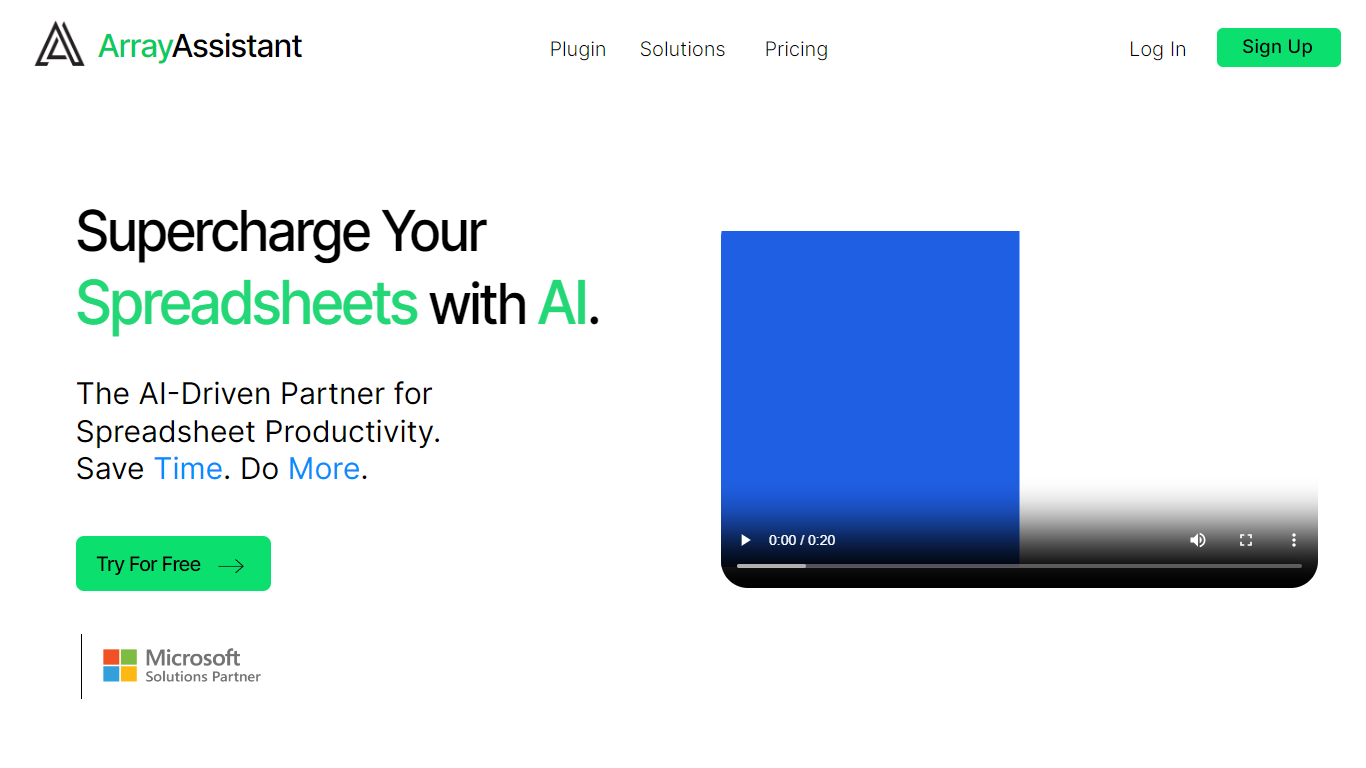
Array Assistant is a Microsoft Excel add-in that puts nine AI helpers inside your workbook. You install the plugin, open a sheet, and run tools for formula writing, data cleanup, summaries, list building, trend spotting, and text drafting without leaving Excel.
Most spreadsheet add-ins charge from day one or hide everything behind one chat box. Array Assistant splits work into named tools like Formula Generator, Data Cleaner, and Trend Analyzer, each tuned to a spreadsheet task. The Basic plan stays free at 200 requests per month, and the site publishes solution pages for investment banking, private equity, accounting, venture capital, consulting, real estate, and insurance teams rather than pitching a generic assistant.
The plugin suits analysts, students, and business professionals who live in Excel and want faster formula work, cleaner columns, and quick text inside cells. Corporate teams can request custom pricing when they need unlimited usage across employees.
Arcwise AI
What is Arcwise AI?
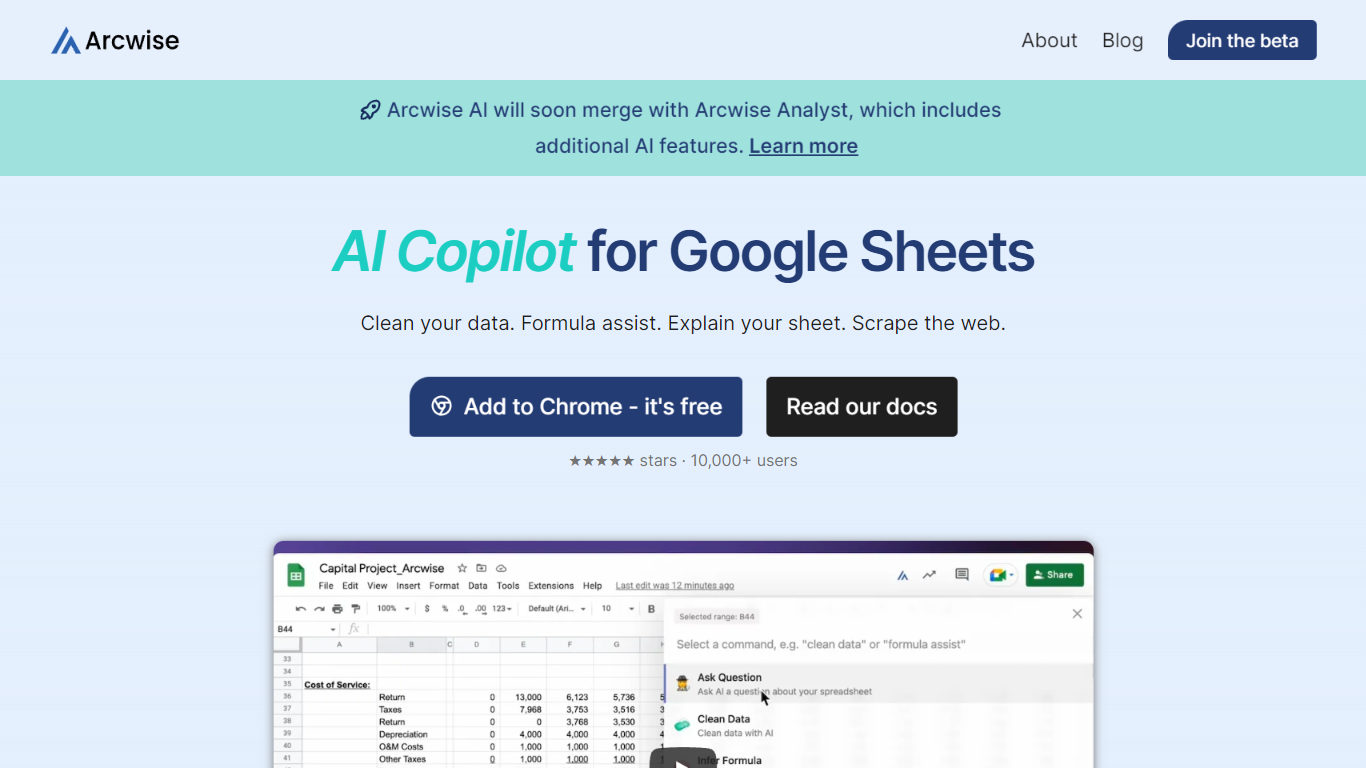
Arcwise AI is a spreadsheet analytics copilot and decision platform for teams that live in Google Sheets and warehouse data. It began as a Chrome extension for ChatGPT-powered formulas and data cleanup, and now also sells traceable metric explanations tied to Snowflake, BigQuery, Databricks, and internal documentation.
The Sheets extension still ships as a free Chrome add-on with keyboard shortcuts, $AI.TRANSFORM and $AI.CLASSIFY functions, and PDF table extraction. That side competes with formula copilots, while the platform side targets analysts who need audited answers instead of generic chatbot guesses.
Arcwise backs explanations with source tracing rather than open-ended model text, which matters when finance or ops teams need to defend a number in a review. The stored listing URL at /old-ai now returns 404, so the live product homepage is arcwise.app.
Array Assistant Upvotes
Arcwise AI Upvotes
Array Assistant Top Features
Basic plan includes 200 free AI requests per month
Pro plan offers 1,000 requests per month for $14.99
Enterprise plan provides unlimited monthly requests for $49.99
Formula Generator turns plain-language prompts into Excel formulas
Nine plugin tools cover formulas, data cleanup, summaries, lists, trends, and text drafting
List Builder creates lists from prompts and from lists you already built
Solution pages target investment banking, private equity, accounting, and venture capital workflows
Arcwise AI Top Features
Free Chrome extension for Google Sheets with Cmd+Shift+1 shortcut
$AI.TRANSFORM, $AI.CLASSIFY, and $AI.EXTRACT functions inside Sheets
Connects to Snowflake, BigQuery, and Databricks warehouses
Metric shift detection with explanations traced to source data
PDF upload extracts tables directly into spreadsheet cells
Chrome Web Store lists 10,000+ users and a 4.5 star rating
Array Assistant Category
- Excel
Arcwise AI Category
- Excel
Array Assistant Pricing Type
- Freemium
Arcwise AI Pricing Type
- Freemium