Array Assistant vs GPT Excel
Compare Array Assistant vs GPT Excel and see which AI Excel tool is better when we compare features, reviews, pricing, alternatives, upvotes, etc.
Which one is better? Array Assistant or GPT Excel?
When we compare Array Assistant with GPT Excel, which are both AI-powered excel tools, In the race for upvotes, GPT Excel takes the trophy. GPT Excel has received 8 upvotes from aitools.fyi users, while Array Assistant has received 6 upvotes.
Don't agree with the result? Cast your vote and be a part of the decision-making process!
Array Assistant

What is Array Assistant?
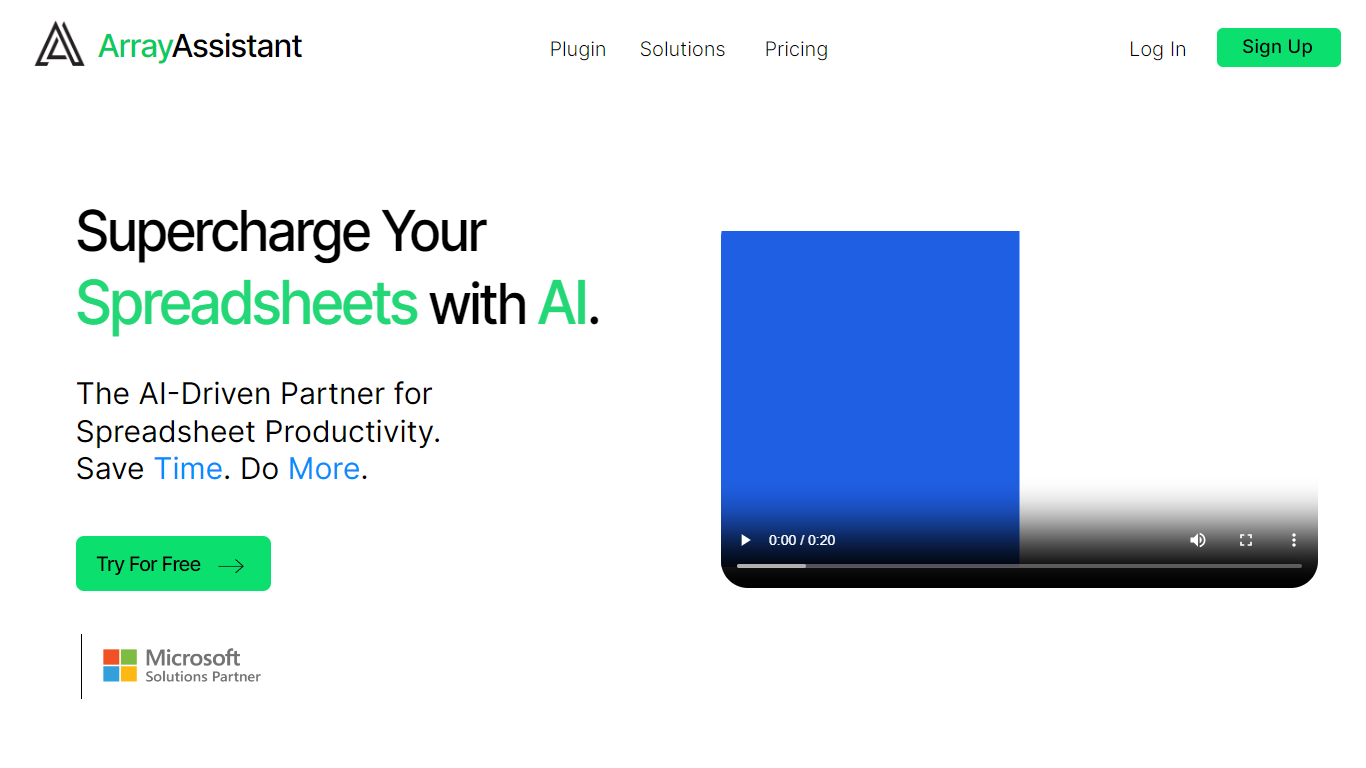
Array Assistant is a Microsoft Excel add-in that puts nine AI helpers inside your workbook. You install the plugin, open a sheet, and run tools for formula writing, data cleanup, summaries, list building, trend spotting, and text drafting without leaving Excel.
Most spreadsheet add-ins charge from day one or hide everything behind one chat box. Array Assistant splits work into named tools like Formula Generator, Data Cleaner, and Trend Analyzer, each tuned to a spreadsheet task. The Basic plan stays free at 200 requests per month, and the site publishes solution pages for investment banking, private equity, accounting, venture capital, consulting, real estate, and insurance teams rather than pitching a generic assistant.
The plugin suits analysts, students, and business professionals who live in Excel and want faster formula work, cleaner columns, and quick text inside cells. Corporate teams can request custom pricing when they need unlimited usage across employees.
GPT Excel
What is GPT Excel?
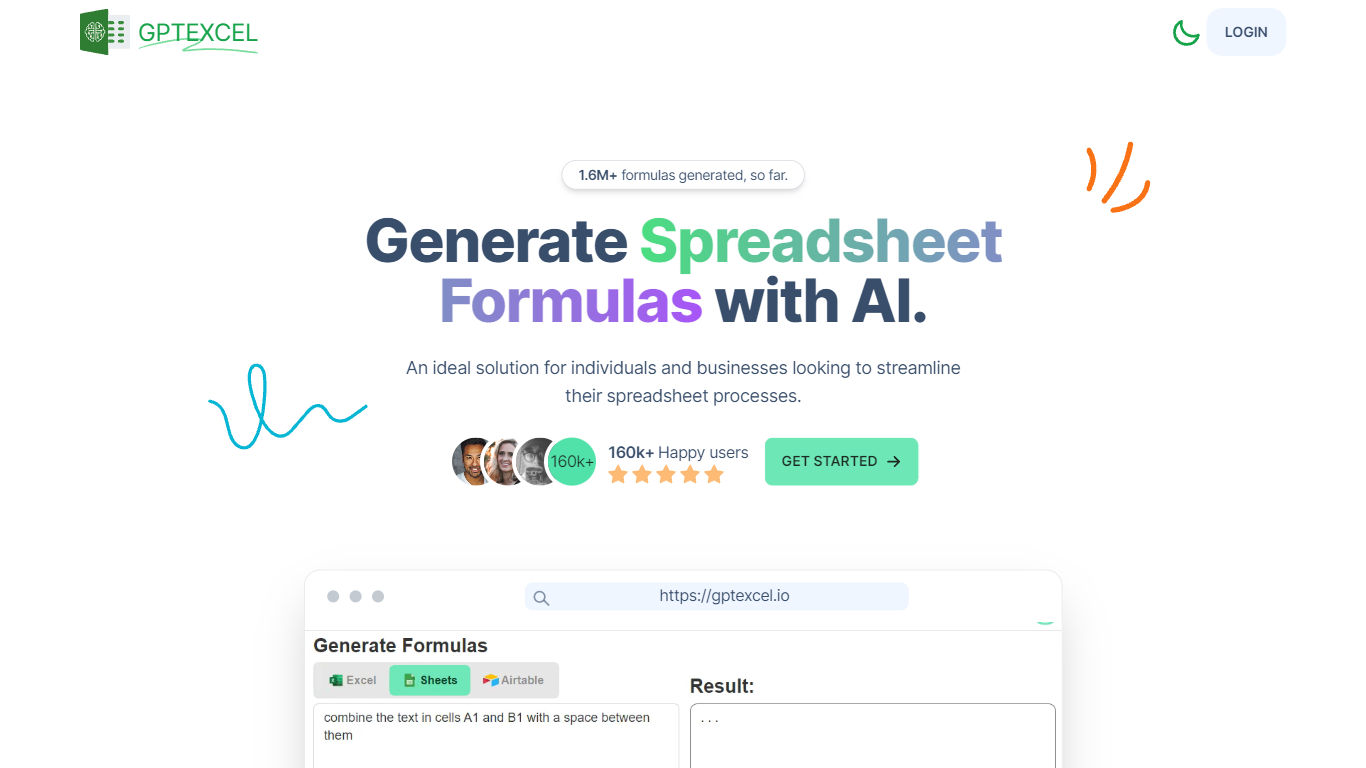
GPT Excel turns plain-language prompts into spreadsheet formulas, pivot tables, charts, SQL queries, regex patterns, and automation scripts for Excel, Google Sheets, and Airtable. Upload a workbook or start in chat, and it returns the formula or script you can paste back into your file.
Most spreadsheet copilots stop at single-cell formulas. GPT Excel bundles pivot builders, VBA and Apps Script generation, SQL helpers, and template creation in one web app, which saves context switching when a analysis task jumps from a SUMIFS fix to a pivot refresh to a reporting query.
Analysts, operators, and small business teams use it to speed up recurring spreadsheet work. The free plan covers light daily usage, while Pro and Pro Plus raise chat and tool limits for heavier monthly workloads.
Array Assistant Upvotes
GPT Excel Upvotes
Array Assistant Top Features
Basic plan includes 200 free AI requests per month
Pro plan offers 1,000 requests per month for $14.99
Enterprise plan provides unlimited monthly requests for $49.99
Formula Generator turns plain-language prompts into Excel formulas
Nine plugin tools cover formulas, data cleanup, summaries, lists, trends, and text drafting
List Builder creates lists from prompts and from lists you already built
Solution pages target investment banking, private equity, accounting, and venture capital workflows
GPT Excel Top Features
Generates formulas for Excel, Google Sheets, LibreOffice Calc, and Airtable
Builds and modifies pivot tables from chat prompts
Creates VBA, Google Apps Script, and Airtable automation scripts
Writes and debugs SQL queries plus regex patterns for data validation
Free plan includes 10 AI chat messages every 30 days and 4 tool runs every 12 hours
Pro Plus supports up to 10,000 chat messages and 100 MB uploads per file
Array Assistant Category
- Excel
GPT Excel Category
- Excel
Array Assistant Pricing Type
- Freemium
GPT Excel Pricing Type
- Freemium