Asana vs GitMind
Compare Asana vs GitMind and see which AI Project Management tool is better when we compare features, reviews, pricing, alternatives, upvotes, etc.
Which one is better? Asana or GitMind?
When we compare Asana with GitMind, which are both AI-powered project management tools, Interestingly, both tools have managed to secure the same number of upvotes. You can help us determine the winner by casting your vote and tipping the scales in favor of one of the tools.
Feeling rebellious? Cast your vote and shake things up!
Asana
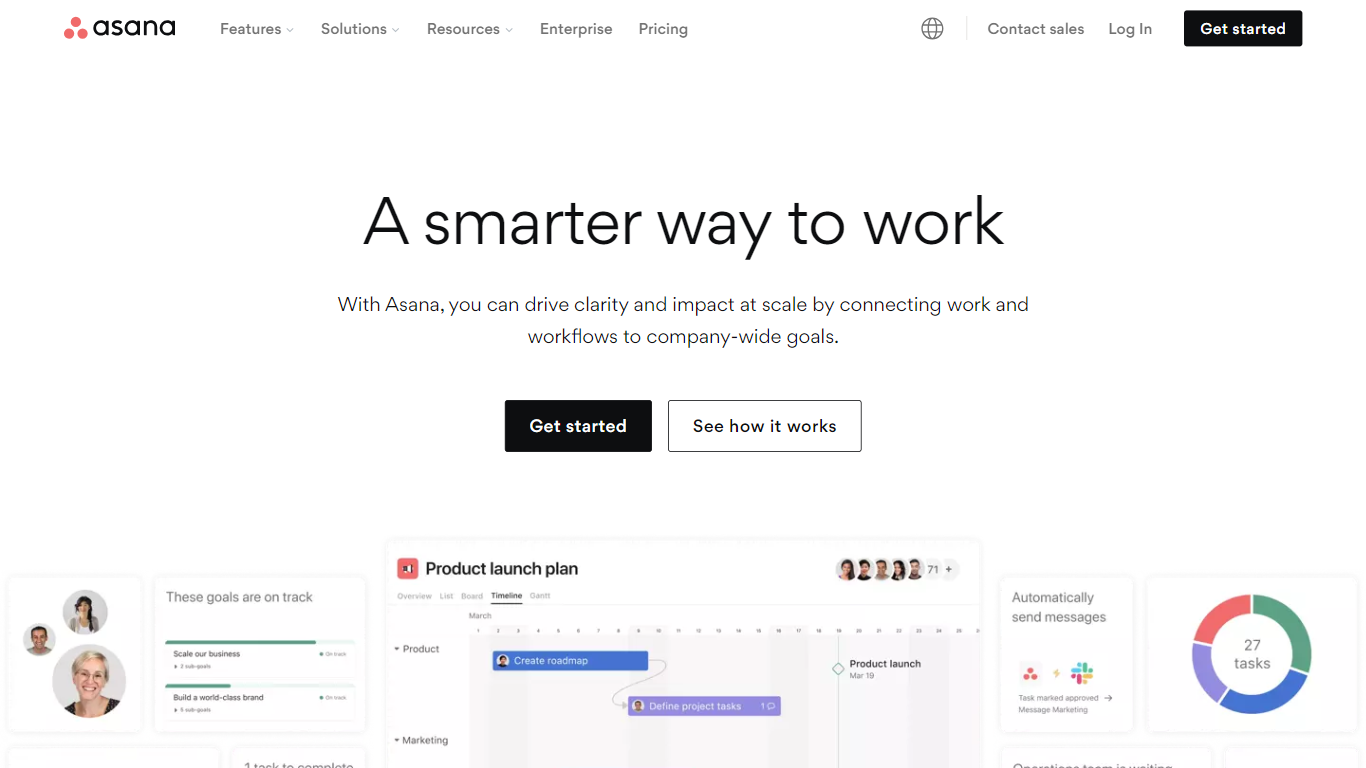

What is Asana?
Asana is a work and project management platform built for teams that coordinate tasks, projects, and goals across departments. It combines list, board, calendar, timeline, and Gantt views with automations, forms, and reporting dashboards so teams can track who is doing what and when.
Unlike lightweight task trackers, Asana positions itself as an operating system for human-agent teams. Pre-built AI Teammates (Launch Planner, Status Reporter, Compliance Specialist, and others) run inside real workflows with shared memory from the Work Graph, which maps people, tasks, dependencies, and goals in one connected layer.
Operations, marketing, IT, and product teams at mid-size and enterprise companies use it for portfolio planning, product launches, resource planning, and cross-functional approvals. The platform also offers 100+ integrations with Google Workspace, Microsoft 365, Slack, Salesforce, and developer APIs for custom workflows.
GitMind
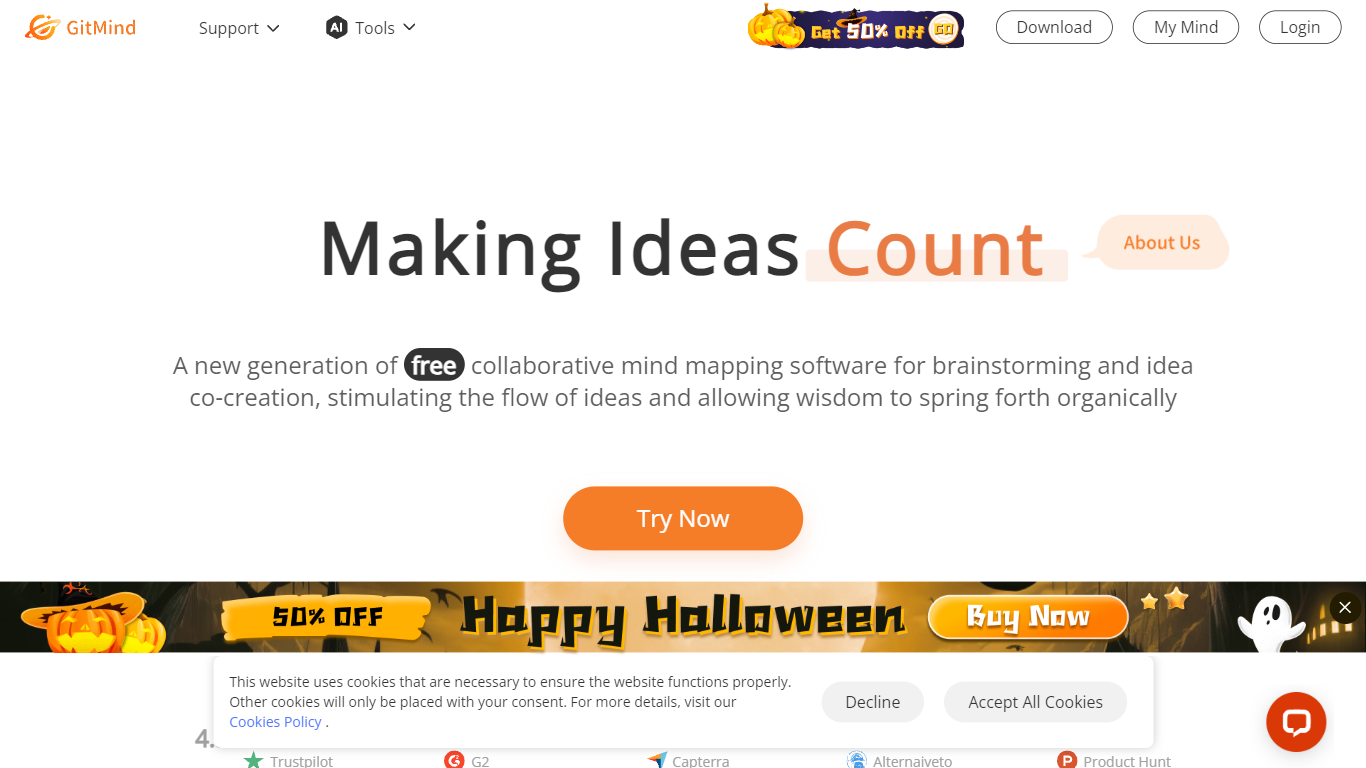
What is GitMind?
GitMind turns text, videos, audio, PDFs, websites, and images into mind maps, summaries, flowcharts, and infographics inside one visual workspace. Upload a file or paste a link, and the tool structures the content into editable diagrams you can share or present. Desktop and mobile apps sync projects across platforms for studying, research, and project planning.
Standalone mind map apps stop at diagram editing. GitMind bundles summarizers, OCR, YouTube transcript tools, and AI chat with ChatGPT, Claude, Gemini, and DeepSeek in the same canvas. That combination suits teams who want source material converted into visuals without switching between a note app, a diagram tool, and a separate AI chat tab.
Project managers, teachers, students, and researchers use GitMind to plan campaigns, summarize lectures, and generate UML or flowchart diagrams from prompts. The site reports 10 million users across 160 countries. Real-time collaboration and presentation mode support team workshops and classroom reviews.
Asana Upvotes
GitMind Upvotes
Asana Top Features
15+ pre-built AI Teammates for launches, status reports, compliance, and workflow optimization
Timeline and Gantt views on Starter plans with unlimited automations and custom fields
Work Graph connects people, tasks, projects, goals, and dependencies in one shared context layer
AI Studio includes 50K to 200K credits per billing account depending on plan tier
100+ integrations including Google Workspace, Microsoft 365, Slack, and Salesforce on Advanced
Personal plan supports 2 users with unlimited tasks, projects, and 100MB per file storage
GitMind Top Features
Converts videos, PDFs, audio, websites, and images into mind maps or summaries
Free tier includes up to 10 mind maps and whiteboards
YouTube summarizer handles 20 minutes of one video per day on the free plan
Generates flowcharts, UML diagrams, ERDs, and infographics from text prompts
Integrates ChatGPT, Claude, Gemini, and DeepSeek inside the workspace
Real-time collaboration with presentation mode for team reviews
Asana Category
- Project Management
GitMind Category
- Project Management
Asana Pricing Type
- Freemium
GitMind Pricing Type
- Freemium