AskCSV vs GPT Excel
In the clash of AskCSV vs GPT Excel, which AI Excel tool emerges victorious? We assess reviews, pricing, alternatives, features, upvotes, and more.
If you had to choose between AskCSV and GPT Excel, which one would you go for?
Let's take a closer look at AskCSV and GPT Excel, both of which are AI-driven excel tools, and see what sets them apart. The upvote count reveals a draw, with both tools earning the same number of upvotes. The power is in your hands! Cast your vote and have a say in deciding the winner.
Does the result make you go "hmm"? Cast your vote and turn that frown upside down!
AskCSV
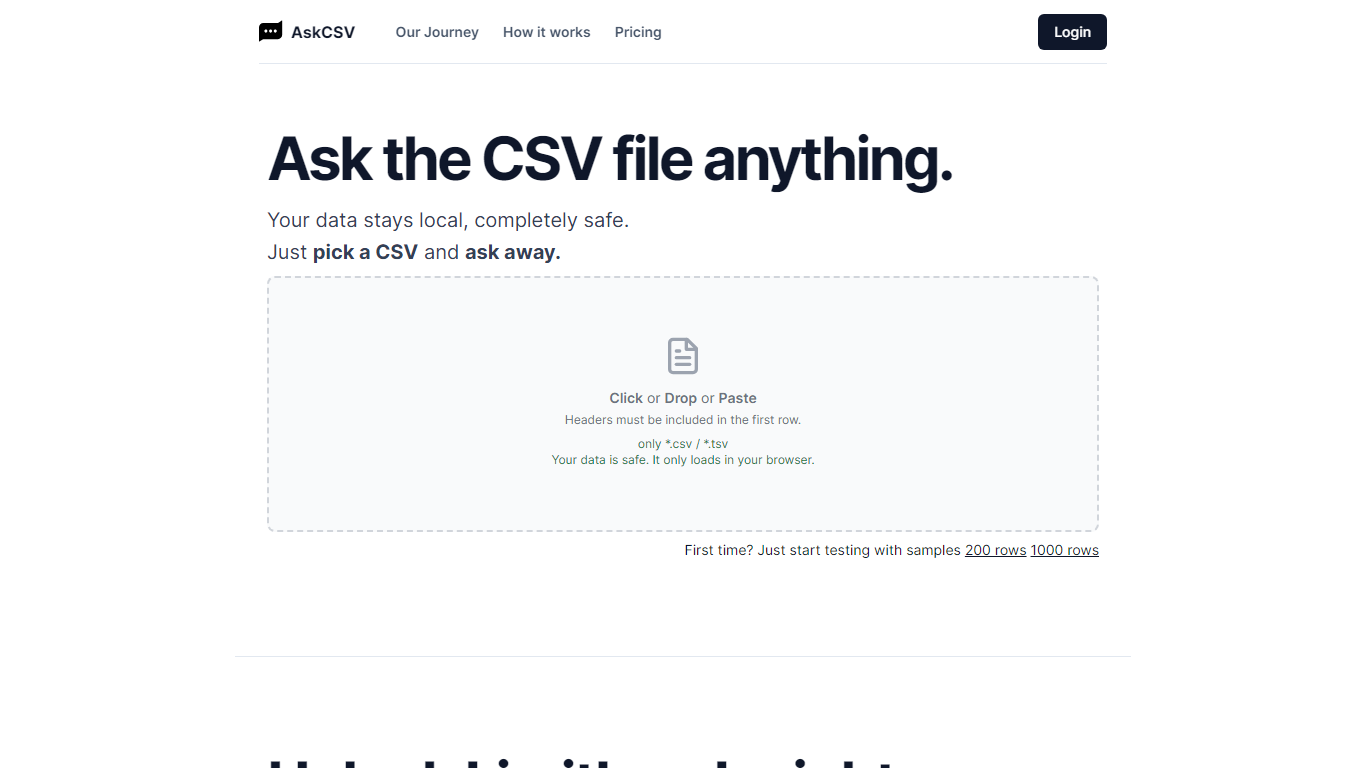

What is AskCSV?
AskCSV is a browser-based tool for analyzing CSV and TSV files with plain-language questions. You upload a file by click, drop, or paste, then ask about sales trends, customer behavior, product pairings, or marketing ROI. The tool responds with charts and tables tailored to your question.
Your file loads only in your browser and is not sent to a server. AskCSV builds a virtual dataset from your data and runs analysis using OpenAI GPT models locally, which keeps sensitive spreadsheets on your device.
The service targets anyone working with tabular data who wants quick insights without uploading files online. A free tier covers light daily use, and a 1-Day Pass adds higher row and ask limits with no subscription required.
GPT Excel
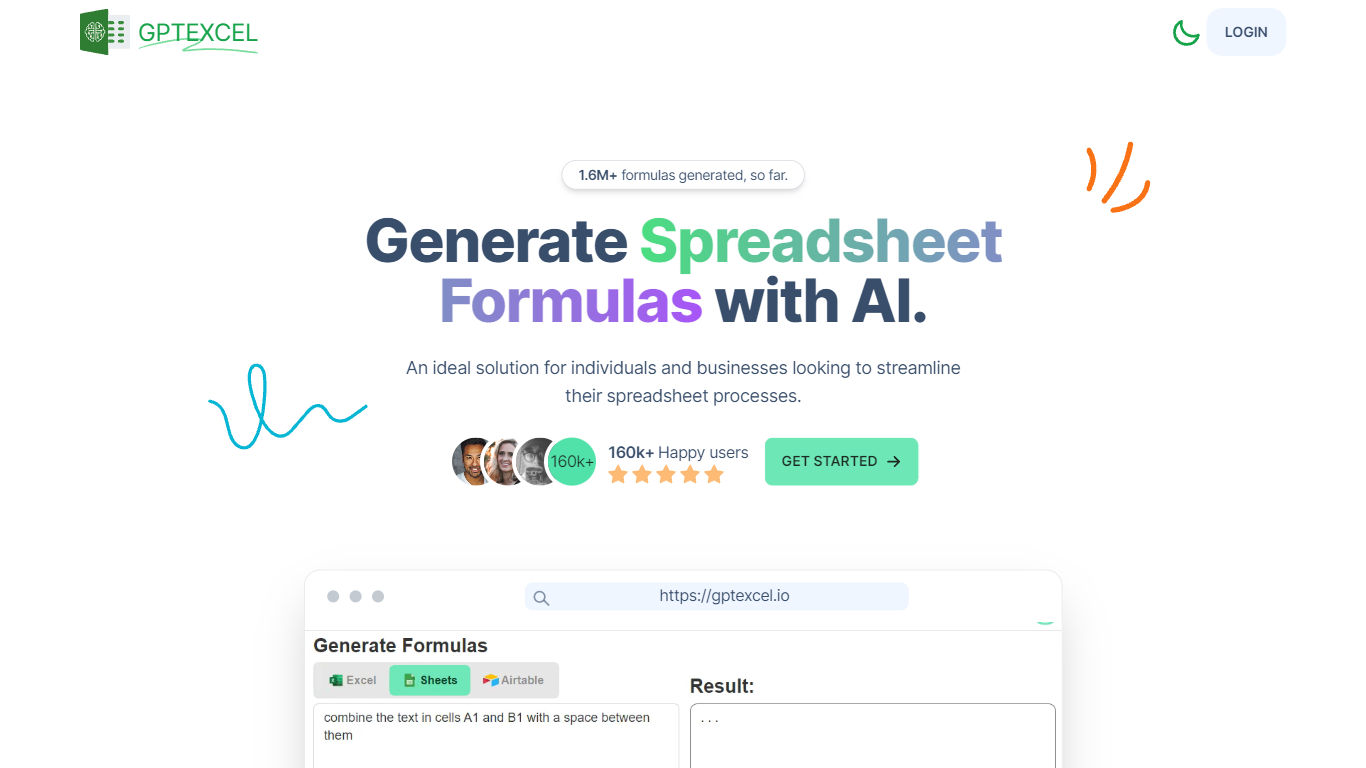
What is GPT Excel?
GPT Excel is an AI-powered assistant designed to simplify and speed up spreadsheet work for individuals and businesses. It helps generate complex formulas, pivot tables, charts, and data insights across Excel, Google Sheets, LibreOffice Calc, and Airtable. The tool supports over 50 languages and can convert tables from images into editable spreadsheets. Users can also chat directly with their Excel files to ask questions or get formula explanations. Beyond formulas, GPT Excel generates VBA, Apps Script, and Airtable automation scripts, SQL queries, regex patterns, and table templates. It analyzes Excel and CSV data to provide summaries, trends, and brief reports, making data easier to understand and act on. With a clean interface and growing user base, GPT Excel offers a comprehensive solution for spreadsheet automation and analysis. Its AI-driven features reduce manual work and help users gain deeper insights from their data quickly. The platform continues to evolve with new capabilities like image-to-table conversion and interactive chat, broadening its appeal to accountants, analysts, engineers, and coordinators alike.
AskCSV Upvotes
GPT Excel Upvotes
AskCSV Top Features
Upload CSV or TSV files by click, drop, or paste with headers in the first row
Ask data questions in plain language and get charts plus tables in response
Processes files locally in your browser so data never uploads to a server
Free tier includes 5 asks per day on files up to 1,000 rows
1-Day Pass unlocks 200 asks per day on files up to 1 million rows with ZIP export
GPT Excel Top Features
🧮 Generate complex Excel and Google Sheets formulas instantly to save time
📊 Create and modify pivot tables and charts automatically for better data views
🤖 Chat directly with your Excel files to ask questions and get formula help
📷 Convert tables from images into editable spreadsheets with AI-powered OCR
💻 Generate VBA, Apps Script, and Airtable automation scripts to streamline tasks
AskCSV Category
- Excel
GPT Excel Category
- Excel
AskCSV Pricing Type
- Freemium
GPT Excel Pricing Type
- Freemium