Atoms vs UI to Code
In the contest of Atoms vs UI to Code, which AI Code Assistant tool is the champion? We evaluate pricing, alternatives, upvotes, features, reviews, and more.
If you had to choose between Atoms and UI to Code, which one would you go for?
When we examine Atoms and UI to Code, both of which are AI-enabled code assistant tools, what unique characteristics do we discover? With more upvotes, Atoms is the preferred choice. Atoms has garnered 92 upvotes, and UI to Code has garnered 6 upvotes.
Not your cup of tea? Upvote your preferred tool and stir things up!
Atoms
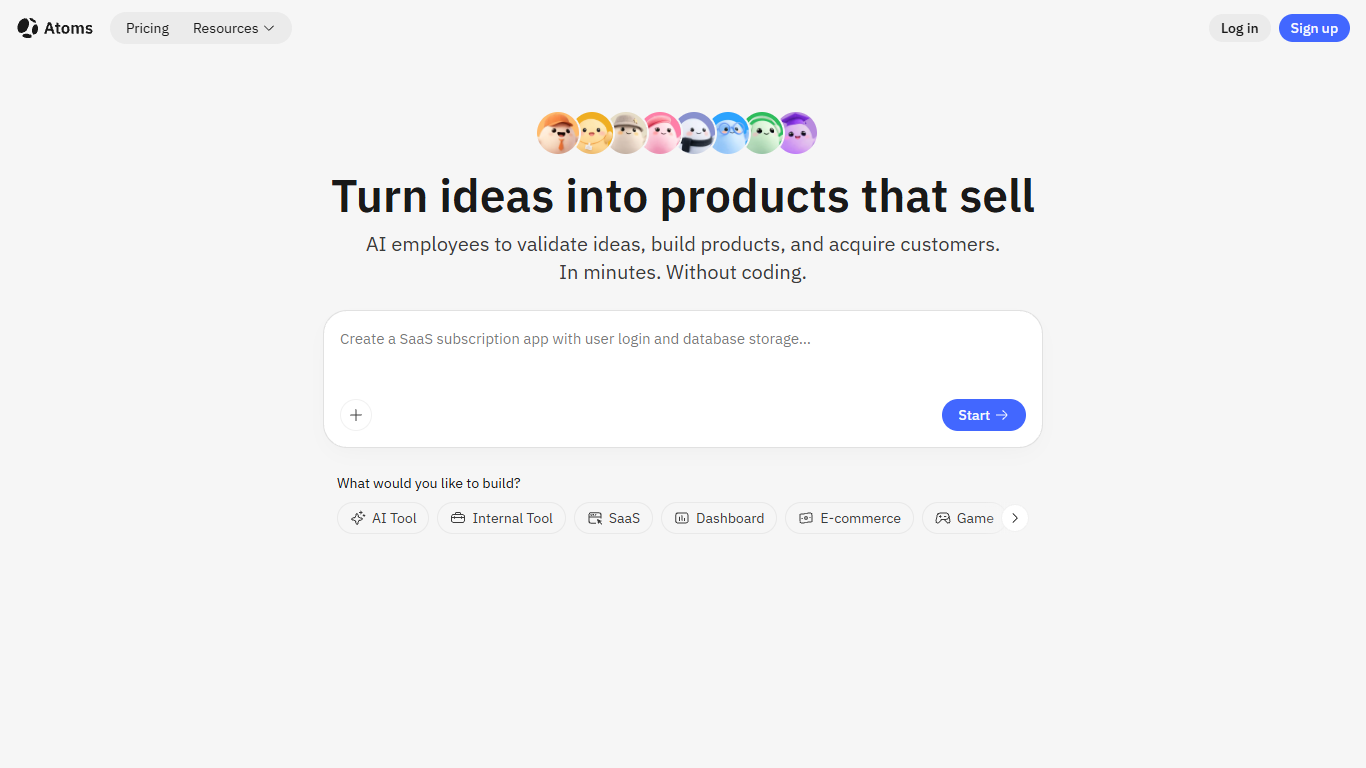

What is Atoms?
Describe a product in chat and Atoms assigns a team of coding agents to research, architect, build, test, and deploy a full-stack app with login, database, Stripe payments, and hosting. Named agents cover product management, engineering, SEO, Google Ads, and data analysis in one workflow. The platform evolved from the MetaGPT open-source multi-agent framework and reports 1M+ builders across 170+ countries.
Most vibe-coding tools stop at a frontend mockup. Atoms assigns named agents (Product Manager Emma, Engineer Alex, SEO Specialist Sarah, Ads Specialist Adrian, and others) to cover research through customer acquisition in one workflow. Race Mode runs prompts across multiple models for higher accuracy on Max plans, and you can export code or sync to GitHub when you outgrow the hosted builder.
Solo founders, indie hackers, and non-technical teams use Atoms to ship SaaS subscriptions, internal dashboards, portfolios, and e-commerce pages without hiring a dev shop. One-click publishing handles hosting, while built-in SEO and Google Ads agents target paying customers from day one.
UI to Code
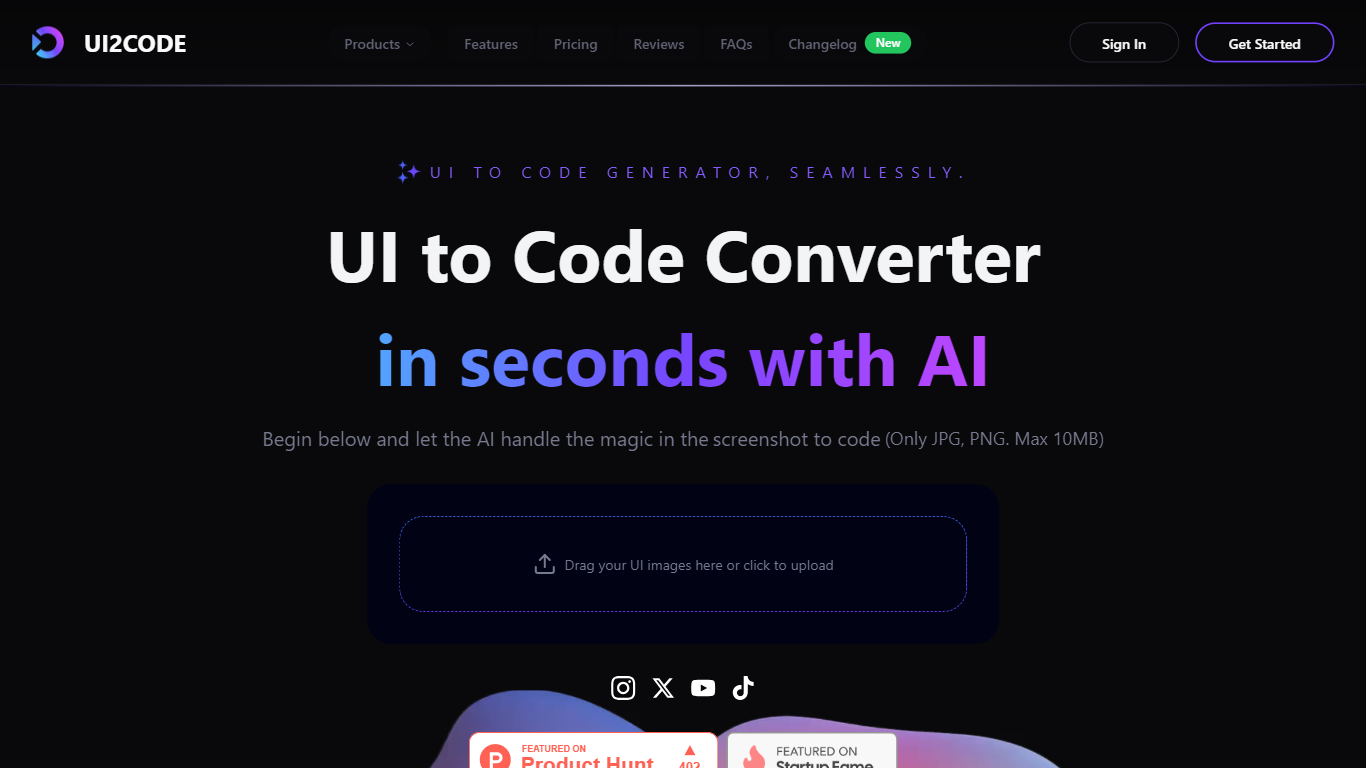
What is UI to Code?
UI to Code (UI2CODE) is a design-to-code assistant that turns screenshots, images, PDFs, and Figma frames into front-end code you can preview and export. You upload a visual, pick a stack like React, Vue, or plain HTML/CSS, and get component-based output with a live sandbox. It fits designers and front-end developers who want to skip hand-coding static layouts from mockups.
Unlike general code assistants that start from a text prompt, UI to Code is built around visual input. It maps layout groups, spacing, and typography from the uploaded file rather than inventing a UI from description alone. That narrow focus trades flexibility for fidelity on screenshot and Figma workflows, where the goal is pixel-level reproduction rather than generating backend logic.
Product designers, front-end developers, and agencies use it to prototype landing pages, dashboards, and component libraries without rebuilding every screen manually. Teams working in React with Tailwind, Vue 3 with Composition API, or plain HTML/CSS get exports that map to those stacks directly.
Atoms Upvotes
UI to Code Upvotes
Atoms Top Features
Eight named agents (research, architecture, engineering, SEO, ads, PM, team lead, data) coordinate builds from chat
Atoms Cloud ships user login, database, Stripe payments, and one-click hosting without separate backend setup
Free plan includes 15 daily credits (up to 25 per month), 2 GB storage, and 2 backend projects
Race Mode on Max plans runs prompts across multiple models for up to 3x accuracy improvement
Visual editor plus GitHub export and code download for full ownership of generated projects
Built-in SEO and Google Ads agents automate page optimization and campaign management
UI to Code Top Features
Accepts JPG, PNG, PDF, and PSD uploads up to 10 MB per file
Exports React, Vue, Next.js, HTML/CSS, Svelte, and Angular stacks
PRO plan includes $40 monthly credit with Figma and PSD import
Live browser sandbox previews code before ZIP or component export
BASIC plan provides $10 monthly credit with HTML output and AI chat
Figma to React path outputs TypeScript components styled with Tailwind CSS
ULTIMATE tier adds GitHub export, version history, and one-click cloud deploy
Atoms Category
- Code Assistant
UI to Code Category
- Code Assistant
Atoms Pricing Type
- Freemium
UI to Code Pricing Type
- Freemium