UI to Code vs Refraction
In the face-off between UI to Code vs Refraction, which AI Code Assistant tool takes the crown? We scrutinize features, alternatives, upvotes, reviews, pricing, and more.
In a face-off between UI to Code and Refraction, which one takes the crown?
If we were to analyze UI to Code and Refraction, both of which are AI-powered code assistant tools, what would we find? The upvote count favors UI to Code, making it the clear winner. UI to Code has been upvoted 6 times by aitools.fyi users, and Refraction has been upvoted 5 times.
Disagree with the result? Upvote your favorite tool and help it win!
UI to Code
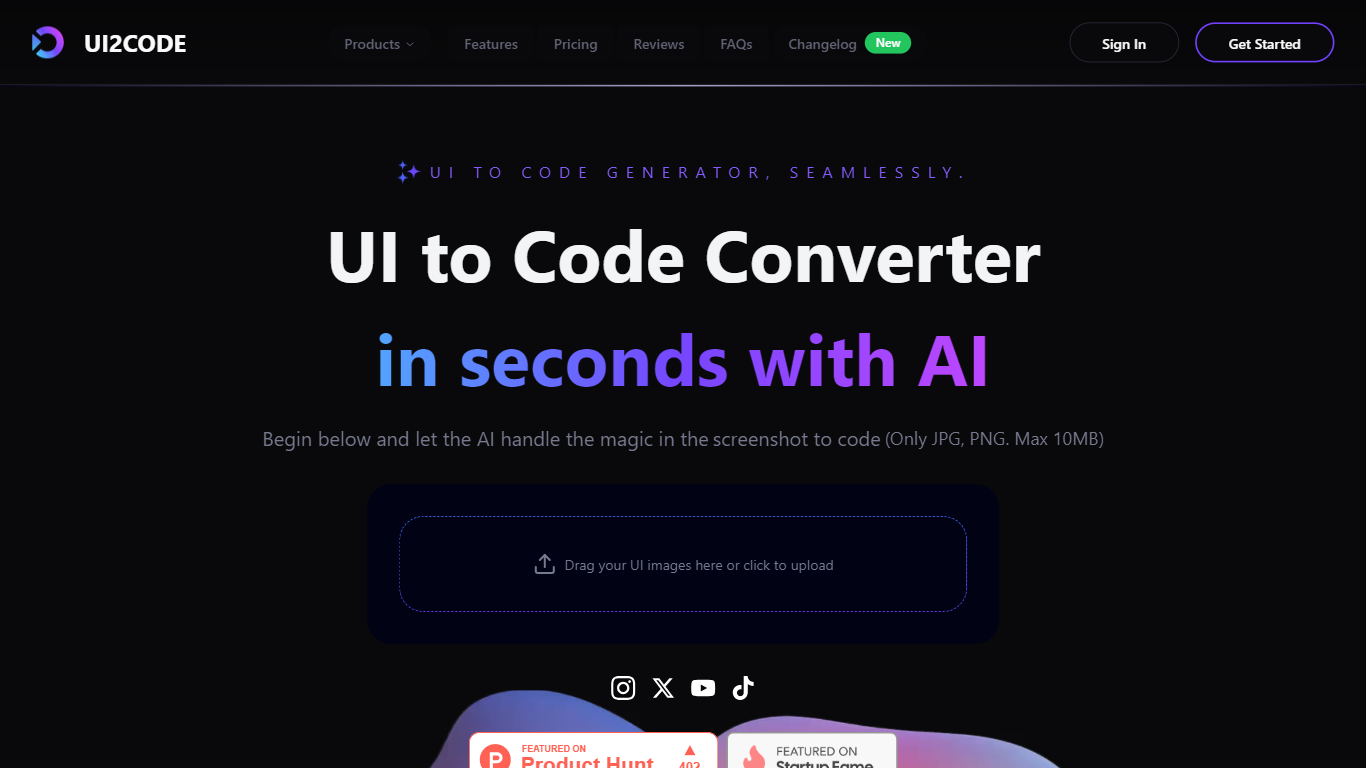

What is UI to Code?
UI to Code (UI2CODE) is a design-to-code assistant that turns screenshots, images, PDFs, and Figma frames into front-end code you can preview and export. You upload a visual, pick a stack like React, Vue, or plain HTML/CSS, and get component-based output with a live sandbox. It fits designers and front-end developers who want to skip hand-coding static layouts from mockups.
Unlike general code assistants that start from a text prompt, UI to Code is built around visual input. It maps layout groups, spacing, and typography from the uploaded file rather than inventing a UI from description alone. That narrow focus trades flexibility for fidelity on screenshot and Figma workflows, where the goal is pixel-level reproduction rather than generating backend logic.
Product designers, front-end developers, and agencies use it to prototype landing pages, dashboards, and component libraries without rebuilding every screen manually. Teams working in React with Tailwind, Vue 3 with Composition API, or plain HTML/CSS get exports that map to those stacks directly.
Refraction
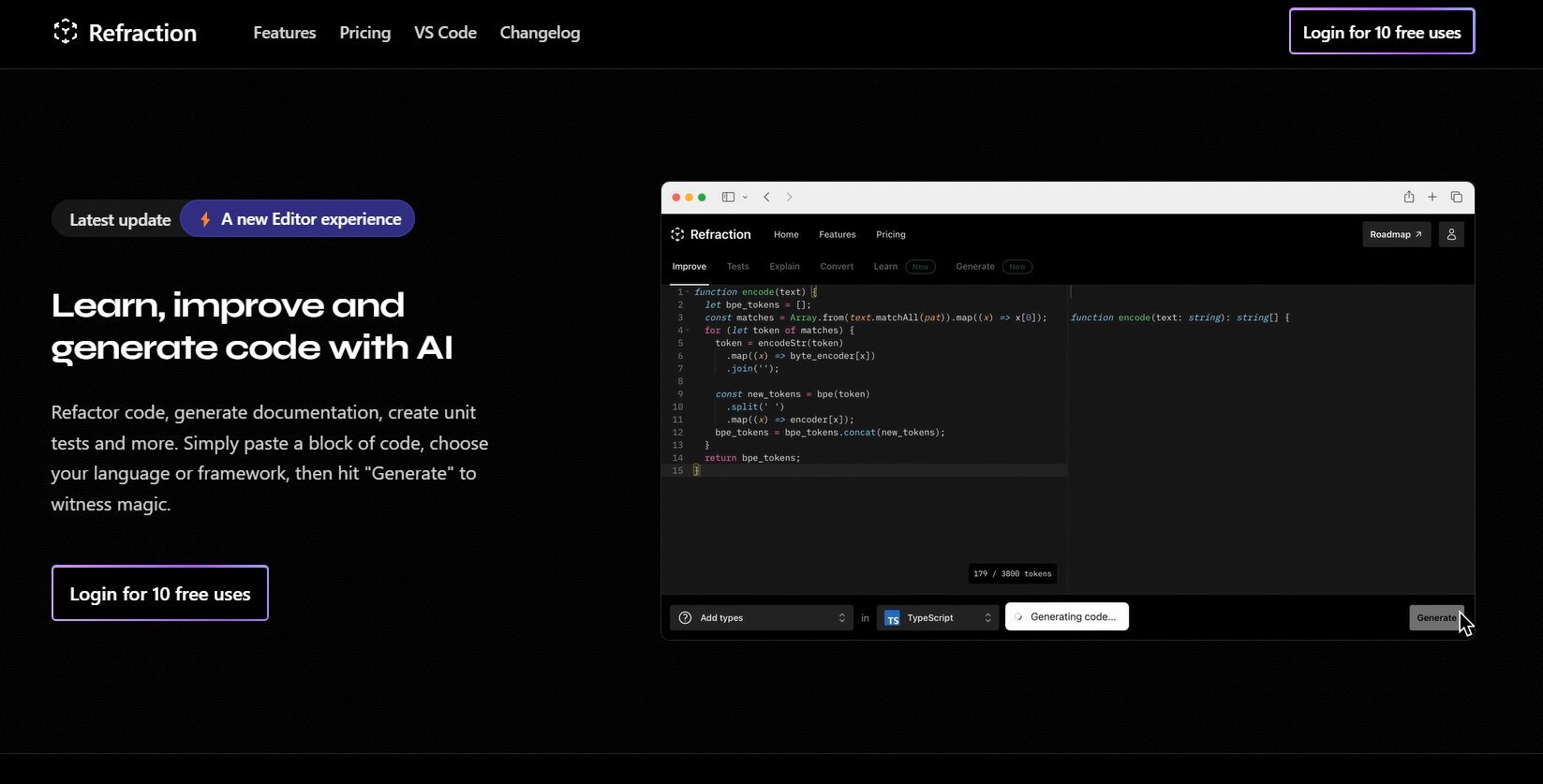
What is Refraction?
Improve and generate code with AI. Refactor code, create documentation, and write unit tests automatically. Simply paste your code, select a language or framework, and click "Generate" to see the magic happen. Refraction is a code generation tool for developers. It harnesses AI to generate code for you. Use it to produce unit tests, documentation, and refactor code.
UI to Code Upvotes
Refraction Upvotes
UI to Code Top Features
Accepts JPG, PNG, PDF, and PSD uploads up to 10 MB per file
Exports React, Vue, Next.js, HTML/CSS, Svelte, and Angular stacks
PRO plan includes $40 monthly credit with Figma and PSD import
Live browser sandbox previews code before ZIP or component export
BASIC plan provides $10 monthly credit with HTML output and AI chat
Figma to React path outputs TypeScript components styled with Tailwind CSS
ULTIMATE tier adds GitHub export, version history, and one-click cloud deploy
Refraction Top Features
No top features listedUI to Code Category
- Code Assistant
Refraction Category
- Code Assistant
UI to Code Pricing Type
- Freemium
Refraction Pricing Type
- Freemium