Audio Note vs SpeechGPT
Dive into the comparison of Audio Note vs SpeechGPT and discover which AI Audio Generation tool stands out. We examine alternatives, upvotes, features, reviews, pricing, and beyond.
In a comparison between Audio Note and SpeechGPT, which one comes out on top?
When we compare Audio Note and SpeechGPT, two exceptional audio generation tools powered by artificial intelligence, and place them side by side, several key similarities and differences come to light. Both tools have received the same number of upvotes from aitools.fyi users. Every vote counts! Cast yours and contribute to the decision of the winner.
You don't agree with the result? Cast your vote to help us decide!
Audio Note

What is Audio Note?
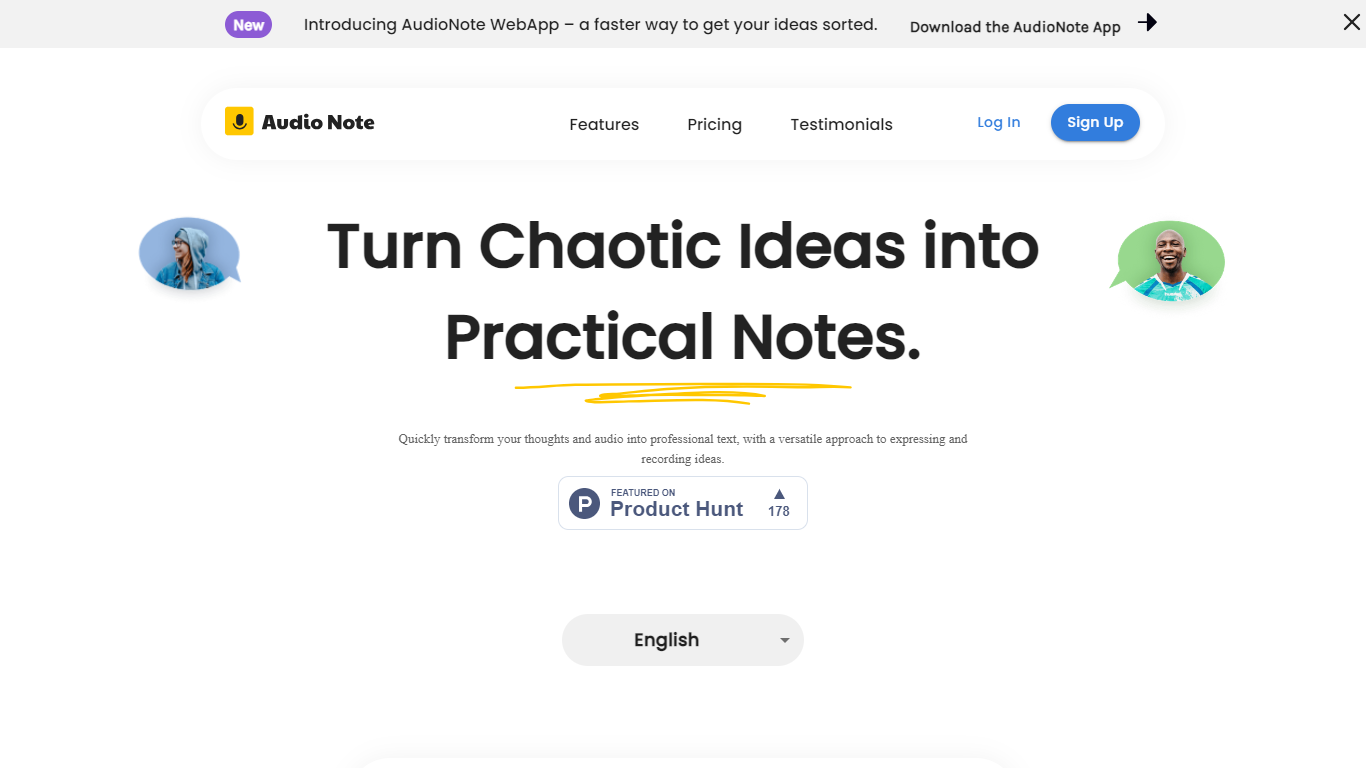
Audio Note turns voice recordings and typed thoughts into clean, structured text. Speak into your browser or upload an audio file, and the tool produces a transcript you can reshape into notes, emails, lists, or meeting recaps without retyping anything.
It sits between a quick voice memo and a finished piece of writing. You record once, then pick from seven output formats such as a plain note, journal entry, meeting summary, action items, or LinkedIn post. The homepage demo shows a rambling client call turned into a tight summary with follow-ups and deadlines called out.
The product is built for people who think faster out loud than on a keyboard. Consultants, managers, and creators can capture ideas while walking or between meetings, then polish them for follow-up emails, posts, or personal journaling.
Audio Note runs in the browser and installs as a progressive web app on iPhone, Android, Mac, and Windows, so you can start recording without downloading a native app.
SpeechGPT

What is SpeechGPT?
SpeechGPT lets you hold voice conversations in the browser using your own OpenAI API key. You type or record messages, send them through a chat interface, and hear spoken replies without installing desktop software.
Unlike hosted TTS services that bundle model costs into a subscription, SpeechGPT runs in the browser and bills you only through the OpenAI, Azure Speech Services, or Amazon Polly accounts you connect. That makes it a lightweight option for developers and language learners who already have API access and want a simple voice chat front end.
The interface supports English, Spanish, and Chinese UI labels, includes a record button for speech input, and stores session data locally in the browser. It suits developers testing voice chat flows, language learners practicing spoken prompts, and anyone who wants a minimal ChatGPT voice client on mobile or desktop.
Audio Note Upvotes
SpeechGPT Upvotes
Audio Note Top Features
Record in the browser or upload audio and get a transcript back in seconds
Seven rewrite formats: note, email, list, journal, meeting summary, action items, or LinkedIn post
Transcribes in 30+ languages, including English, Spanish, Hindi, and French
Turn any note into a public share link for meeting recaps or quick handoffs
Installs as a PWA on iPhone, Android, Mac, or Windows with no app store download
SpeechGPT Top Features
Chat interface accepts typed messages or recorded speech input with Enter to send
Requires your OpenAI API key in settings before the app will run conversations
Optional Azure Speech Services or Amazon Polly access keys for alternate text-to-speech backends
UI available in English, Spanish, and Chinese from the in-app language selector
Shift plus Enter inserts a newline without sending the message
Runs as a web app on Vercel with no separate desktop install required
Audio Note Category
- Audio Generation
SpeechGPT Category
- Audio Generation
Audio Note Pricing Type
- Freemium
SpeechGPT Pricing Type
- Free