
Last updated 07-22-2026
Category:
Reviews:
Join thousands of AI enthusiasts in the World of AI!
Audio Note
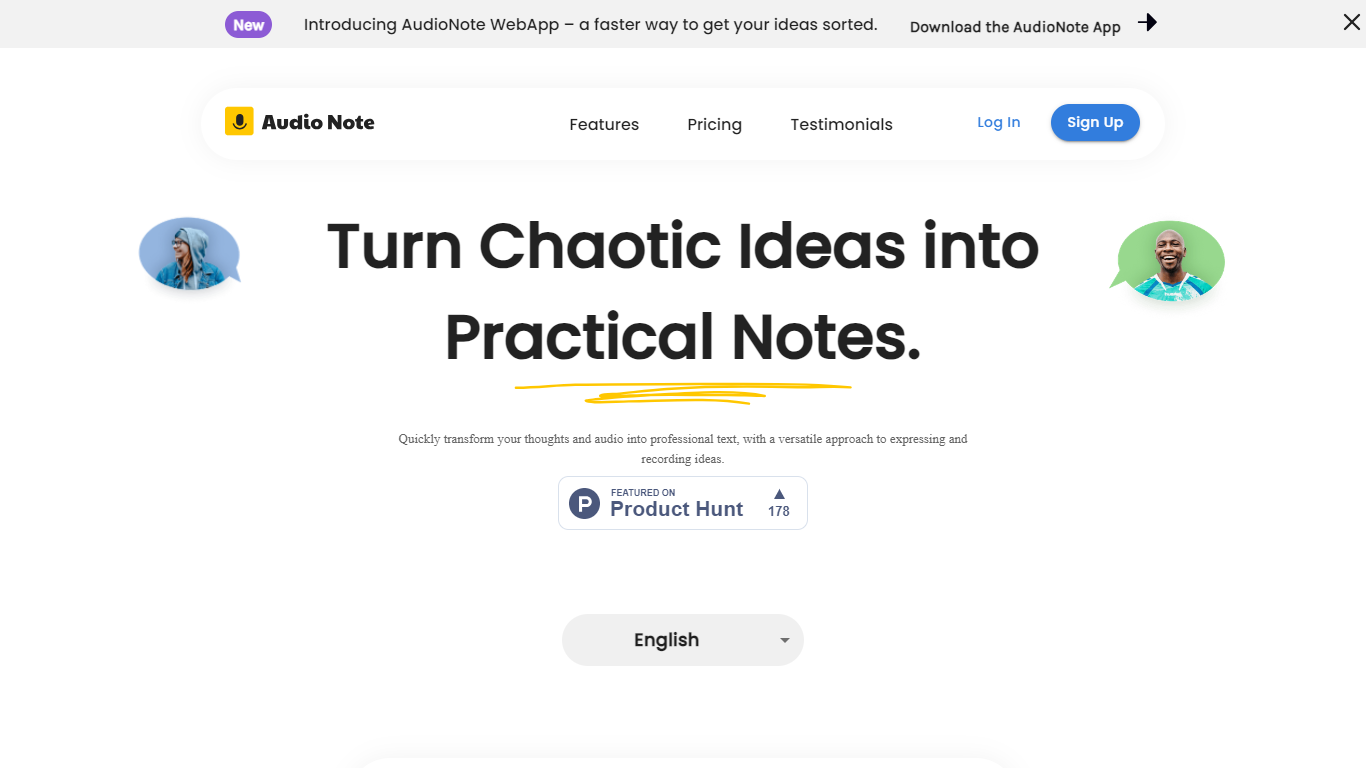
Audio Note turns voice recordings and typed thoughts into clean, structured text. Speak into your browser or upload an audio file, and the tool produces a transcript you can reshape into notes, emails, lists, or meeting recaps without retyping anything.
It sits between a quick voice memo and a finished piece of writing. You record once, then pick from seven output formats such as a plain note, journal entry, meeting summary, action items, or LinkedIn post. The homepage demo shows a rambling client call turned into a tight summary with follow-ups and deadlines called out.
The product is built for people who think faster out loud than on a keyboard. Consultants, managers, and creators can capture ideas while walking or between meetings, then polish them for follow-up emails, posts, or personal journaling.
Audio Note runs in the browser and installs as a progressive web app on iPhone, Android, Mac, and Windows, so you can start recording without downloading a native app.
Record in the browser or upload audio and get a transcript back in seconds
Seven rewrite formats: note, email, list, journal, meeting summary, action items, or LinkedIn post
Transcribes in 30+ languages, including English, Spanish, Hindi, and French
Turn any note into a public share link for meeting recaps or quick handoffs
Installs as a PWA on iPhone, Android, Mac, or Windows with no app store download
Free tier lets you test voice notes without entering payment details.
Seven rewrite formats turn one recording into emails, summaries, or social posts.
Annual and monthly access are one-time charges with no auto-renewal.
Supports more than 30 transcription languages from a single browser workflow.
Progressive web app install works across phone and desktop browsers.
Free plan limits recordings to 3 minutes and blocks export and public sharing.
No dedicated native mobile app; browser and PWA access only.
FAQ notes that transcription accuracy can vary on some recordings.
Paid access must be renewed manually when the access period ends.
Is Audio Note free to use?
Yes. Audio Note offers a free plan with up to 20 voice notes and 30 AI rewrites per month, with recordings capped at 3 minutes. Paid access is sold as a one-time charge with no automatic renewal.
Does Audio Note have a mobile app?
Audio Note does not offer a native iOS or Android app. It runs in the browser and can be installed as a progressive web app on iPhone, Android, Mac, or Windows.
What languages does Audio Note support?
Audio Note supports more than 30 languages for transcription, including English, Spanish, Hindi, and French. You can record in your language and receive a transcript in that language.
Can I export notes from Audio Note?
Paid Audio Note plans let you download any note as Markdown. The free plan does not include export or public note sharing.
How does Audio Note handle my audio recordings?
According to Audio Note's privacy policy, audio from successful recordings is deleted immediately after transcription. Transcription runs through Deepgram, and rewritten text is processed through OpenAI without being used to train their models.
Does Audio Note auto-renew my subscription?
No. Audio Note sells annual and monthly access as one-time charges with no automatic renewal. You renew manually when your access period ends if you choose to continue.