AudioDoc vs Speechify
Explore the showdown between AudioDoc vs Speechify and find out which AI Text to Speech (TTS) tool wins. We analyze upvotes, features, reviews, pricing, alternatives, and more.
When comparing AudioDoc and Speechify, which one rises above the other?
When we contrast AudioDoc with Speechify, both of which are exceptional AI-operated text to speech (tts) tools, and place them side by side, we can spot several crucial similarities and divergences. Interestingly, both tools have managed to secure the same number of upvotes. Your vote matters! Help us decide the winner among aitools.fyi users by casting your vote.
Want to flip the script? Upvote your favorite tool and change the game!
AudioDoc
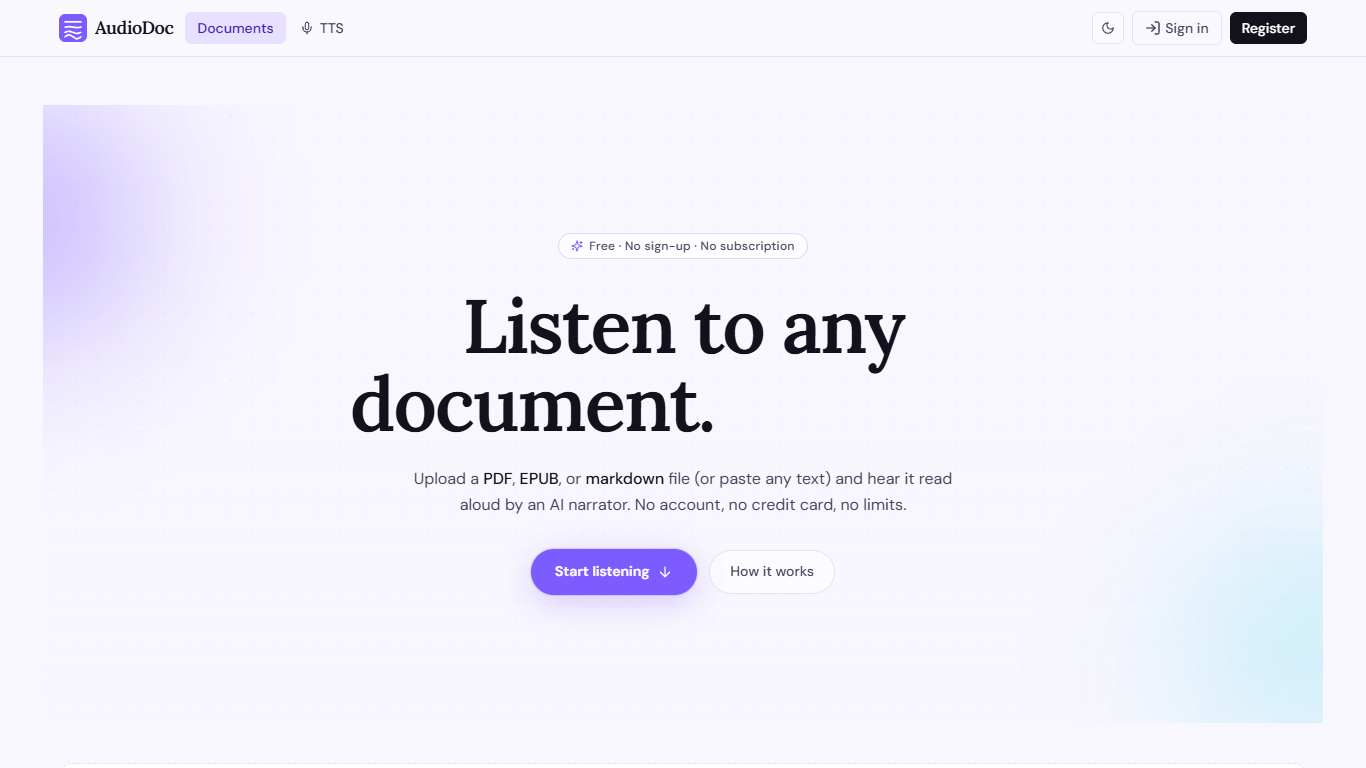

What is AudioDoc?
AudioDoc turns documents and pasted text into listenable audio in your browser. Upload a PDF, EPUB, or markdown file, or drop raw text into the TTS studio, and hear it read by natural narrators. There is no account requirement, no subscription, and no credit card gate to start.
The document library streams long files chapter by chapter as audio is generated, so you are not waiting on a full book conversion before playback begins. A separate TTS studio handles quick paste-and-listen jobs with downloadable clips and no watermarks.
It fits commuters who want articles read aloud, students reviewing coursework, writers proofreading drafts by ear, and anyone who needs hands-free or accessibility-friendly access to written material. Guest sessions last 24 hours; a free registered account keeps your library and listening progress beyond that window.
Speechify
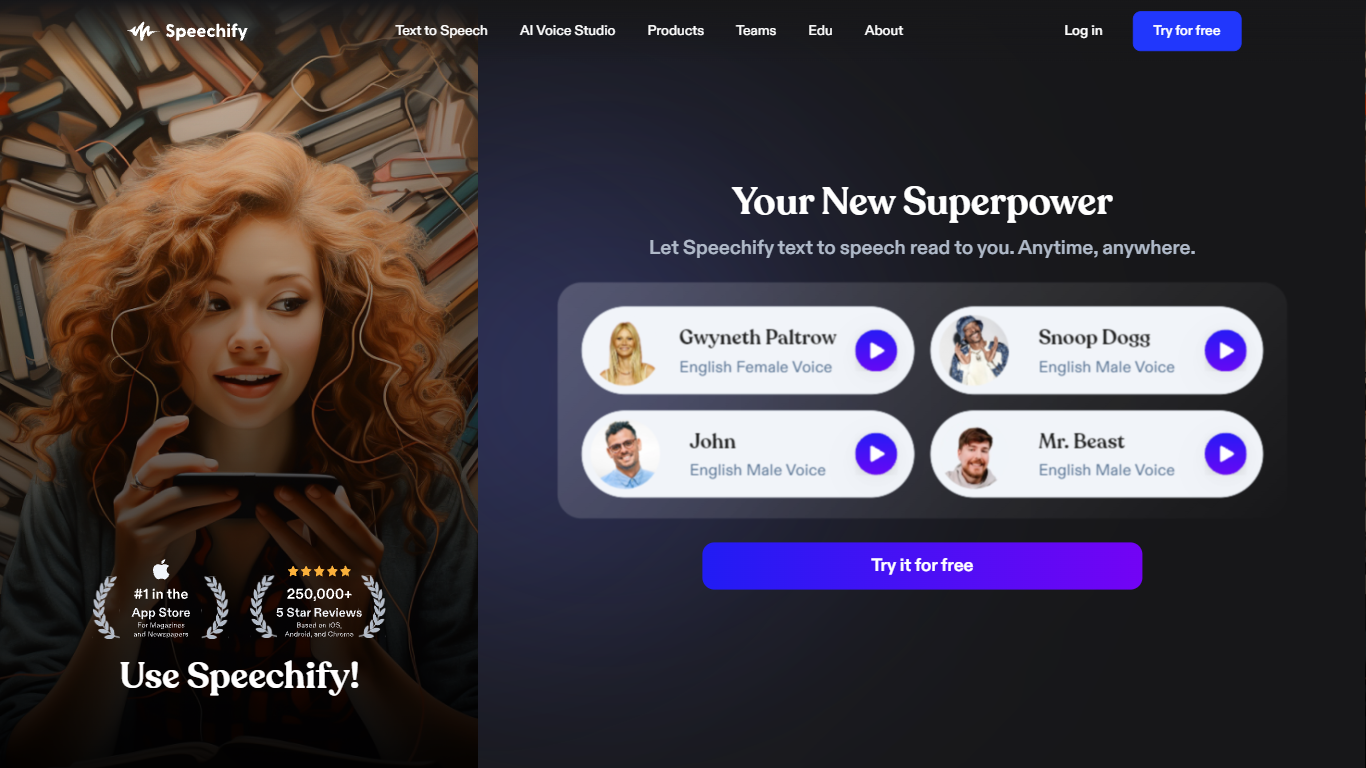
What is Speechify?
Speechify is a voice productivity platform that reads text aloud, types what you say, and answers questions about what you are reading. Upload a PDF, paste a web page, or scan a printed page and listen with natural voices at speeds up to 5x. It runs on web, mobile, desktop, and browser extensions so you can keep listening across devices.
Founder Cliff Weitzman built Speechify after growing up with dyslexia and hacking together text-to-speech tools to get through college reading at Brown University. The product has since grown into a full voice layer: dictation that works in any app, one-click AI podcasts from documents, meeting note taking, and a voice assistant that summarizes pages you are reading.
With 60 million users and over 1 million five-star reviews, Speechify targets students, professionals, and anyone who reads faster by listening. It won a 2025 Apple Design Award and was named Chrome Extension of the Year.
AudioDoc Upvotes
Speechify Upvotes
AudioDoc Top Features
Upload PDF, EPUB, or markdown and stream audio chapter by chapter
Paste up to 1,000 words in the TTS studio for instant playback
American, British, Japanese, and Chinese narrator voices included
Download generated audio files with no watermarks
Start as a guest with no sign-up or credit card
Remembers your spot and works in mobile browsers without an app
Speechify Top Features
1,000+ natural voices in 60+ languages with celebrity options like Snoop Dogg
Listen at up to 5x speed with text highlighting that follows along
Voice typing hits 160 words per minute in Gmail, Slack, Google Docs, and more
Turn any document or short description into an AI podcast in one click
Scan printed pages with OCR and hear them read aloud instantly
Voice AI assistant answers questions about whatever you are reading
Runs on iOS, Android, Mac, Windows, Chrome, and Edge
AudioDoc Category
- Text to Speech (TTS)
Speechify Category
- Text to Speech (TTS)
AudioDoc Pricing Type
- Free
Speechify Pricing Type
- Freemium