Autofillr vs NocoAI
Dive into the comparison of Autofillr vs NocoAI and discover which AI Web Apps tool stands out. We examine alternatives, upvotes, features, reviews, pricing, and beyond.
In a comparison between Autofillr and NocoAI, which one comes out on top?
When we compare Autofillr and NocoAI, two exceptional web apps tools powered by artificial intelligence, and place them side by side, several key similarities and differences come to light. Both tools have received the same number of upvotes from aitools.fyi users. Every vote counts! Cast yours and contribute to the decision of the winner.
Not your cup of tea? Upvote your preferred tool and stir things up!
Autofillr
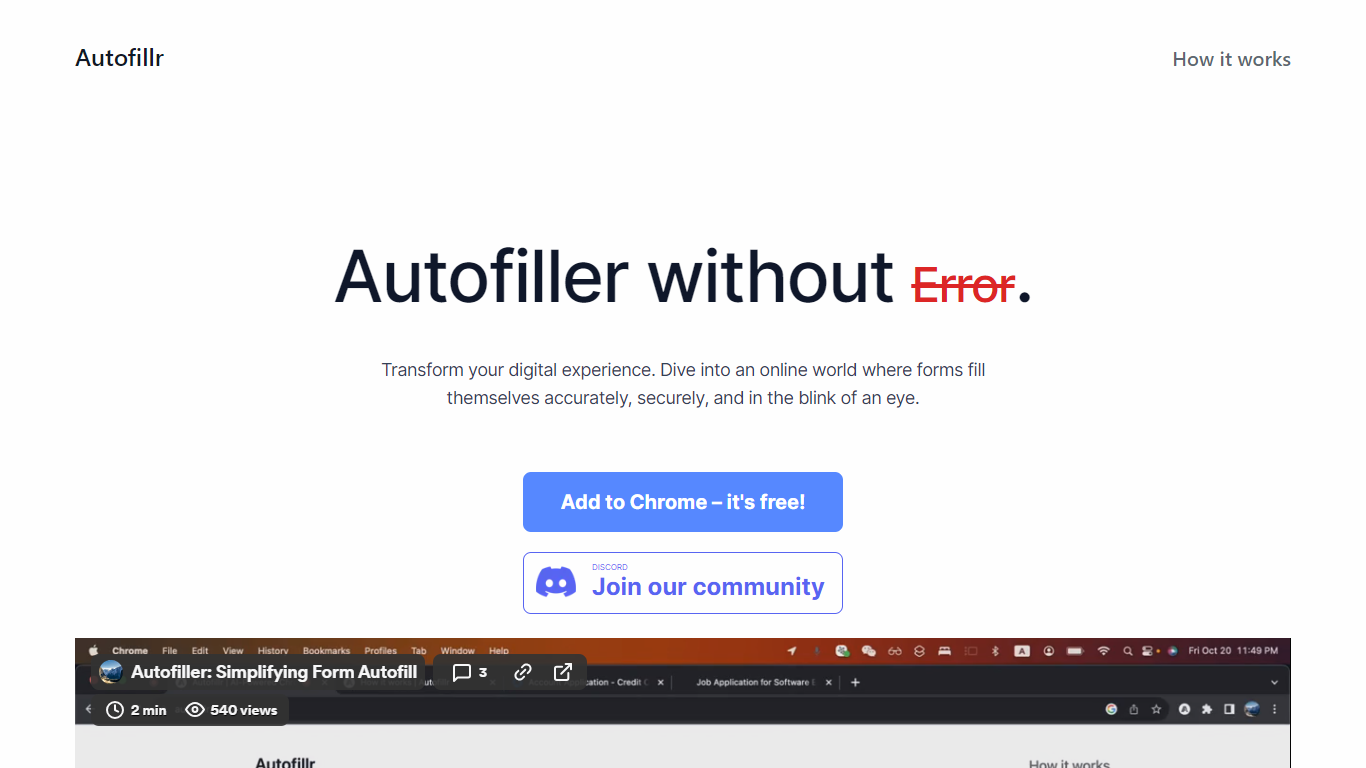

What is Autofillr?
Autofillr is a free Chrome extension that fills web forms using machine learning to read field labels and page structure. You store your personal details once in the extension options, then click Fill on any supported page to populate fields in seconds.
All profile data stays on your device. Autofillr does not transmit personal information to its servers, and staff cannot access locally stored entries. The extension may collect website visit data to improve form detection rules, as described in its privacy policy.
The product targets anyone who repeatedly enters the same details on job applications, checkout pages, and account signup flows. A Discord community is available for support, and the team also ships a related product called IdentityFill.
NocoAI
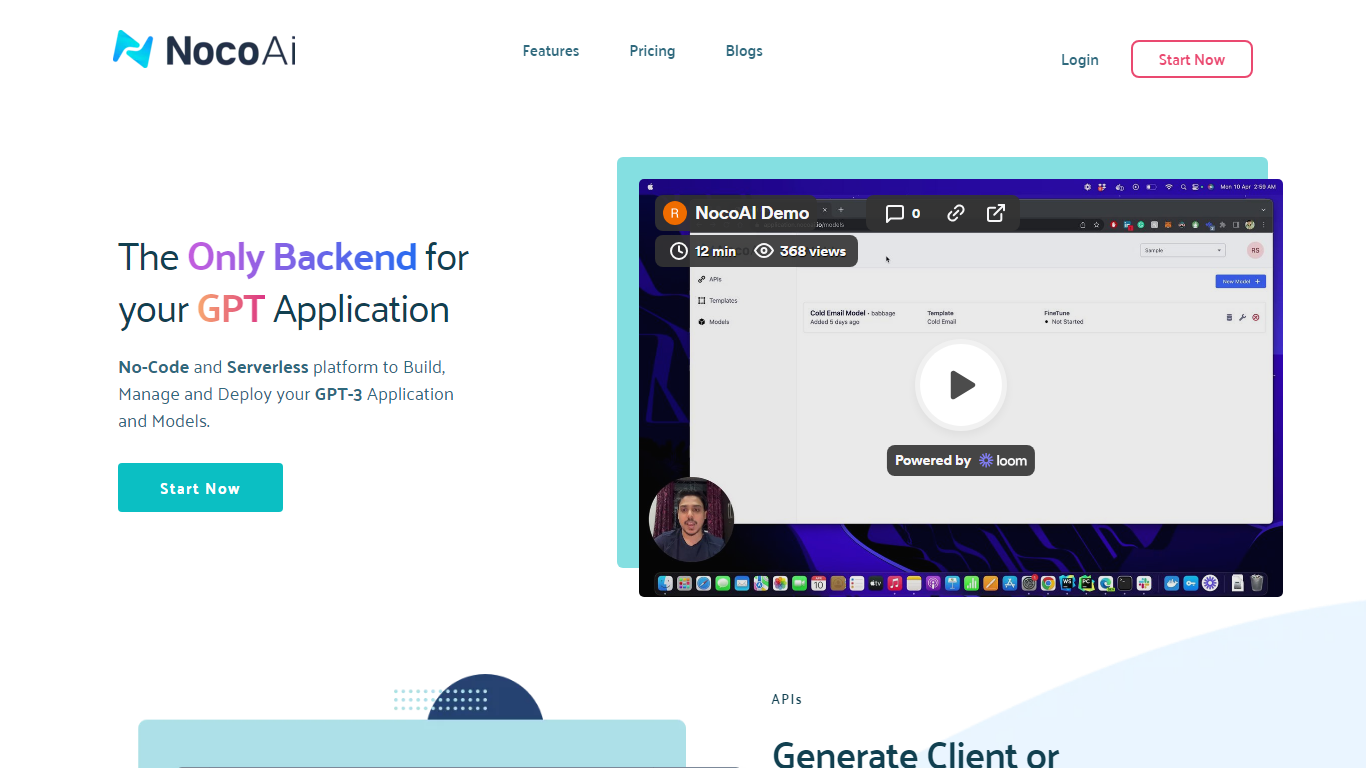
What is NocoAI?
NocoAI revolutionizes the deployment of GPT-based applications with its no-code, serverless platform, designed for simplicity and effectiveness. It empowers businesses to create custom models and API endpoints that cater to the client or backend needs. With NocoAI, you gain the ability to define prompt templates using the Mustache template engine, leading to highly personalized input for fine-tuning applications. The platform offers a unique feature enabling you to control OpenAI costs with request and user limits on your APIs, while the upcoming feature to analyze API usage promises an even more refined custom model optimization. Moreover, the NocoAI team stands ready to assist non-developers in adding datasets for further model fine-tuning via a user-friendly interface.
Autofillr Upvotes
NocoAI Upvotes
Autofillr Top Features
Learns form layouts on the fly and fills fields from a saved profile with one click
Stores personal data locally on your device with no server upload of profile entries
Works through a Chrome toolbar icon where you pick a profile and tap Fill
Free to install from the Chrome Web Store with no account required on autofillr.com
Includes setup guides, FAQs, and a Discord server for community support
NocoAI Top Features
No-Code Platform: Utilize a serverless environment to build and deploy GPT applications without coding.
API Generation: Easily generate client or backend APIs with custom or inbuilt models.
Template Customization: Define prompt templates and variables with the Mustache template engine for personalized API inputs.
Cost Control: Implement request and user limits to manage OpenAI costs effectively.
Non-Developer Friendly: Engage the NocoAI team for assistance in dataset addition and model fine-tuning.
Autofillr Category
- Web Apps
NocoAI Category
- Web Apps
Autofillr Pricing Type
- Free
NocoAI Pricing Type
- Freemium