
Last updated 07-23-2026
Category:
Reviews:
Join thousands of AI enthusiasts in the World of AI!
Autofillr
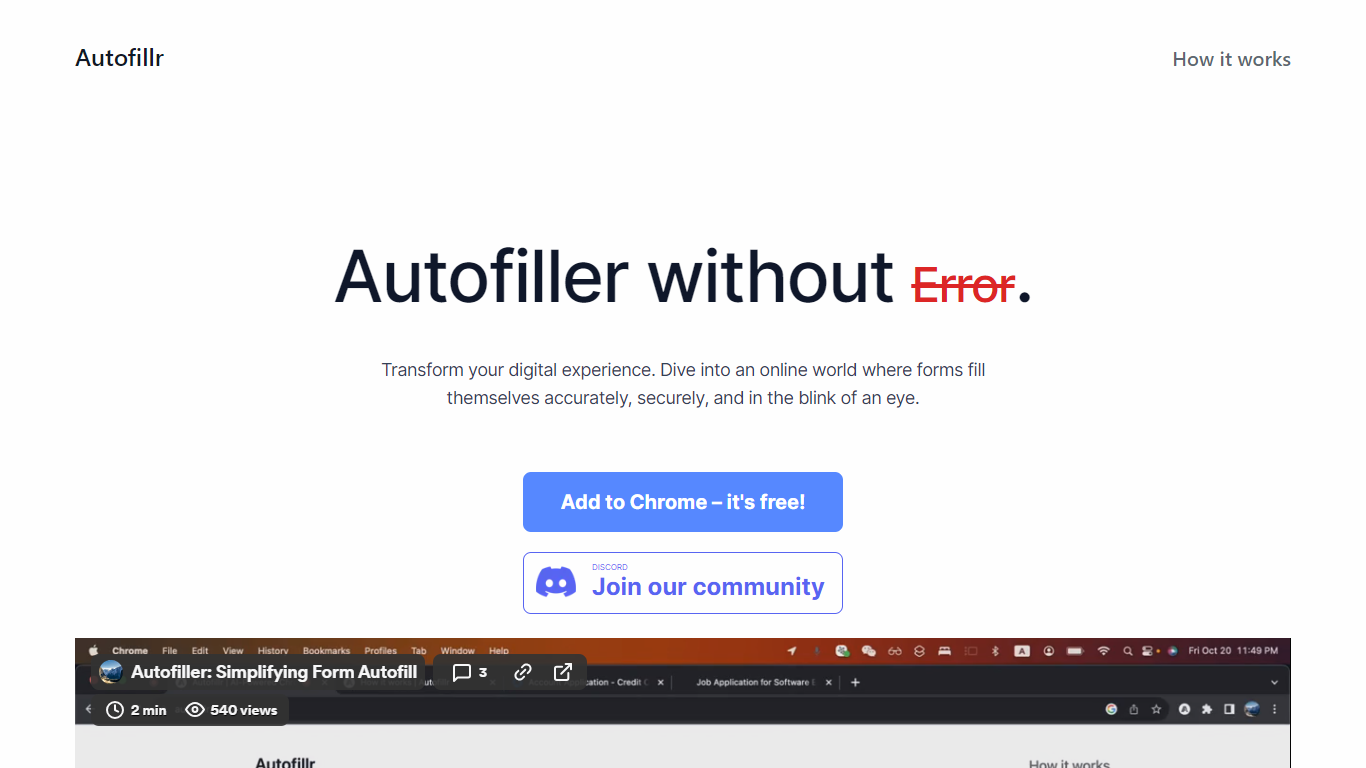
Autofillr is a free Chrome extension that fills web forms using machine learning to read field labels and page structure. You store your personal details once in the extension options, then click Fill on any supported page to populate fields in seconds.
All profile data stays on your device. Autofillr does not transmit personal information to its servers, and staff cannot access locally stored entries. The extension may collect website visit data to improve form detection rules, as described in its privacy policy.
The product targets anyone who repeatedly enters the same details on job applications, checkout pages, and account signup flows. A Discord community is available for support, and the team also ships a related product called IdentityFill.
Learns form layouts on the fly and fills fields from a saved profile with one click
Stores personal data locally on your device with no server upload of profile entries
Works through a Chrome toolbar icon where you pick a profile and tap Fill
Free to install from the Chrome Web Store with no account required on autofillr.com
Includes setup guides, FAQs, and a Discord server for community support
Free Chrome extension with no subscription required
Profile data stays local and is not uploaded to Autofillr servers
Handles complex form fields beyond basic contact info
Quick setup through extension options and a one-click Fill action
Active Discord community for user support
Chrome only; no Firefox, Safari, or Edge extension listed
Local profile data is not yet encrypted while the product remains in beta
Requires manual profile setup before first use on new forms
Is my personal information safe with Autofillr?
Autofillr stores profile data locally on your device and does not send that personal information to Autofillr servers. Company staff cannot access locally stored user data. The privacy policy notes the extension is in beta and local data is not yet encrypted, with encryption planned for a future release.
How does Autofillr fill forms accurately?
Autofillr uses machine learning to analyze web form structure and generate filling rules on the fly. It can detect and populate a wide range of field types beyond basic name and address entries.
What makes Autofillr different from other autofill tools?
Many autofill tools handle only standard fields like names and addresses. Autofillr aims to recognize diverse field types across varied web forms and move toward one-click completion on any page.
Is Autofillr free?
Yes. Autofillr is free to add from the Chrome Web Store. The autofillr.com homepage links directly to the free Chrome extension listing.
How do I set up Autofillr?
Open the extension options, click Show Personal Data, enter your fields, and save. Pin the extension in Chrome, click the Autofillr icon, choose your profile, and click Fill on any form page.