AutoOptimize vs Regex.ai
In the face-off between AutoOptimize vs Regex.ai, which AI Automation tool takes the crown? We scrutinize features, alternatives, upvotes, reviews, pricing, and more.
In a face-off between AutoOptimize and Regex.ai, which one takes the crown?
If we were to analyze AutoOptimize and Regex.ai, both of which are AI-powered automation tools, what would we find? Both tools are equally favored, as indicated by the identical upvote count. The power is in your hands! Cast your vote and have a say in deciding the winner.
Think we got it wrong? Cast your vote and show us who's boss!
AutoOptimize

What is AutoOptimize?
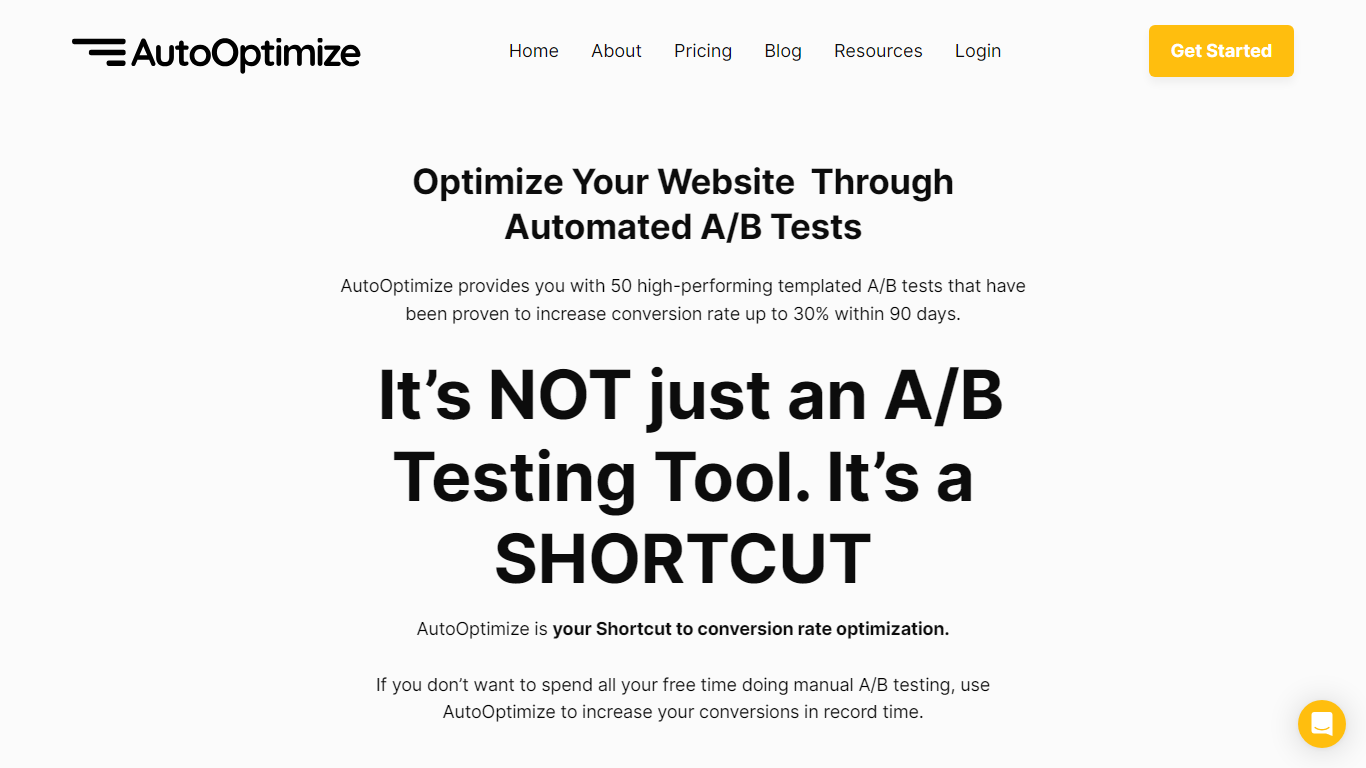
Maximize your website's potential with AutoOptimize’s advanced A/B testing tool! Designed to streamline conversion rate optimization, our platform offers 50 ready-to-use templated A/B tests that have demonstrated up to 30% increase in conversions within just 90 days. No extensive manual testing or hiring expensive CRO professionals—AutoOptimize is your affordable, automated shortcut to better performance.
AutoOptimize is not only about A/B testing; it’s the ultimate time-saving solution compatible with every platform, ensuring you get quick results. The tool provides real-time data, built-in AI features, and dedicated support, all without the need for coding skills. Plus, it’s cloud-based with advanced 256-bit encryption, promising easy organization and top-notch security.
Struggling with rising ad costs, neglected landing page optimizations, or instabilities on ad platforms? AutoOptimize tackles these challenges head-on. Easily set the service in motion in four straightforward steps, then watch as your website optimization takes care of itself, reducing ad costs, increasing revenue, and lowering customer acquisition costs.
Regex.ai
What is Regex.ai?
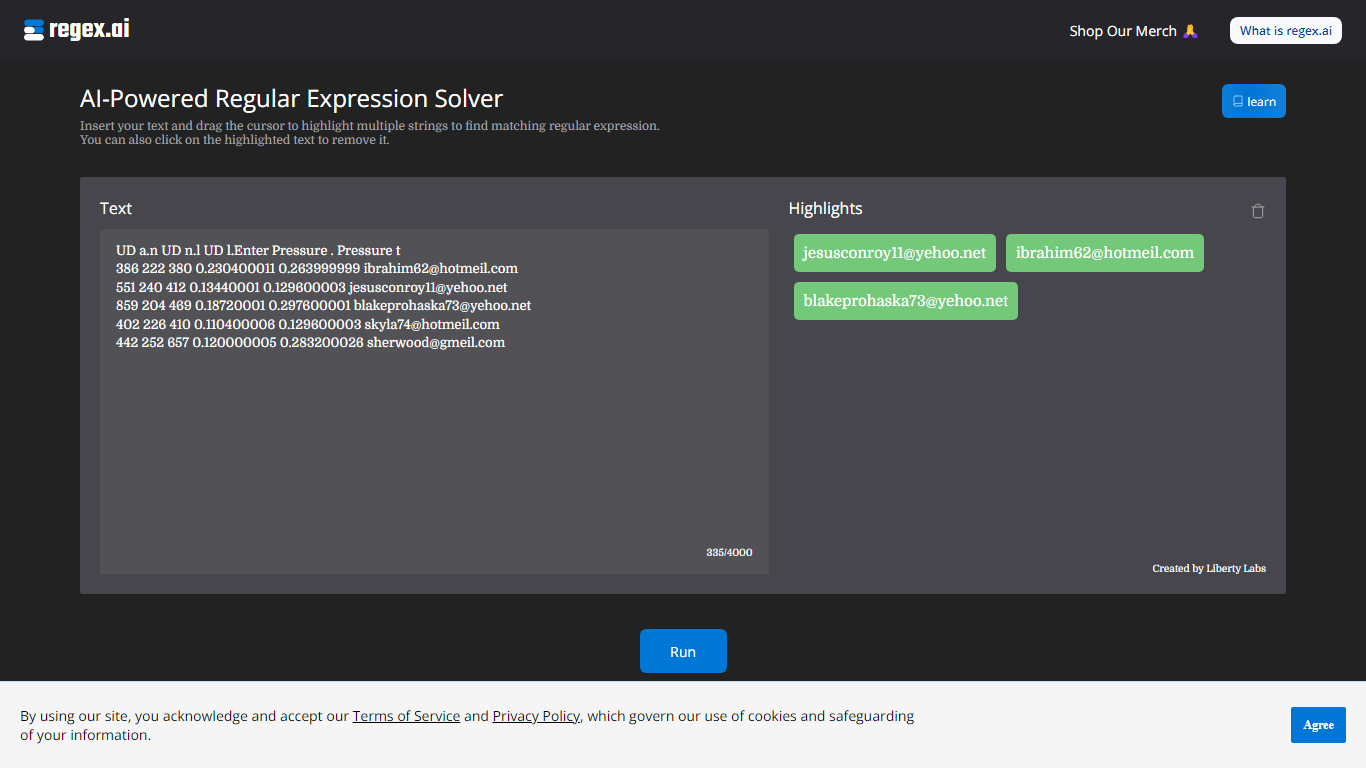
Regex.ai builds regular expressions from highlighted text samples in your browser. You paste a block of text, drag the cursor to mark the strings you want to match, and the site returns candidate regex patterns instead of making you write them by hand. It turns messy real-world strings into reusable search patterns for log parsing, data cleanup, and validation scripts in automation workflows.
Most regex generators ask you to describe the pattern in words or pick from templates. Regex.ai runs four separate agents on the same highlights, each with a different strategy: Agent A generalizes like a human would, Agent B finds a pattern from highlights and surrounding text, Agent C handles adjacent single characters, and Agent D focuses on character counts and types. You compare four outputs side by side and pick the one that fits your data.
The tool is built for developers, data analysts, and QA engineers who hit regex walls during extraction or validation work. Paste sample rows from a CSV, log file, or email list, highlight the parts that repeat, and walk away with a pattern you can drop into Python, JavaScript, or your ETL pipeline. A built-in documentation section covers metacharacters and special sequences for anyone still learning regex syntax.
AutoOptimize Upvotes
Regex.ai Upvotes
AutoOptimize Top Features
Pre-Built A/B Tests: Simplifies the optimization process with 50 high-performance templates.
No-Code Solution: Easy to use without any technical expertise making it accessible for anyone.
Real-Time Data: Offers valuable insights with real-time project tracking and notifications.
Dedicated Support: Provides thorough onboarding and continuous customer assistance.
Increased Security: Ensures data protection with advanced 256-bit encryption for peace of mind.
Regex.ai Top Features
Four agents (A through D) each return a different regex pattern from the same highlighted text
Paste up to 4,000 characters of sample text and highlight multiple strings with a drag cursor
Agent B returns lookbehind patterns like (?<=\s)\w+@\w+.(?:com|net) for .com and .net email matching
Agent D adds broader matches such as \w+@\w+.(?:com|net) that include addresses like [email protected]
Built-in documentation page lists 11 metacharacters and 12 special sequences with worked examples
Discord community at discord.com/invite/AZPWnBUGmP linked from the about page for regex help
AutoOptimize Category
- Automation
Regex.ai Category
- Automation
AutoOptimize Pricing Type
- Freemium
Regex.ai Pricing Type
- Free