Ayanza vs GitMind
Explore the showdown between Ayanza vs GitMind and find out which AI Project Management tool wins. We analyze upvotes, features, reviews, pricing, alternatives, and more.
When comparing Ayanza and GitMind, which one rises above the other?
When we contrast Ayanza with GitMind, both of which are exceptional AI-operated project management tools, and place them side by side, we can spot several crucial similarities and divergences. Neither tool takes the lead, as they both have the same upvote count. Your vote matters! Help us decide the winner among aitools.fyi users by casting your vote.
Disagree with the result? Upvote your favorite tool and help it win!
Ayanza


What is Ayanza?
Ayanza is a project management workspace that combines team spaces, OKRs, tasks, notes, and custom lists in one app. Teams use it to align on objectives, run projects, capture knowledge, and chat without juggling separate tools for docs, tasks, and goals.
Where most PM tools bolt AI onto a task board, Ayanza builds objectives, metrics, and workflows into the same hierarchy as your docs and databases. You can view items as tables, kanban boards, or galleries, link tasks to OKRs for automatic progress tracking, and schedule reflection time through its Rhythm feature.
Startups, NGOs, schools, and distributed teams that want OKRs plus daily execution in one place are the natural fit. Ayanza offers iOS, Android, Mac, and Windows apps, and its free tier supports up to 5 users and 200 docs before paid plans unlock unlimited usage and stronger AI models.
GitMind
What is GitMind?
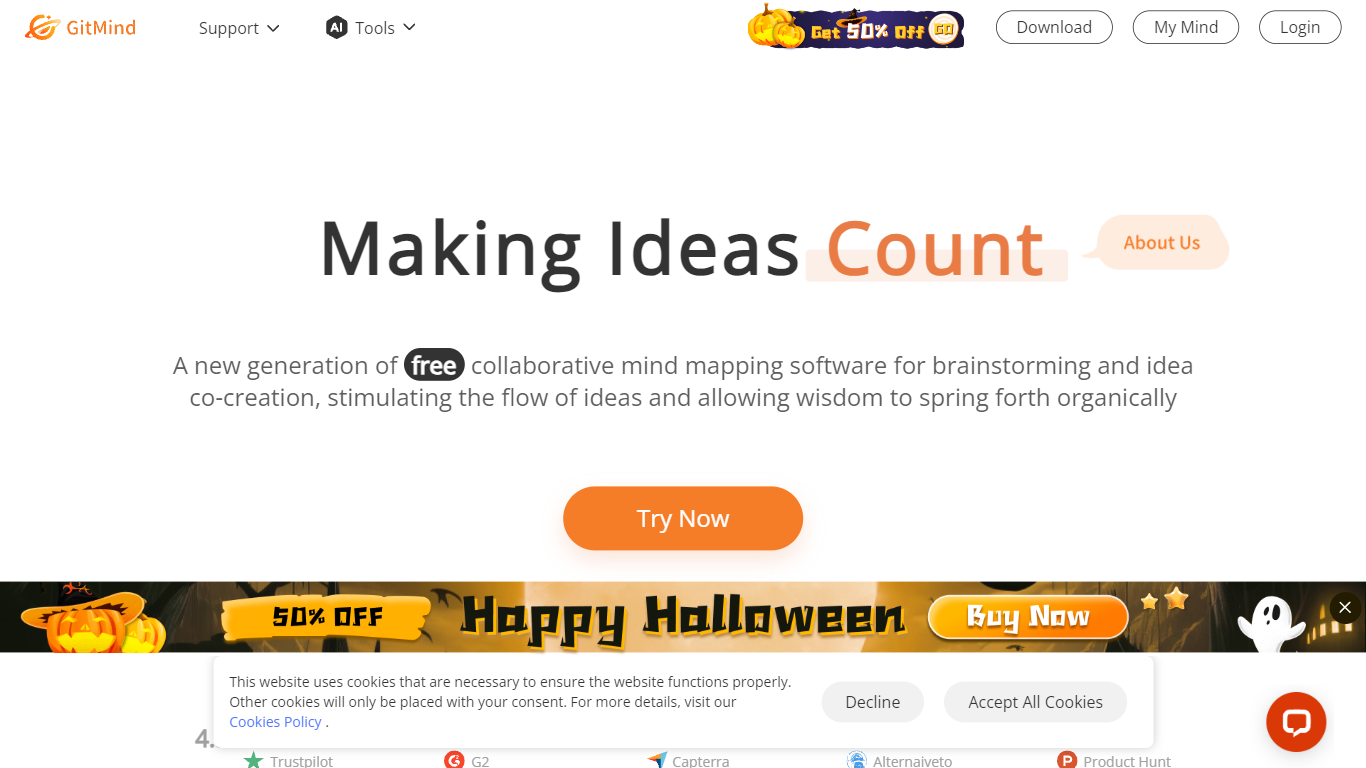
GitMind turns text, videos, audio, PDFs, websites, and images into mind maps, summaries, flowcharts, and infographics inside one visual workspace. Upload a file or paste a link, and the tool structures the content into editable diagrams you can share or present. Desktop and mobile apps sync projects across platforms for studying, research, and project planning.
Standalone mind map apps stop at diagram editing. GitMind bundles summarizers, OCR, YouTube transcript tools, and AI chat with ChatGPT, Claude, Gemini, and DeepSeek in the same canvas. That combination suits teams who want source material converted into visuals without switching between a note app, a diagram tool, and a separate AI chat tab.
Project managers, teachers, students, and researchers use GitMind to plan campaigns, summarize lectures, and generate UML or flowchart diagrams from prompts. The site reports 10 million users across 160 countries. Real-time collaboration and presentation mode support team workshops and classroom reviews.
Ayanza Upvotes
GitMind Upvotes
Ayanza Top Features
Free plan covers up to 5 users and 200 docs with objectives, chat, and wiki
Premium AI assistant runs on GPT-3.5 at $6 per user per month
Ultra tier upgrades the assistant to GPT-4 at $15 per user per month
Spaces show tasks and databases as tables, kanban boards, or galleries
Link tasks to OKRs for automatic progress measurement against key workflows
GitMind Top Features
Converts videos, PDFs, audio, websites, and images into mind maps or summaries
Free tier includes up to 10 mind maps and whiteboards
YouTube summarizer handles 20 minutes of one video per day on the free plan
Generates flowcharts, UML diagrams, ERDs, and infographics from text prompts
Integrates ChatGPT, Claude, Gemini, and DeepSeek inside the workspace
Real-time collaboration with presentation mode for team reviews
Ayanza Category
- Project Management
GitMind Category
- Project Management
Ayanza Pricing Type
- Freemium
GitMind Pricing Type
- Freemium