Barcode.so vs Befront
Compare Barcode.so vs Befront and see which AI Design tool is better when we compare features, reviews, pricing, alternatives, upvotes, etc.
Which one is better? Barcode.so or Befront?
When we compare Barcode.so with Befront, which are both AI-powered design tools, Both tools have received the same number of upvotes from aitools.fyi users. Since other aitools.fyi users could decide the winner, the ball is in your court now to cast your vote and help us determine the winner.
Think we got it wrong? Cast your vote and show us who's boss!
Barcode.so
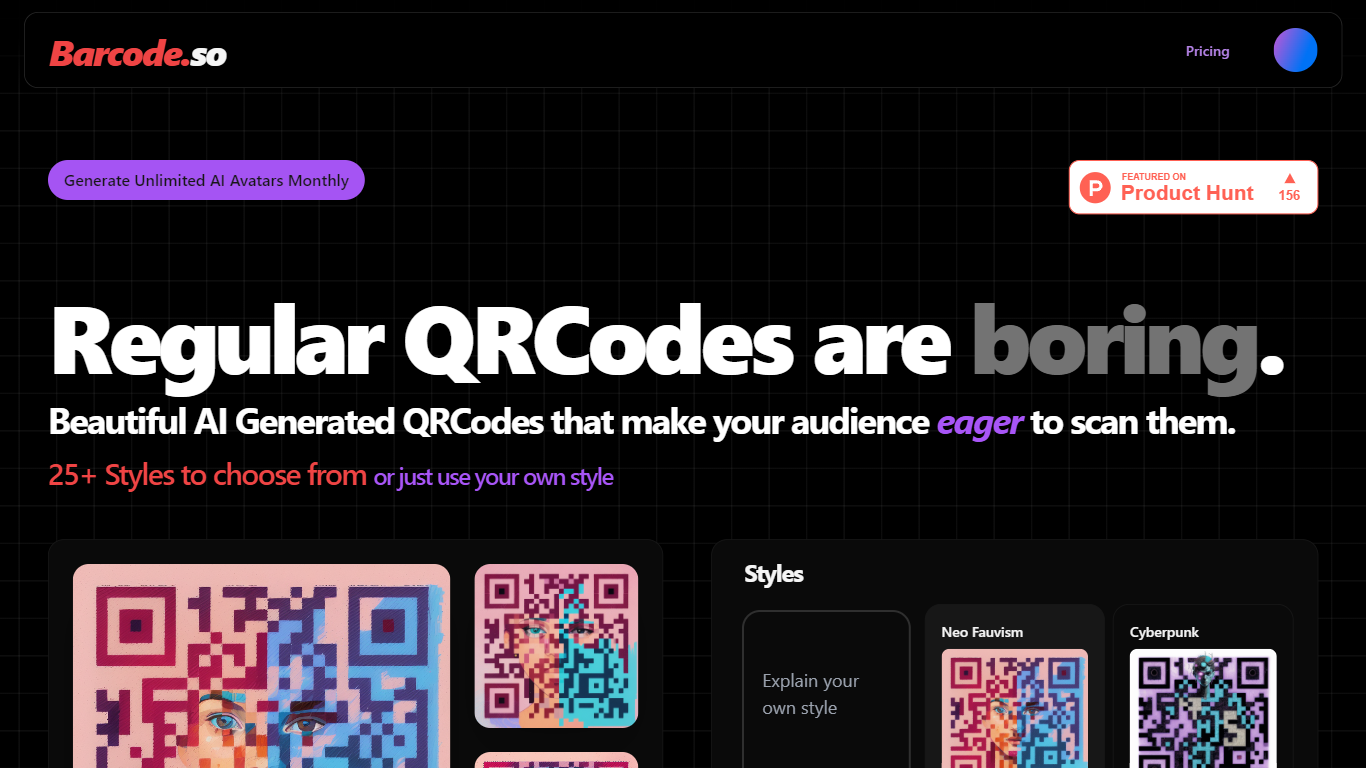

What is Barcode.so?
Transform the way you engage with your audience by elevating the visual appeal of QR codes. Gone are the days of mundane, black-and-white squares. Welcome to the age of beautiful QR codes designed to capture attention and spark curiosity. Our QR codes are not only functional; they're a delightful addition to your marketing materials that invite users to learn more about your products, events, or services.
We understand that aesthetics matter and first impressions count. That's why we've developed a range of QR codes that harmonize with your branding, ensuring they're an integral part of your communication strategy. These QR codes are tailored to be not only enticing but also easy to scan, providing a seamless experience for users.
With our enhanced QR codes, you have the opportunity to stand out in a crowded market. Implement them on business cards, flyers, posters, and any other promotional materials to add a touch of sophistication and tech-savvy flair. It's time to rethink QR codes and use them to their full potential, making every scan a memorable one for your audience.
Befront
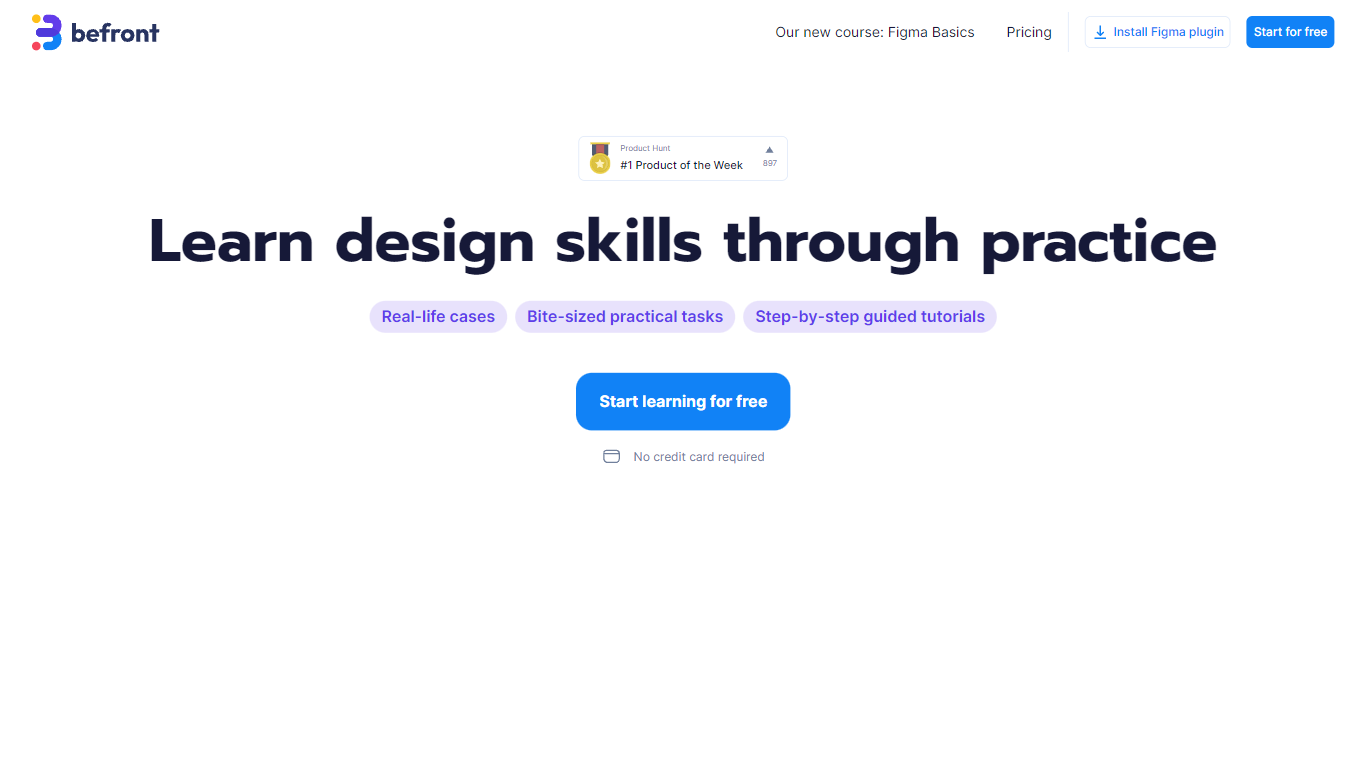
What is Befront?
Befront is a Figma Community plugin that works as a hands-on design trainer. You install it in Figma, pick a skill to train, and complete short UI tasks on real interfaces with instant feedback as you work. It focuses on practical layout and component work rather than passive theory.
Most design courses lean on video lectures that are easy to watch and hard to retain. Befront runs short drills you can finish in about five minutes, with topic picks like Auto Layout and components instead of a fixed syllabus. That makes it closer to a daily gym routine than a semester-long course.
The homepage positions Befront for designers who feel stuck in Figma, working designers who want more speed, and career switchers learning UX/UI from scratch. Developers, product managers, founders, and marketers who need to work confidently in Figma are also called out in the FAQ.
You track progress over time, compete with other designers, and can try design mini-games for quick interactive practice. A free trial offers access to trial lessons, while paid plans start at $11 per week or $30 per month for full access.
Barcode.so Upvotes
Befront Upvotes
Barcode.so Top Features
Customizable Design: Tailor QR codes to align with your brand's visual identity.
Increased Engagement: Designed to encourage more scans and interactions from users.
Versatile Application: Suitable for a wide range of promotional materials.
User-Friendly: QR codes are easy to scan and offer a seamless user experience.
Attention-Grabbing: Unique QR codes that stand out and make a lasting impression.
Befront Top Features
Daily drills you can finish in about five minutes with instant feedback inside Figma
Monthly plan at $30 per month or Weekly plan at $11 per week for full access to all content
Topic-specific training for Auto Layout, components, and other job-ready Figma skills
Design mini-games for quick interactive practice on real interfaces
Free Trial at $0 with access to trial lessons inside the Figma plugin
Barcode.so Category
- Design
Befront Category
- Design
Barcode.so Pricing Type
- Freemium
Befront Pricing Type
- Freemium