Beatmo vs Vidu
Explore the showdown between Beatmo vs Vidu and find out which AI Video Generation tool wins. We analyze upvotes, features, reviews, pricing, alternatives, and more.
When comparing Beatmo and Vidu, which one rises above the other?
When we contrast Beatmo with Vidu, both of which are exceptional AI-operated video generation tools, and place them side by side, we can spot several crucial similarities and divergences. The community has spoken, Vidu leads with more upvotes. Vidu has attracted 79 upvotes from aitools.fyi users, and Beatmo has attracted 6 upvotes.
Not your cup of tea? Upvote your preferred tool and stir things up!
Beatmo

What is Beatmo?
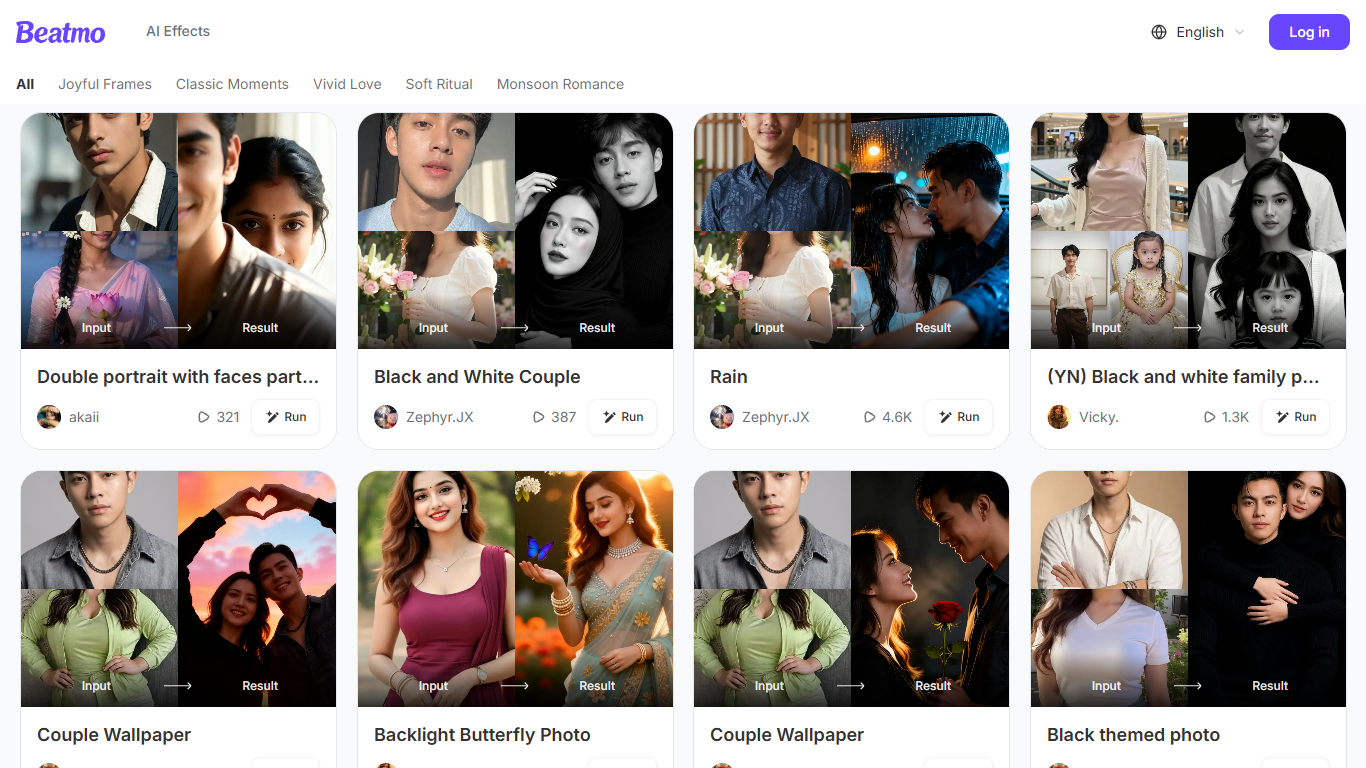
Beatmo turns a still photo into a short motion video you can save as HD MP4. You pick a template, upload a portrait, and the Android app animates it with dance moves, blinks, kisses, or slow cinematic pans. The site bills itself as an image to video generator, but the actual studio lives on Google Play. It is built for people who want a shareable clip without opening a desktop editor.
Most photo-to-video products let you generate in the browser. Beatmo does not. Its own FAQ says image to video features are exclusive to the Google Play app, and beatmo.live is mostly a template gallery with themed rows like Vivid Love and Monsoon Romance. Generation runs on a points system, and failed jobs refund those points automatically.
Couples and families are the obvious audience. The homepage is packed with pair portraits, baby photo walls, and black-and-white revival clips, plus a separate face-swap flow. Marketing pages also pitch text-to-video prompts and product Reels, but those still send you to the same Android app.
Vidu
What is Vidu?
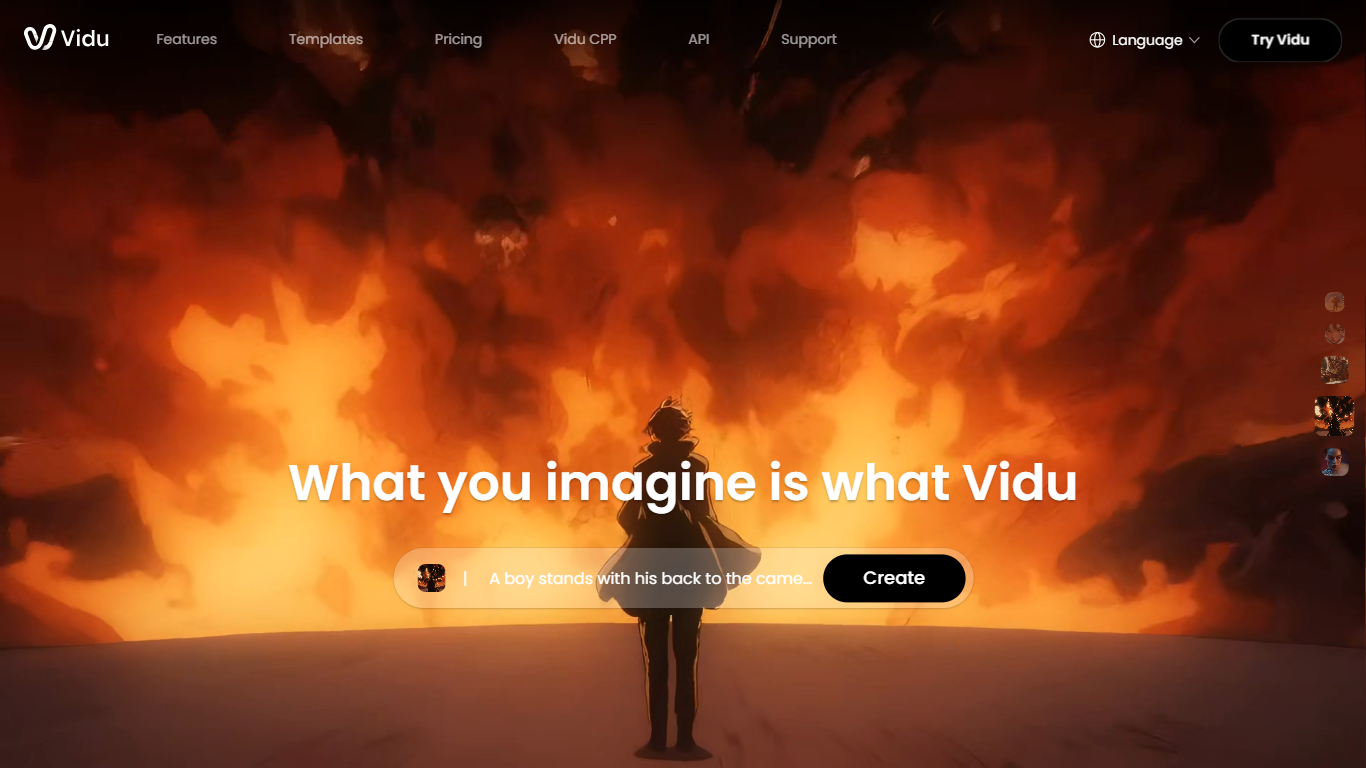
Vidu turns text prompts, still images, and reference photos into finished video clips up to 1080p. Independent creators and production teams use it to skip a traditional post pipeline and go from idea to export in the browser. The core modes are text-to-video, image-to-video, and reference-to-video.
Reference-to-video is where Vidu stands out. Upload up to seven images to keep characters, objects, and scenes consistent across a clip, or save assets in My References for reuse on later projects. The Vidu Q3 model adds native audio in the same generation pass, so dialogue, voiceover, sound effects, and music land with the picture instead of in a separate editing step.
Creators working in anime, advertising, social content, and short-form film use Vidu for everything from template-based viral clips to 16-second narrative shots with frame-level camera control. Studios and marketers also use image-to-video to animate product shots or swap ad backgrounds while keeping subjects on-model.
New accounts receive starter credits, with more available through daily logins, subscriptions, and platform events.
Beatmo Upvotes
Vidu Upvotes
Beatmo Top Features
Themed template rows such as Vivid Love, Soft Ritual, and Monsoon Romance
Image-to-video clips usually finish in 10 to 30 seconds, then export as HD MP4
Text to video, image to video, and text to image modes inside the Android app
Keeps each face distinct in group photos, with no blended features
Free starter credits, then VIP points that refill every 24 hours
Vidu Top Features
Generates a full video in about 10 seconds flat
Upload up to 7 reference images and the output stays consistent across all of them
Set the first and last frame, and Vidu fills in the motion between them
Vidu Q3 bakes dialogue, sound effects, and music directly into the video in one pass
Unlimited free video generation in Off-Peak Mode with no credits required
Beatmo Category
- Video Generation
Vidu Category
- Video Generation
Beatmo Pricing Type
- Freemium
Vidu Pricing Type
- Freemium