BGRemover vs Compress Images
Compare BGRemover vs Compress Images and see which AI Image Editing tool is better when we compare features, reviews, pricing, alternatives, upvotes, etc.
Which one is better? BGRemover or Compress Images?
When we compare BGRemover with Compress Images, which are both AI-powered image editing tools, Interestingly, both tools have managed to secure the same number of upvotes. The power is in your hands! Cast your vote and have a say in deciding the winner.
Disagree with the result? Upvote your favorite tool and help it win!
BGRemover

What is BGRemover?
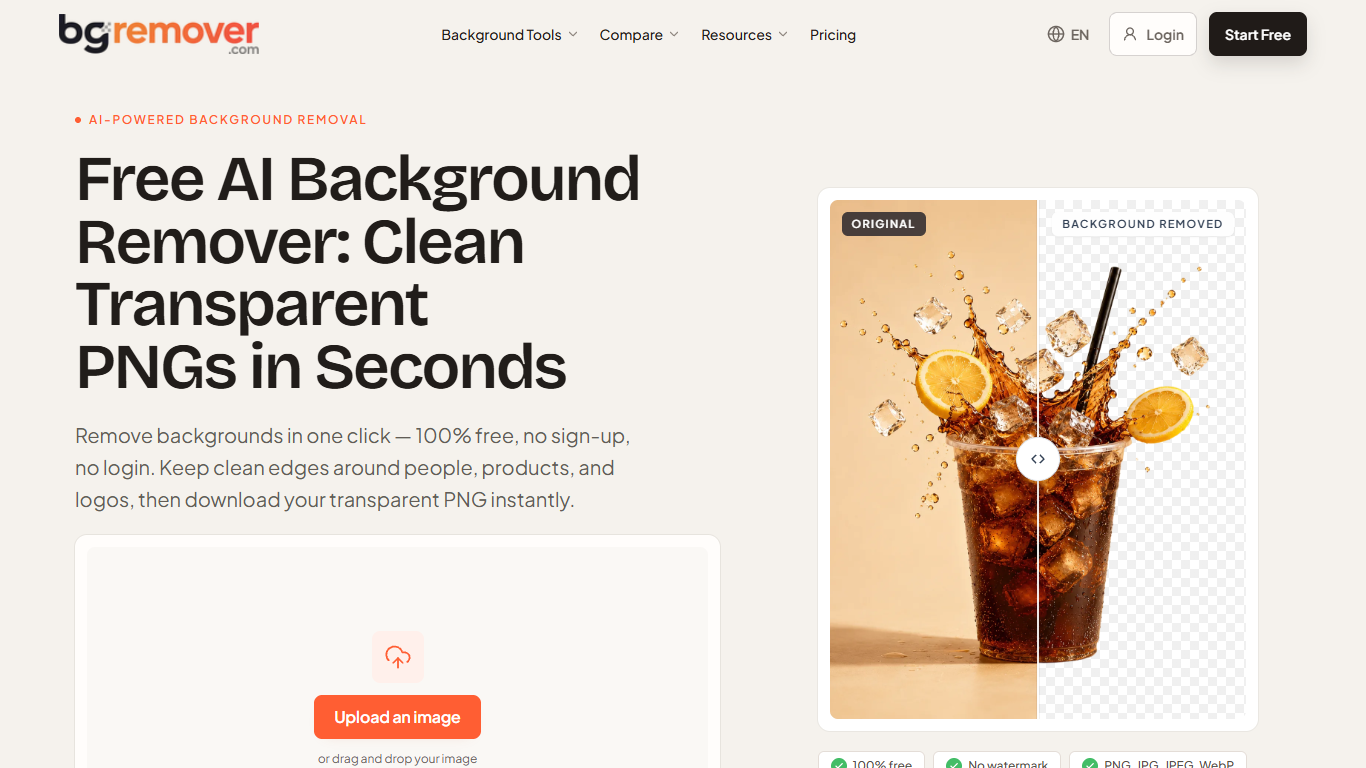
BGRemover is a browser-based background remover for still images and short video clips. Drop in a PNG, JPG, JPEG, or WebP up to 10 MB, generate a cutout in the workspace, zoom to 100% to check hair or label edges, then download a transparent PNG or a white-background version. It targets anyone who needs a clean cutout without installing desktop editing software.
Most one-click removers hand you a download immediately. BGRemover makes you review the result in Preview first, with outline touch-up tools if an edge still needs work. The homepage also shows interactive before-and-after samples for portraits, products, hair, and logos so you can judge edge quality on familiar subjects before uploading your own file.
Ecommerce sellers use it for marketplace listing photos, freelance designers for client logos and campaign assets, and creators for profile shots or social graphics. Separate templates cover passport photos, product shots, stickers, and video clips with background replacement.
Video background removal accepts MP4, MOV, M4V, MKV, and WebM files in the same workspace. You can keep a transparent-style cutout, pick a solid color, or upload a custom replacement image for short reels and talking-head clips.
Compress Images
What is Compress Images?
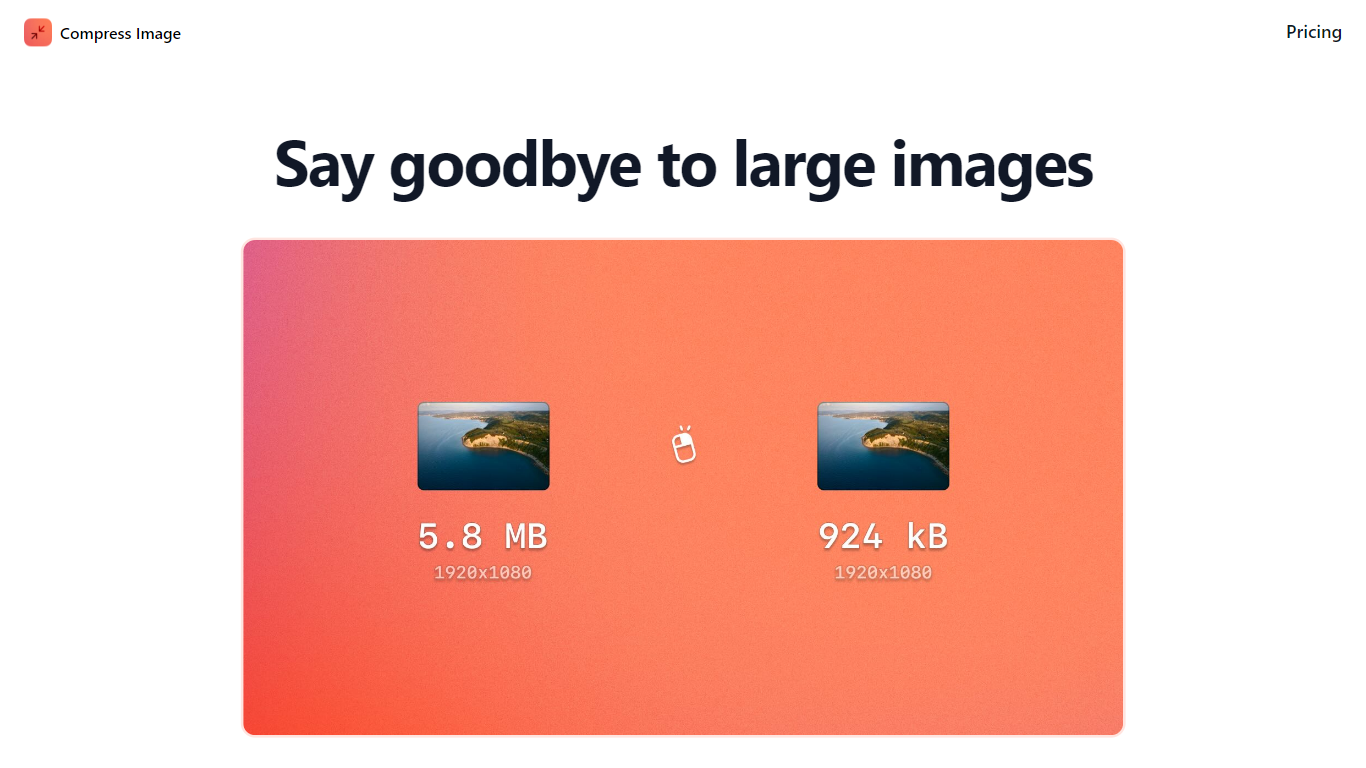
Compress Images is a macOS Finder Quick Action that shrinks image files locally without uploading them to a server. Right-click a photo, pick Quick Actions, then Compress Image to run the tool from Finder. It targets Mac users who need smaller JPG and HEIC files for email, web uploads, or storage cleanup.
Browser compressors usually send files to remote servers. Compress Images runs offline on macOS 12 or later and advertises up to 90% size reduction with what it calls invisible compression. That trade-off favors privacy and speed over cross-platform access.
Graphic designers, photographers, and anyone juggling large HEIC exports from iPhones are the likely audience. Bulk conversion has no stated limit, and HEIC files can auto-convert to JPG during compression.
Pricing is a one-time $5.99 purchase with no subscription. The app works entirely through Finder, so there is no separate editor window to learn.
BGRemover Upvotes
Compress Images Upvotes
BGRemover Top Features
Upload PNG, JPG, JPEG, WebP, or GIF files up to 10 MB
Inspect cutouts at 100% zoom before you download
Export transparent PNG or swap to a solid white background
Video workflow accepts MP4, MOV, M4V, MKV, and WebM clips
Free account includes 2 HD image downloads and 1 video download
Pro plan covers up to 80 images and 30 videos monthly on 300 credits
Compress Images Top Features
Finder Quick Action compresses images in two clicks on macOS 12+
Offline processing with no uploads to remote servers
Up to 90% file size reduction with invisible compression
Unlimited bulk conversion for large photo batches
Auto-converts HEIC files to JPG during compression
One-time $5.99 purchase with no subscription
BGRemover Category
- Image Editing
Compress Images Category
- Image Editing
BGRemover Pricing Type
- Freemium
Compress Images Pricing Type
- Paid