
Last updated 08-14-2026
Category:
Reviews:
Join thousands of AI enthusiasts in the World of AI!
Compress Images
Compress Images is a macOS Finder Quick Action that shrinks image files locally without uploading them to a server. Right-click a photo, pick Quick Actions, then Compress Image to run the tool from Finder. It targets Mac users who need smaller JPG and HEIC files for email, web uploads, or storage cleanup.
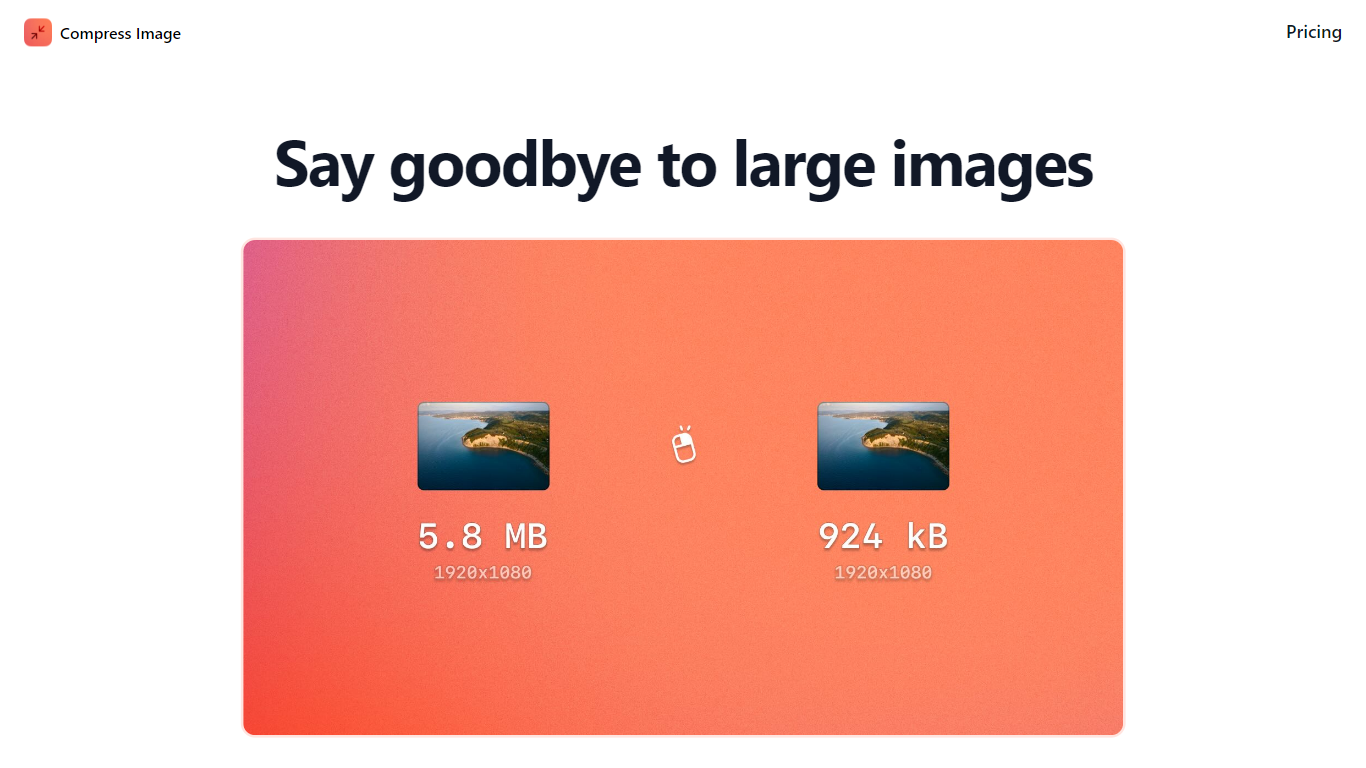
Browser compressors usually send files to remote servers. Compress Images runs offline on macOS 12 or later and advertises up to 90% size reduction with what it calls invisible compression. That trade-off favors privacy and speed over cross-platform access.
Graphic designers, photographers, and anyone juggling large HEIC exports from iPhones are the likely audience. Bulk conversion has no stated limit, and HEIC files can auto-convert to JPG during compression.
Pricing is a one-time $5.99 purchase with no subscription. The app works entirely through Finder, so there is no separate editor window to learn.
Finder Quick Action compresses images in two clicks on macOS 12+
Offline processing with no uploads to remote servers
Up to 90% file size reduction with invisible compression
Unlimited bulk conversion for large photo batches
Auto-converts HEIC files to JPG during compression
One-time $5.99 purchase with no subscription
Compresses images locally without cloud uploads
Two-click Finder workflow on macOS
Bulk conversion with no stated file limit
One-time $5.99 price instead of a subscription
macOS only with no Windows or Linux version
Requires macOS 12 or later
No browser-based editor for quick one-off compressions
Low domain authority may reflect a niche indie tool
What is Compress Images?
Compress Images is a macOS app at compressimage.app that adds a Finder Quick Action to shrink image files locally. Compress Images runs offline and does not upload photos to external servers.
How much does Compress Images cost?
Compress Images costs $5.99 as a one-time payment. The compressimage.app pricing page lists a single forever purchase with no subscription.
Does Compress Images work offline?
Yes. Compress Images processes files on your Mac through Finder Quick Actions without sending images to remote servers. You right-click a file and choose Compress Image from Quick Actions.
What macOS version does Compress Images require?
Compress Images requires macOS 12 or later. The homepage states this requirement for both the download and the Quick Action workflow.
Can Compress Images convert HEIC to JPG?
Compress Images can auto-convert HEIC files to JPG while compressing them. The site also links to a dedicated HEIC to JPG page for more detail on that workflow.
Does Compress Images support bulk compression?
Compress Images supports bulk conversion with no stated limit. The site highlights batch use for graphic designers who need to shrink many photos at once.