Compress Images vs CrazyHorseAI
Explore the showdown between Compress Images vs CrazyHorseAI and find out which AI Image Editing tool wins. We analyze upvotes, features, reviews, pricing, alternatives, and more.
When comparing Compress Images and CrazyHorseAI, which one rises above the other?
When we contrast Compress Images with CrazyHorseAI, both of which are exceptional AI-operated image editing tools, and place them side by side, we can spot several crucial similarities and divergences. Both tools are equally favored, as indicated by the identical upvote count. You can help us determine the winner by casting your vote and tipping the scales in favor of one of the tools.
Think we got it wrong? Cast your vote and show us who's boss!
Compress Images
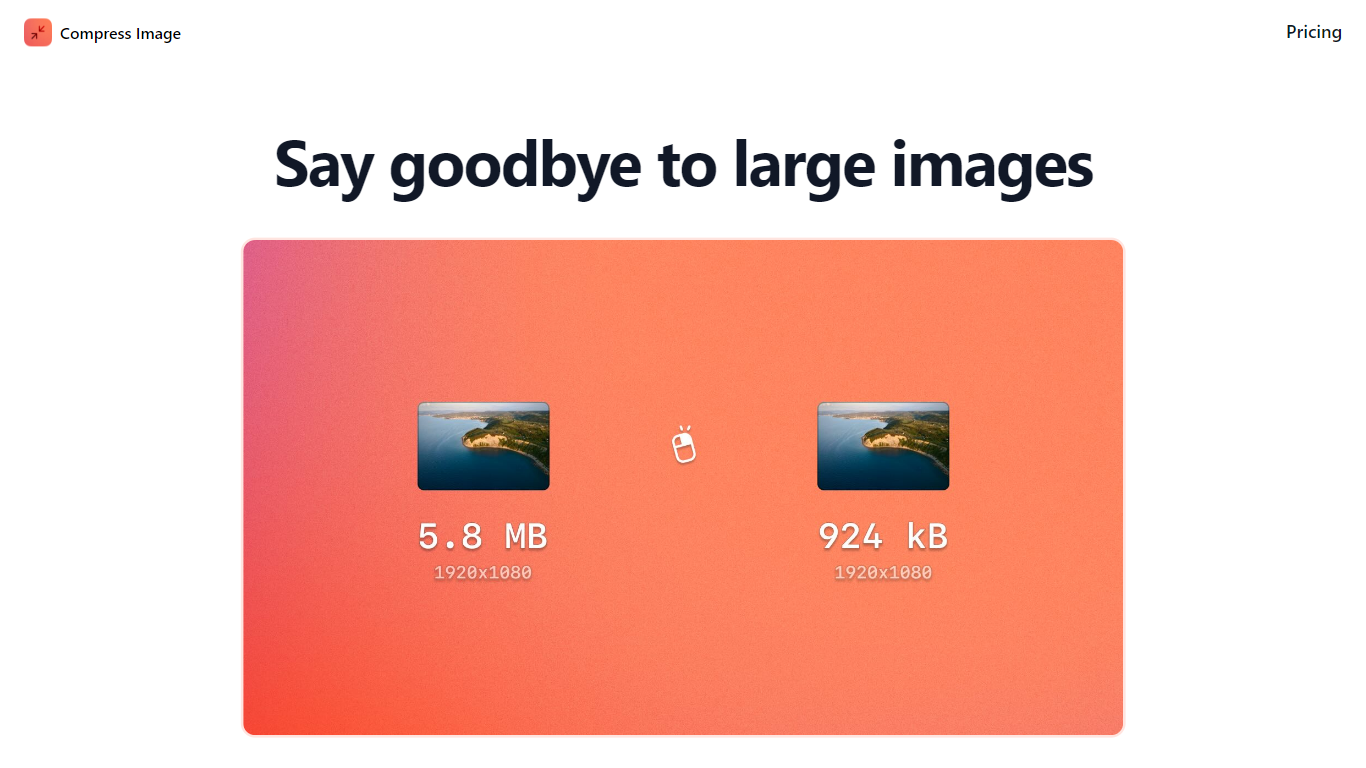

What is Compress Images?
Compress Images is a macOS Finder Quick Action that shrinks image files locally without uploading them to a server. Right-click a photo, pick Quick Actions, then Compress Image to run the tool from Finder. It targets Mac users who need smaller JPG and HEIC files for email, web uploads, or storage cleanup.
Browser compressors usually send files to remote servers. Compress Images runs offline on macOS 12 or later and advertises up to 90% size reduction with what it calls invisible compression. That trade-off favors privacy and speed over cross-platform access.
Graphic designers, photographers, and anyone juggling large HEIC exports from iPhones are the likely audience. Bulk conversion has no stated limit, and HEIC files can auto-convert to JPG during compression.
Pricing is a one-time $5.99 purchase with no subscription. The app works entirely through Finder, so there is no separate editor window to learn.
CrazyHorseAI

What is CrazyHorseAI?
CrazyHorseAI was an image editing API that used Stable Diffusion to generate and customize AI avatar images from text prompts. Users uploaded a reference photo, described changes to clothes, hair, pose, or background in natural language, and received edited renders through an API or Telegram bot demo.
The service targeted developers who wanted avatar generation without running their own GPU infrastructure. Documentation covered API keys, model training, and Telegram integration for quick tests.
The crazyhorse.ai domain now shows a Spaceship.com for-sale listing with no product access. The original API and website are no longer reachable as of this enrichment run.
Compress Images Upvotes
CrazyHorseAI Upvotes
Compress Images Top Features
Finder Quick Action compresses images in two clicks on macOS 12+
Offline processing with no uploads to remote servers
Up to 90% file size reduction with invisible compression
Unlimited bulk conversion for large photo batches
Auto-converts HEIC files to JPG during compression
One-time $5.99 purchase with no subscription
CrazyHorseAI Top Features
Stable Diffusion API for text-to-image avatar generation
Natural language prompts to change clothes, hair, pose, or background
Telegram bot demo for testing the API without custom code
Google sign-in flow to retrieve an API key
Documentation for training models and integrating the API
Compress Images Category
- Image Editing
CrazyHorseAI Category
- Image Editing
Compress Images Pricing Type
- Paid
CrazyHorseAI Pricing Type
- Freemium