Facy AI vs Compress Images
In the contest of Facy AI vs Compress Images, which AI Image Editing tool is the champion? We evaluate pricing, alternatives, upvotes, features, reviews, and more.
If you had to choose between Facy AI and Compress Images, which one would you go for?
When we examine Facy AI and Compress Images, both of which are AI-enabled image editing tools, what unique characteristics do we discover? Interestingly, both tools have managed to secure the same number of upvotes. Every vote counts! Cast yours and contribute to the decision of the winner.
You don't agree with the result? Cast your vote to help us decide!
Facy AI


What is Facy AI?
Facy AI runs entirely in the browser and bundles face swapping, head swapping, upscaling, background removal, and generative image and video tools behind one account. You upload photos or clips, pick the workflow you need, and download results without installing desktop software. The free photo face swap page works without signup, while video workflows and higher-quality exports rely on credits or paid plans.
Most face swap sites stop at a single photo editor, but Facy AI threads photo swaps, multi-face video replacement, batch processing, 4K upscaling, and text-to-video generation into the same studio. Paid tiers scale video quotas from 20 two-minute clips on Basic to 30 sixty-minute clips on Pro, which matters if you need length rather than one-off memes.
Creators testing short social edits, meme makers swapping faces in stills, and small teams prototyping video concepts are the core audience. The Google Play app and browser interface share the same toolset, so you can start on desktop and finish on a phone.
Compress Images
What is Compress Images?
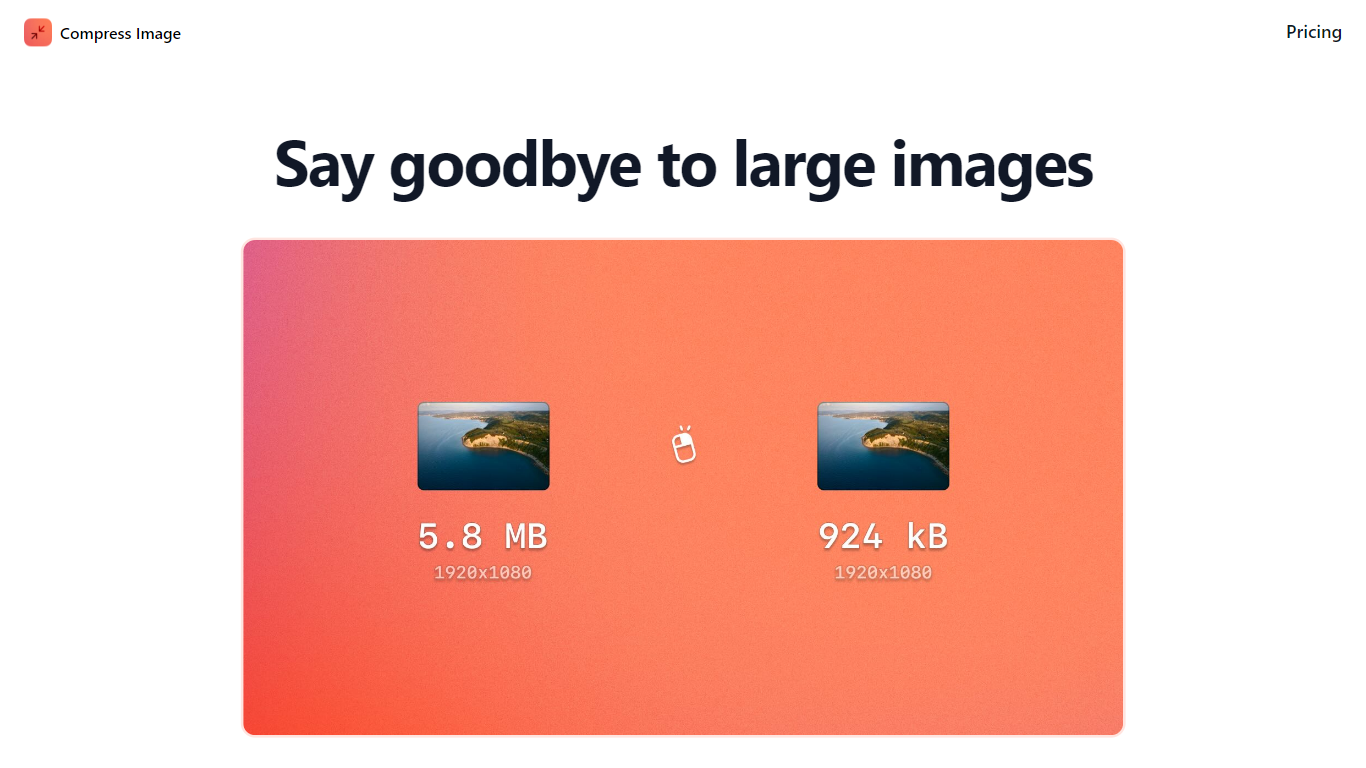
Compress Images is a macOS Finder Quick Action that shrinks image files locally without uploading them to a server. Right-click a photo, pick Quick Actions, then Compress Image to run the tool from Finder. It targets Mac users who need smaller JPG and HEIC files for email, web uploads, or storage cleanup.
Browser compressors usually send files to remote servers. Compress Images runs offline on macOS 12 or later and advertises up to 90% size reduction with what it calls invisible compression. That trade-off favors privacy and speed over cross-platform access.
Graphic designers, photographers, and anyone juggling large HEIC exports from iPhones are the likely audience. Bulk conversion has no stated limit, and HEIC files can auto-convert to JPG during compression.
Pricing is a one-time $5.99 purchase with no subscription. The app works entirely through Finder, so there is no separate editor window to learn.
Facy AI Upvotes
Compress Images Upvotes
Facy AI Top Features
Free photo face swap accepts JPG, PNG, WEBP, and GIF uploads with no account required
Video face swap supports MP4, AVI, MOV, MKV, and WEBM with multi-face detection
Pro plan includes 30 videos per month with clips up to 60 minutes long
Photo upscaler restores detail up to 4K UHD on paid plans
Uploaded files are automatically deleted from Facy servers within 2 days
Celebrity Detector blocks swaps involving public figures
Compress Images Top Features
Finder Quick Action compresses images in two clicks on macOS 12+
Offline processing with no uploads to remote servers
Up to 90% file size reduction with invisible compression
Unlimited bulk conversion for large photo batches
Auto-converts HEIC files to JPG during compression
One-time $5.99 purchase with no subscription
Facy AI Category
- Image Editing
Compress Images Category
- Image Editing
Facy AI Pricing Type
- Freemium
Compress Images Pricing Type
- Paid