BgSub vs InPixio
In the battle of BgSub vs InPixio, which AI Photo Editing tool comes out on top? We compare reviews, pricing, alternatives, upvotes, features, and more.
Between BgSub and InPixio, which one is superior?
Upon comparing BgSub with InPixio, which are both AI-powered photo editing tools, With more upvotes, BgSub is the preferred choice. BgSub has been upvoted 7 times by aitools.fyi users, and InPixio has been upvoted 6 times.
Want to flip the script? Upvote your favorite tool and change the game!
BgSub
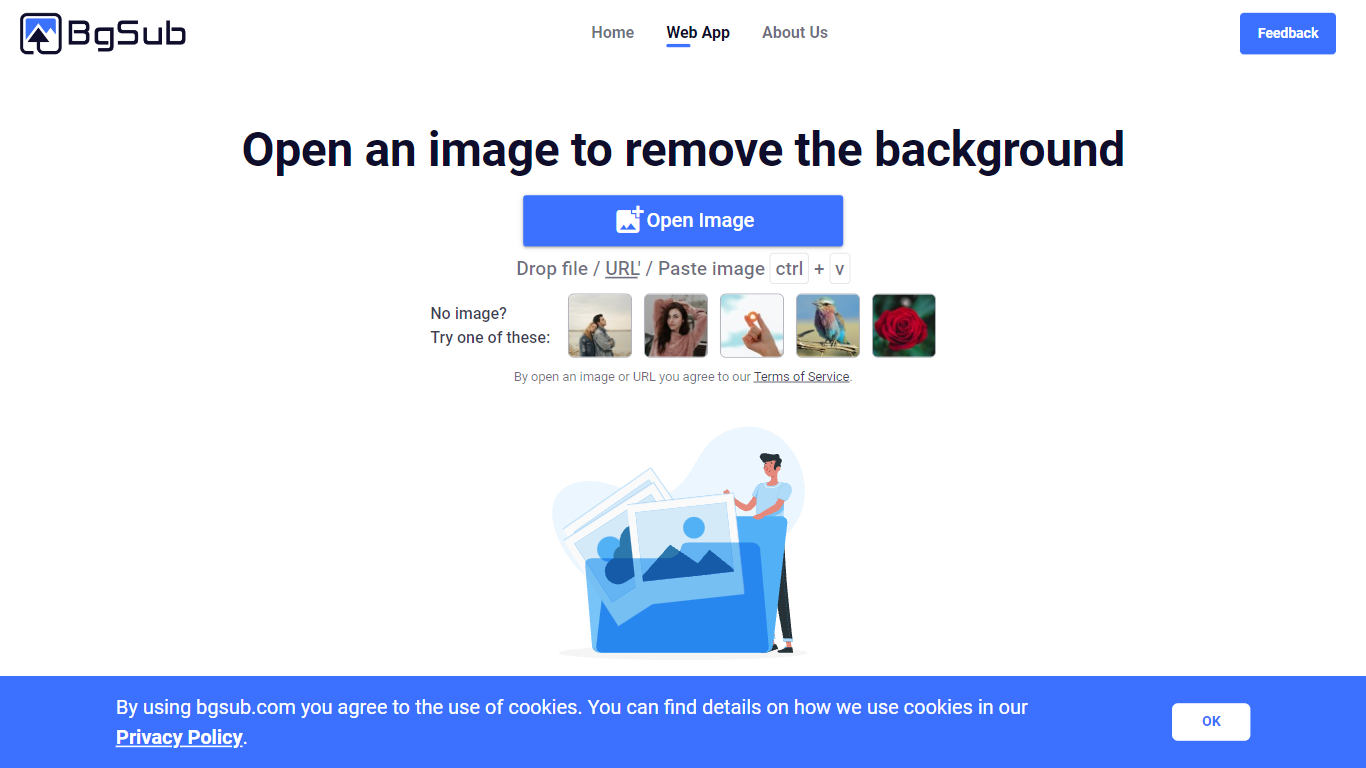

What is BgSub?
BgSub removes or replaces photo backgrounds inside your browser without uploading files to a server. The marketing site promises results in about 5 seconds, with one-click cutouts, replacement fills using color, gradients, or images, and an AI coloring pass for quick color tweaks. Processing stays local enough that BgSub highlights a no-upload privacy story on the homepage.
Most background removers send every image to the cloud by default. BgSub leans on in-browser processing and calls out that images are not uploaded during editing, which matters when you are working with client product shots or personal portraits. It also bundles artistic effects plus free adjustment controls for size, position, and mirroring instead of stopping at a plain transparent PNG.
The tool targets individuals polishing social photos, e-commerce sellers refreshing product shots, photographers swapping backgrounds without a green screen, and marketers testing ad creatives. Sample galleries on bgsub.com show people, products, animals, clothes, and plants, and the FAQ notes commercial use is allowed on processed images.
InPixio

What is InPixio?
InPixio lets you remove backgrounds, erase objects, swap skies, and polish photos through a free online editor, a Windows desktop app, and a mobile app. Upload an image, click remove background, and the AI separates hair and fine edges without manual masking.
Where heavyweight editors assume you already know layers and masks, InPixio sells speed for ecommerce sellers and casual creators. The free web tools handle quick crops and background cuts, while paid plans unlock HD downloads and premium features across the same interface on desktop and phone.
The site cites more than 10 million users and targets small business owners, social sellers, and beginners who need product photos, transparent PNGs, and social-ready edits. You can edit in the browser instantly or download the Windows app for offline work.
BgSub Upvotes
InPixio Upvotes
BgSub Top Features
Homepage meta promises background removal or replacement in about 5 seconds in the browser
Processing runs without uploading images, according to the privacy FAQ answer
Replace backgrounds with solid color, gradients, or custom image fills
AI Coloring offers one-click automatic color adjustment on cutout subjects
Free adjustment controls cover size, position, and mirroring after the cutout
Supports images up to 4096 x 4096 resolution per the FAQ
Artistic effects layer on top of the base cutout for quick creative variants
InPixio Top Features
One-click AI background remover handles hair and complex edges on JPG, PNG, and RAW files
Online editor runs in the browser with no install, while Windows software works offline
Magic eraser removes unwanted objects and reconstructs the background automatically
AI background generator swaps skies and dull backdrops for new scenes in seconds
Supports more than 50 image formats including JPEG, PNG, and RAW uploads
Mobile app mirrors quick edits for social posts and product photos on the go
BgSub Category
- Photo Editing
InPixio Category
- Photo Editing
BgSub Pricing Type
- Free
InPixio Pricing Type
- Freemium