Bing Microsoft AI Translator vs FreeSubtitles.Ai
In the face-off between Bing Microsoft AI Translator vs FreeSubtitles.Ai, which AI Translation tool takes the crown? We scrutinize features, alternatives, upvotes, reviews, pricing, and more.
In a face-off between Bing Microsoft AI Translator and FreeSubtitles.Ai, which one takes the crown?
If we were to analyze Bing Microsoft AI Translator and FreeSubtitles.Ai, both of which are AI-powered translation tools, what would we find? In the race for upvotes, Bing Microsoft AI Translator takes the trophy. Bing Microsoft AI Translator has 10 upvotes, and FreeSubtitles.Ai has 6 upvotes.
Think we got it wrong? Cast your vote and show us who's boss!
Bing Microsoft AI Translator


What is Bing Microsoft AI Translator?
Microsoft Translator on Bing is a free web translator for turning words and phrases between English and more than 100 languages. Paste text, pick languages from long dropdown lists, or let the page auto-detect the source language before you translate.
The Bing interface adds practical extras beyond basic text swap. You can listen to a translation, open an on-screen keyboard, capture or upload an image to translate text in photos, and regenerate results in Standard, Casual, or Formal tone. A phrase helper surfaces common expressions grouped by topics like travel, dining, and emergencies.
It fits travelers, students, and anyone who needs a quick translation in the browser without installing software. Navigation on the page also points to separate Microsoft Translator experiences for live conversation, mobile apps, and business use.
FreeSubtitles.Ai
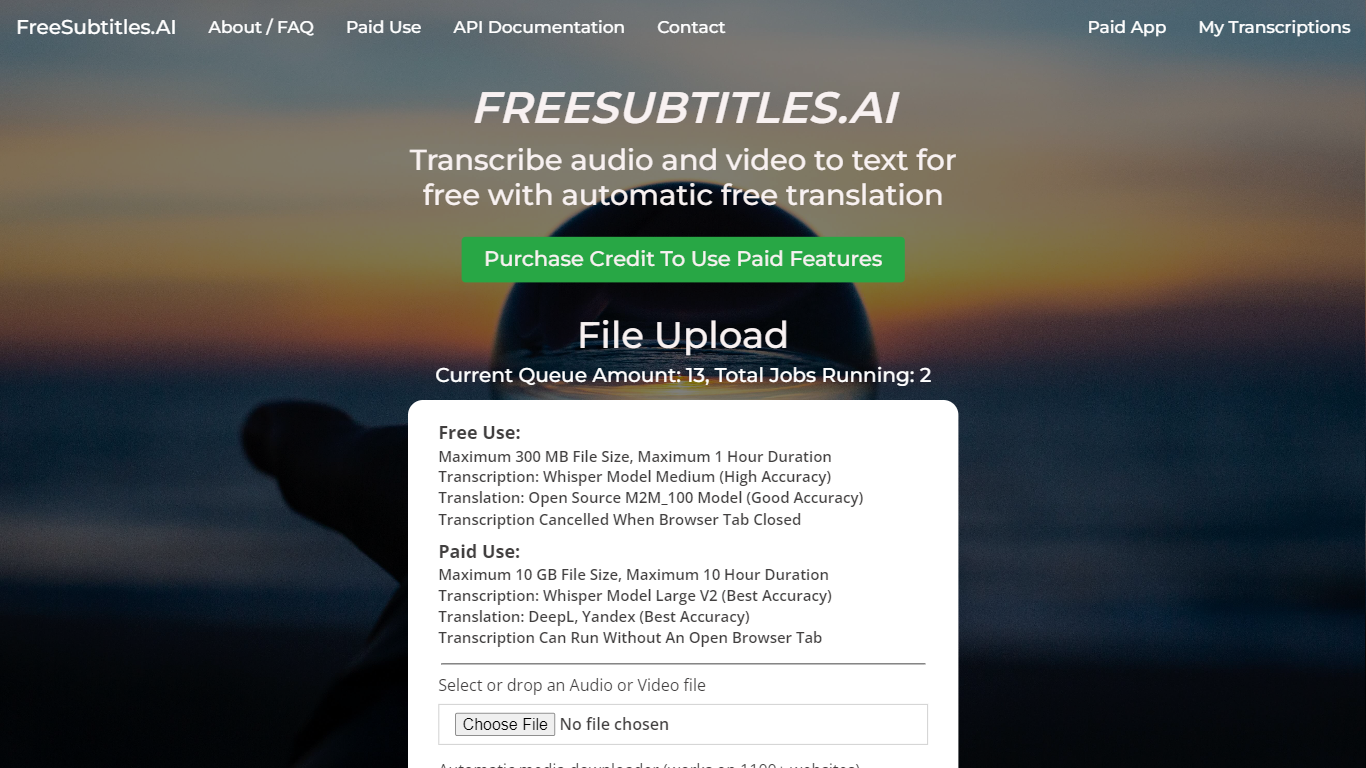
What is FreeSubtitles.Ai?
FreeSubtitles.Ai transcribes video and audio into searchable text, translates subtitles across 120 languages, and exports SRT, VTT, or burned-in video files from a browser upload. Drop MP4, MKV, MOV, MP3, WAV, or FLAC files and get timed captions without installing desktop transcription software.
Unlike flat per-minute subscription tools, Subtitles Pro charges $0.99 per processed hour with prepaid credit that never expires and no recurring plan. Free uploads cover 30 minutes and 300 MB at medium quality with one basic translation, while Pro raises limits to 30 hours and 10 GB per file, adds speaker diarization, parallel batch jobs, API keys, and full-length 1080p exports without watermarks.
Podcasters, video editors, and localization teams use FreeSubtitles.Ai when they need fast transcripts plus optional translation and subtitle export in the same session.
Bing Microsoft AI Translator Upvotes
FreeSubtitles.Ai Upvotes
Bing Microsoft AI Translator Top Features
Auto-detect source language across more than 100 listed language options
Each translation request accepts up to 1,000 characters of input text
Regenerate results in Standard, Casual, or Formal tone with one click
Capture or upload an image to translate text found in photos
Speak to translate when typing is awkward on mobile or desktop
Listen to translations read aloud from the results panel
Browse common phrase sets for travel, dining, and emergencies
FreeSubtitles.Ai Top Features
Free uploads support 30-minute files up to 300 MB in 100 transcription languages
Pro pricing is $0.99 per processed hour with credit that never expires and no subscription
Exports include SRT, VTT, TXT, and burned-in video up to 1080p on Pro plans
Pro raises per-file limits to 30 hours and 10 GB with priority queue servers
Media downloader fetches files from 1,100+ sites so you can skip manual uploads
Speaker diarization and AI name fill-in label who spoke on Pro transcription jobs
Bing Microsoft AI Translator Category
- Translation
FreeSubtitles.Ai Category
- Translation
Bing Microsoft AI Translator Pricing Type
- Free
FreeSubtitles.Ai Pricing Type
- Freemium