Bing Microsoft AI Translator vs Glarity
Dive into the comparison of Bing Microsoft AI Translator vs Glarity and discover which AI Translation tool stands out. We examine alternatives, upvotes, features, reviews, pricing, and beyond.
When comparing Bing Microsoft AI Translator and Glarity, which one rises above the other?
When we compare Bing Microsoft AI Translator and Glarity, two exceptional translation tools powered by artificial intelligence, and place them side by side, several key similarities and differences come to light. The community has spoken, Bing Microsoft AI Translator leads with more upvotes. Bing Microsoft AI Translator has 10 upvotes, and Glarity has 9 upvotes.
Don't agree with the result? Cast your vote and be a part of the decision-making process!
Bing Microsoft AI Translator


What is Bing Microsoft AI Translator?
Microsoft Translator on Bing is a free web translator for turning words and phrases between English and more than 100 languages. Paste text, pick languages from long dropdown lists, or let the page auto-detect the source language before you translate.
The Bing interface adds practical extras beyond basic text swap. You can listen to a translation, open an on-screen keyboard, capture or upload an image to translate text in photos, and regenerate results in Standard, Casual, or Formal tone. A phrase helper surfaces common expressions grouped by topics like travel, dining, and emergencies.
It fits travelers, students, and anyone who needs a quick translation in the browser without installing software. Navigation on the page also points to separate Microsoft Translator experiences for live conversation, mobile apps, and business use.
Glarity
What is Glarity?
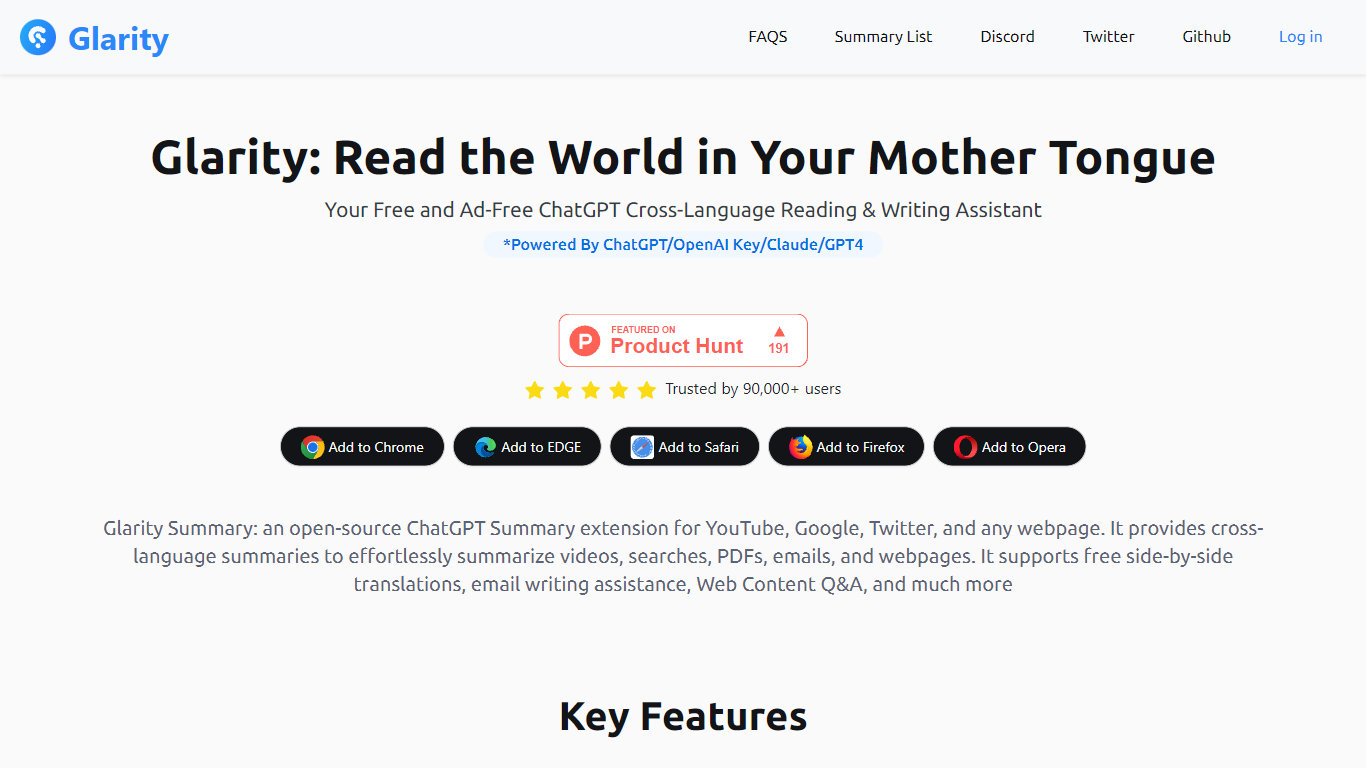
Glarity is a free browser extension from Felo Inc. that summarizes and translates pages as you browse. Install it on Chrome, Edge, Safari, Firefox, or Opera to get summaries for YouTube videos, Google results, Twitter posts, Gmail threads, PDFs, and any open webpage. It runs on models including GPT-4o, Claude 3.5, and Gemini Pro, and the core extension is ad-free.
Most standalone chat tools make you copy URLs into a separate window. Glarity embeds summaries, side-by-side translation, and page Q&A directly in the sites you already use, including an open-source extension repo on GitHub. Compared with default ChatGPT limits, Glarity membership advertises unlimited-duration YouTube summaries and PDF handling for roughly 300 pages versus four-page caps on the free ChatGPT side.
It suits readers working across languages, researchers who want quick digests of pages and videos, and anyone who prefers AI helpers inside Google, YouTube, and Gmail rather than switching tabs. Paid Glarity Standard, Pro, and Plus plans add higher monthly token limits and advanced query allowances when the free tier is not enough.
Bing Microsoft AI Translator Upvotes
Glarity Upvotes
Bing Microsoft AI Translator Top Features
Auto-detect source language across more than 100 listed language options
Each translation request accepts up to 1,000 characters of input text
Regenerate results in Standard, Casual, or Formal tone with one click
Capture or upload an image to translate text found in photos
Speak to translate when typing is awkward on mobile or desktop
Listen to translations read aloud from the results panel
Browse common phrase sets for travel, dining, and emergencies
Glarity Top Features
Summarize YouTube videos with highlights, FAQs, subtitles, and timestamped key moments in over a dozen languages
Generate summaries for Google search results, Twitter posts, news pages, and any webpage with custom extraction prompts
Translate full webpages side by side with up to 10 parallel translation streams per second
Chat with PDF and webpage content; Glarity advertises PDF summaries for documents of roughly 300 pages
Draft Gmail replies with quick responses, summaries, and sender intent analysis from the extension
Use Felo AI Chat with 10+ models, a 200k context window, and image generation
Bing Microsoft AI Translator Category
- Translation
Glarity Category
- Translation
Bing Microsoft AI Translator Pricing Type
- Free
Glarity Pricing Type
- Freemium