Bing Microsoft AI Translator vs Trancy
Dive into the comparison of Bing Microsoft AI Translator vs Trancy and discover which AI Translation tool stands out. We examine alternatives, upvotes, features, reviews, pricing, and beyond.
When comparing Bing Microsoft AI Translator and Trancy, which one rises above the other?
When we compare Bing Microsoft AI Translator and Trancy, two exceptional translation tools powered by artificial intelligence, and place them side by side, several key similarities and differences come to light. The upvote count favors Bing Microsoft AI Translator, making it the clear winner. Bing Microsoft AI Translator has received 10 upvotes from aitools.fyi users, while Trancy has received 6 upvotes.
You don't agree with the result? Cast your vote to help us decide!
Bing Microsoft AI Translator


What is Bing Microsoft AI Translator?
Microsoft Translator on Bing is a free web translator for turning words and phrases between English and more than 100 languages. Paste text, pick languages from long dropdown lists, or let the page auto-detect the source language before you translate.
The Bing interface adds practical extras beyond basic text swap. You can listen to a translation, open an on-screen keyboard, capture or upload an image to translate text in photos, and regenerate results in Standard, Casual, or Formal tone. A phrase helper surfaces common expressions grouped by topics like travel, dining, and emergencies.
It fits travelers, students, and anyone who needs a quick translation in the browser without installing software. Navigation on the page also points to separate Microsoft Translator experiences for live conversation, mobile apps, and business use.
Trancy
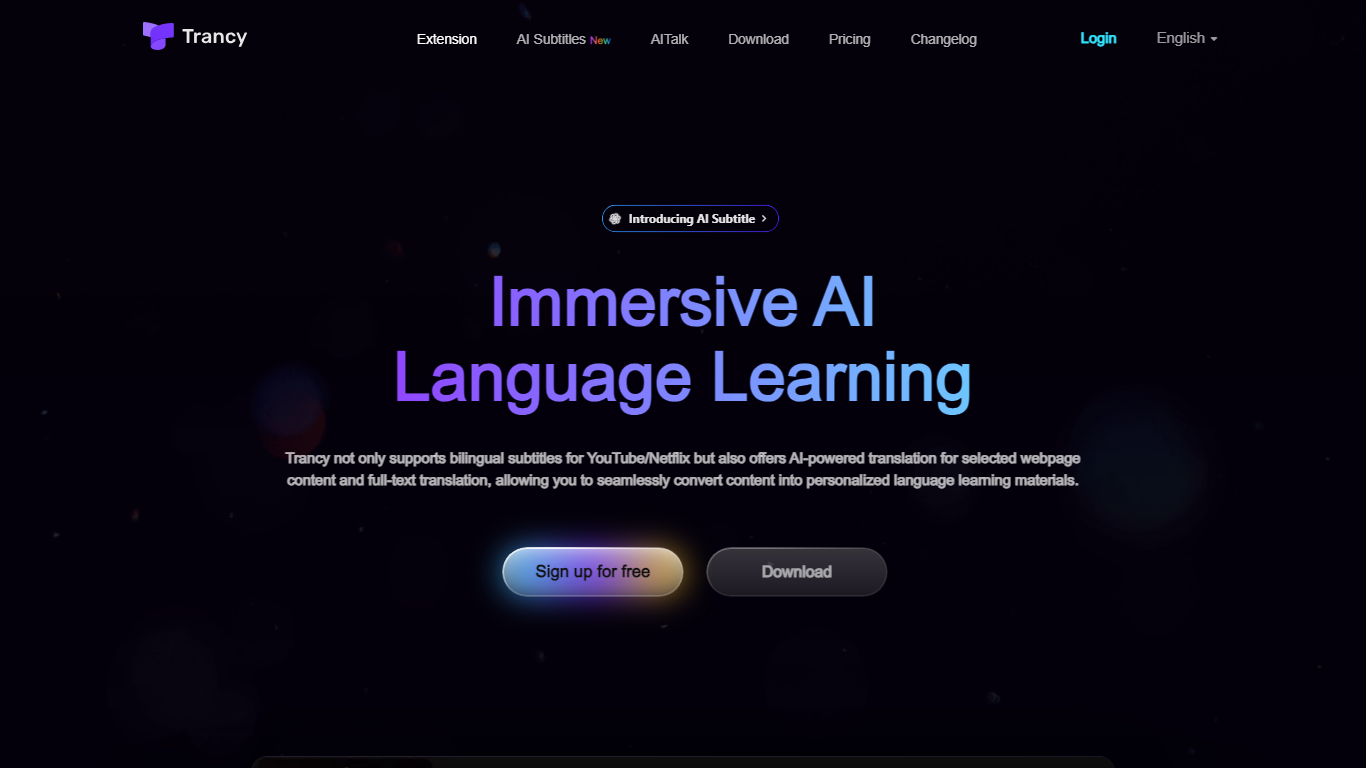
What is Trancy?
Trancy turns the videos and articles you already read into language lessons by overlaying bilingual subtitles, inline translations, and study tools on top of everyday browsing. It works on YouTube, Netflix, HBO Max, TED, Coursera, and many news or social sites through a browser extension plus mobile app.
Most subtitle tools stop at displaying two languages side by side. Trancy also ships a reading mode that turns subtitles into scrollable text, immersive webpage translation with side-by-side paragraphs, and a learning center where saved words become flashcards, shadowing exercises, and AI speaking feedback. Premium members can run Whisper-based AI subtitle transcription on YouTube and translate PDFs up to 4,000 pages per month.
Self-directed learners and ESL students use Trancy to turn entertainment and news browsing into daily input. The free tier covers core bilingual subtitles and webpage translation, while Premium unlocks higher bookmark limits, AI subtitle generation, PDF translation, and coaching features inside the learning center.
Bing Microsoft AI Translator Upvotes
Trancy Upvotes
Bing Microsoft AI Translator Top Features
Auto-detect source language across more than 100 listed language options
Each translation request accepts up to 1,000 characters of input text
Regenerate results in Standard, Casual, or Formal tone with one click
Capture or upload an image to translate text found in photos
Speak to translate when typing is awkward on mobile or desktop
Listen to translations read aloud from the results panel
Browse common phrase sets for travel, dining, and emergencies
Trancy Top Features
Bilingual subtitles on YouTube, Netflix, HBO Max, Disney+, TED, Coursera, and Udemy
Reading mode displays subtitles as text beside the video for focused study
Whisper-based AI subtitle transcription improves YouTube segmentation by about 80 percent
Immersive webpage translation compares original and translated paragraphs without leaving the page
Free tier allows 100 word bookmarks, 50 sentence bookmarks, and 50 PDF pages per month
Learning center adds flashcards, AI shadowing, and pronunciation evaluation on saved vocabulary
Bing Microsoft AI Translator Category
- Translation
Trancy Category
- Translation
Bing Microsoft AI Translator Pricing Type
- Free
Trancy Pricing Type
- Freemium