BlogImagery vs AirBrush
Compare BlogImagery vs AirBrush and see which AI Design tool is better when we compare features, reviews, pricing, alternatives, upvotes, etc.
Which one is better? BlogImagery or AirBrush?
When we compare BlogImagery with AirBrush, which are both AI-powered design tools, Interestingly, both tools have managed to secure the same number of upvotes. Every vote counts! Cast yours and contribute to the decision of the winner.
Don't agree with the result? Cast your vote and be a part of the decision-making process!
BlogImagery

What is BlogImagery ?
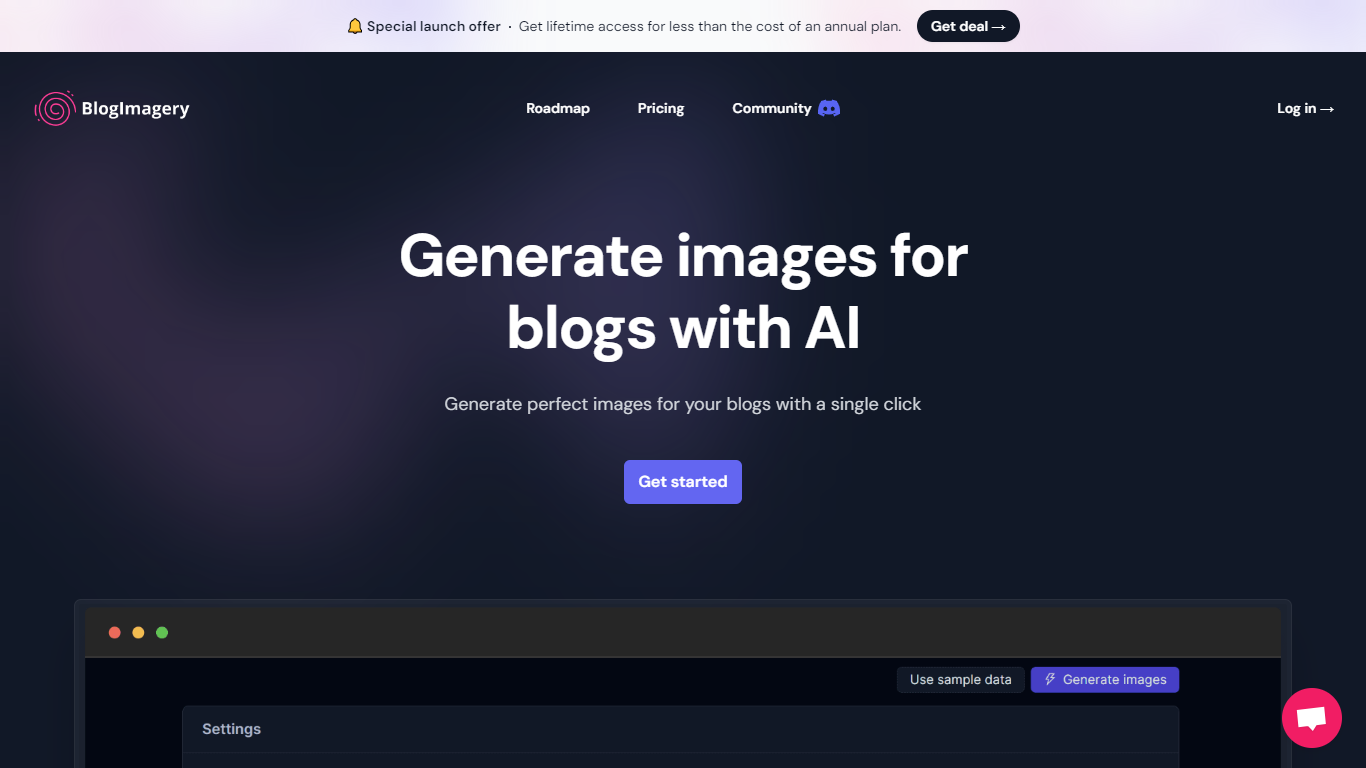
BlogImagery is a revolutionary tool designed to help content creators generate original, eye-catching images for their blogs with just a single click. Leveraging the power of AI, BlogImagery reduces the time and effort typically spent on sourcing stock photos, providing a swift and easy solution for bloggers to create unique visuals that align with their content.
With BlogImagery, you can select from multiple art styles such as Cinematic, Colorful Scribbles, Colorpop, Digital Painting, and Vintage Photography to perfectly match your blog's aesthetic. The AI-generated images are not only copyright-free but also enhance articles by transforming text-heavy content into visually appealing posts. Users can expect original images to perform better in engagement compared to standard stock photos.
BlogImagery also aids in explaining complex or abstract concepts through visuals, catering to audiences who might not be experts in the subject matter. The service offers a special launch deal with lifetime access at a highly attractive price point, and plans are versatile with monthly and lifetime payment options to suit different needs.
AirBrush
What is AirBrush?
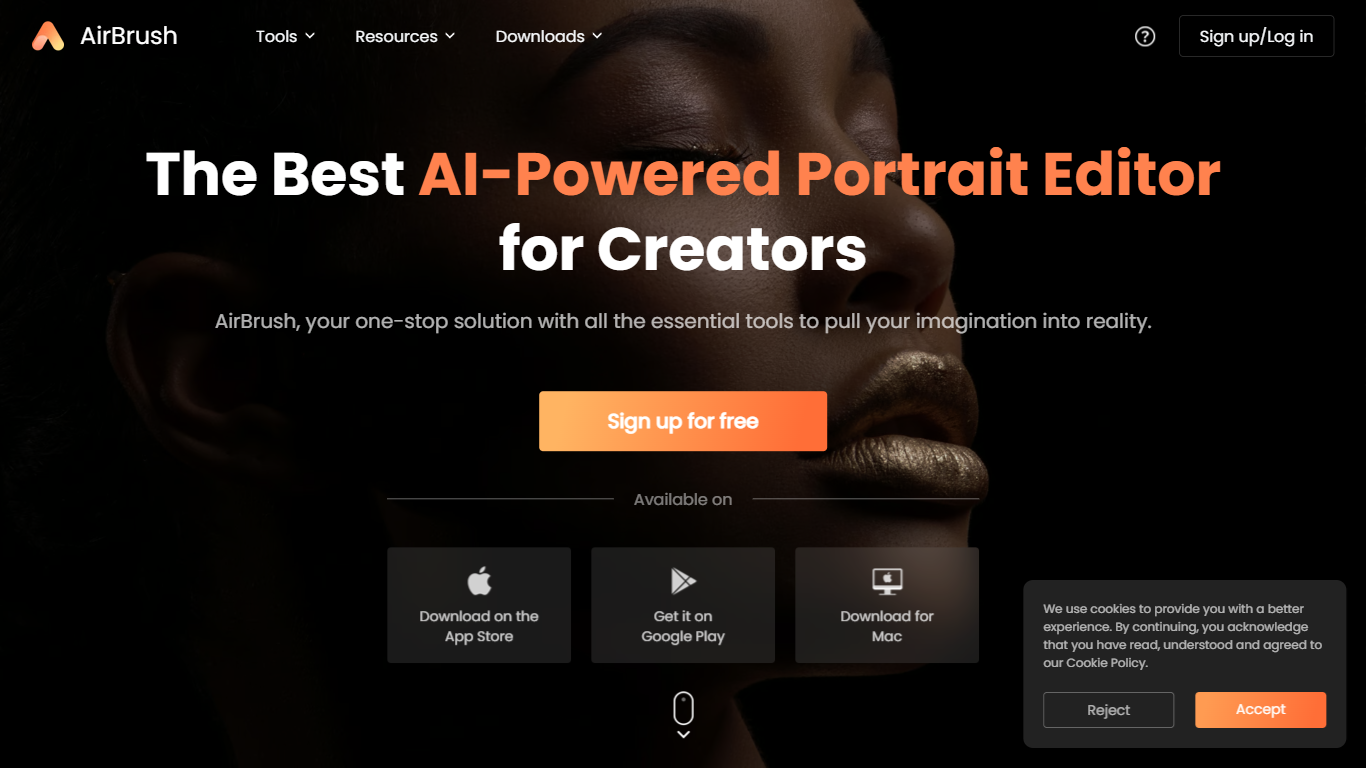
AirBrush is a portrait-focused photo and video editor with 60 plus browser tools for retouching, background removal, face swaps, and creative filters. You can upscale images to 4K, erase objects, try virtual makeup, or run batch enhancements on up to 50 files without installing desktop software for basic edits.
General design suites spread features across complex timelines and layer panels. AirBrush keeps the workflow selfie-first: teeth whitening, wrinkle smoothing, hairstyle previews, and G7X-style relighting live beside e-commerce background tools. Most web tools work without signup, while exports and premium models draw from a monthly credit pool.
Social creators, beauty bloggers, and product photographers who need fast portrait fixes are the target users. AirBrush ships on web, iOS, Android, macOS, and Windows, with a Free tier at 20 credits per month and a Pro Unlimited plan near $9 per month for about 1,000 credits.
BlogImagery Upvotes
AirBrush Upvotes
BlogImagery Top Features
One-Click Image Generation: Produce perfect images for your blog posts at the click of a button.
Diverse Art Styles: Choose from styles like Cinematic, Colorful Scribbles, and Vintage Photography to align with your blog's aesthetic.
Engagement Boost: Use original AI-generated images to significantly improve engagement over stock photos.
Copyright-Free: Access a library of images without worrying about copyright issues.
Complex Concept Illustration: Explain difficult concepts through visuals, making them easier to understand for your readers.
AirBrush Top Features
60 plus online tools covering portrait retouch, backgrounds, and video cleanup
Image upscaler sharpens photos up to 4K resolution in the browser
Batch enhancer processes up to 50 images in one upload
Virtual makeup, hairstyle, and hair color try-on filters for portraits
Background remover exports transparent PNGs for e-commerce listings
Free Plan includes 20 credits per month with no signup on basic tools
Pro Unlimited plan near $9 per month includes about 1,000 monthly credits
BlogImagery Category
- Design
AirBrush Category
- Design
BlogImagery Pricing Type
- Freemium
AirBrush Pricing Type
- Freemium