BlogImagery vs CLIP STUDIO PAINT
Explore the showdown between BlogImagery vs CLIP STUDIO PAINT and find out which AI Design tool wins. We analyze upvotes, features, reviews, pricing, alternatives, and more.
In a face-off between BlogImagery and CLIP STUDIO PAINT, which one takes the crown?
When we contrast BlogImagery with CLIP STUDIO PAINT, both of which are exceptional AI-operated design tools, and place them side by side, we can spot several crucial similarities and divergences. The upvote count is neck and neck for both BlogImagery and CLIP STUDIO PAINT. Join the aitools.fyi users in deciding the winner by casting your vote.
You don't agree with the result? Cast your vote to help us decide!
BlogImagery
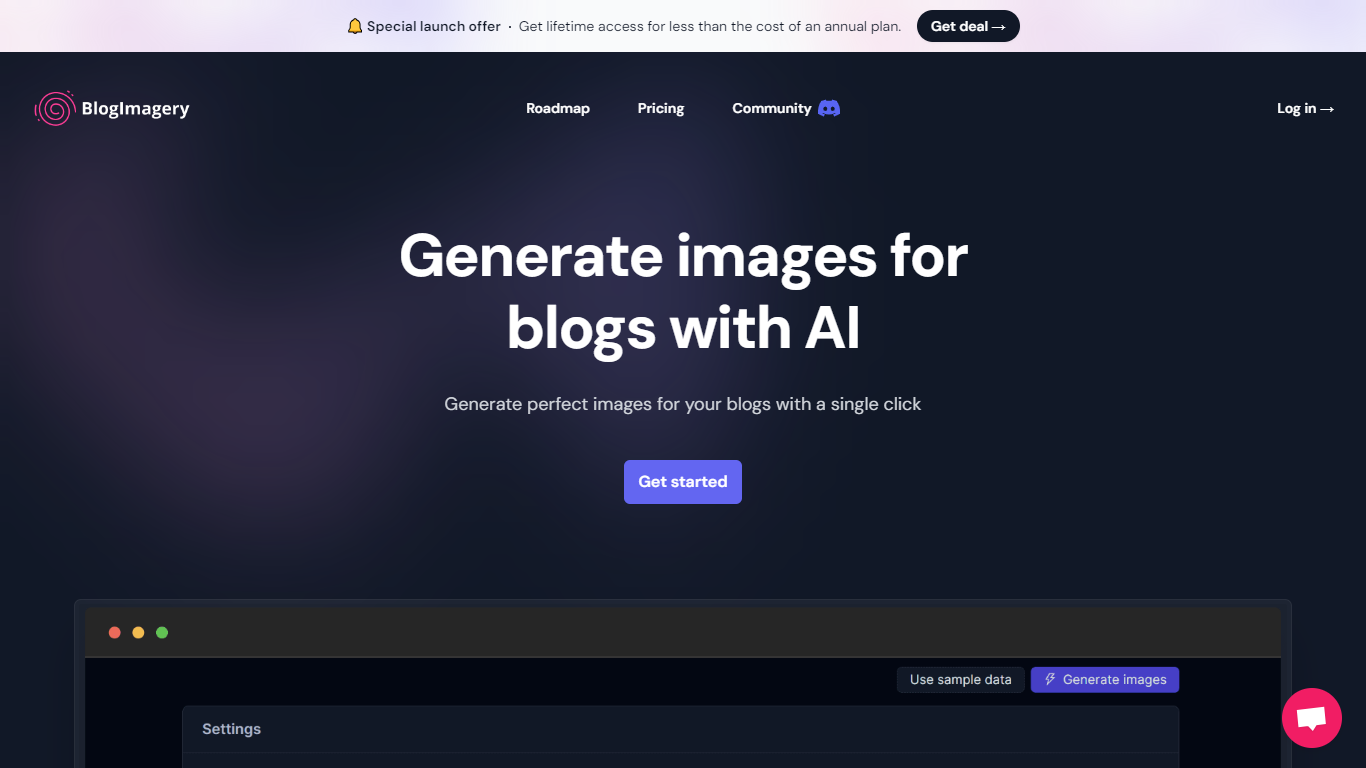

What is BlogImagery ?
BlogImagery is a revolutionary tool designed to help content creators generate original, eye-catching images for their blogs with just a single click. Leveraging the power of AI, BlogImagery reduces the time and effort typically spent on sourcing stock photos, providing a swift and easy solution for bloggers to create unique visuals that align with their content.
With BlogImagery, you can select from multiple art styles such as Cinematic, Colorful Scribbles, Colorpop, Digital Painting, and Vintage Photography to perfectly match your blog's aesthetic. The AI-generated images are not only copyright-free but also enhance articles by transforming text-heavy content into visually appealing posts. Users can expect original images to perform better in engagement compared to standard stock photos.
BlogImagery also aids in explaining complex or abstract concepts through visuals, catering to audiences who might not be experts in the subject matter. The service offers a special launch deal with lifetime access at a highly attractive price point, and plans are versatile with monthly and lifetime payment options to suit different needs.
CLIP STUDIO PAINT
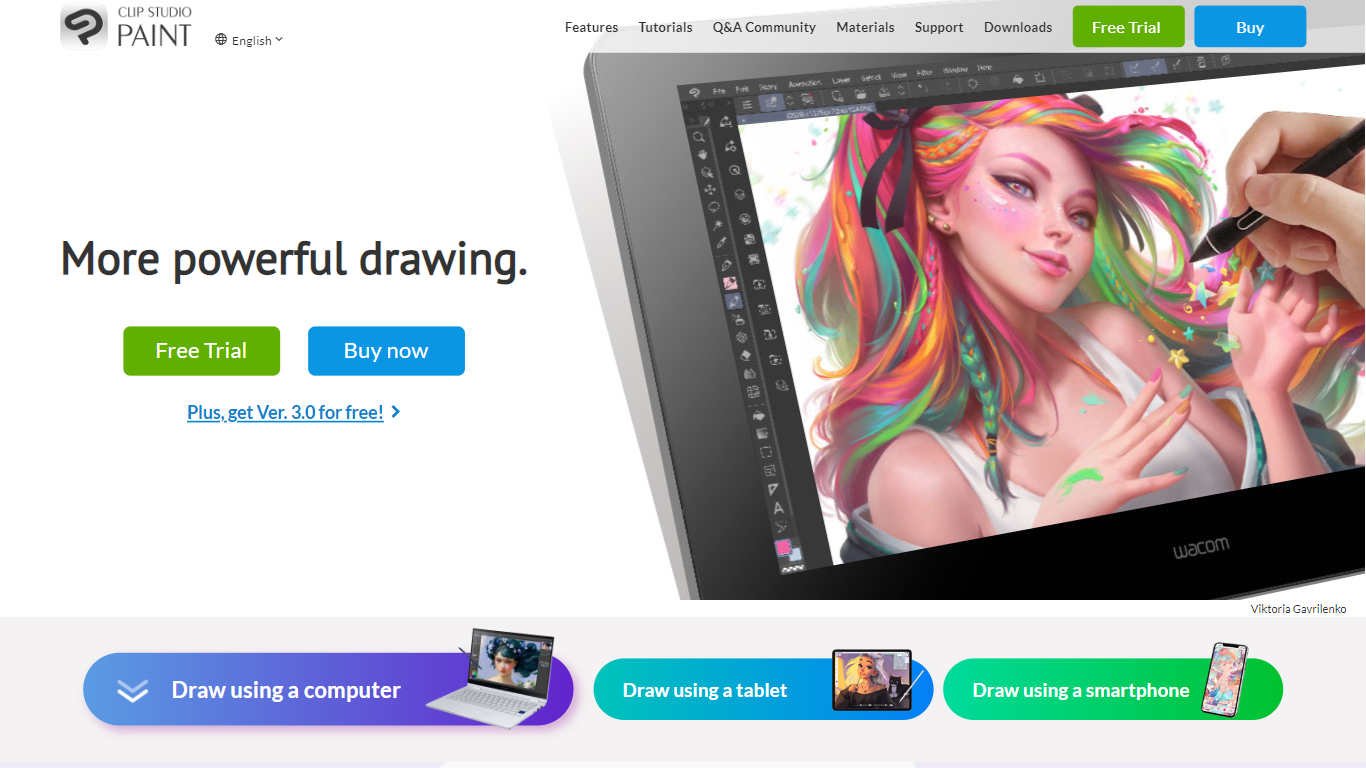
What is CLIP STUDIO PAINT?
CLIP STUDIO PAINT enables artists to create detailed digital illustrations, comics, manga, animations, and webtoons. It provides a comprehensive set of drawing tools, including thousands of brushes that simulate traditional media, and supports multiple devices such as Windows, macOS, iPad, iPhone, Android tablets, smartphones, and Chromebooks.
What distinguishes CLIP STUDIO PAINT from other digital art software is its integration of advanced drawing aids like customizable 3D models, perspective rulers, and puppet warp tools that assist with anatomy, poses, and backgrounds. It also supports professional workflows with multi-page project management, vector layers for scalable line art, and robust animation features.
Artists benefit from a vast library of free community-created brushes and materials available through CLIP STUDIO ASSETS, enhancing creativity and efficiency. The software caters to both beginners and professionals, offering tools that streamline the creation of polished digital artwork and animations across various styles and formats.
CLIP STUDIO PAINT supports exporting projects in industry-standard file formats, making it easy to integrate with other creative software. Its flexible licensing options include one-time purchases and subscription plans, accommodating different user needs and budgets.
BlogImagery Upvotes
CLIP STUDIO PAINT Upvotes
BlogImagery Top Features
One-Click Image Generation: Produce perfect images for your blog posts at the click of a button.
Diverse Art Styles: Choose from styles like Cinematic, Colorful Scribbles, and Vintage Photography to align with your blog's aesthetic.
Engagement Boost: Use original AI-generated images to significantly improve engagement over stock photos.
Copyright-Free: Access a library of images without worrying about copyright issues.
Complex Concept Illustration: Explain difficult concepts through visuals, making them easier to understand for your readers.
CLIP STUDIO PAINT Top Features
🎨 Thousands of Brushes: Access over 10,000 brushes that simulate traditional media for authentic digital painting.
📱 Multi-Device Compatibility: Use CLIP STUDIO PAINT on Windows, macOS, iPad, iPhone, Android tablets, smartphones, and Chromebooks.
🖼️ Customizable 3D Models & Perspective Rulers: Utilize adjustable 3D figures and multiple perspective rulers to aid accurate drawing.
📄 Multi-Page Project Management: Manage complex comic and manga projects with multi-page support and export options including PDF and eBooks.
🎞️ Animation Tools: Create frame-by-frame animations with up to 24 frames in PRO and full-length animations in EX, including sound and camera controls.
💾 Vector Layers: Draw and edit scalable line art that maintains quality when resized.
💰 Flexible Licensing: Choose between a one-time purchase starting at US$63 or subscription plans from US$0.99/month.
BlogImagery Category
- Design
CLIP STUDIO PAINT Category
- Design
BlogImagery Pricing Type
- Freemium
CLIP STUDIO PAINT Pricing Type
- Freemium