
Last updated 07-28-2026
Category:
Reviews:
Join thousands of AI enthusiasts in the World of AI!
CLIP STUDIO PAINT
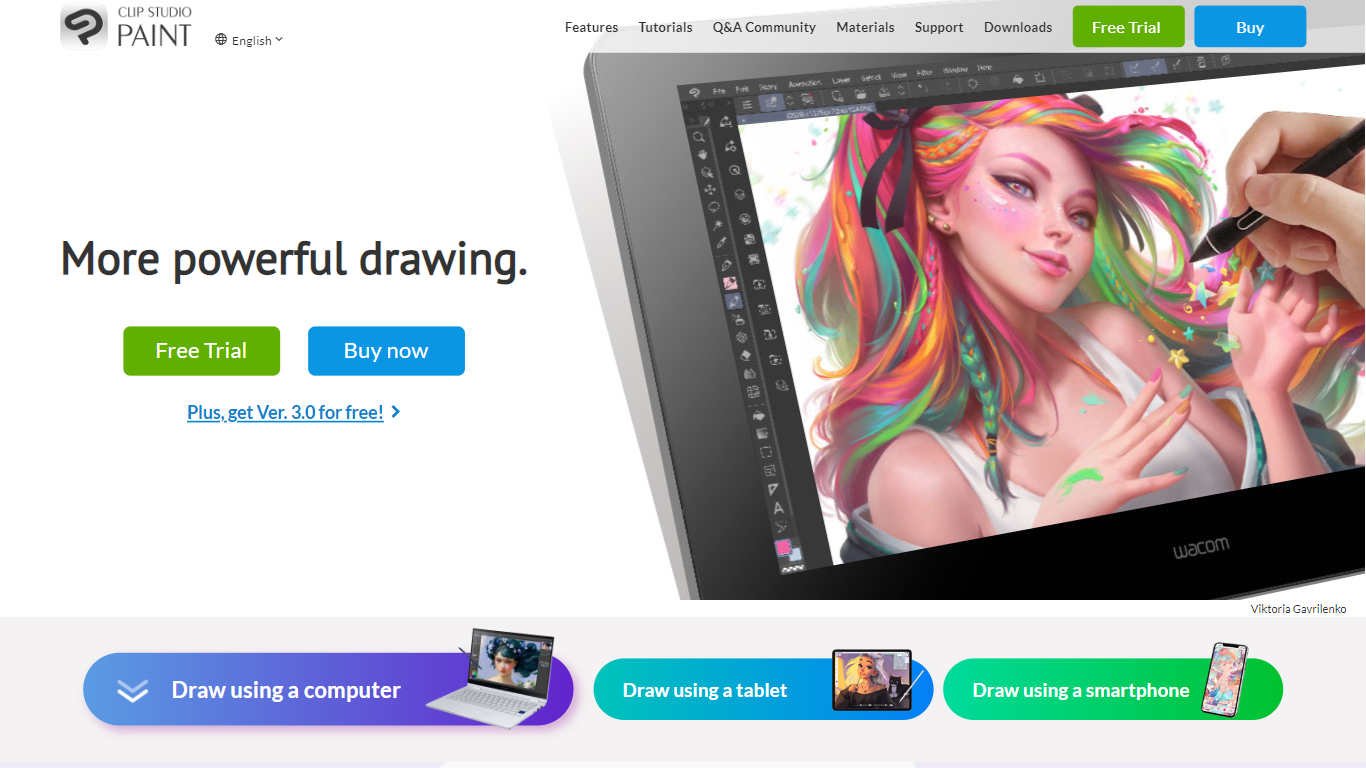
CLIP STUDIO PAINT enables artists to create detailed digital illustrations, comics, manga, animations, and webtoons. It provides a comprehensive set of drawing tools, including thousands of brushes that simulate traditional media, and supports multiple devices such as Windows, macOS, iPad, iPhone, Android tablets, smartphones, and Chromebooks.
What distinguishes CLIP STUDIO PAINT from other digital art software is its integration of advanced drawing aids like customizable 3D models, perspective rulers, and puppet warp tools that assist with anatomy, poses, and backgrounds. It also supports professional workflows with multi-page project management, vector layers for scalable line art, and robust animation features.
Artists benefit from a vast library of free community-created brushes and materials available through CLIP STUDIO ASSETS, enhancing creativity and efficiency. The software caters to both beginners and professionals, offering tools that streamline the creation of polished digital artwork and animations across various styles and formats.
CLIP STUDIO PAINT supports exporting projects in industry-standard file formats, making it easy to integrate with other creative software. Its flexible licensing options include one-time purchases and subscription plans, accommodating different user needs and budgets.
🎨 Thousands of Brushes: Access over 10,000 brushes that simulate traditional media for authentic digital painting.
📱 Multi-Device Compatibility: Use CLIP STUDIO PAINT on Windows, macOS, iPad, iPhone, Android tablets, smartphones, and Chromebooks.
🖼️ Customizable 3D Models & Perspective Rulers: Utilize adjustable 3D figures and multiple perspective rulers to aid accurate drawing.
📄 Multi-Page Project Management: Manage complex comic and manga projects with multi-page support and export options including PDF and eBooks.
🎞️ Animation Tools: Create frame-by-frame animations with up to 24 frames in PRO and full-length animations in EX, including sound and camera controls.
💾 Vector Layers: Draw and edit scalable line art that maintains quality when resized.
💰 Flexible Licensing: Choose between a one-time purchase starting at US$63 or subscription plans from US$0.99/month.
Supports a wide range of devices including tablets and smartphones for flexible drawing.
Offers thousands of realistic brush textures and extensive customization options.
Includes advanced tools like customizable 3D models, perspective rulers, and puppet warp for precise artwork.
Supports multi-page projects and professional animation features with sound and camera controls.
Large community with free assets and tutorials to enhance creativity.
Some advanced features, such as full-length animation and multi-page exports, require the EX paid plan.
The extensive toolset can present a steep learning curve for beginners.
One-time purchase licenses are limited to Windows and macOS; mobile versions require subscription plans.
What is CLIP STUDIO PAINT used for?
CLIP STUDIO PAINT is used for creating digital illustrations, comics, manga, animations, and webtoons with a wide range of customizable brushes and professional tools.
Can I use CLIP STUDIO PAINT on multiple devices?
Yes, CLIP STUDIO PAINT supports multiple devices including Windows, macOS, iPad, iPhone, Android tablets, smartphones, and Chromebooks for flexible drawing anywhere.
Does CLIP STUDIO PAINT provide tools to assist with drawing anatomy and backgrounds?
CLIP STUDIO PAINT offers advanced drawing aids such as customizable 3D models, perspective rulers, and puppet warp tools to help artists create accurate anatomy and backgrounds.
Can I expand my brush and material collection in CLIP STUDIO PAINT?
You can enhance your toolset in CLIP STUDIO PAINT by downloading thousands of free brushes and materials from the CLIP STUDIO ASSETS community library.
Does CLIP STUDIO PAINT support professional comic and animation workflows?
Yes, CLIP STUDIO PAINT includes features like multi-page project management, vector layers, and animation tools suitable for professional comic and animation creation.
Is there a trial version available for CLIP STUDIO PAINT?
CLIP STUDIO PAINT offers a free trial version that allows users to test all features for a limited time on supported devices.
What licensing options does CLIP STUDIO PAINT offer?
CLIP STUDIO PAINT provides flexible licensing with a one-time purchase starting at US$63 and subscription plans beginning at US$0.99 per month.