Pixelgen vs CLIP STUDIO PAINT
In the clash of Pixelgen vs CLIP STUDIO PAINT, which AI Design tool emerges victorious? We assess reviews, pricing, alternatives, features, upvotes, and more.
When we put Pixelgen and CLIP STUDIO PAINT head to head, which one emerges as the victor?
Let's take a closer look at Pixelgen and CLIP STUDIO PAINT, both of which are AI-driven design tools, and see what sets them apart. Both tools are equally favored, as indicated by the identical upvote count. Since other aitools.fyi users could decide the winner, the ball is in your court now to cast your vote and help us determine the winner.
Want to flip the script? Upvote your favorite tool and change the game!
Pixelgen


What is Pixelgen?
Pixelgen is a forward-thinking platform that enables users to craft and manipulate pixel-based images with ease. With a focus on simplicity and user experience, Pixelgen presents a set of intuitive tools designed for both novices and professionals seeking to create, edit, or enhance their digital graphics.
The software features a user-friendly interface that simplifies the process of generating pixel art, providing an array of functionalities from basic editing to more advanced features for detailed and intricate designs.
Whether you're a game developer needing sprites for your game, a digital artist exploring the pixel art style, or a hobbyist looking to express creativity, Pixelgen offers the perfect blend of accessibility and power to bring your pixel creations to life.
CLIP STUDIO PAINT
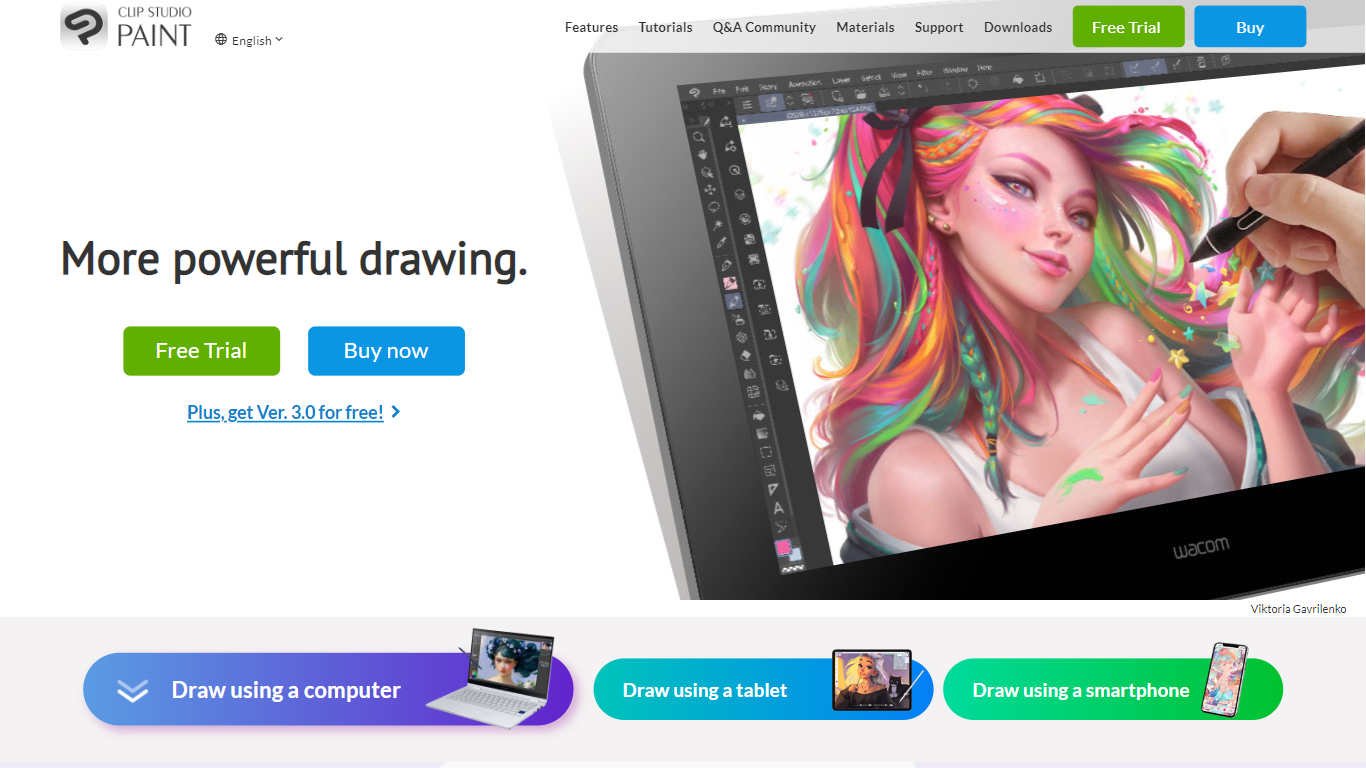
What is CLIP STUDIO PAINT?
CLIP STUDIO PAINT enables artists to create detailed digital illustrations, comics, manga, animations, and webtoons. It provides a comprehensive set of drawing tools, including thousands of brushes that simulate traditional media, and supports multiple devices such as Windows, macOS, iPad, iPhone, Android tablets, smartphones, and Chromebooks.
What distinguishes CLIP STUDIO PAINT from other digital art software is its integration of advanced drawing aids like customizable 3D models, perspective rulers, and puppet warp tools that assist with anatomy, poses, and backgrounds. It also supports professional workflows with multi-page project management, vector layers for scalable line art, and robust animation features.
Artists benefit from a vast library of free community-created brushes and materials available through CLIP STUDIO ASSETS, enhancing creativity and efficiency. The software caters to both beginners and professionals, offering tools that streamline the creation of polished digital artwork and animations across various styles and formats.
CLIP STUDIO PAINT supports exporting projects in industry-standard file formats, making it easy to integrate with other creative software. Its flexible licensing options include one-time purchases and subscription plans, accommodating different user needs and budgets.
Pixelgen Upvotes
CLIP STUDIO PAINT Upvotes
Pixelgen Top Features
Intuitive Design: A user-friendly interface that caters to both beginners and professionals.
Pixel Art Creation: Allows for the crafting of pixel-based imagery, perfect for game developers and artists.
Advanced Editing Tools: Offers a variety of editing options for creating detailed and intricate designs.
Accessibility: Designed to be accessible to users with different skill levels.
Versatility: Suitable for various creative projects, including game design and digital art.
CLIP STUDIO PAINT Top Features
🎨 Thousands of Brushes: Access over 10,000 brushes that simulate traditional media for authentic digital painting.
📱 Multi-Device Compatibility: Use CLIP STUDIO PAINT on Windows, macOS, iPad, iPhone, Android tablets, smartphones, and Chromebooks.
🖼️ Customizable 3D Models & Perspective Rulers: Utilize adjustable 3D figures and multiple perspective rulers to aid accurate drawing.
📄 Multi-Page Project Management: Manage complex comic and manga projects with multi-page support and export options including PDF and eBooks.
🎞️ Animation Tools: Create frame-by-frame animations with up to 24 frames in PRO and full-length animations in EX, including sound and camera controls.
💾 Vector Layers: Draw and edit scalable line art that maintains quality when resized.
💰 Flexible Licensing: Choose between a one-time purchase starting at US$63 or subscription plans from US$0.99/month.
Pixelgen Category
- Design
CLIP STUDIO PAINT Category
- Design
Pixelgen Pricing Type
- Freemium
CLIP STUDIO PAINT Pricing Type
- Freemium