Readdy vs CLIP STUDIO PAINT
Explore the showdown between Readdy vs CLIP STUDIO PAINT and find out which AI Design tool wins. We analyze upvotes, features, reviews, pricing, alternatives, and more.
In a face-off between Readdy and CLIP STUDIO PAINT, which one takes the crown?
When we contrast Readdy with CLIP STUDIO PAINT, both of which are exceptional AI-operated design tools, and place them side by side, we can spot several crucial similarities and divergences. The upvote count is neck and neck for both Readdy and CLIP STUDIO PAINT. Since other aitools.fyi users could decide the winner, the ball is in your court now to cast your vote and help us determine the winner.
Think we got it wrong? Cast your vote and show us who's boss!
Readdy

What is Readdy?
Readdy is a no-code AI website builder that turns a text prompt, template, screenshot, or reference URL into a full multi-page site in minutes. You describe what you want, and it generates layouts, copy, images, and navigation with responsive design baked in from the start.
What sets it apart from a typical page builder is the end-to-end stack. Readdy covers generation, a visual editor with Selector Mode, hosting, custom domains, SEO controls, form storage, and integrations like Stripe, Shopify, Calendly, and Supabase without wiring up separate tools.
It fits solo creators, small businesses, and web agencies that need to ship business sites, portfolios, blogs, landing pages, or storefronts fast. Agency tiers add white-label delivery, lead finding, outreach campaigns, and client management under your own brand.
CLIP STUDIO PAINT
What is CLIP STUDIO PAINT?
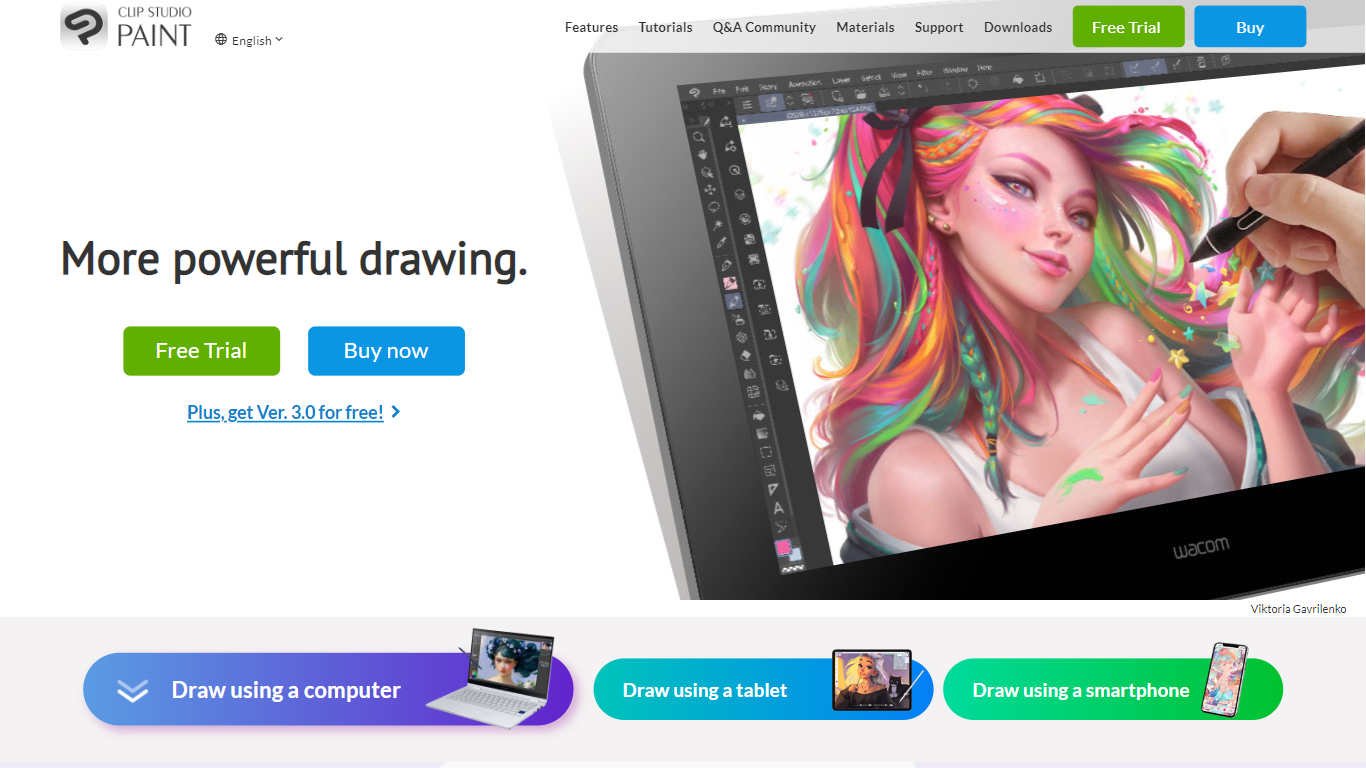
CLIP STUDIO PAINT enables artists to create detailed digital illustrations, comics, manga, animations, and webtoons. It provides a comprehensive set of drawing tools, including thousands of brushes that simulate traditional media, and supports multiple devices such as Windows, macOS, iPad, iPhone, Android tablets, smartphones, and Chromebooks.
What distinguishes CLIP STUDIO PAINT from other digital art software is its integration of advanced drawing aids like customizable 3D models, perspective rulers, and puppet warp tools that assist with anatomy, poses, and backgrounds. It also supports professional workflows with multi-page project management, vector layers for scalable line art, and robust animation features.
Artists benefit from a vast library of free community-created brushes and materials available through CLIP STUDIO ASSETS, enhancing creativity and efficiency. The software caters to both beginners and professionals, offering tools that streamline the creation of polished digital artwork and animations across various styles and formats.
CLIP STUDIO PAINT supports exporting projects in industry-standard file formats, making it easy to integrate with other creative software. Its flexible licensing options include one-time purchases and subscription plans, accommodating different user needs and budgets.
Readdy Upvotes
CLIP STUDIO PAINT Upvotes
Readdy Top Features
Generates complete websites from a text prompt, screenshot, reference URL, or 500+ industry templates
Selector Mode lets you click any element to edit text, colors, spacing, or AI-generated backgrounds in real time
One-click publish with hosting, SSL, custom domains, sitemap.xml, and Google Search Console verification
Built-in form backend stores submissions in Supabase with no external database setup
Connects Stripe, Shopify, Calendly, Mailchimp, and Google Analytics from the same dashboard
Agency plans add white-label portals, AI lead finder, batch demo sites, and cold email outreach campaigns
CLIP STUDIO PAINT Top Features
🎨 Thousands of Brushes: Access over 10,000 brushes that simulate traditional media for authentic digital painting.
📱 Multi-Device Compatibility: Use CLIP STUDIO PAINT on Windows, macOS, iPad, iPhone, Android tablets, smartphones, and Chromebooks.
🖼️ Customizable 3D Models & Perspective Rulers: Utilize adjustable 3D figures and multiple perspective rulers to aid accurate drawing.
📄 Multi-Page Project Management: Manage complex comic and manga projects with multi-page support and export options including PDF and eBooks.
🎞️ Animation Tools: Create frame-by-frame animations with up to 24 frames in PRO and full-length animations in EX, including sound and camera controls.
💾 Vector Layers: Draw and edit scalable line art that maintains quality when resized.
💰 Flexible Licensing: Choose between a one-time purchase starting at US$63 or subscription plans from US$0.99/month.
Readdy Category
- Design
CLIP STUDIO PAINT Category
- Design
Readdy Pricing Type
- Freemium
CLIP STUDIO PAINT Pricing Type
- Freemium