Bluedot vs MeetGeek
Explore the showdown between Bluedot vs MeetGeek and find out which AI Meeting Assistant tool wins. We analyze upvotes, features, reviews, pricing, alternatives, and more.
When comparing Bluedot and MeetGeek, which one rises above the other?
When we contrast Bluedot with MeetGeek, both of which are exceptional AI-operated meeting assistant tools, and place them side by side, we can spot several crucial similarities and divergences. MeetGeek stands out as the clear frontrunner in terms of upvotes. MeetGeek has received 17 upvotes from aitools.fyi users, while Bluedot has received 8 upvotes.
Does the result make you go "hmm"? Cast your vote and turn that frown upside down!
Bluedot
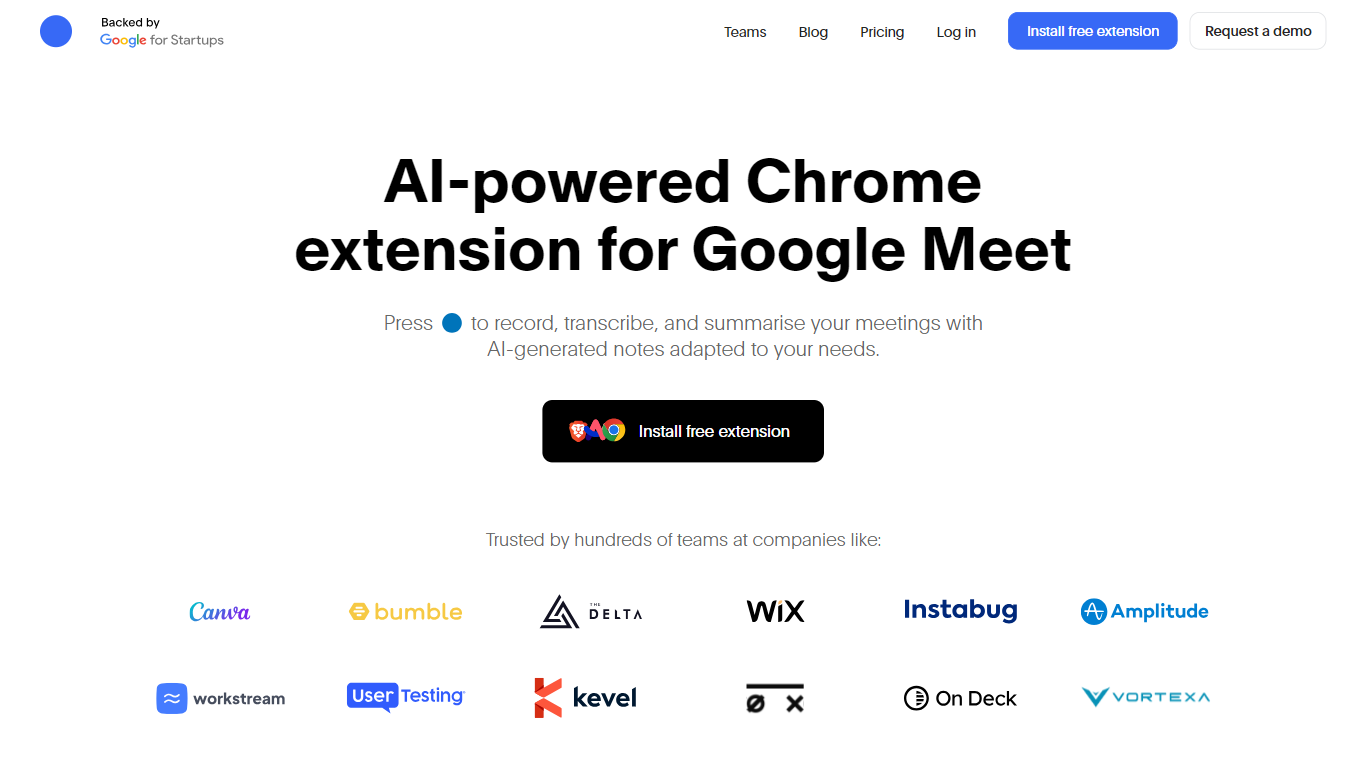

What is Bluedot?
Bluedot is a meeting note taker that records, transcribes, and summarizes conversations from Google Meet, Zoom, Teams, and in-person meetings without sending a visible bot into the call. It runs as a Chrome extension, desktop app, and mobile apps, then pushes notes into tools like Slack, Notion, and CRMs.
Unlike many meeting assistants that join calls as a named participant, Bluedot stays invisible on the call and markets itself as privacy-first with GDPR compliance and SOC 2 auditing. That trade-off suits teams that want transcripts and action items but do not want clients to see a third-party recorder in the attendee list.
Sales, recruiting, customer success, and engineering teams use Bluedot to turn calls into shareable summaries, follow-up tasks, and CRM updates. Templates cover customer calls, standups, interviews, and other recurring meeting types.
Paid tiers add unlimited audio or video capture, custom note templates, Zoom and Google Drive imports, webhooks, MCP access, and Business plans add CRM or ATS integrations plus SSO and SCIM.
MeetGeek
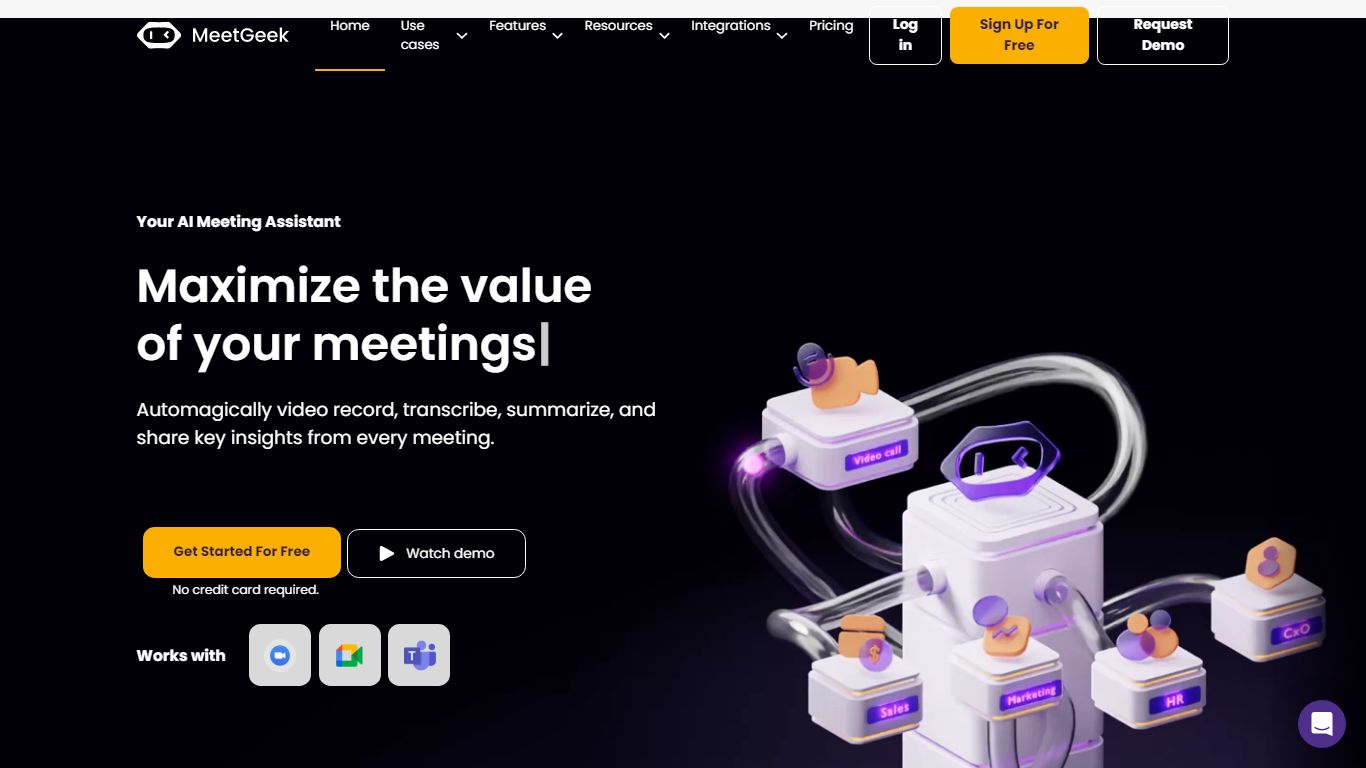
What is MeetGeek?
MeetGeek is a meeting assistant that records, transcribes, and summarizes calls across Zoom, Google Meet, Microsoft Teams, and other conferencing tools. It stores searchable transcripts, AI chat over past meetings, and workflow automations so teams can share notes without rewatching every recording.
Unlike lightweight note bots that only dump a summary, MeetGeek layers meeting templates, CRM integrations, and no-bot browser recording on top of transcription. That stack targets teams that need governance, analytics, and Zapier-style automation rather than a single post-call email.
Sales, customer success, and product teams use MeetGeek for customer calls, interviews, and internal standups. Educators and agencies also adopt it for online classes and client meetings where shared folders and role-based access matter.
Bluedot Upvotes
MeetGeek Upvotes
Bluedot Top Features
Free plan includes 5 meetings per lifetime with a 1-hour recording cap
Pro plan at $20 per user per month adds unlimited video meetings and unlimited recording duration
Syncs notes to Slack, Notion, Zapier, Make, and CRM or ATS tools on Business plans
Chrome extension, desktop app, and iOS or Android apps for online and in-person capture
Custom note templates plus Zoom and Google Drive imports on Pro and Business tiers
MeetGeek Top Features
Auto-detects 100+ languages with speaker identification
Records Zoom, Google Meet, Microsoft Teams, and Webex calls
30+ meeting summary templates with meeting type auto-detection
No-bot recording via browser extension and desktop app
CRM sync to HubSpot, Salesforce, Pipedrive, and Zoho
API and MCP access for custom meeting workflows
Bluedot Category
- Meeting Assistant
MeetGeek Category
- Meeting Assistant
Bluedot Pricing Type
- Freemium
MeetGeek Pricing Type
- Freemium