BoloForms vs ScholarTurbo
Compare BoloForms vs ScholarTurbo and see which AI PDF tool is better when we compare features, reviews, pricing, alternatives, upvotes, etc.
Which one is better? BoloForms or ScholarTurbo ?
When we compare BoloForms with ScholarTurbo , which are both AI-powered pdf tools, The upvote count is neck and neck for both BoloForms and ScholarTurbo . Join the aitools.fyi users in deciding the winner by casting your vote.
Not your cup of tea? Upvote your preferred tool and stir things up!
BoloForms

What is BoloForms?
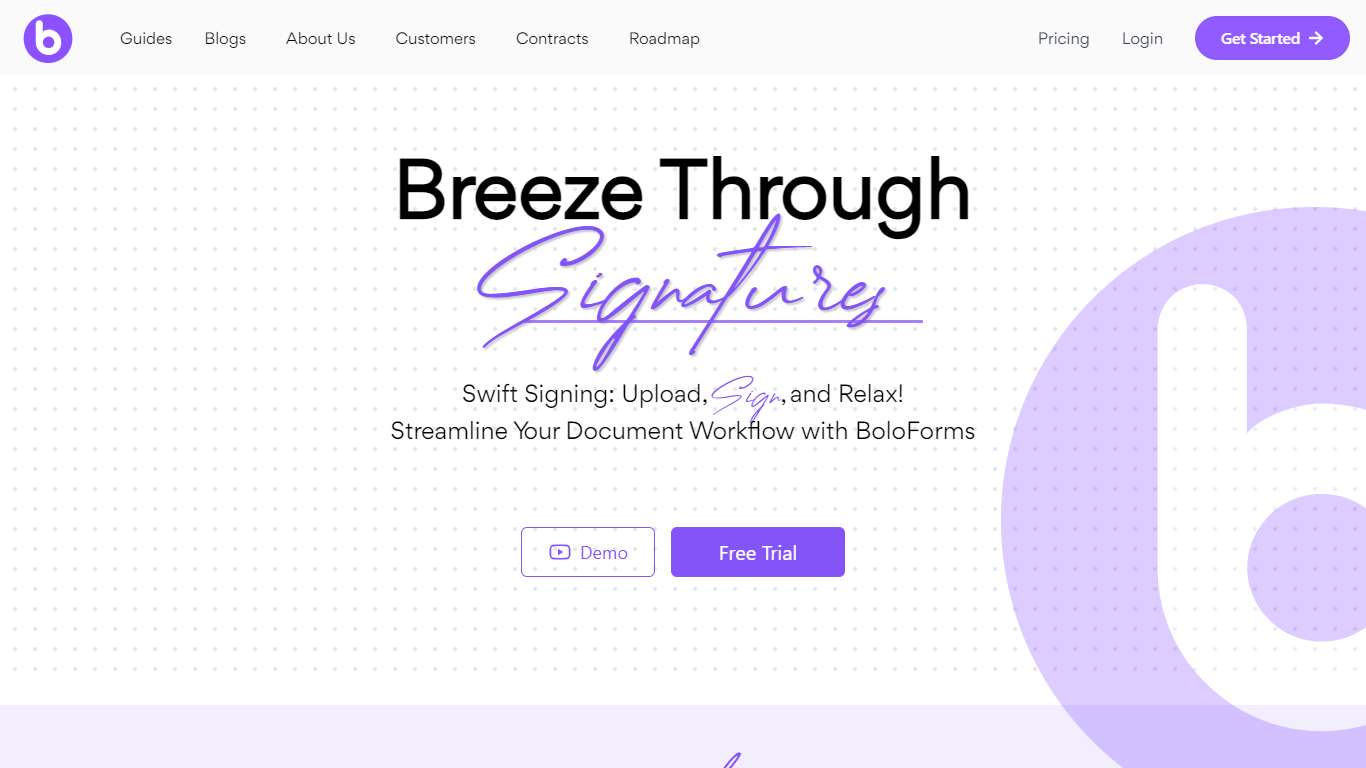
BoloForms (branded on its site as BoloSign) is an electronic signature platform built for small businesses that need to send contracts, PDFs, and signature forms without per-user or per-document fees. You upload a document or build a form, add signature fields, and send it to recipients who can sign from a link without creating an account.
The platform covers the full signing workflow: reusable PDF templates, fillable forms with compliance fields, bulk send via CSV, automated reminders, audit trails, and multi-signer signing order. It also offers a Google Forms add-on, native iOS and Android apps, Gmail and Google Workspace integrations, and a REST API for embedding signing into other apps.
BoloForms is operated by Closer Innovation Labs Corp and is a member of the NVIDIA Inception program. The service holds ISO 27001:2022, SOC 2 Type I and II, GDPR, HIPAA, ESIGN Act, eIDAS, and UETA compliance certifications. Over 50,000 businesses use it across healthcare, education, retail, logistics, and professional services.
ScholarTurbo
What is ScholarTurbo ?
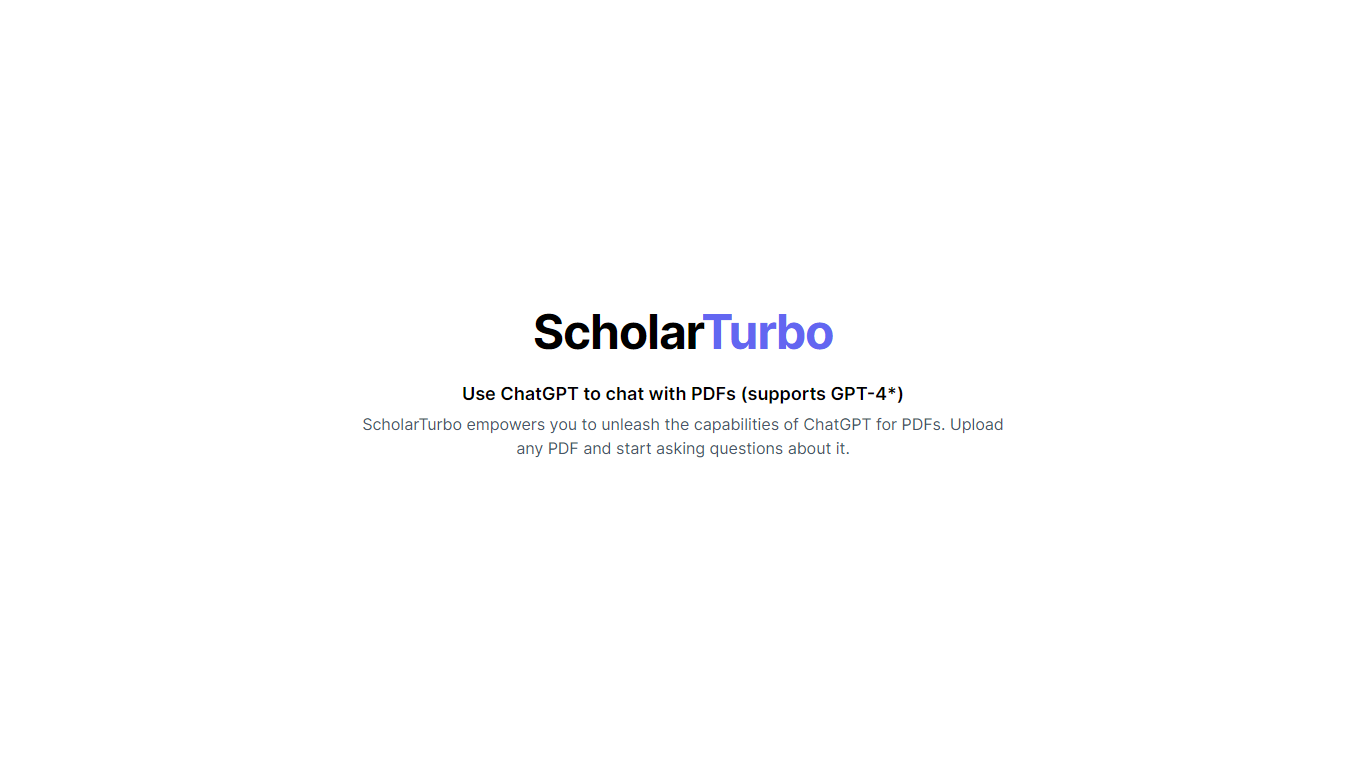
ScholarTurbo introduces an innovative way to interact with your PDF documents. This platform allows users to upload any PDF file and engage in a conversation with it using the power of ChatGPT and its latest edition, GPT-4. With this feature, you're no longer confined to passively reading through pages.
Instead, you can actively ask questions and get specific information about the content within. Whether you're a student researching a topic, a professional needing quick insights from a report, or anyone in between, ScholarTurbo streamlines the process of extracting knowledge from PDFs, making information retrieval as easy as having a chat.
BoloForms Upvotes
ScholarTurbo Upvotes
BoloForms Top Features
Send unlimited PDFs, templates, and signature forms on paid plans with no per-user fees on the Team tier
Collect legally binding signatures on fillable forms with dropdown, radio, checkbox, and matrix fields
Bulk send personalized signing requests to hundreds of recipients from a CSV upload
Reusable PDF templates with pre-placed signature, text, date, and initials fields
Automated reminder emails on a 1, 3, 5, or 7-day schedule for unsigned documents
Tamper-proof audit trail recording signer identity, IP address, email, and timestamps
Google Forms add-on, Google Drive, Dropbox, and OneDrive integrations plus HubSpot and Pipedrive CRM connections
REST API and embedded signing iframe for developers building signing into their own apps
Map PDF AI that auto-detects where signature and form fields belong on uploaded documents
Native iOS and Android apps plus Gmail and Google Workspace marketplace extensions
ScholarTurbo Top Features
Upload PDF Functionality: Allows users to upload PDF documents to start a conversation.
ChatGPT Integration: Makes it possible to interact with uploaded PDFs using ChatGPT technology.
GPT-4 Support: Utilizes the latest GPT-4 model for enhanced conversation and understanding.
Information Retrieval: Easy extraction of information from PDFs through an interactive Q&A format.
User-Friendly Interface: Provides a seamless user experience for engaging with PDF content.
BoloForms Category
- PDF
ScholarTurbo Category
- PDF
BoloForms Pricing Type
- Freemium
ScholarTurbo Pricing Type
- Freemium